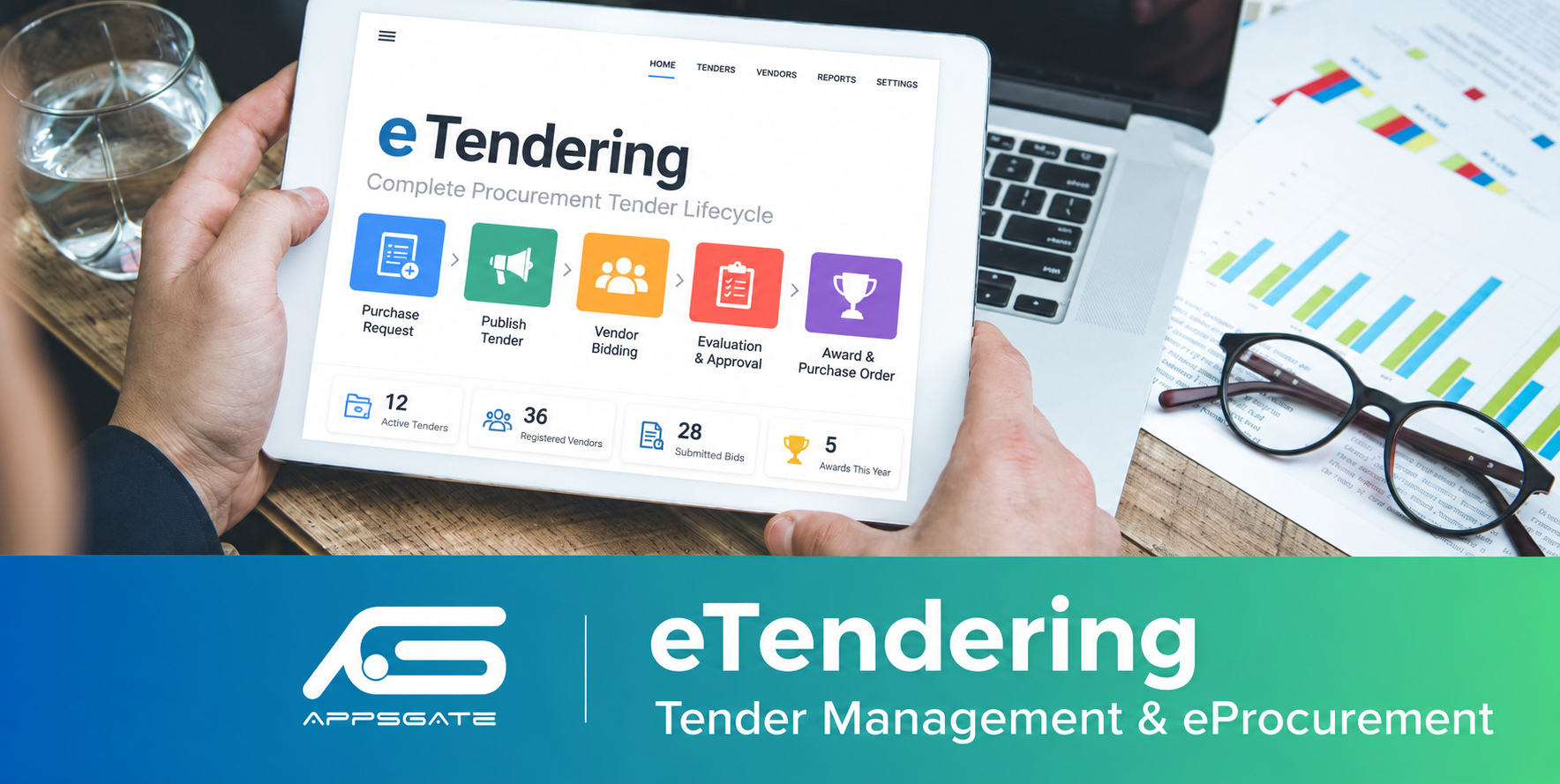
The lifecycle
Nine steps, every one recorded
Request
Items and estimates, approved by a manager.
Tender
BoQ, criteria, documents, vendors and committee; approved and published.
Bidding
Vendors ask questions and submit sealed bids on the portal.
Closing
Closes automatically at the published time; never early.
Opening
Quorum present, seals verified, technical envelopes opened.
Technical
Score 0–10 per criterion; bids under the pass mark drop out.
Commercial
Prices of passing bids opened, scored and ranked.
Award
Recommend, approve by a different manager, notify all bidders.
Purchase order
A standard RFQ for the winner, at the bid prices.
For the procurement team
Every tender, at every stage, in one pipeline
Follow tenders from draft to award on a kanban, list, calendar or pivot. Each tender holds its
bill of quantities, weighted technical criteria with scoring guidance, pass mark, documents,
invited vendors and the opening committee, with a full chatter history.
For your vendors
A supplier workspace they will actually enjoy using
Each vendor sees its qualification status, open tenders with a live countdown, bids in progress
and the latest clarifications. Tender pages show how bids are evaluated, the documents and the
bill of quantities.
Bid submission
Two envelopes, one declaration, one click to seal
- Technical envelope proposal, method statement and supporting files.
- Commercial envelope a unit price for every BoQ line, bid bond reference and validity.
- Declaration compliance and no conflict of interest, confirmed before sealing.
- The vendor receives an emailed receipt with the bid’s seal fingerprint.
- Bids can be withdrawn and resubmitted before closing, if your policy allows it.
Confidentiality
Sealed means sealed, until the committee meets
Before opening, buyers see only who bid, when, and the seal fingerprint. Access rules hide every
envelope and attachment until it is opened, so even eTendering managers cannot read prices early.
Any change made behind the application is caught by the seal check at opening.
Quorum
Envelopes open only when enough committee members attend.
Conflict of interest
Each member signs their own declaration; nobody can sign for them.
Minimum bids
Fewer bids than the minimum require a written justification.
Evaluation
Transparent scoring and automatic ranking
Evaluators score each criterion from 0 to 10. Locking the scores disqualifies bids below the pass
mark and opens the commercial envelopes of the others only. The commercial score is
lowest price ÷ bid price × 100 , combined with the technical score using the tender’s weights.
Award
Four-eyes approval, then a purchase order
- Recommending a bid that is not ranked first requires a justification.
- A manager other than the recommender approves the award.
- Above your second-approval amount, a second, different manager must approve too.
- Letters of award and regret are emailed automatically.
- Savings against the estimated budget are tracked for reporting.
- One click creates a standard Purchase RFQ with the bid prices.
Vendors & reporting
Qualified vendors, clear numbers
Vendors register publicly at /etender/register with their licence, categories and documents.
Review them, qualify or suspend them, then grant portal access with Odoo’s standard wizard.
Vendors are ordinary contacts, so nothing is duplicated.
Your policies
Configured per company, enforced everywhere
Pass mark, default weights, opening quorum, minimum bids, clarification cut-off, bid bond,
tender threshold, withdrawal policy and second award approval amount, all under
eTendering › Configuration › Settings.
Getting started
Your first tender in four steps
Assign groups
Give users their eTendering role under Settings › Users.
Set your policies
Pass mark, quorum, weights and thresholds in the eTendering settings.
Qualify vendors
Review registrations, qualify them and grant portal access.
Publish a tender
Fill in the BoQ, criteria and committee, submit, approve and publish.
Technical notes
- Odoo 20 Community and Enterprise ; depends only on mail, portal and purchase.
- Bid contents live in envelope records whose access rules allow reading only once is_open is set; attachments follow the envelope.
- SHA-256 seal per bid, re-verified at opening; sealed envelopes are read-only.
- A scheduled action closes tenders at their closing time.
- Multi-company: every document is restricted to the user’s allowed companies.
- Demo data includes seven tenders in every stage, eight vendors and two requests.
- Ships with automated tests: --test-tags /appsgate_etendering.
APPSGATE Information Technology LLC
Need a customisation, an integration or help rolling out eTendering? We are happy to help.
www.appsgate.ae
APPSGATE eTendering · Odoo 20 · OPL-1