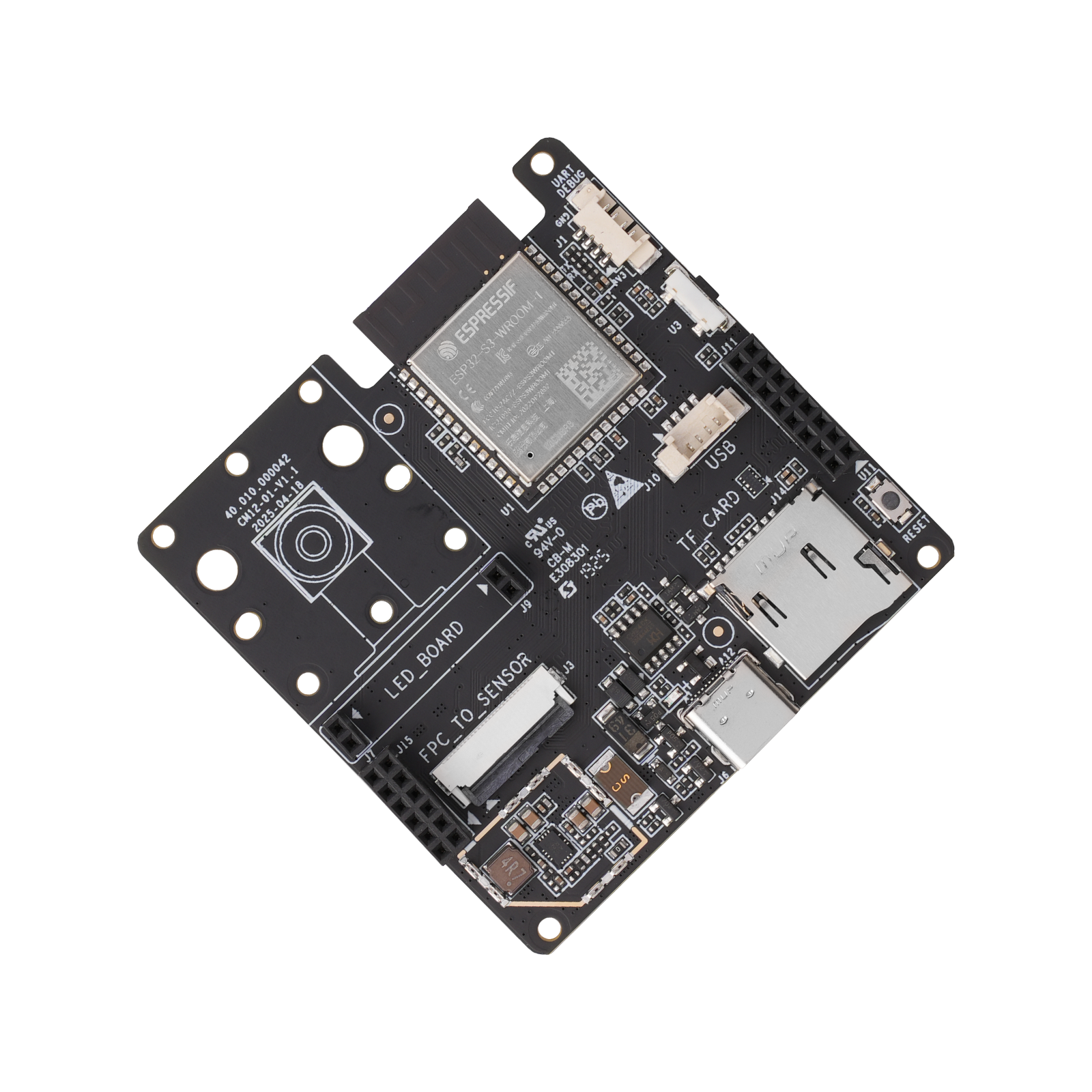
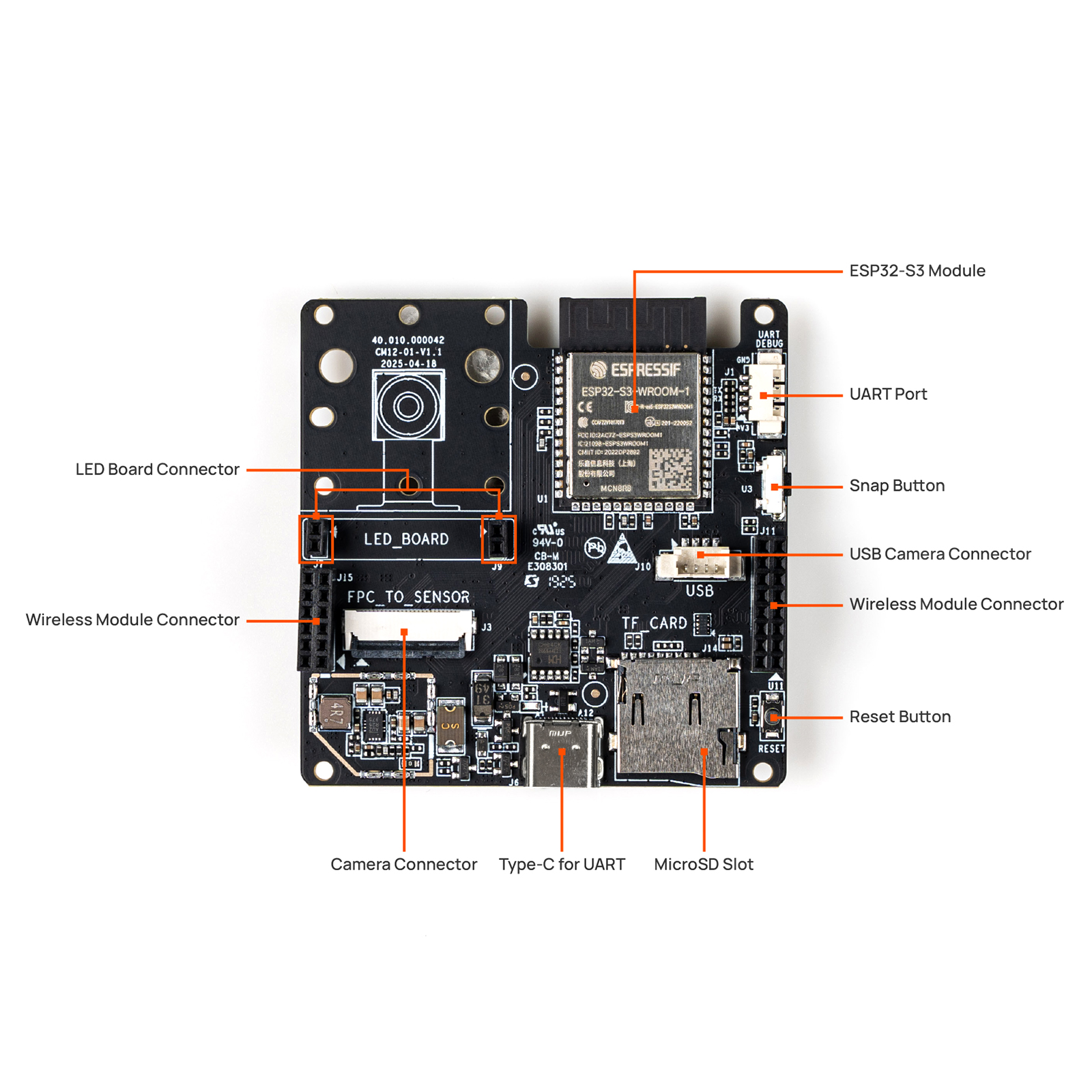
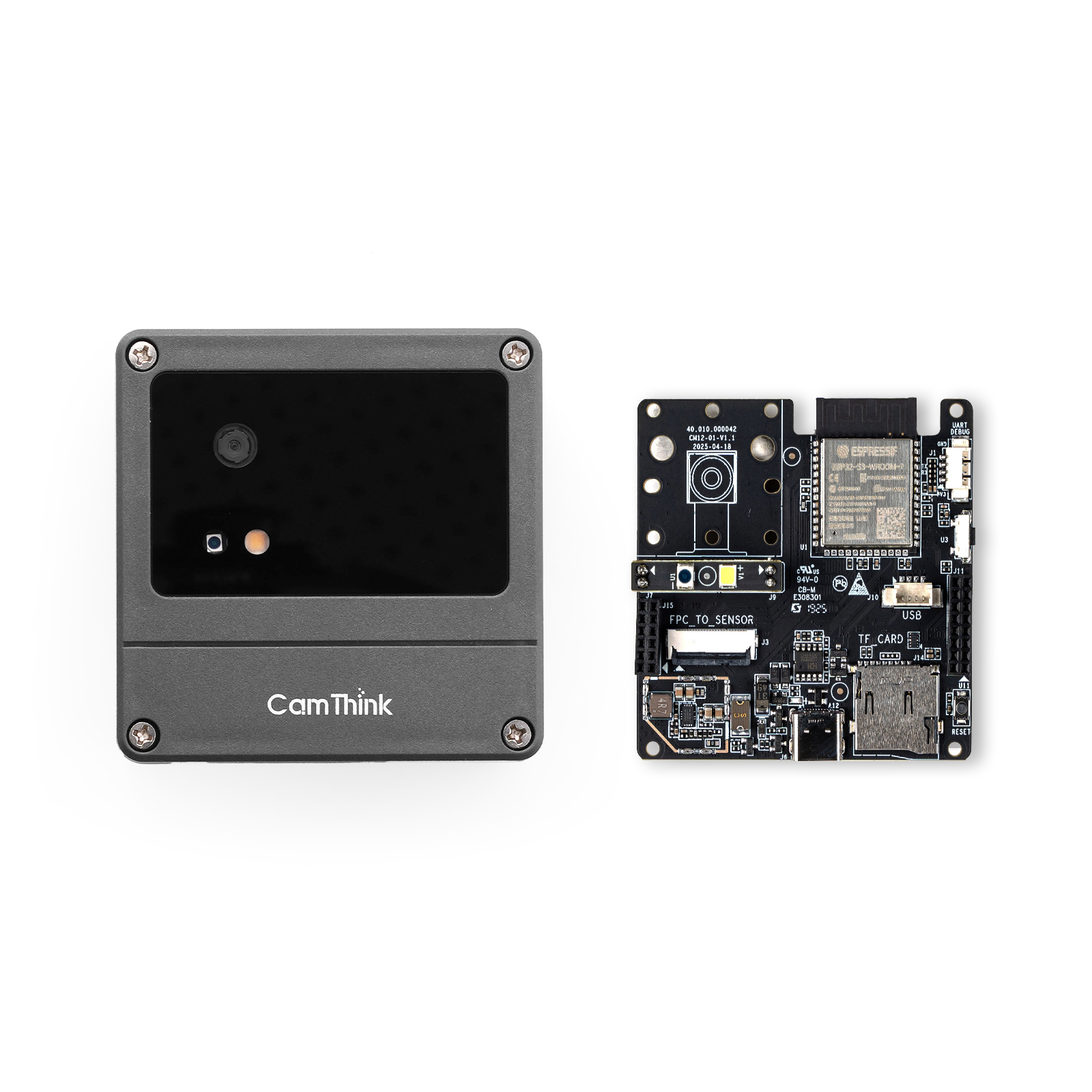
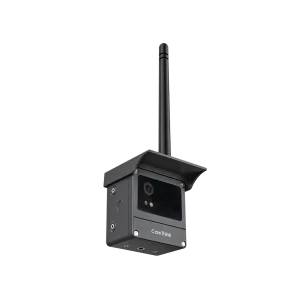
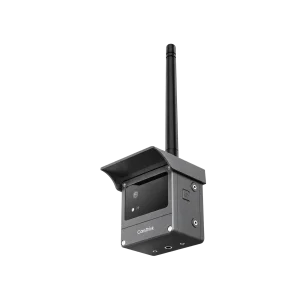
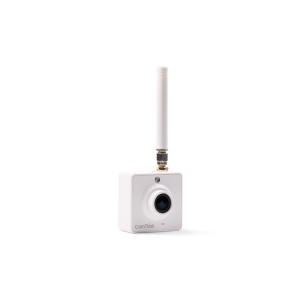
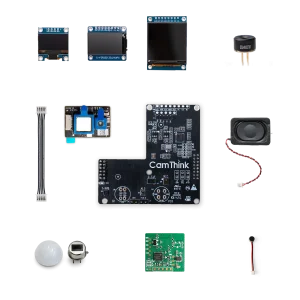
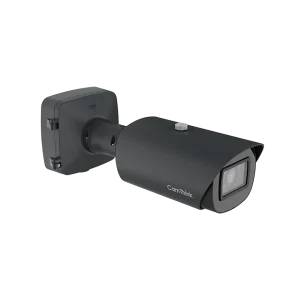
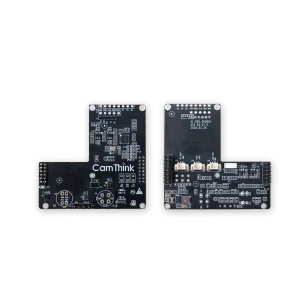
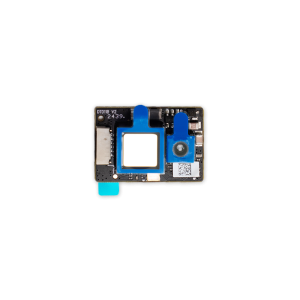
The SC200AI USB Camera Module is an alternative for UVC development. It uses the dedicated USB camera connector and requires UVC-enabled firmware. Reserve GPIO19 and GPIO20 while USB is active. Camera settings and throughput depend on the selected module and firmware.
Add triggers and peripherals
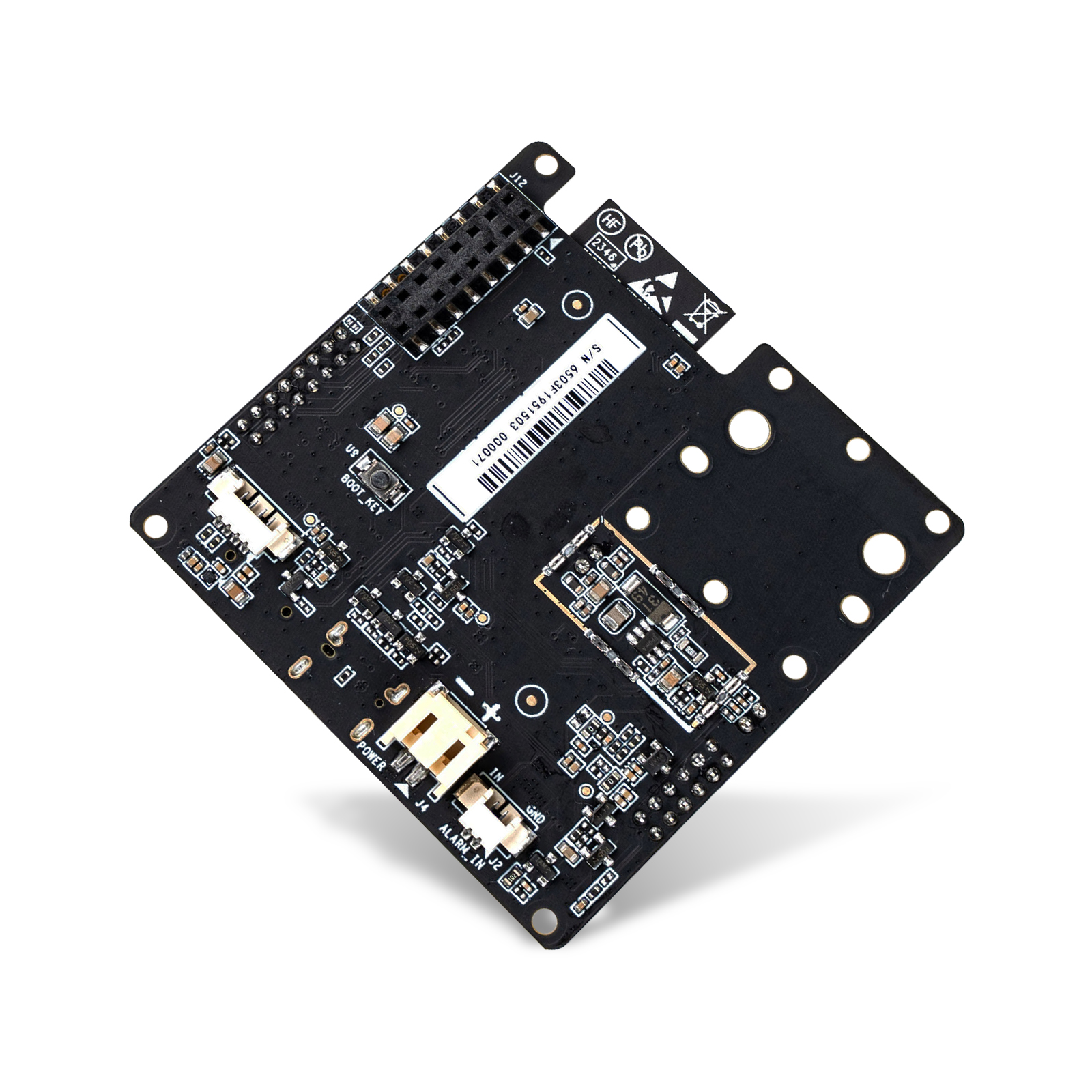
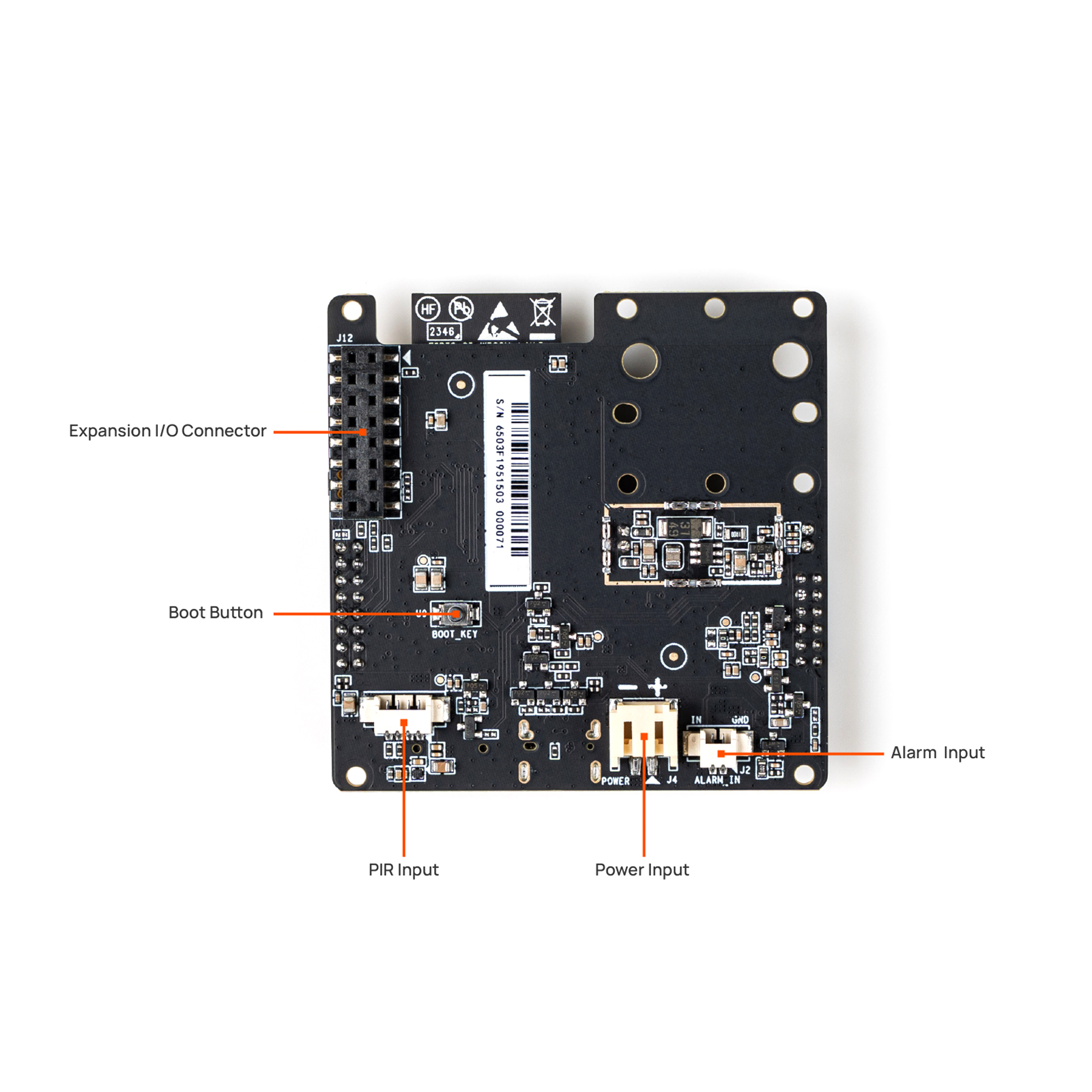
Alarm input and a 16-pin expansion header provide connections for sensor-driven projects, with UART, I2C, SPI and GPIO signals. The PIR connector is present on V1.1, V1.2 and V2.0 boards; V1.0 has no PIR connector. External sensors require compatible wiring and firmware support.
These are shared interfaces, not 16 independently available GPIOs. TF storage, USB cameras and communication modules occupy some of the same signals. Check the revision-specific hardware connection guide before choosing a combination.
Configure capture or change the firmware
With a compatible camera and the corresponding NE101 firmware, evaluate scheduled, interval and button-triggered capture, local web configuration and MQTT image reporting. Your application supplies the MQTT broker and handles image storage, analysis and alerts. OCR or application-specific recognition requires additional software integration.
For custom device behavior, use CamThink’s firmware source repository and ESP-IDF development guide to modify capture logic, sensor handling and reporting. Match the source branch, build configuration and firmware to the board revision and camera type. The Type-C port supplies power and UART debugging; a separate UART connector is also available.
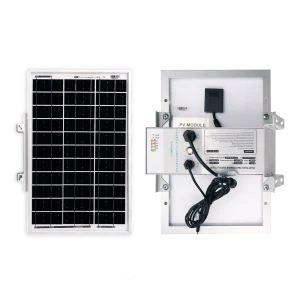
For battery-powered prototypes, use a suitable external battery holder and 4 × AA batteries, or supply 5 V/1 A through USB-C for bench evaluation. Use the NE101 battery calculator for an initial consumption and runtime estimate, then measure your complete assembly. Added peripherals and custom firmware change the power budget.
Applications
Meter and instrument image acquisition
Pair the board with a close-focus OV5640 module to develop a camera for meter faces or instrument displays. Send images to your inspection or OCR application for remote readings. Validate framing and lighting in the intended enclosure; recognition software is a separate integration task.
Sensor-triggered inspection prototypes
Connect a compatible external trigger to develop image capture around equipment events, access activity or motion. The board handles capture and reporting while your application reviews the images. Select the sensor interface and firmware for the installed hardware revision.
Custom embedded camera products
Evaluate the NE101 camera architecture inside your own housing before committing to a mechanical design. Test connector access, peripheral conflicts and the complete power budget. Outdoor installations require a suitable enclosure and validation of the finished assembly.
Package and configuration
What’s included
- 1 × NE100-MB01 development board.
Recommended products, sold separately
- OV5640 5MP Camera Module for NE101: required for the FPC camera path. Choose field of view and focus distance for the mounting position.
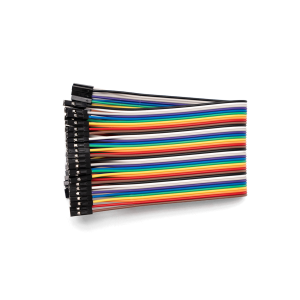
- SC200AI USB Camera Module for NE101: an alternative to the OV5640 for the USB camera path; requires the matching connection cable and UVC-enabled firmware.
- Wi-Fi HaLow Communication Board: optional connectivity for a HaLow project. Select the regional frequency and provide a matching antenna, connection cable and compatible HaLow gateway. Review GPIO conflicts before combining it with a USB camera or TF storage.
Customer-provided requirements
Prepare a USB-C power supply and suitable cable, or a compatible battery holder and batteries. Add a microSD/TF card if the selected firmware and interface configuration use local storage. Sensors, fill-light hardware, enclosure and mounting parts depend on the project and are not included. Network reporting also requires the relevant network and receiving application.
For a project order, email CamThink with the required camera, board revision, peripherals and quantity to confirm the configuration.