Key Features
CP2102 virtual COM port
The CP2102 bridge presents the adapter to the host as a virtual serial port. It supports common serial formats with 5, 6, 7 or 8 data bits; 1, 1.5 or 2 stop bits; and odd, even or no parity.
Full UART signal access
TXD, RXD, RTS and CTS are available on the target-side header. Hardware RTS/CTS and X-On/X-Off software flow control support projects that need more than basic transmit and receive lines.
Visible communication status
Dedicated TX, RX and power LEDs help confirm that the adapter is powered and that serial traffic is active. This is useful when checking wiring, COM-port selection or baud-rate settings at the bench.
Selectable VCC output
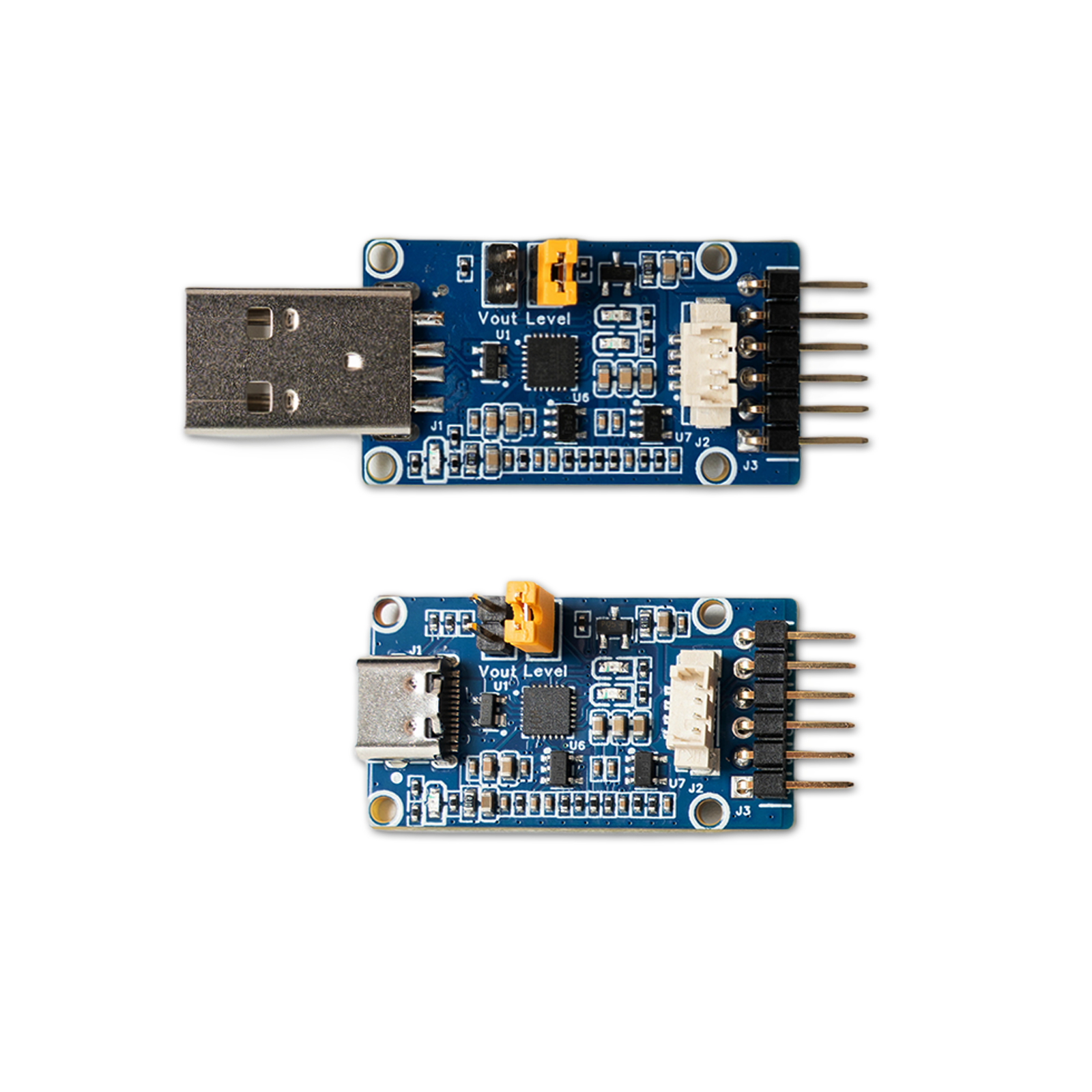
VCC_OUT is 3.3 V by default. Short the Vout jumper only when the connected target specifically requires a 5 V supply output. This setting changes the power output, not the adapter’s stated 3.3 V UART logic level.
Host operating system support
The adapter supports Windows 7, 8, 10 and 11, macOS, Linux, Android and WinCE. A CP210x VCP driver may need to be installed before the device appears as a serial port.
Installation Notes
Connect the adapter to the target while the target is powered off. Check the ground and crossed TX/RX wiring, then connect the adapter to the computer. Install the CP210x VCP driver if the operating system does not create a serial port automatically.
For NE301, use a serial terminal at 115200 bps, 8 data bits, 1 stop bit and no parity. Check the NE301 UART header and pin reference before connecting the cable.
Choose the Right Connector
The connector choice affects only the host-side plug. Confirm the selected option before adding the adapter to the cart.
Compatibility Notice
- Use this adapter only with 3.3 V TTL UART signals. Do not connect it directly to an RS-232 port or RS-232 voltage levels.
- Confirm the target pinout before wiring. Connect GND to GND, adapter TXD to target RXD, and adapter RXD to target TXD.
- The included cable supports UART debugging with the NE101 ESP32-S3 Development Board and NE301 STM32N6 Vision Development Board.
- Use the target board’s documented power source unless its instructions specifically allow power from VCC_OUT.
- Driver installation and serial-port permissions depend on the host operating system.
Multiple Systems Support
Works with Windows 7 / 8 / 10 / 11, macOS, Linux, Android, and WinCE.
Package Includes
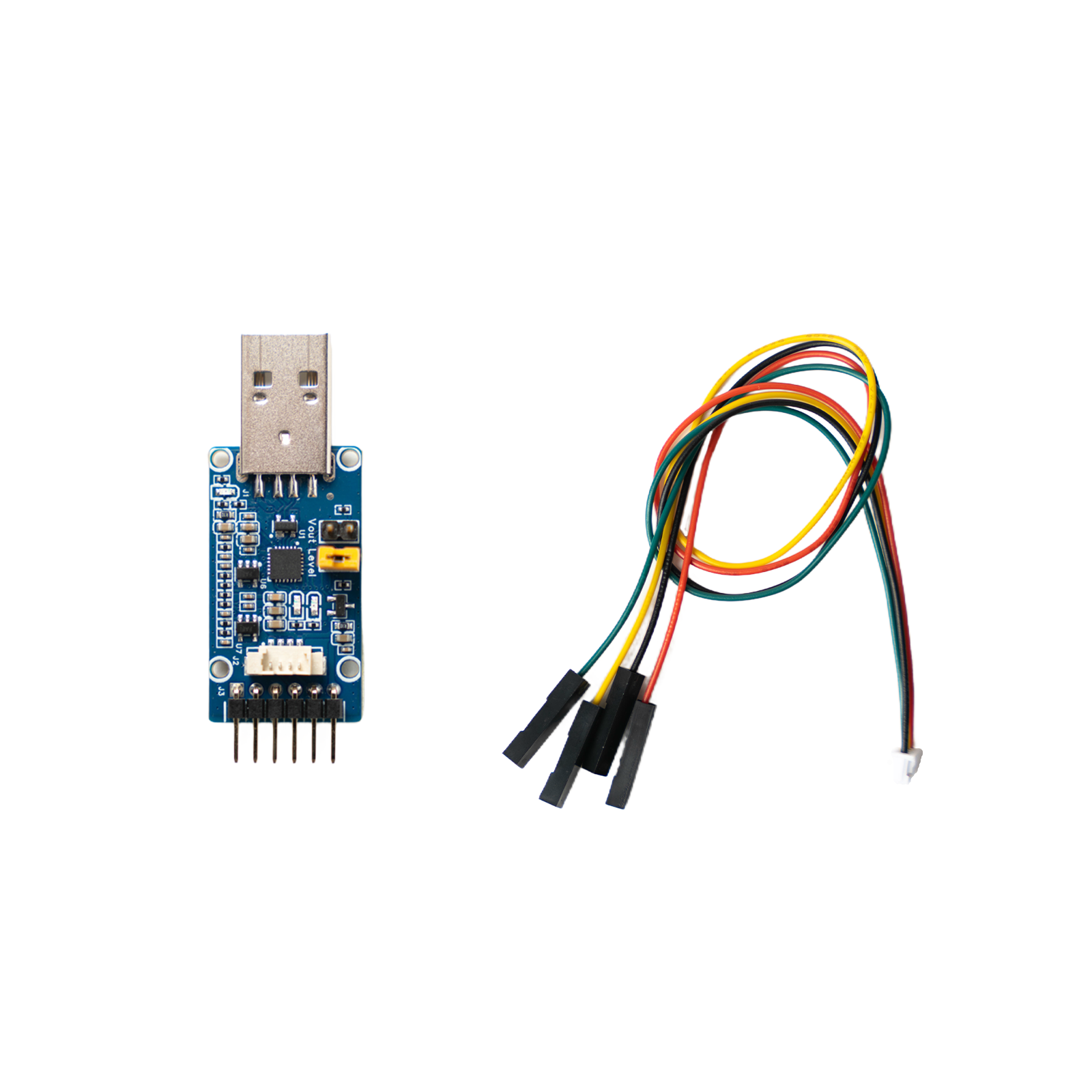
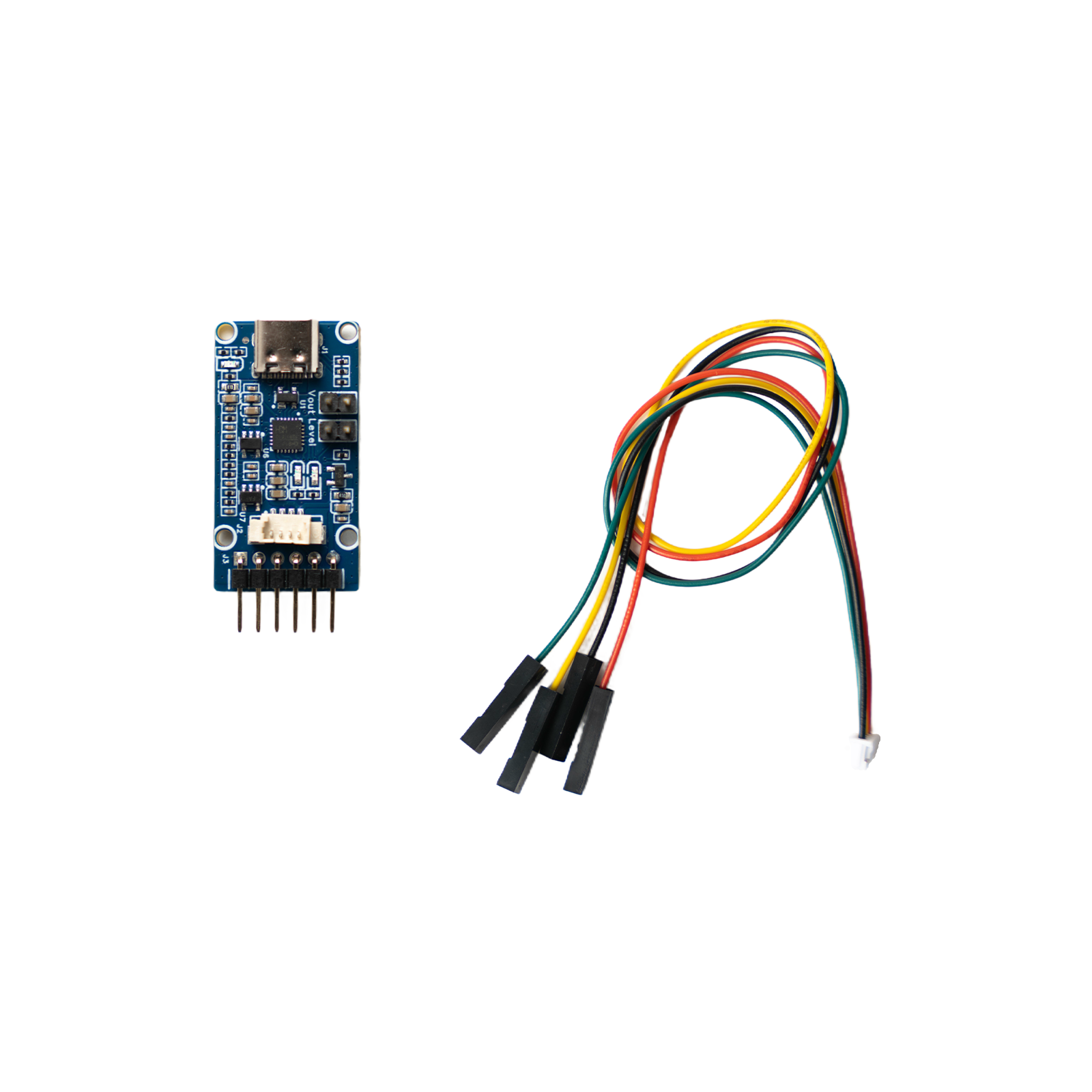
- 1× CP2102 UART adapter in the selected USB-C or USB-A version
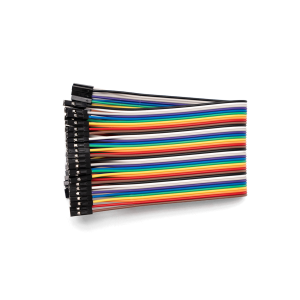
- 1× UART jumper cable for NeoEyes NE101 and NE301 debugging