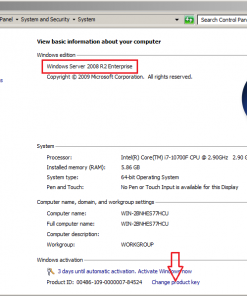
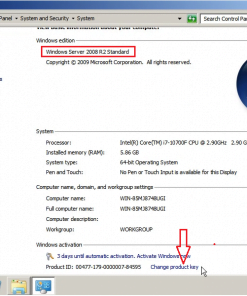
Step 2 You install Visual Studio 2019 Enterprise
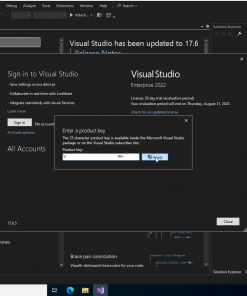
Step 3 You open Visual Studio 2019 Enterprise. Then you go Help => Register Visual Studio
Step 4 You select “Unlock with a product key”. Then you copy and paste the key you buy from me to activate this software.
Done. You can check again.
Features of Visual Studio 2019 Enterprise
Real-time collaboration with Visual Studio Live Share
Whether your team is across the room or across the world, working together is easy with Visual Studio Live Share, installed with Visual Studio 2019. It’s available at the click of a button for many projects, app types, and languages. Invite your teammates to join your development session and fix a bug or collaborate on a quick change.
Smart Assistance with Visual Studio IntelliCode
Write code faster than before with context-aware, AI-powered IntelliSense code completion, provided by the highly trainable Visual Studio IntelliCode. Start training its algorithms on your own code repositories to share with your team.
Support for Azure cloud services
There’s no need to build or maintain your own infrastructure. Take advantage of support for Docker and Kubernetes containers, microservices architecture with Azure Service Fabric and Service Fabric Mesh, and other PaaS services, including Azure App Service, Azure Cosmos DB, and Azure Functions.
Get every detail right
Stay on top of the details as you move your project forward, with new debugging improvements including Autos, Locals and Watch window search, better performance, and a Collections visualizer. Drive code maintainability and fix errors, warnings, and suggestions with one-click code cleanup and new refactoring capabilities. A document health indicator helps you identify issues so you can get your code “to green”.
Visual Studio 2019 System Requirements
Tag: Microsoft Visual Studio 2019 Professional product key, Visual Studio 2019 Professional product key, Visual Studio 2019 product key