What the remote does
The main button saves and locks the clip being recorded, so the camera’s loop recording cannot overwrite it. That is the clip you will want for insurance or a police report.
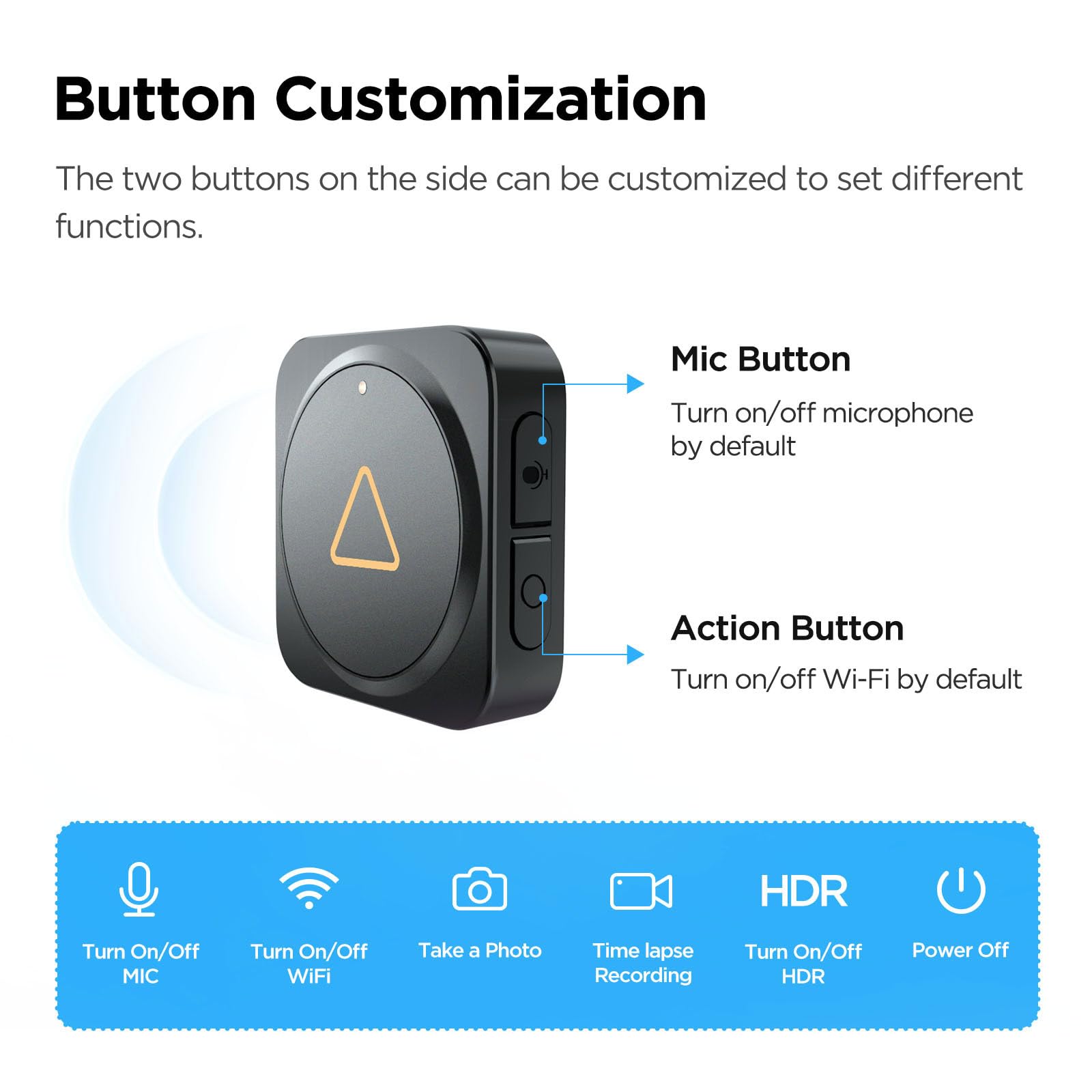
On supported models, the two side buttons can be set to switch the microphone, Wi-Fi or HDR on and off.
- Lock the current clip
- Switch the microphone on or off (supported models)
- Toggle Wi-Fi or HDR (supported models)
Pairing and fitting
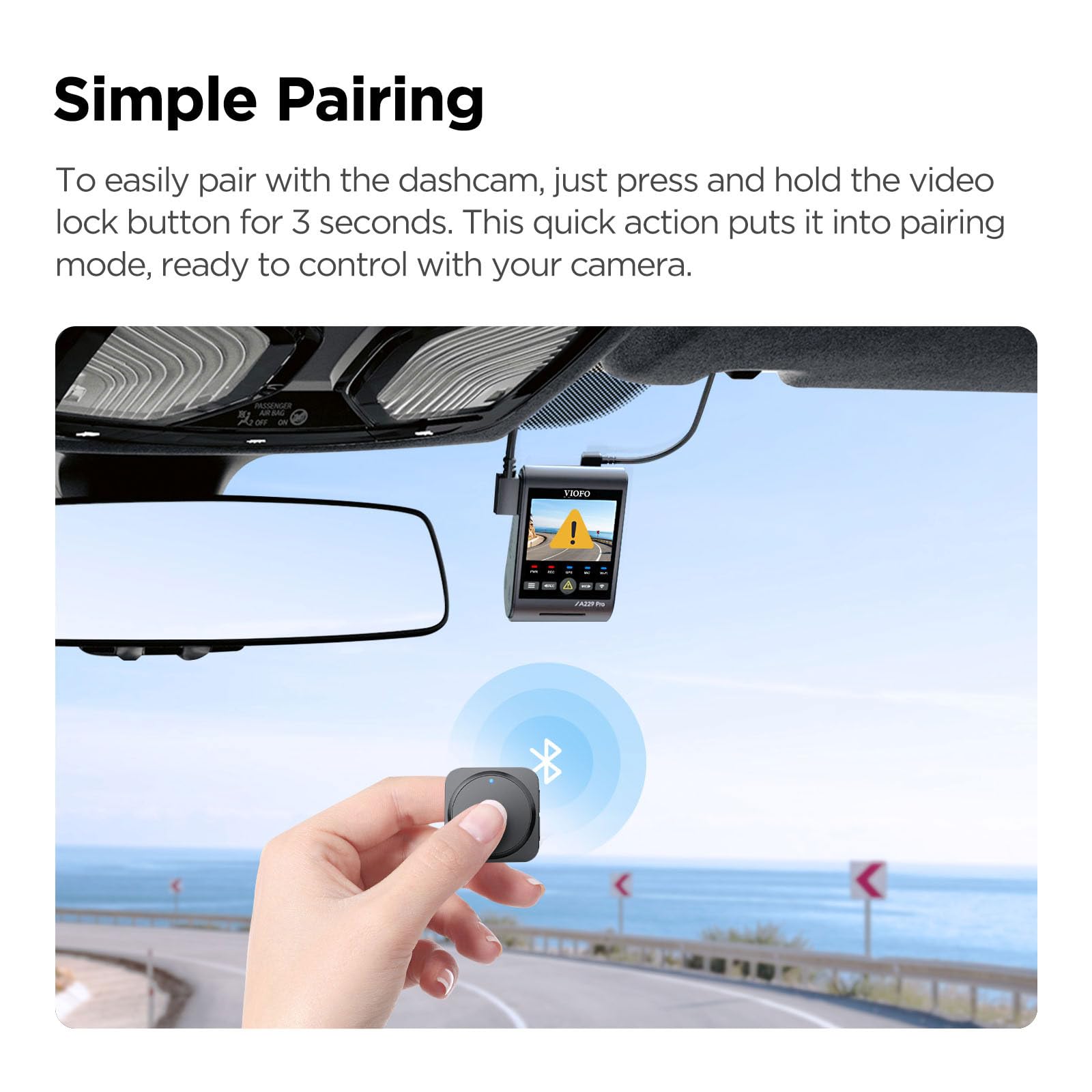
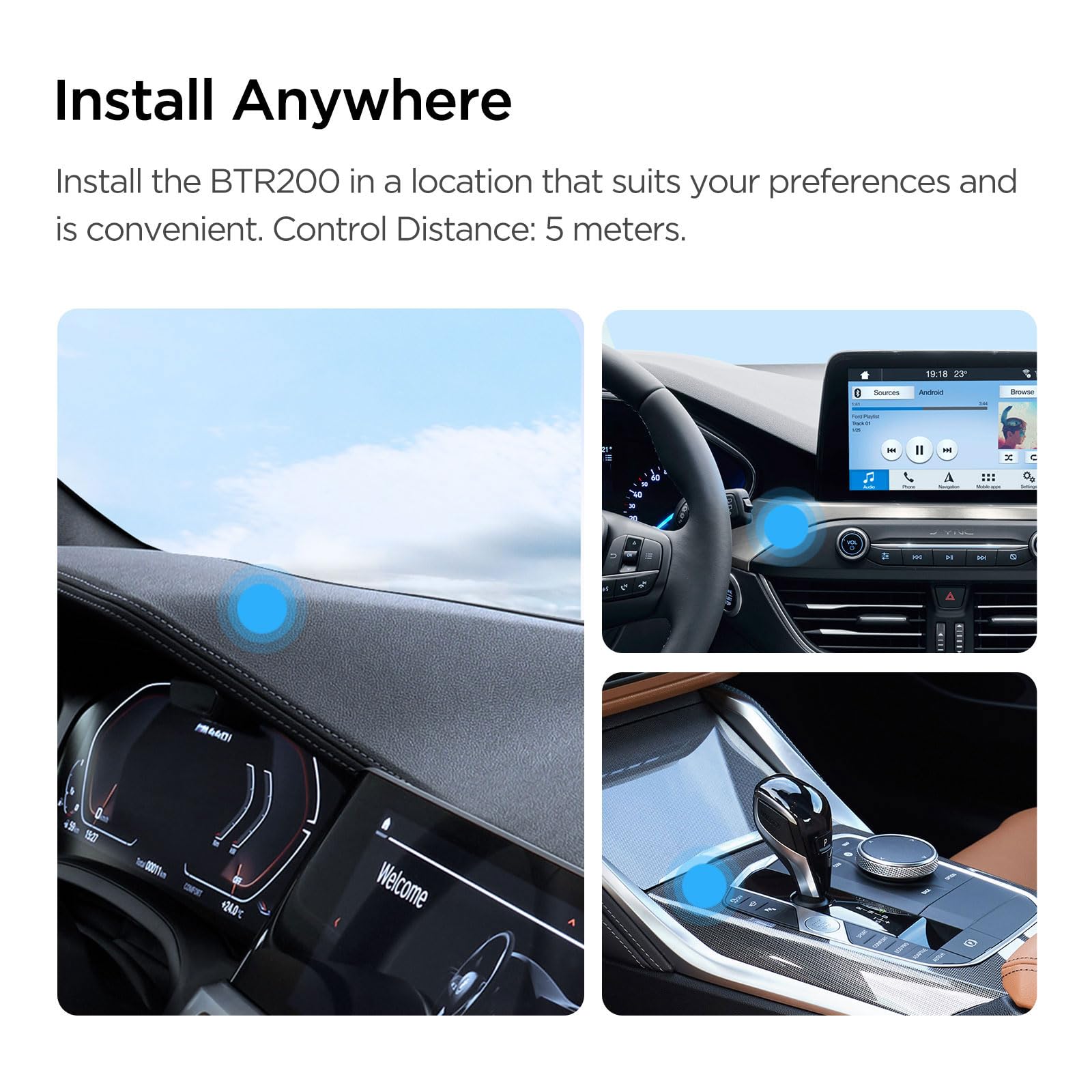
Power on the camera and hold the remote’s lock button for 3 seconds. The LED turns blue when it pairs. Then stick it to a clean, flat spot with the 3M pad.
The battery is not rechargeable; a spare comes in the box.
Hands-free driving in the UAE
UAE traffic rules penalise handling a phone or device while driving. A remote stuck where your hand already rests lets you save a clip with one press instead of reaching for the camera on the windscreen.
Pros, cons & verdict
Pros
Cons
Our verdict
One-press clip locking for VIOFO cameras, with shortcuts on the A229 and VS1
Cheap, tiny and easy to pair, the BTR200 makes saving evidence safer. The custom buttons are a bonus on supported models.
Remote
Bluetooth
VIOFO
Who should buy it
Good fit
VIOFO A229, VS1 and A119 Mini 2 owners
who want to save clips without touching the camera.
Ride-hailing drivers
who want a quick way to mark an incident.
Look elsewhere
Owners of other brands
need their camera brand’s remote.
Specifications
FAQ
Does the BTR200 work with the A119 Mini 2?
VIOFO says it works with most of its Wi-Fi cameras; the custom side buttons are limited to the A229 Pro, A229 Plus, VS1, A139 and A139 Pro.
How do I pair it?
Power on the camera and hold the lock button for 3 seconds until the LED turns blue.