About this product
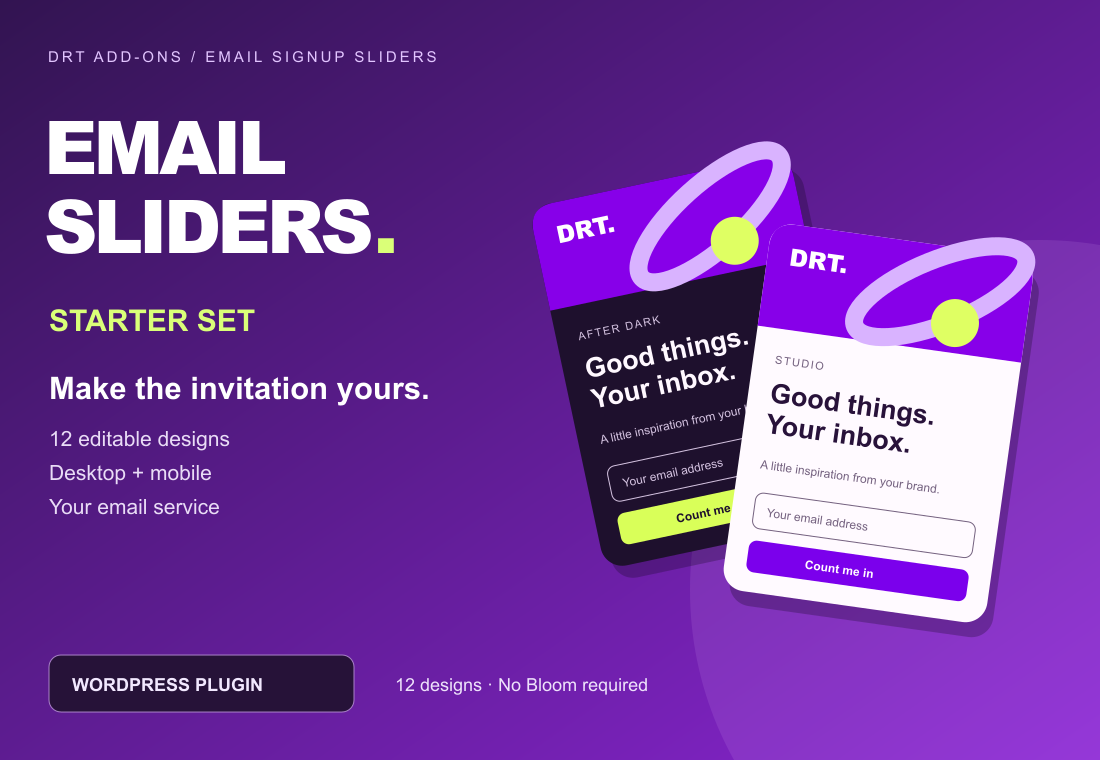
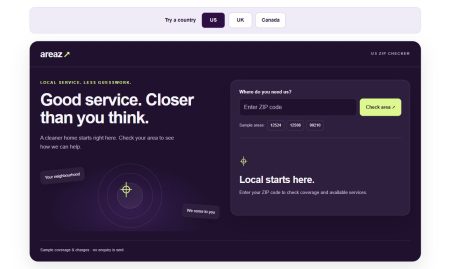
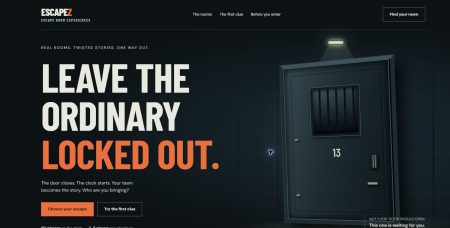
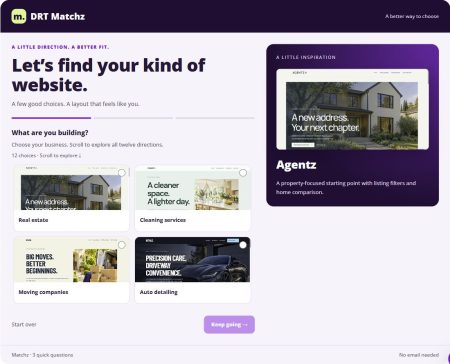
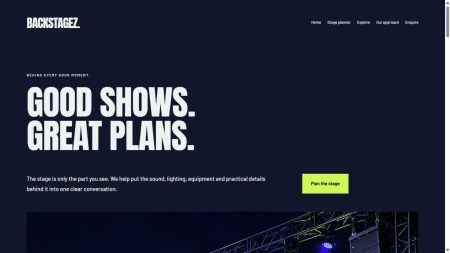
12 distinctive email signup designs. Your words, brand and display rules. Connect Mailchimp, MailerLite, Brevo, Kit or your webhook. Standalone WordPress plugin—no Bloom required.
Explore all three Email Sliders sets
Starter — clean & versatile
Skinned — full-card textures ↗
Showcase — product-focused ↗
WordPress plugin · Divi optional
Tested with Divi 5 and Divi 4.27.9.
Installation & support ↓
A better invitation to join.
DRT Email Sliders — Starter Set gives you 12 editable email signup designs in an independent WordPress plugin. Choose the look, write your invitation and connect your email service.
Explore all 12 designs ↗
Twelve designs. Your brand.
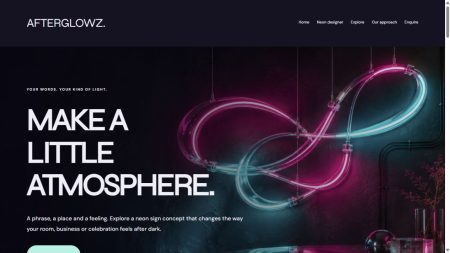
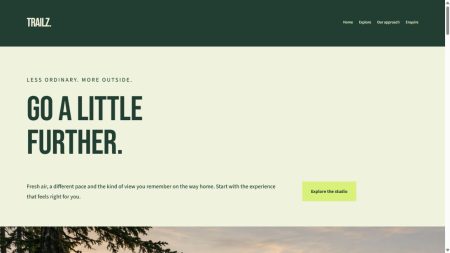
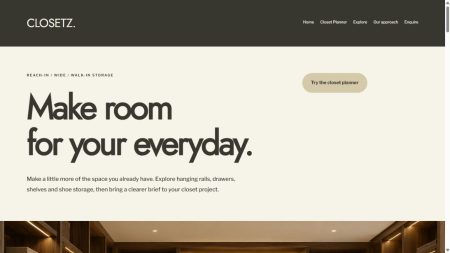
Studio, After Dark, Editorial, Freebie, Launch, Quick Tip, Toolkit, Insider, Dispatch, Spotlight, Welcome, Early Access.
- Editable brand, headings, description, button text, small print and privacy link.
- Desktop and mobile controls; delay, scroll or manual-button opening.
- Page targeting and browser dismissal memory; cart and checkout excluded by default.
- Optional first name and consent checkbox.
- Mailchimp, MailerLite, Brevo, Kit and HTTPS webhook connections.
- Locally bundled fonts and artwork; no font CDN.
Install it. Make it yours.
Upload the included installer ZIP through Plugins → Add Plugin, activate it, then open Settings → DRT Sliders — Starter. Connect your service and test a real signup before enabling it for visitors. Divi and Bloom are optional.
Show allShow less
Your email service, your list.
Requires WordPress 6.2+ / PHP 7.4+ and your own supported email-service account or receiving webhook workflow. Provider plans, API access and confirmation settings may vary. DRT does not provide email delivery or a hosted mailing list. Mailchimp real signup and confirmation were verified on our Divi 5 Testing site; other integrations require setup and testing in your own account.
One payment. Unlimited website use. Includes the WordPress installer, quick-start guide and license information.
Compatibility & installation
Independent WordPress plugin. Divi is optional. This is not a native Divi module or a Divi JSON layout. Tested on our Divi 5 site and on Divi 4.27.9 with WordPress 7.1.5. Divi 4 checks covered saved Code-module buttons, signed-out opening and closing, phone-width display and successful live Mailchimp signup requests using an already subscribed test address. A fresh subscriber’s inbox confirmation was not repeated in that test. Other email providers were not retested on this Divi 4 installation.
- Download your purchase and open the included setup guide. If the customer download contains several folders, unzip it on your computer and locate the WordPress installer ZIP.
- In WordPress, go to Plugins → Add Plugin → Upload Plugin, select the installer ZIP, install and activate. Upload the plugin installer, not a bundle containing standalone files and documentation.
- Open Settings → DRT Sliders — Starter. Choose a design, edit your invitation and connect your email provider.
- Test a real signup and any confirmation email in your own provider account before enabling the slider. Provider fees, API access and consent settings are separate from this purchase. Keep API keys in the plugin settings, never in page content.
Questions before or after purchase?
Visit DRT Support and choose Pre-sale questions if you are checking suitability. For installation help, include the product name, WordPress/PHP versions, your theme or Divi version, the affected URL and the exact error or screenshot. Never send passwords or API keys.
Need a tailored feature or done-for-you customization? Describe your project to DRT so we can discuss the scope separately.
Using Divi 4? Explore the tested Email Sliders collections and setup guide.
In Divireadythemes's own words. See it at Divireadythemes