About this product
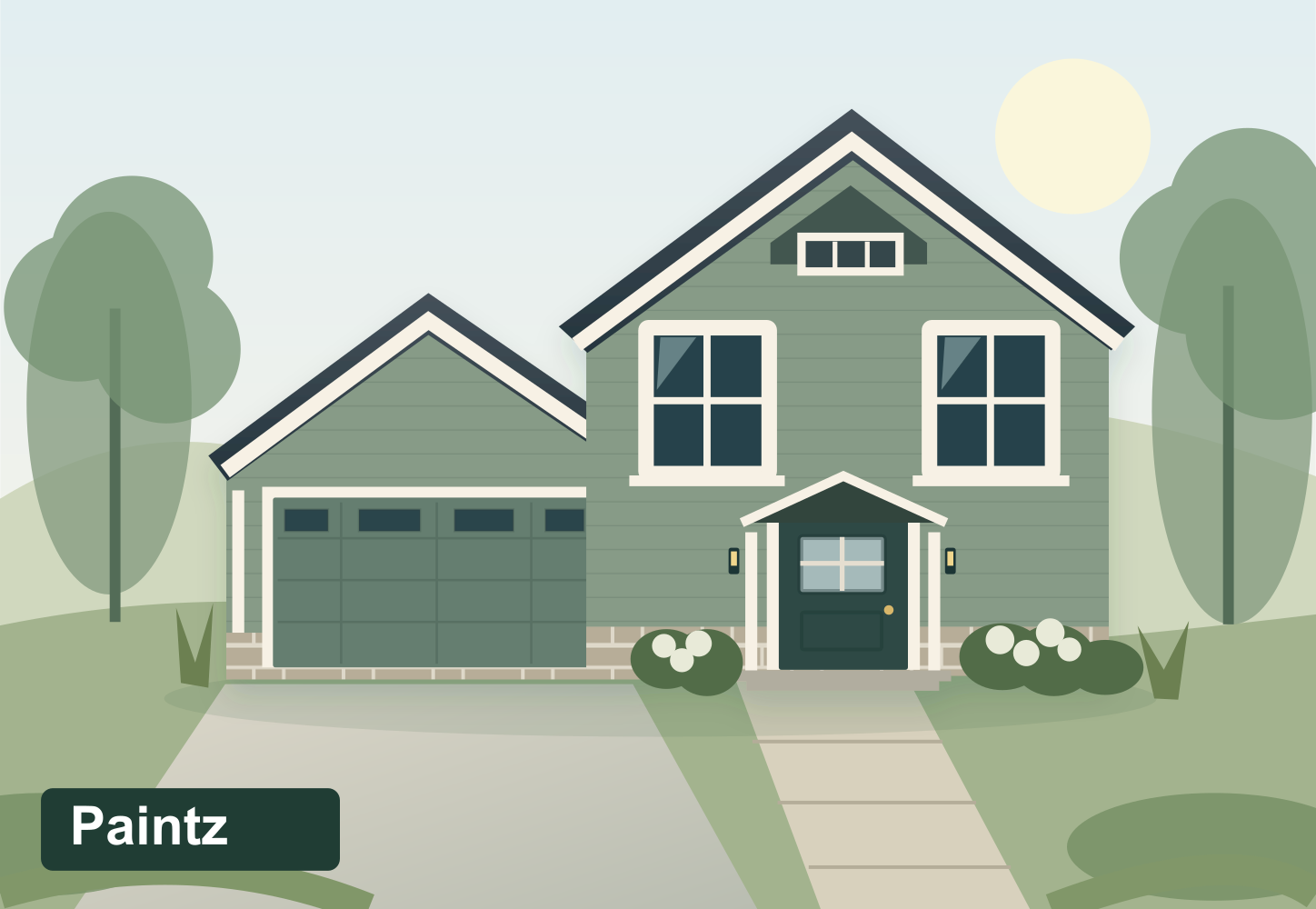
Preview siding, trim and door colors on an original illustrated house. Compare before and after, save your palette, and choose from three interface styles. WordPress plugin, standalone files and installation guide included.
WordPress plugin · Divi optional
Tested with Divi 5. Divi 4 integration not yet verified.
Installation & support ↓
Help visitors explore a new look before choosing their colors. Paintz is an interactive house-color preview that you can add to your own website with one shortcode.
Try the live Paintz demo ↗
A fresh coat of possibility.
- Change siding, trim, front door and garage door independently.
- Use four starting palettes, color swatches, a color picker, or exact hex values.
- Compare the original house and your new palette with a before/after slider.
- Choose Light, Dark or Signature interface styling.
- Add a project name and notes, then download your palette or print / save as PDF.
- Responsive controls for desktop and mobile.
Included in your download
- Installable WordPress plugin ZIP, using [drt_paintz].
- Standalone website files for other websites.
- Original editable SVG house artwork and source files.
- Installation, customization and usage guides.
- Full GPL license and credits.
Make it yours
Use Settings → DRT Paintz to change the plan title, initial appearance, interface accent, starting paint colors and original comparison colors. No paid API, activation key or external service is required.
Show allShow less
Requirements and scope
WordPress 6.0+ and PHP 7.4+ for the plugin. Works with a WordPress Shortcode block or Divi Text module; Divi is optional and is not included. This is a shortcode add-on, not a native Divi module. Standalone files are also supplied.
The house is a fixed original illustration. Visitor photo upload and automatic photo masking are not included. Screen colors are illustrative: verify physical paint samples, finish and manufacturer references before ordering. Paint quantities, quotes, bookings and email submissions are not calculated or sent.
One-time purchase. Unlimited use on your own and client websites under the included GPL license. Questions? Visit DRT Support.
Compatibility & installation
Independent WordPress plugin. Divi is optional. This is not a native Divi module or a Divi JSON layout. Tested on our Divi 5 site; Divi 4 integration has not been verified.
- Download your purchase and open the included setup guide. If the customer download contains several folders, unzip it on your computer and locate the WordPress installer ZIP.
- In WordPress, go to Plugins → Add Plugin → Upload Plugin, select the installer ZIP, install and activate. Upload the plugin installer, not a bundle containing standalone files and documentation.
- Open Settings → DRT Paintz to choose your defaults. Add [drt_paintz] to a WordPress Shortcode block or Divi Text module in Text/code mode, then save the page.
- View the saved page outside the builder. Check the controls, downloads where provided, and phone layout. Clear your page cache after changing settings.
Standalone previews or website files, where included, are separate from the WordPress installer. Follow their included guide; they are not Divi layout imports.
Questions before or after purchase?
Visit DRT Support and choose Pre-sale questions if you are checking suitability. For installation help, include the product name, WordPress/PHP versions, your theme or Divi version, the affected URL and the exact error or screenshot. Never send passwords or API keys.
Need a tailored feature or done-for-you customization? Describe your project to DRT so we can discuss the scope separately.
In Divireadythemes's own words. See it at Divireadythemes