Connect up to 8 Independent Cameras
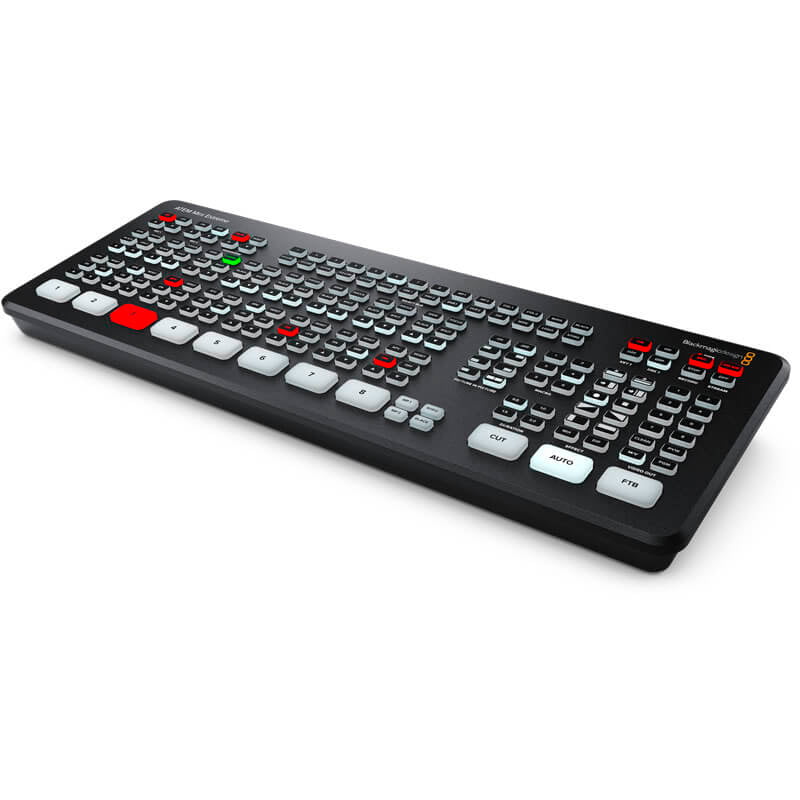
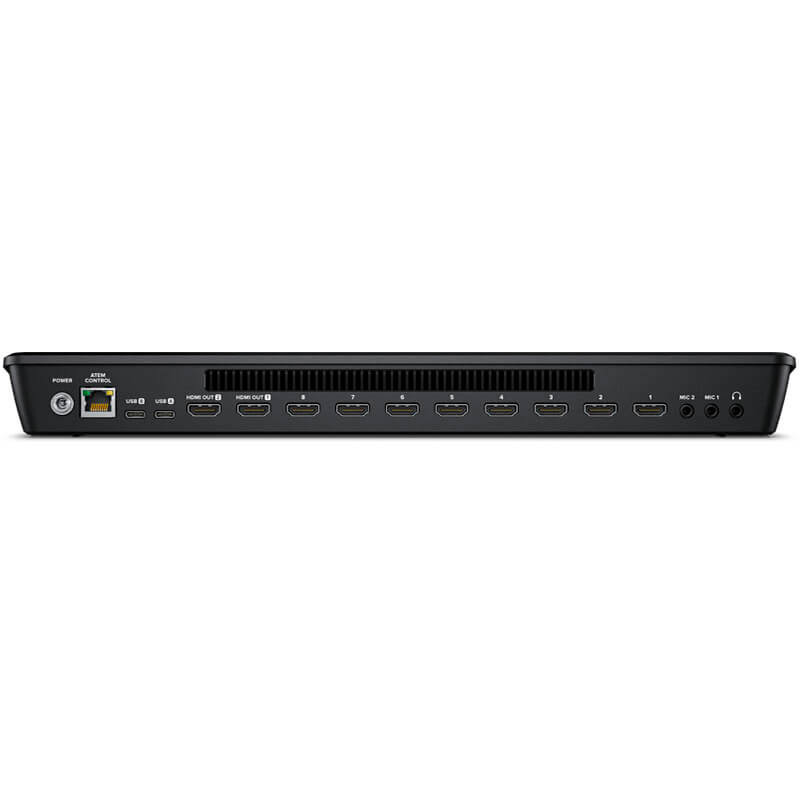
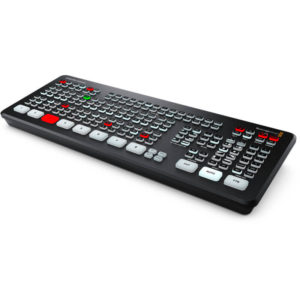
With 4 or 8 HDMI inputs depending on the model, you can connect multiple cameras for different views. Video cameras with HDMI outputs are better quality than simple webcams as they use higher quality lenses and have better low light sensitivity. All video sources will re-sync to the switcher if they operate at different video standards so you don’t have to worry about connecting video devices as they all just work. Cameras with HDMI often support interchangeable lenses so you can change to wide angle lenses for wide shots and zoom lenses for close ups. Imagine taking advantage of the low light capability of better cameras for theater production, weddings, school concerts and music videos.
Outputs to HDMI Video and USB Webcam
To ensure maximum compatibility, all ATEM Mini models feature USB that operates as a simple webcam source. That means you can plug into a computer and get working with any video software. The software is tricked into thinking the ATEM Mini is a common webcam, but it’s really a live production switcher. That guarantees full compatibility with any video software and in full resolution 1080HD quality. Choose any software you like, such as Zoom, Microsoft Teams or Skype for a new way to do presentations with a professional multi camera broadcast quality style. The ATEM Mini webcam output also works with streaming software such as Open Broadcaster, XSplit Broadcaster and more.
Live Stream via Ethernet
ATEM Mini Extreme models have a built in hardware streaming engine for live streaming via their ethernet connections. That means you can live stream to YouTube, Facebook and Twitch in better quality, without dropped frames and with simpler settings. Just select the streaming service and enter the streaming key. There are palettes in ATEM Software Control for streaming setup, plus streaming status is also displayed in the multiview. Streaming status is easy to understand as the data rate indicator shows internet speed required for the video format you’re using. If you’re technically minded, you can update the streaming profiles in an XML settings file to load new services.
Connect 5G or 4G Phones for Mobile Data
If you’re doing live production on location then the ATEM Mini Extreme models support connecting an Apple or Android phone to the USB port to use mobile data. It’s also a great backup for the main Ethernet connection. Phone tethering works with the latest high speed 5G phones plus the more common 4G phones. The ATEM switcher will automatically detect when a phone is connected and switch its internet connection to use it, eliminating the need for changing settings. When connected, the phone will power from the USB port so it remains charged from the switcher. By using phone tethering and mobile data, ATEM Mini Extreme become the perfect mobile production solutions.
Audio Inputs
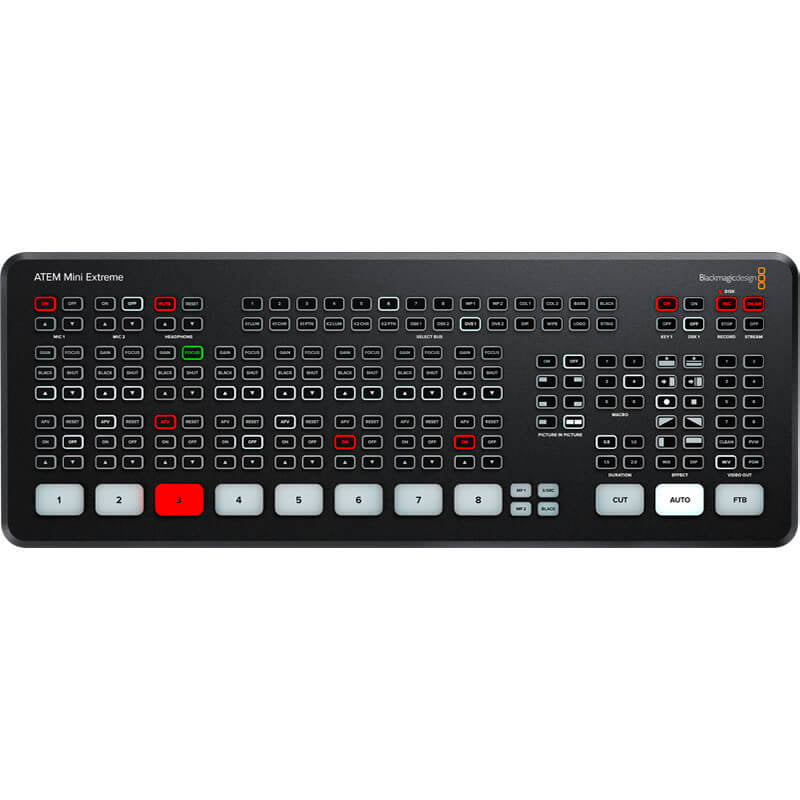
With two independent 3.5mm stereo audio inputs, you can connect desktop and lapel microphones. You can even connect a music player to generate introduction music after the live stream commences but before the program starts. With 2 extra stereo audio inputs, you can ensure a host and guest both have lapel microphones when doing interviews. All audio inputs to ATEM Mini include buttons on the panel for adjusting audio level and enabling inputs into the audio mixer. Plus all models feature a Fairlight audio mixer with all HDMI inputs and both microphone inputs are all connected to the audio mixer so you can live mix from all audio sources. The ATEM Mini Extreme also adds a headphone output.