SyncNames for Domain Professional SellerSyncNames for Domain Professional Seller, picture 2SyncNames for Domain Professional Seller, picture 3SyncNames for Domain Professional Seller, picture 4SyncNames for Domain Professional Seller, picture 5SyncNames for Domain Professional Seller, picture 6SyncNames for Domain Professional Seller, picture 7SyncNames for Domain Professional Seller, picture 8

SyncNames for Domain Professional Seller

No reviews at this store yet

$9.99 $49.00 −80%

In stockLook twice · the crossed-out price was not its price

Delivery priced at checkoutDetails

0cean adds $0. You pay Domainsoftwares on its own site.

DomainsoftwaresIndependent store · domainsoftwares.comStore page

Price and stock as Domainsoftwares showed them Nov 26, 10:00 PM UTC.

Ask about this product

Find it in other storesCheaper than $9.99In stock only

About this product

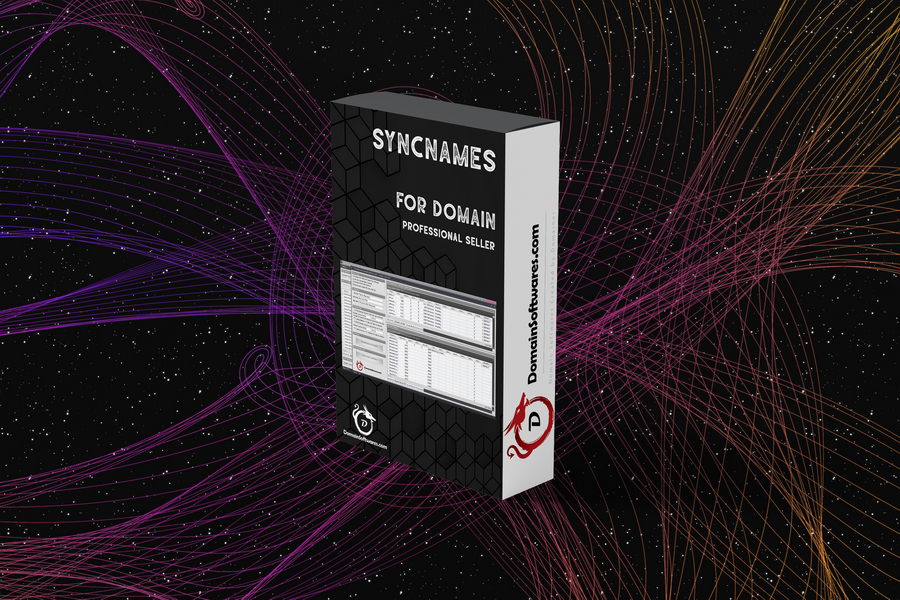
SyncNames for Domain Professional Seller

Last Update: 3 Aug 2022 (Version 2.5)

*** Sales Price $9.99 USD.

Manage thousands of domain names for sale is not an easy task, especially when you active listing your domains on multiple platforms.

SyncNames helps you to compare the domains you currently own against the domains you listed on marketplace with a few steps without learning Excel.

Step1

  • Download the CSV from all the Registrars you used and put them into left panel.

Step2

  • Download the CSV file from marketplace and put them in right panel.

Step3

  • By comparing among left and right panel, you will able to find out which domain(s) you no longer have ownership have to remove from marketplaces and which domains you owned are not added into marketplaces.
  • Click the middle panel’s `Domain in right panel but not existed in left panel` button to filter out the domains you list into market place but no longer owned, then use the `Remove ↓ domains form panel B` button to remove the domains you no longer owned in panel B.
  • Finally, use the right panel `sync back` function to re-generate a new CSV file with the current panel B records.

How to Use SyncNames with Sedo [Short Guide]

Version 2.2 [20200711] Add Support to generate WooCommerce CSV.

Product Spotlight – Setup WP+WooCommerce Store using SyncNames

Show allShow less

Main Features

  • Filter out duplicate domains entry.
  • Support almost all type of CSV files. No matter the CSV contains header or not.
  • Compare the different between Left panel and Right panel, with options to map the BIN and [Min Offer] fields for further comparison
  • Sync the records [have option to select field] from the left panel into right panel or vice versa.
  • Every panel come with export function and save the data for further use,
  • Help to keep track your domain asset by quick compare the current domain you owned with old export file.
  • Re-generate new CSV file which retains its original format while adding / deleting / modify domains by syncing.
  • Portable, no installation is required.
  • 100% Clean – No Spyware, No Adware.
  • One time fee, no subscription is required. Minor updates are always free.
  • Support Windows 7, 8.1, 10 and corresponding version of windows server.

License term:

$49 for lifetime (Single user). Running the software on multiple computers at the same time is allowed as long as the computers are own by the same user.

Redistribution of this software is strictly prohibited.

*** No physical product will be shipped, you will grant access to download software after payment

We accept

Support Email Ask@DomainSoftwares.com

For Windows 10 User,

You have to go into the control panel and install older version of.NET Framework 2.0 / 3.5. Since this software is build with previous version of.net framework.

You can also install it offline by using following method.

https://docs.microsoft.com/en-us/dotnet/framework/install/dotnet-35-windows-10

Demonstration

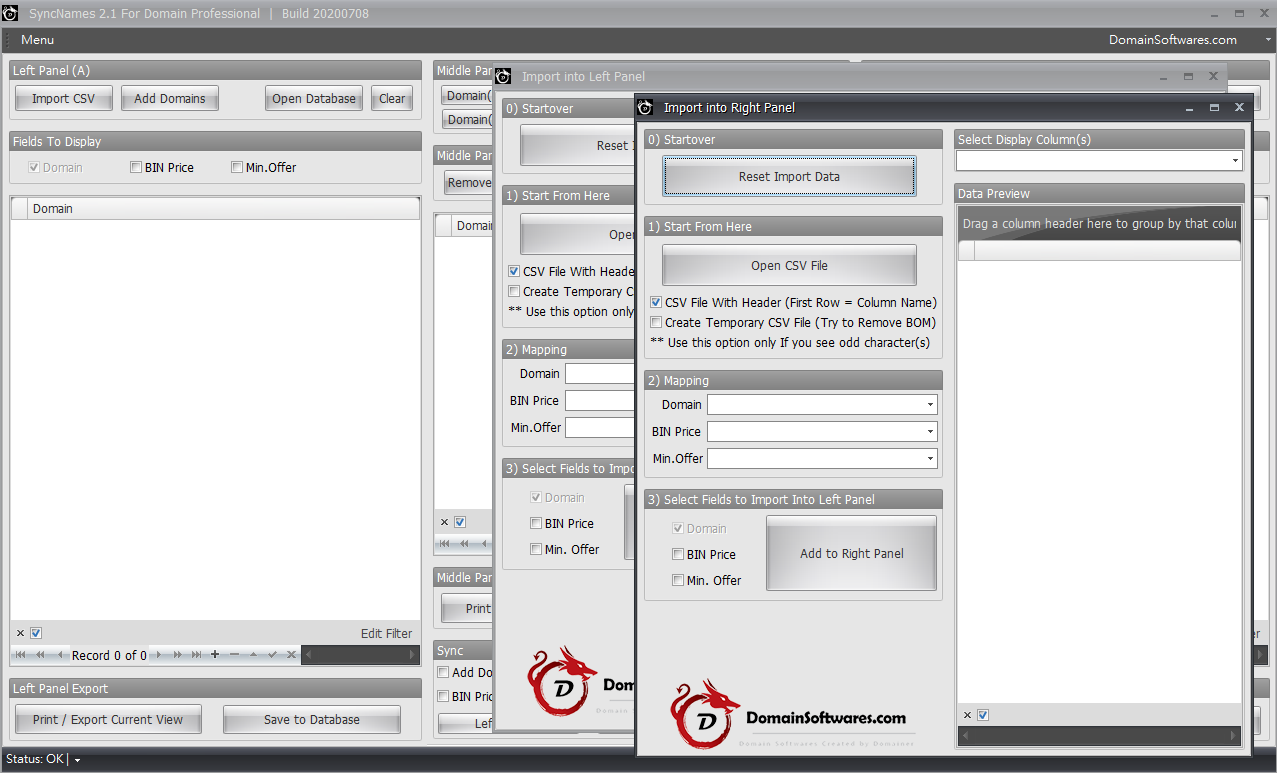
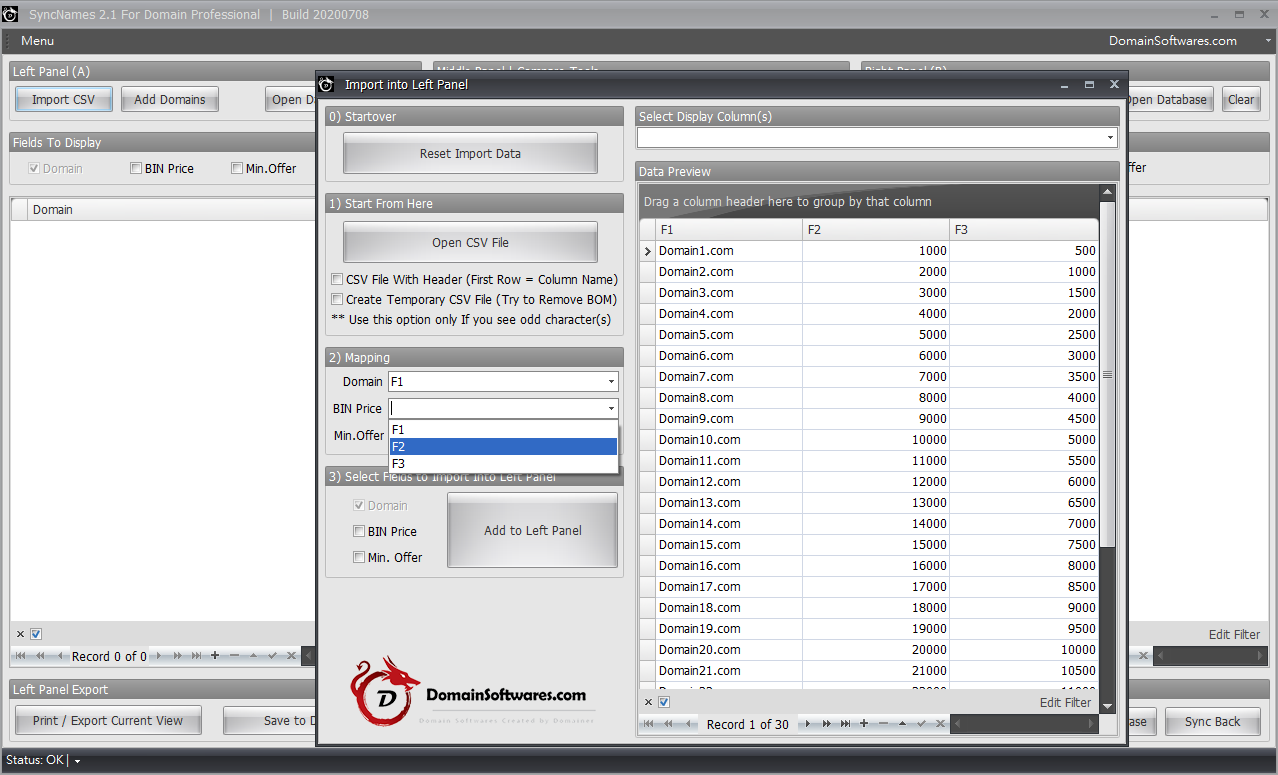
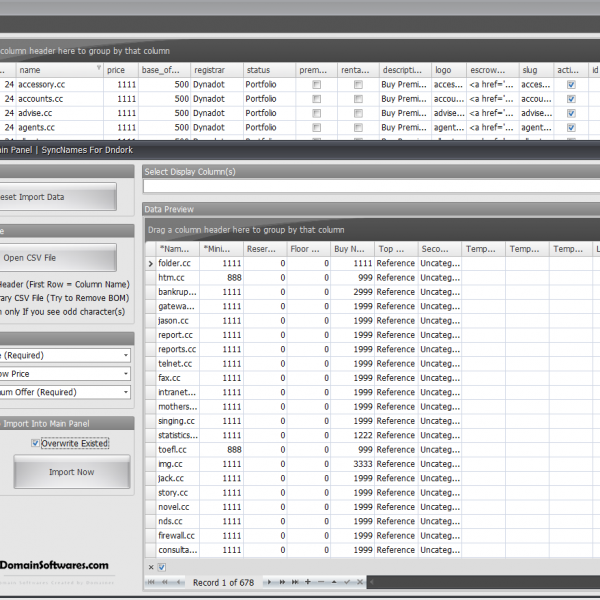
Mapping the CSV file with no column headers

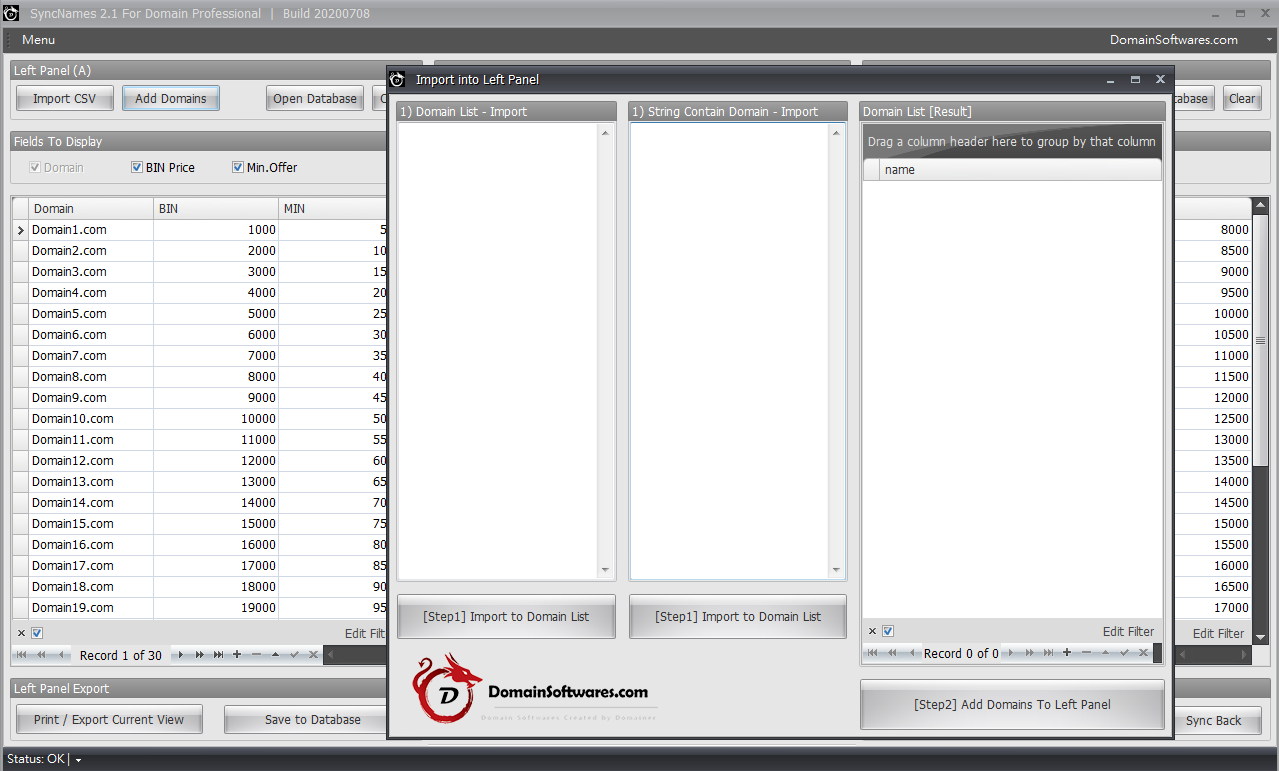
Domain List Import

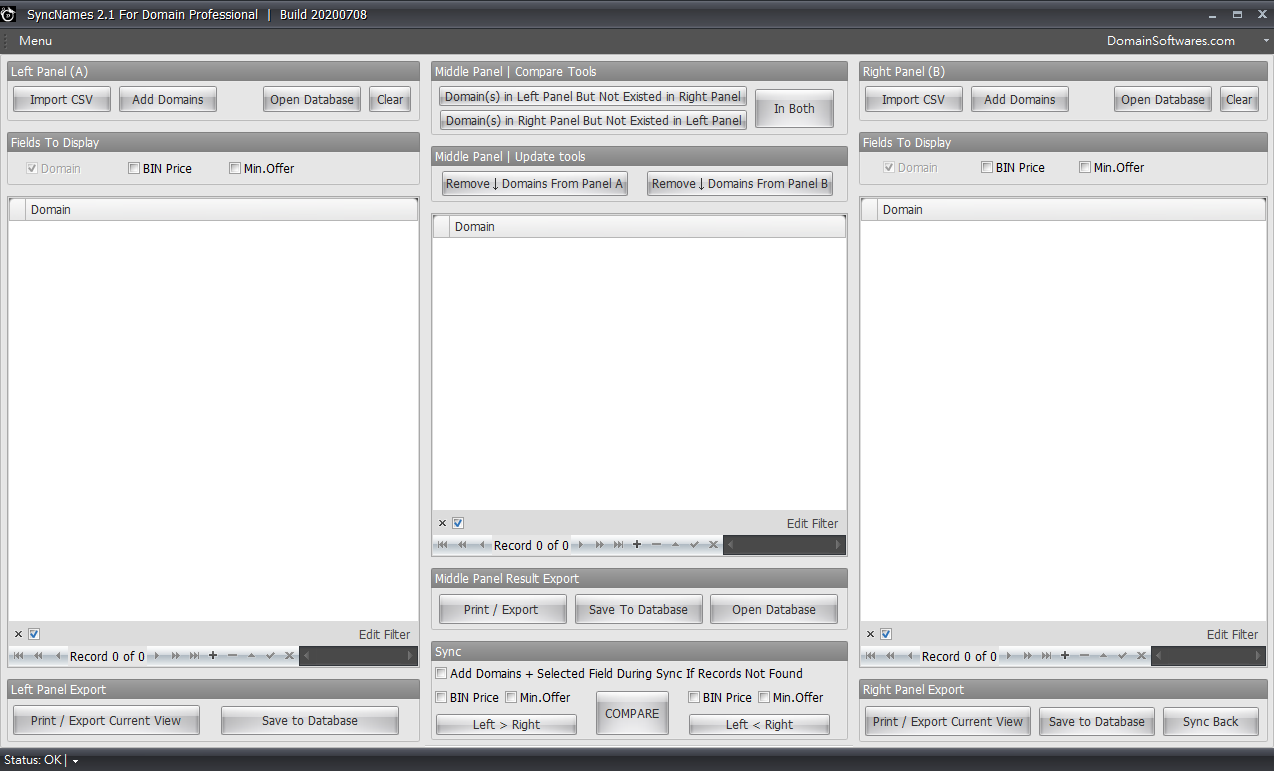
Main Interface,

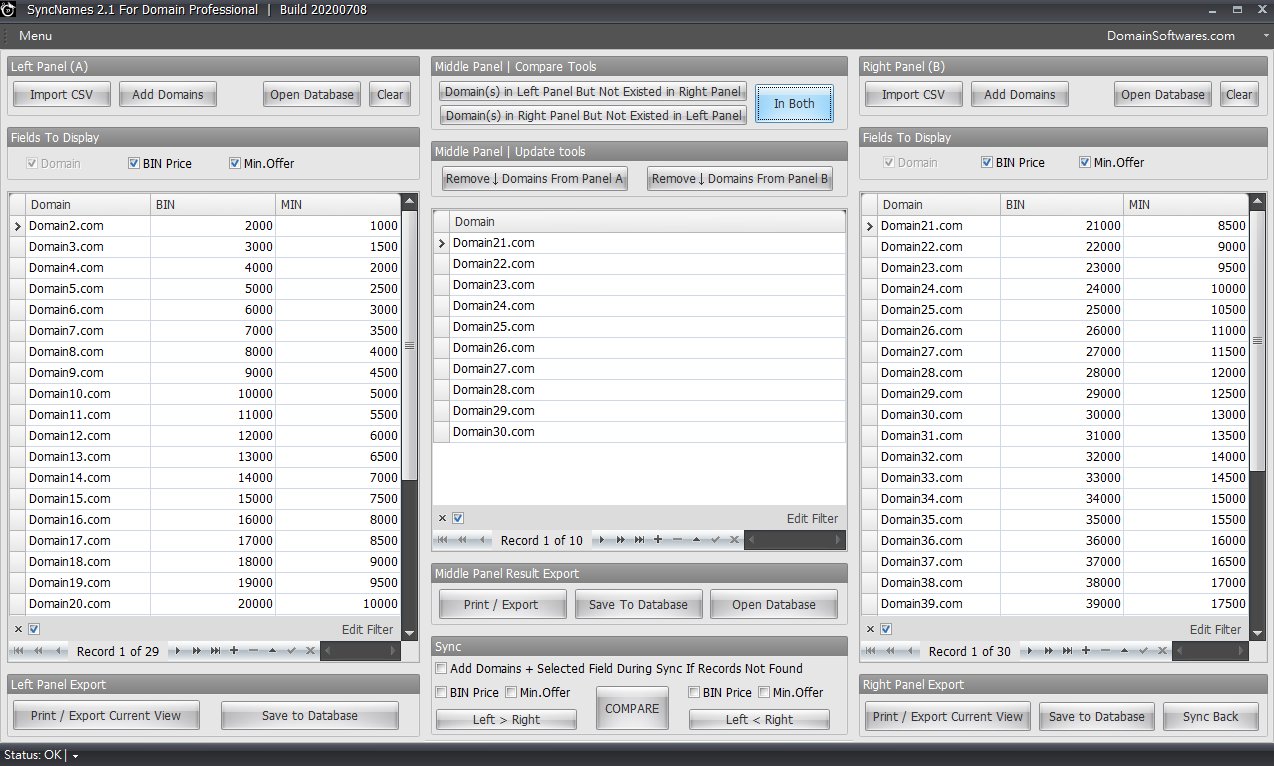
You can use the middle panel to filter out the missing records on left or right panel, or in both.

For those domains already show up in the Middle panel, You can choose to delete them from Left panel or Right panel with the remove button.

You can also Sync the domain From left to Right Panel or vice versa, you also have an option to choose if you want to sync the price as well.

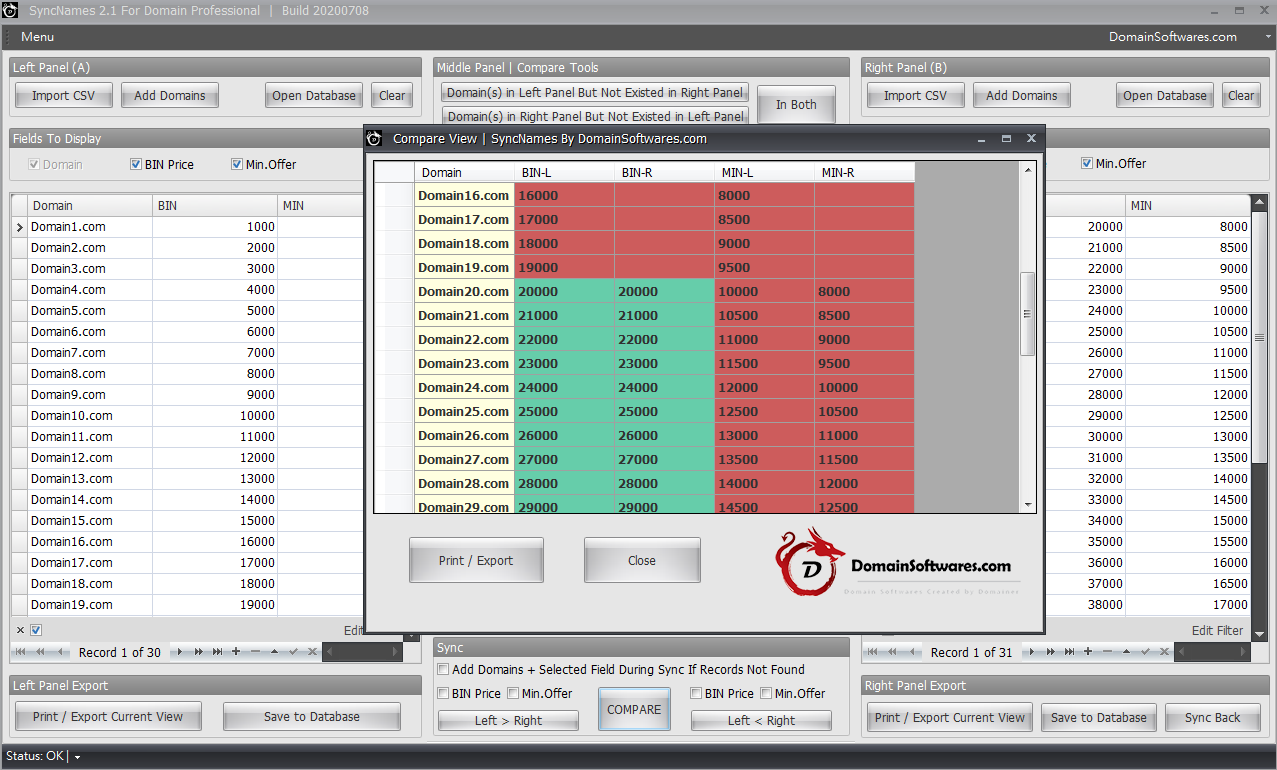
Compare View,

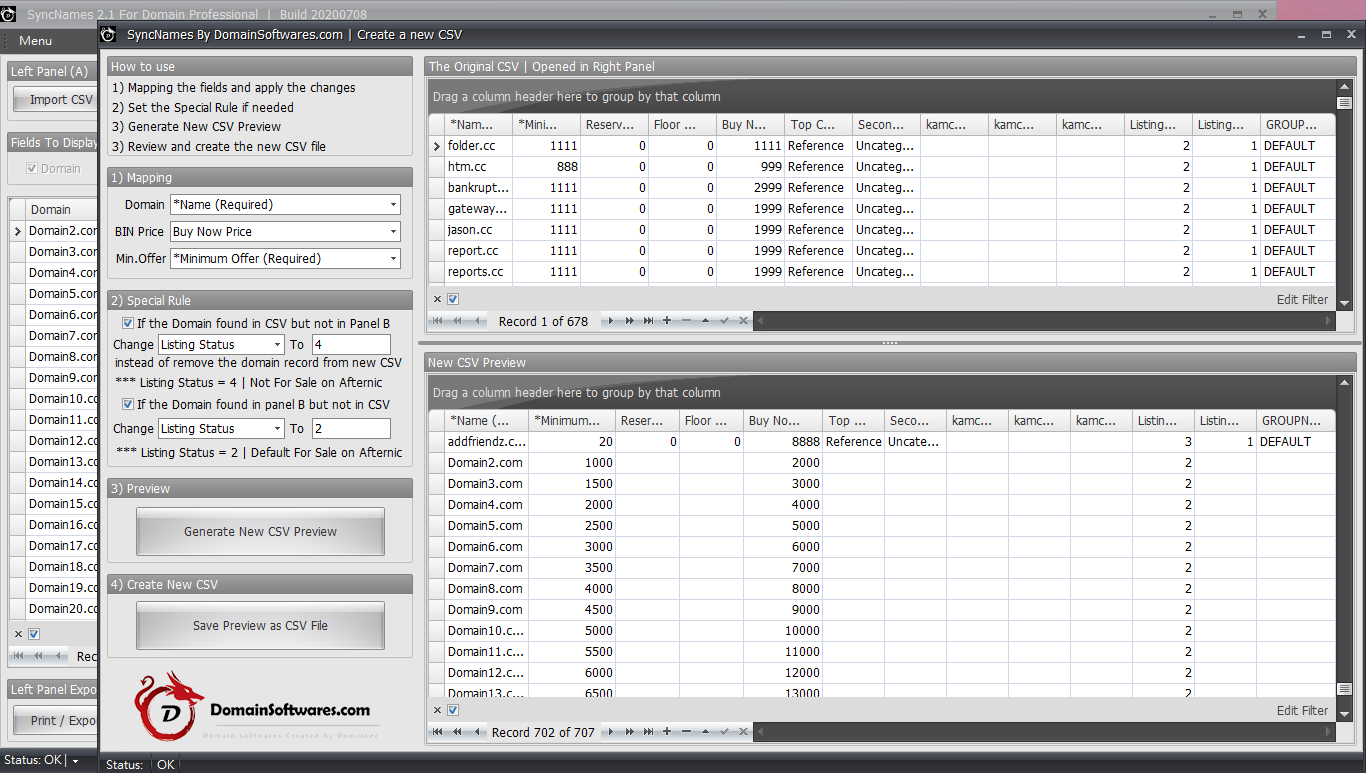
Generate new CSV file which retains its original format [Afternic] while have new domains add into it [syncing from Left Panel].

  • Support Printing, Export to Image, PDF, etc.
In Domainsoftwares's own words. See it at Domainsoftwares

Delivery and returns

Delivery

Domainsoftwares shows the delivery cost and time at its checkout, before you pay. domainsoftwares.com

Returns

Returns follow Domainsoftwares's own policy. domainsoftwares.com

Payment

You pay Domainsoftwares directly

On the store's own checkout, with the ways to pay it offers. 0cean adds $0 to the price and never holds your money.

More from Domainsoftwares

Everything Domainsoftwares sells