KNOW HOW FAR YOUR CLUBS REALLY CARRY
Use carry distance together with launch, spin and descent angle to build a clearer picture of each club. Compare normal shots rather than judging your whole bag by the one perfect strike. Those insights can help you work on distance gaps and make better-informed club choices on the course.
PRACTISE STRAIGHT FROM THE SCREEN
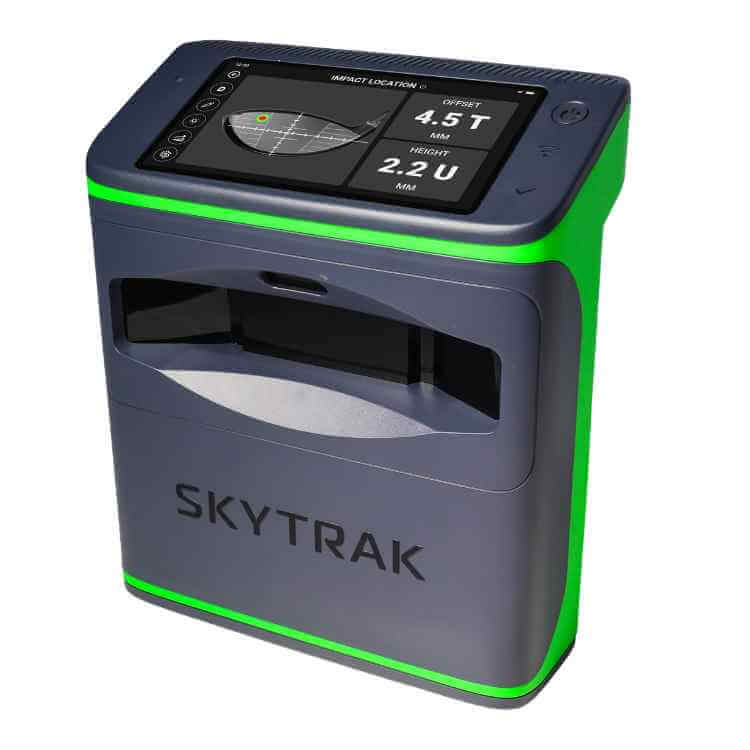
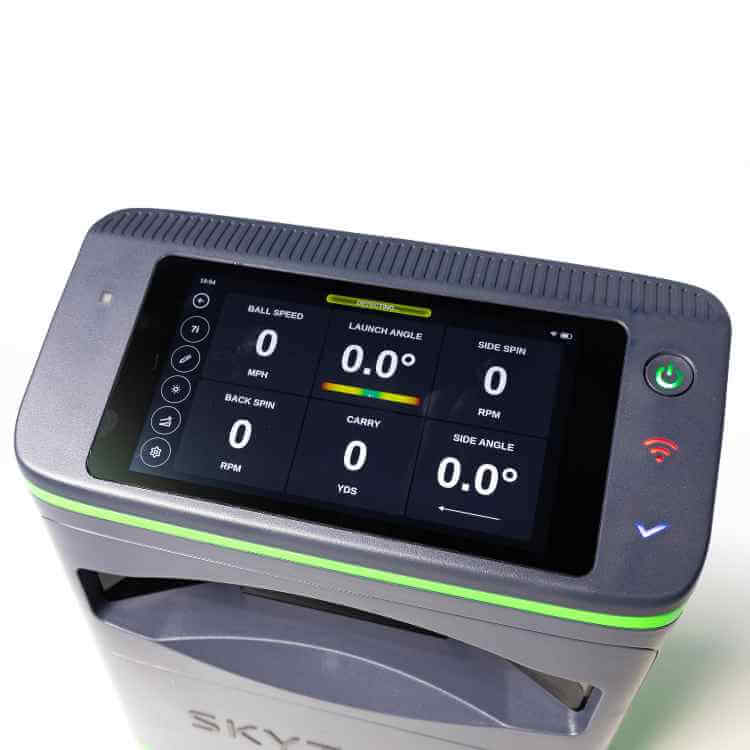
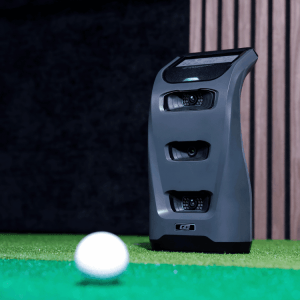
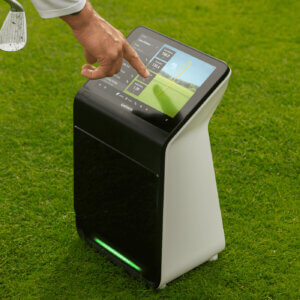
The built-in 5.5-inch LCD touchscreen shows your shot numbers directly on the unit. Choose the metrics you want in customizable tiles, with colour and grey display modes for different lighting. For quick, focused practice, you do not need to connect a phone or computer.
The ST PRO also includes three on-device skills modes:
• Green Practice – Choose a green and target distance and assess your shots.
• Fairway Practice – Set a fairway width and work on keeping drives in play.
• Speed Training – Track club speed through the device’s laser without hitting a ball.
FROM THE HOME SIMULATOR TO THE GRASS RANGE
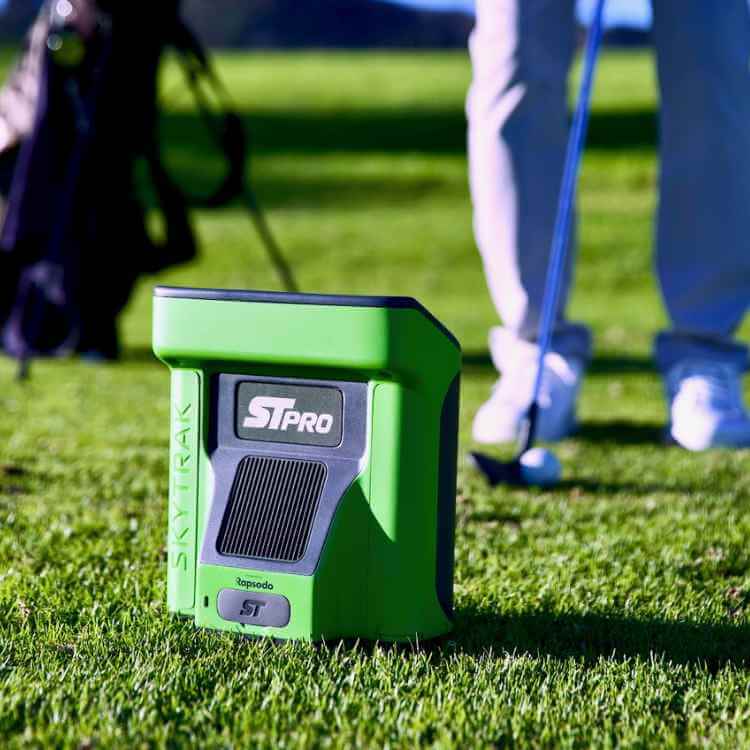
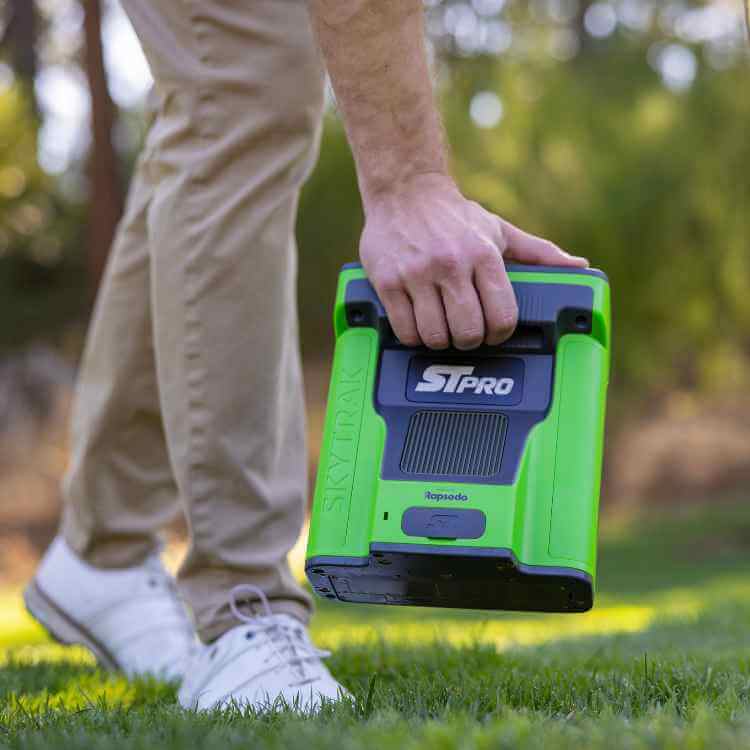
TriVision™ is designed for indoor and outdoor use, including real grass and bright sunlight. A built-in carry handle and up to six hours of battery life make it easier to take your shot data to different practice locations. The redesigned hitting area and faster shot-to-show system are also intended to keep sessions moving with less interruption.
TURN PRACTICE INTO A ROUND
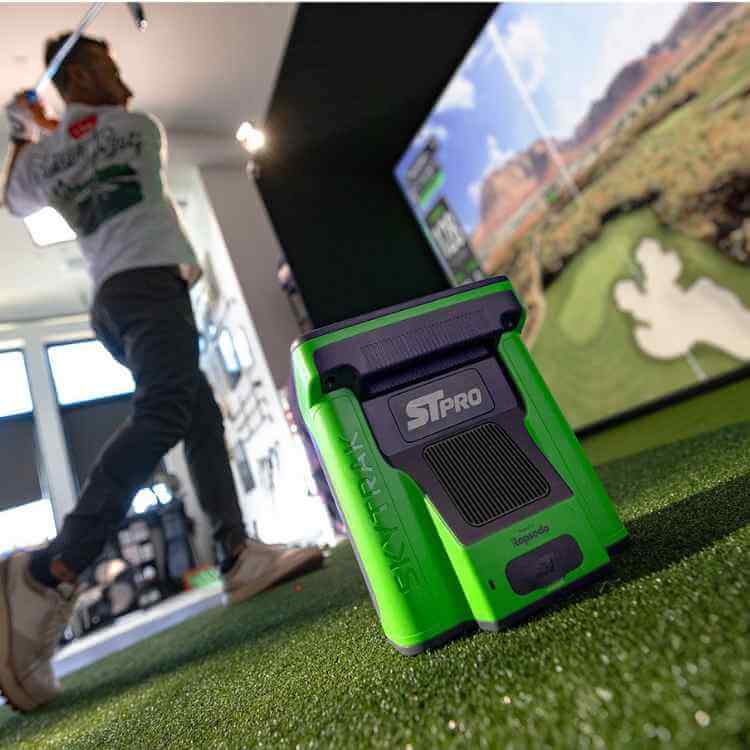
When you want more than training, the ST PRO can be used with SKYTRAK simulator software to play more than 100 famous virtual golf courses, including St Andrews and Pebble Beach. A separate membership and compatible device are required for course play. Course selection and software availability may vary by plan and region.
AT A GLANCE
• Tracking: TriVision™ – three high-speed cameras plus Doppler radar
• Ball and club data: 20+ metrics, including carry, ball speed, launch, spin, club path, face data, impact location, angle of attack, club speed and smash factor
• Club stickers: Not required
• Display: 5.5-inch customizable colour LCD touchscreen, with grey mode
• Standalone practice: Shot data, Green Practice, Fairway Practice and Speed Training
• Use: Indoor and outdoor, including real grass
• Battery: Up to six hours; rechargeable
• Connectivity: Wi-Fi, Ethernet and USB; computer/mobile app compatibility depends on the feature and platform
FREQUENTLY ASKED QUESTIONS
DO I NEED A COMPUTER TO USE IT?
Not for basic shot feedback or the three built-in practice modes. Virtual course play, advanced app functionality and screen/projector simulation require the appropriate software, membership and compatible hardware.
DO I NEED TO PUT STICKERS ON MY CLUBS?
No. SKYTRAK states that the ST PRO delivers its supported club data, including impact location, without reflective club stickers.
CAN I USE IT AT HOME AND ON THE DRIVING RANGE?
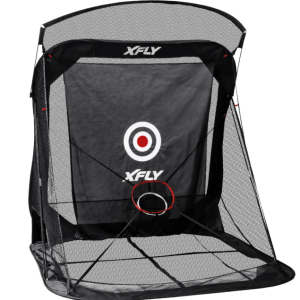
Yes. The ST PRO is designed for indoor and outdoor practice. At home, you still need a safe hitting area, adequate swing clearance and a suitable net or impact screen.
ARE THE VIRTUAL COURSES INCLUDED FREE?
No. SKYTRAK advertises access to 100+ courses through compatible simulator software, but additional membership is required. Check the available plan and course selection before buying.
IS THE ST PRO RIGHT FOR ME?
It is aimed at golfers who want deeper feedback on strike and club delivery, a useful standalone practice device and the option to build a home golf simulator. It helps you understand your game; meaningful improvement still depends on how you practise with the data.