About this product
**WE ARE MOVING TO A NEW FACILITY IN MID-OCTOBER 2026. IT WILL TAKE US A COUPLE WEEKS TO GET SETTLED. THERE MAY BE A DELAY FOR ORDERS PLACED BETWEEN OCTOBER 15, 2026, AND NOVEMBER 3, 2026 – IT MAY TAKE 2 WEEKS PAST OUR NORMAL LEAD-TIME TO SHIP YOUR ORDER. ORDERS WILL BE ADDRESSED ON A “FIRST COME, FIRST SERVED” BASIS, SO WE DO RECOMMEND PLACING YOUR ORDER TO HOLD YOUR PLACE IN LINE.**
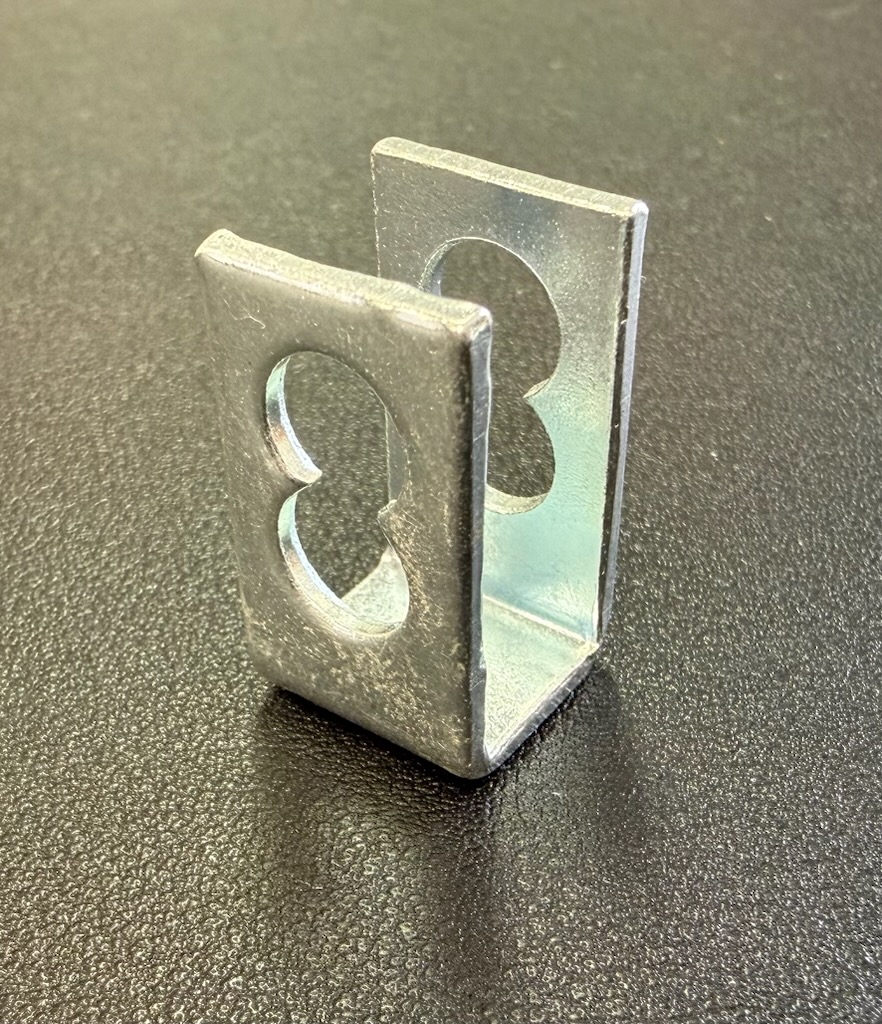
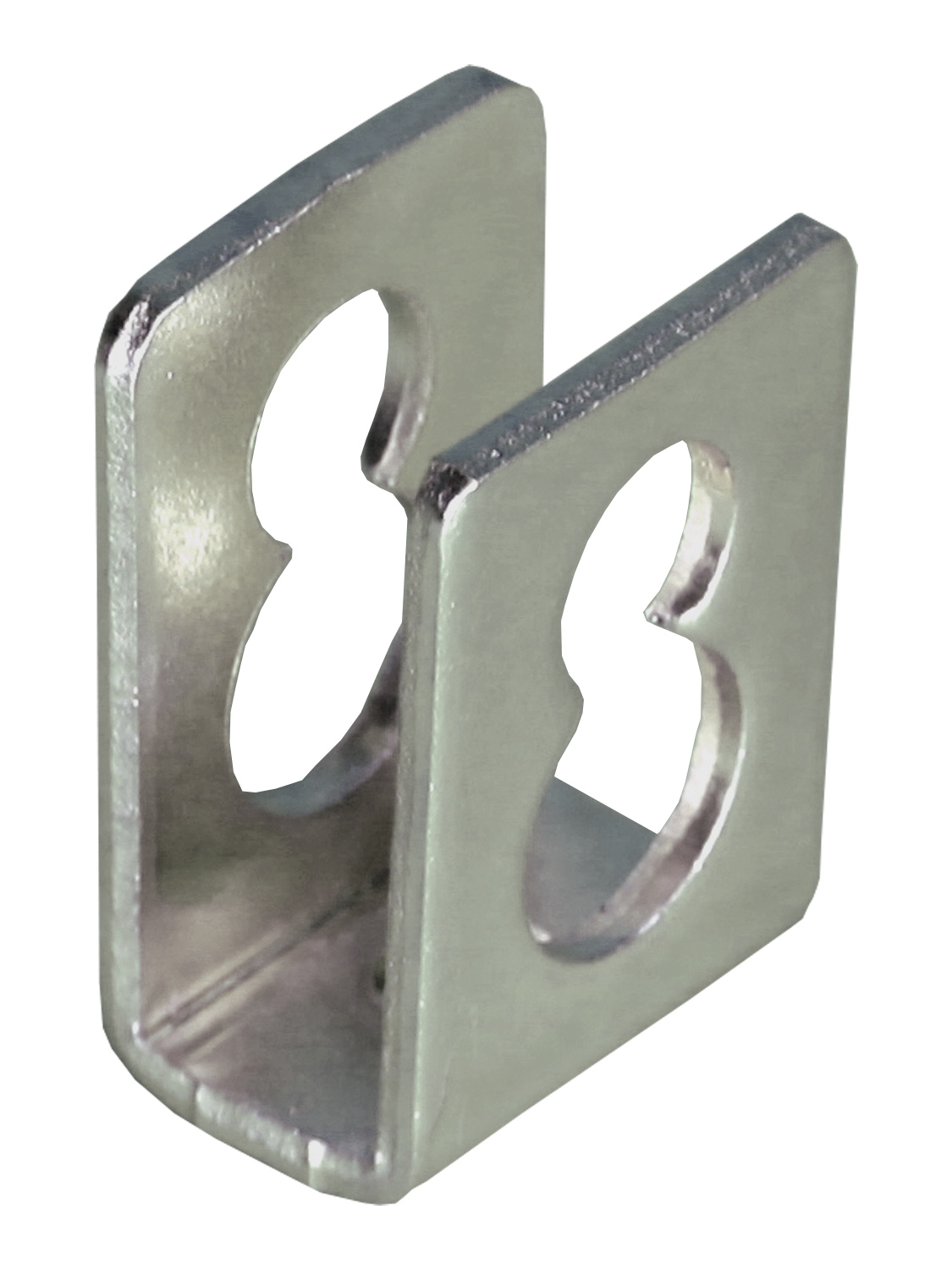
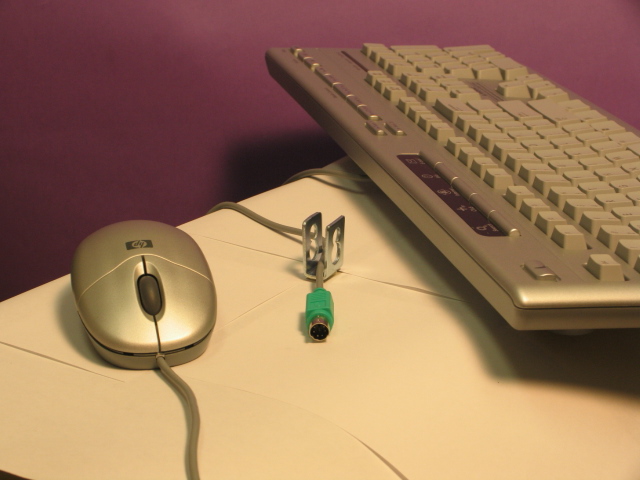
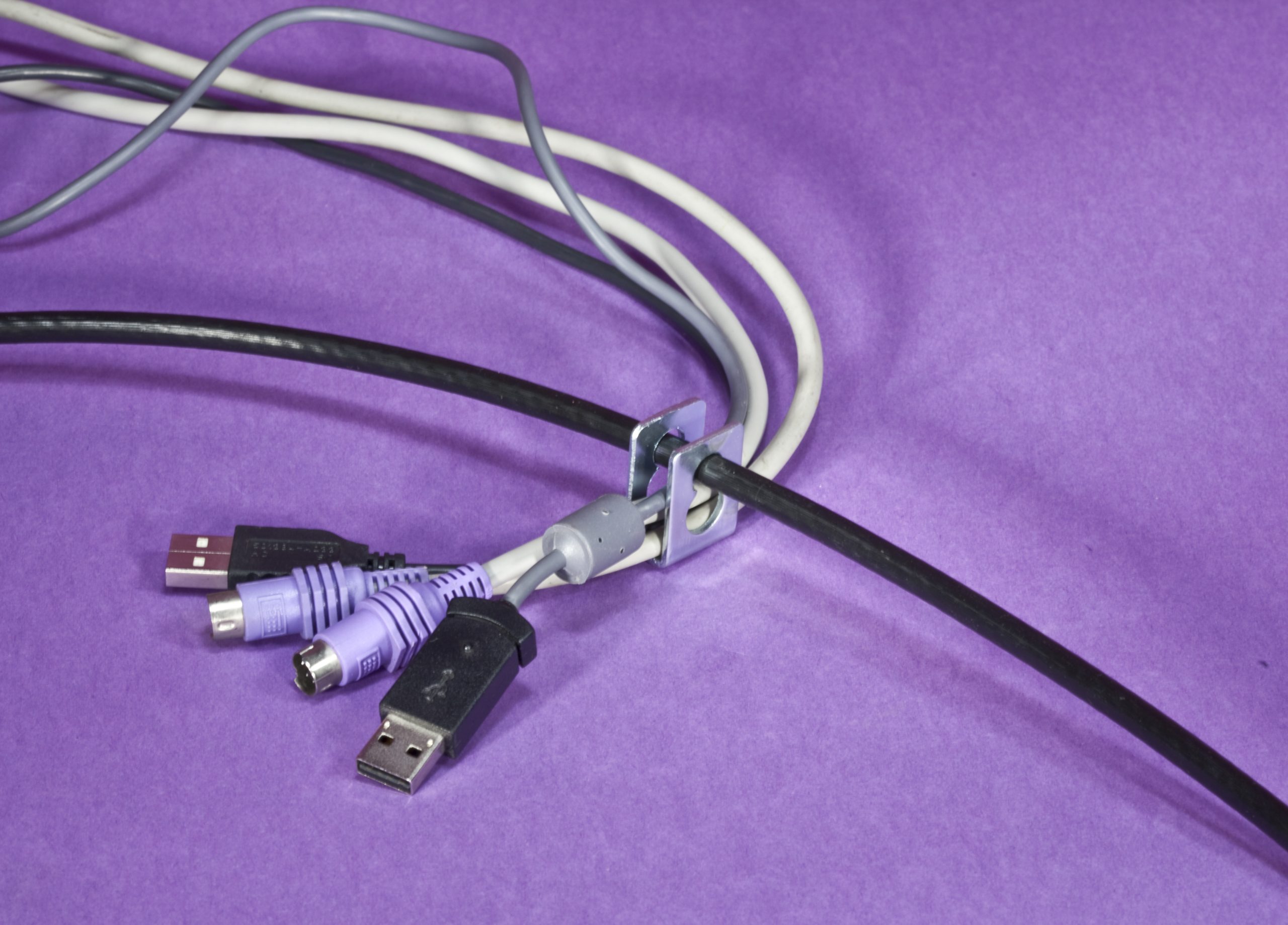
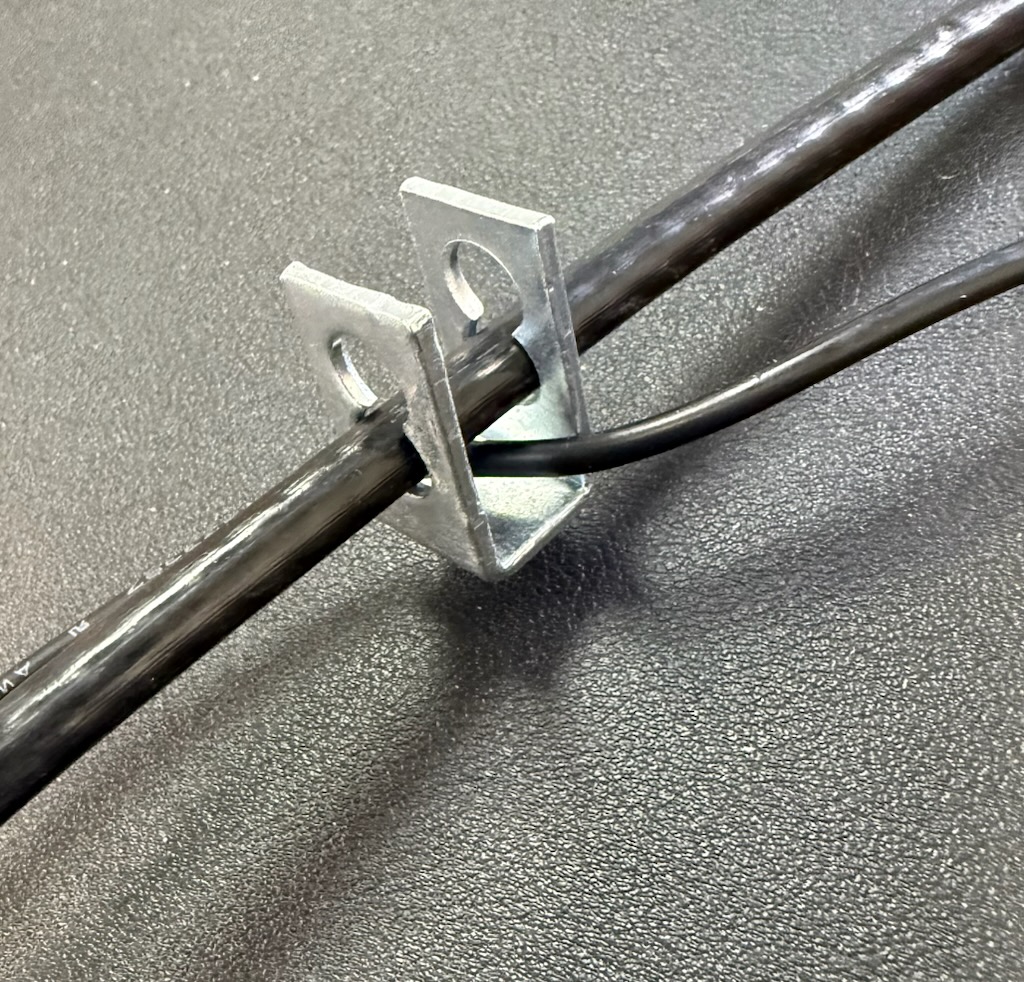
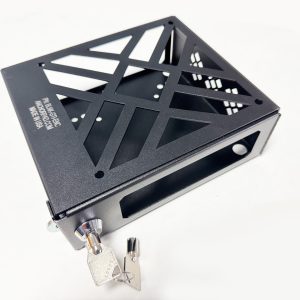
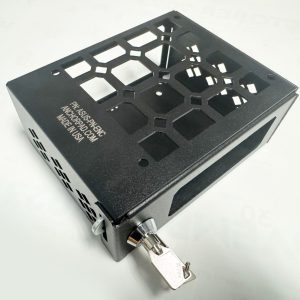
The BMS Mouse Trap is “U” shaped metal device with holes used to trap Mouse, Keyboard, and/or other Computer Peripheral Cables with BMS Security Cable. Load the Mouse and/or Keyboard Cable(s) into the Mouse Trap, the pass the BMS Security Cable through the holes in the Mouse Trap. This will “lock” the Mouse and/or Keyboard Cable(s) to the BMS Security Cable and prevent people from walking away with your Mouse, Keyboard, and/or other Computer Peripherals.
Made is the USA with 14-gauge steel and zinc-coated for protection.
Important Notes: The BMS Security Cable must be locked with our BMS Cable Loc or Pass-Thru Padlock and anchored to something. Anchor the BMS Security Cable by looping it around a Desk Leg, Pole, etc. (Can use Security Cable’s stopper end with hole or a Looper to do this.) You can also anchor the BMS Security Cable using a BMS Cable Plate AP, BMS Cable Anchor, or BMS Flex Pad with Cable Nut.
Show allShow less
VOLUME DISCOUNTS ARE AVAILABLE If you want to purchase a large quantity, we may have a discount for you. (A volume discount applies to our other security cable accessories as well.) Please call us at (714) 990-3218 or email us at sales@locdown.com for a quote.
The BMS Mouse Trap is “U” shaped metal device with holes used to trap Mouse, Keyboard, and/or other Computer Peripheral Cables with BMS Security Cable. Load the Mouse and/or Keyboard Cable(s) into the Mouse Trap, the pass the BMS Security Cable through the holes in the Mouse Trap. This will “lock” the Mouse and/or Keyboard Cable(s) to the BMS Security Cable and prevent people from walking away with your Mouse, Keyboard, and/or other Computer Peripherals.
Made is the USA with 14-gauge steel and zinc-coated for protection.
Important Notes: The BMS Security Cable must be locked with our BMS Cable Loc or Pass-Thru Padlock and anchored to something. Anchor the BMS Security Cable by looping it around a Desk Leg, Pole, etc. (Can use Security Cable’s stopper end with hole or a Looper to do this.) You can also anchor the BMS Security Cable using a BMS Cable Plate AP, BMS Cable Anchor, or BMS Flex Pad with Cable Nut.
VOLUME DISCOUNTS ARE AVAILABLE If you want to purchase a large quantity, we may have a discount for you. (A volume discount applies to our other security cable accessories as well.) Please call us at (714) 990-3218 or email us at sales@locdown.com for a quote.
In Locdown's own words. See it at Locdown