About this product
Browse all BMW products
Take a look at our amazing Reviews – Facebook / G o o g l e
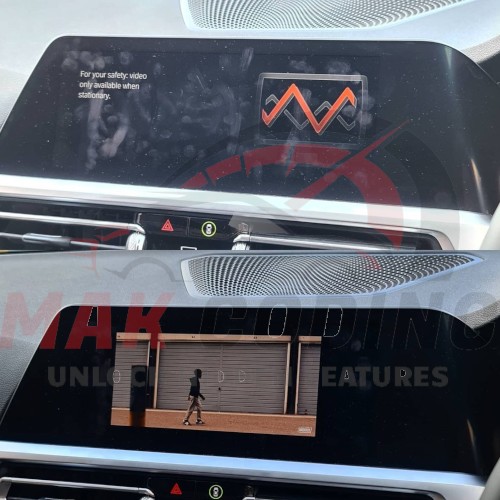
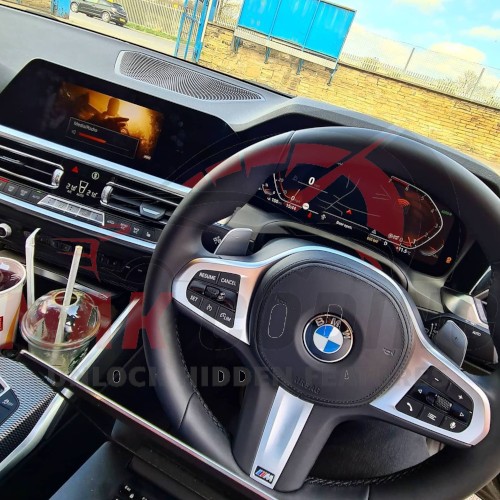
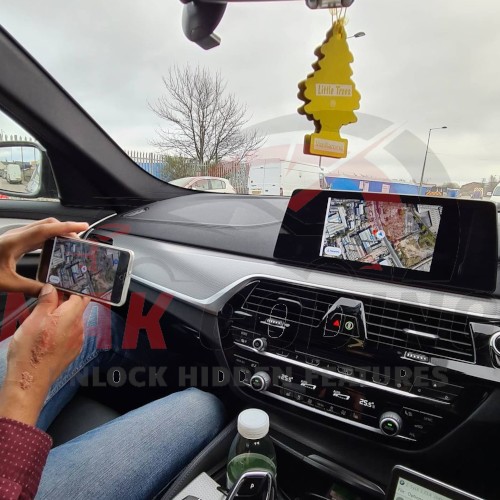
Video In Motion – BMW USB Coding
Activate Video In Motion with our simple USB solution. This feature will allow you to watch videos when driving. Normally a safety warning will appear when trying to watch videos in your BMW system. This feature will remove that warning completely and let you enjoy videos when driving.
https://www.makcoding.co.uk/wp-content/uploads/2020/01/Video-in-motion-NBT.mp4
View all our BMW USB Coding
Compatibility
CIC YES, DVD only. Coding needed using ENET/OBD Cable and Windows Laptop
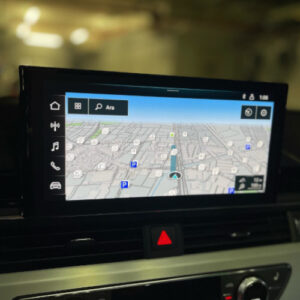
NBT YES, Only PRO NAV can play videos. USB Coding
NBTevo iDrive 4 YES, Only PRO NAV can play videos. USB Coding
NBTevo iDrive 5/6: YES – Software Version NBTevo_G till NBTevo_O is USB Coding. NBTevo_P + is via ENET/OBD Cable + Windows Laptop (Message us if not sure)
2 Ways to Check Map Version Screen depending on your headunit:
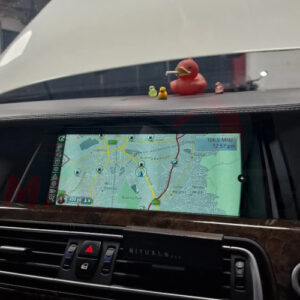
1. Go to your car > Press the Nav button > Press Option button on your controller > Scroll down to the last row in the menu called “Navigation System Version“ and press it > It will display the currently installed maps.
2. Go to Navigation Maps -> Press Options Button -> Go to Settings -> Go to Position & Version History -> Version Information
Look for wording PREMIUM, NEXT, NBTevo etc
Have I got NBTevo ID4 or ID5/6?
Show allShow less
Your Navigation version must say NBTevo_…
NBTevo ID4:
NBTevo ID5/6:
USB Coding
Easy and simple steps to activate hidden features on your BMW using our USB solution. No need to come to us or install any complicated software. We send you a file that will enable these features for you:)
Please note. No Returns/Refunds if file is made. This is because the file is tied to your VIN/Car. You must be able to currently watch videos whilst not driving for this to work.
Please allow up to 24 hours for your files to be made and sent to you via email. It is usually a lot less.
If you have any questions, doubts or simply want to know more – Please contact us.
Remote Coding
MAK Coding is now offering BMW remote coding for all our customers worldwide. You don’t have to travel out to us to have your car coded. Many of our customers within the UK are far away from us and travelling to us for coding, isn’t feasible. Some customers are in different countries or even continents! This service will allow people to get their cars coded from the comfort of their home!
We have a very smart solution that creates a virtual network between your car and our coding computer. This allows us to communicate with your car and unlock the hidden features you need. Once you have placed your order, we will send you download links for the remote desktop and VPN software that you will need to install on your Windows Laptop. Once done, we can schedule a time that works for both of us and remotely code your car.
Check our Remote Coding Packages
In Makcoding's own words. See it at Makcoding