About this product
NOTE: Due to High Demand, this Class fills quickly, so Sign up Early!
This is our most-favorite non-certification PM class and fills very quickly after it is announced. To secure your spot, it is highly recommended that you register at least three weeks prior to the class date.
Objective:
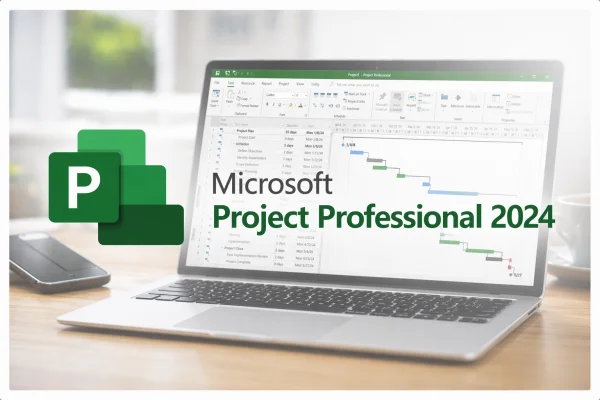
The objective of this course is to enable you to hit the ground running in project schedule management by arming you with high-powered hands-on knowledge of Microsoft Project 2013. This is one of the most sought after and highly-paid skills in real-world project environment.
Pre-Requisites:
Personal Computer, MS Windows, and MS Office
PMI PDUs:
14 PDUs
Location 2949 Promenade St, Suite 200, West Sacramento, CA 95691
Free Parking
Microsoft Project 2013 for Project Schedule Management
Course Outline
Day 1
Learning Objective 1: Project Initiation
Project Management Basics
Understanding MS Project 2013 Environment
Entering tasks or activities
Assigning resources to the activities
Learning Objectives 2: Project Calendars
Changing working time
Creating custom calendars
Learning Objective 3: Project Tasks
Managing project summary tasks and associated activities
Managing milestones
Learning Objective 4: Project Resources
Managing project resources
Setting up resource pool
Assigning, leveling, and smoothing resources
Day 2
Show allShow less
Learning Objective 5: Project Environment
Understanding project views
Creating Master project by importing sub-projects
Baselining the project
Customizing fields
Learning Objective 6: Task Sequencing and Control
Creating a Schedule Network Diagram by sequencing tasks via logical relationship
Understanding and managing the Critical Path
Using Lag and Lead
Tracking project performance using Earned Value Management (EVM)
Learning Objective 7: Default and Custom Views
Understanding various view options
Using default views
Creating custom views
Importing timeline into MS Visio
Learning Objective 8: Project Reporting
Using default reports
Using visual reports
Creating custom reports
In Sigmapmconsulting's own words. See it at Sigmapmconsulting