Documents Record at Google Drive
Downloadable Documents
- From the Admin Panel, you can enable / disable the settings for downloading documents as per Member Levels.
- Using this setting, users can allow other to download the documents and can download their document if they find them useful.
Share, Rate and Report
- Users can share any Document through various social sites like Facebook, Twitter, Pinterest, etc. & on his own website as well.
- Users can give ratings for Documents.
- Users can Report any of the Documents, if they find them offensive / irrelevant.
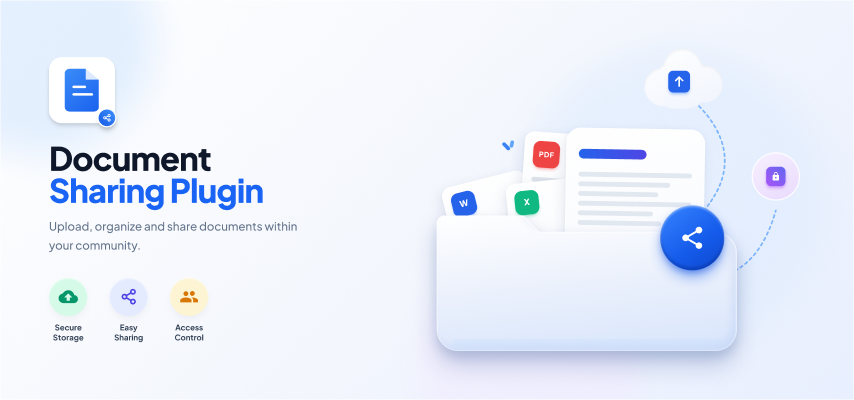
By-Default, this plugin provides you various extension types (pdf, txt, doc, ppt, jpg, jpeg, png and many more) for the documents according to which users can upload their documents. But if Admin wants to allow users with some more Extensions then, he can add more extensions with the default ones from the Global Settings in Admin Panel, in order to provide users to upload their documents with more extension types.
4 Document Labels
- For the Documents uploaded by using this Plugin we have provided 4 Document Labels such as Featured, Sponsored, Verified and Of The Day which will get displayed at the various widgetized pages and in sidebar widgets of this plugin.
- These labels are decided by the Site Admin and help users to make their Documents more popular through these labels and this will help other users to get the useful documents and hence increase the visibility of Documents on your website.
Documents Categories and Custom Fields
- Admin can create Parent categories, 2nd-level categories and 3rd-level categories for Documents which allows you to easily categorize Documents into various Categories, 2nd-level categories and 3rd-level categories of your choice.
- Categories can have Icon, Coloured Icon, Thumbnails, Description, Own Category Slug.
- You can create, add or remove the unlimited number of Custom Fields from the Form Questions section in the Admin Panel.
- When you map created custom fields with any category then on the creation of any news in that category will ask the same fields and will display it on the ‘Document Profile Page’.
Auto-Approved Documents
Document View and Comment Privacy
- You can allow the users of different Member Levels with the privacy settings of View and Comment on their documents.
- You can allow users to show their documents to different groups of people like everyone, only registered members, friends and networks, friends of friends, only friends and just me.
- These settings are used to protect your documents from any kind of loss and insecurity.
Manageable Documents
- The documents created by the users can be easily managed from the Manage Documents section of this Plugin.
- Admin can View and Delete any specific Document with its details also as per the choice.
- These Documents can be marked as featured, Sponsored, Verified, Of the Day according to the choice & requirement.
- Admin is also enabled to search any Document by entering the fields into the search filter under this section.
Integrate Plugins
This plugin is closely and seamlessly integrated with other plugins to provide creation of Documents in already existing content on your website.
Member Level Settings
- You can enable / disable the documents to view, create, edit, delete and comment.
- You can enable / disable auto-approve, featured and sponsored features for documents.
- You can enable / disable the settings for highlighting the documents and configure other settings related to it.
- Here, you can configure the settings of documents View and Comment privacy.
- Can configure settings for allowed documents and its size.
- And enable / disable the settings for downloading.
Documents Statistics
This section will display the statistics report for various aspects of this plugin such as: Total Documents, Total Approved Documents, Total Featured Documents, Total Sponsored Documents, Total Verified Documents, etc.
Widgetized Pages
This plugin has many widgetized pages which will help you to create your Documents, see the content in various attractive views, slideshows, etc. With the help of these widgetized pages Admin can configure these pages as per choice from the layout editor in admin panel.
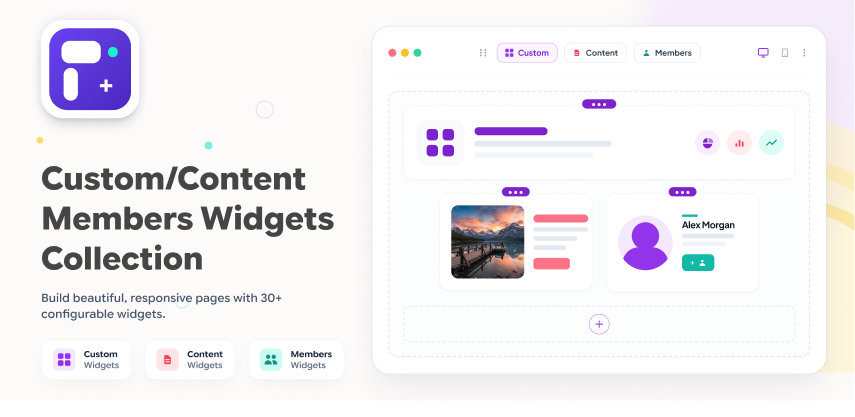
30+ Highly Configurable Widgets
For Documents Sharing Plugin, we have 30+ highly configurable widgets with the help of which Admin can allow the site users to create as many documents as they want. All the widgets are highly configurable.