Features
► Easy to track task progress.
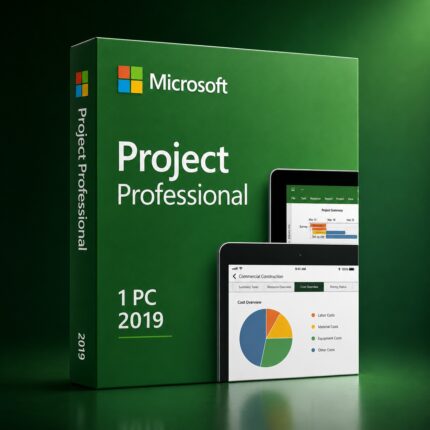
Minimise the time needed to communicate your project plans and work in progress with timeline bars, which include task names and dates.
► Task Summary Name field.
Increase clarity of your project’s structure by adding Task Summary Name field as a column to your Task View. Adding this will enable you to know what task is intended under the name in the project plan.
► Timeline bar labels and task progress.
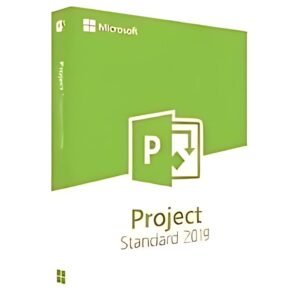
With Project 2019, you can label your timeline bars, and task progress will appear on the task itself. It will not only help you complete all of your assignments, but it will also help you understand every aspect of the project.
► Accessibility improvements.
Improved accessibility of Project enables users to utilise Windows Narrator and other assistive technology to read more elements of Project.
The initial activation of all purchased products should be performed no later than 3 months after the purchase date. Note that the initial activation period is not the warranty period of the product – all warranty details are thoroughly explained in the terms and conditions section.
System Requirements
‣ Required Processor 1.6 Ghz or faster, 2-core
‣ Required Memory 4 GB RAM (64-bit); 2 GB RAM (32-bit)
‣ Required Hard Disk Space 4 GB available disk space
‣ Required Display 1024 x 768 or higher screen resolution
‣ Required video card DirectX 9 or later, with WDDM 2.0 or higher
‣ Required connectivity Internet access (fees may apply)
‣ Operating system Windows 10, Windows Server 2019.
If you have any further inquiries please do not hesitate to contact us!