✅ Sales
Problem Campaign lists are exported from the CRM by hand.
Outright Mailchimp Integration setup Sync CRM to MailChimp for Contacts; target lists become Mailchimp tags.
✅ E-commerce / B2C
Problem Unsubscribes in Mailchimp are not respected in the CRM.
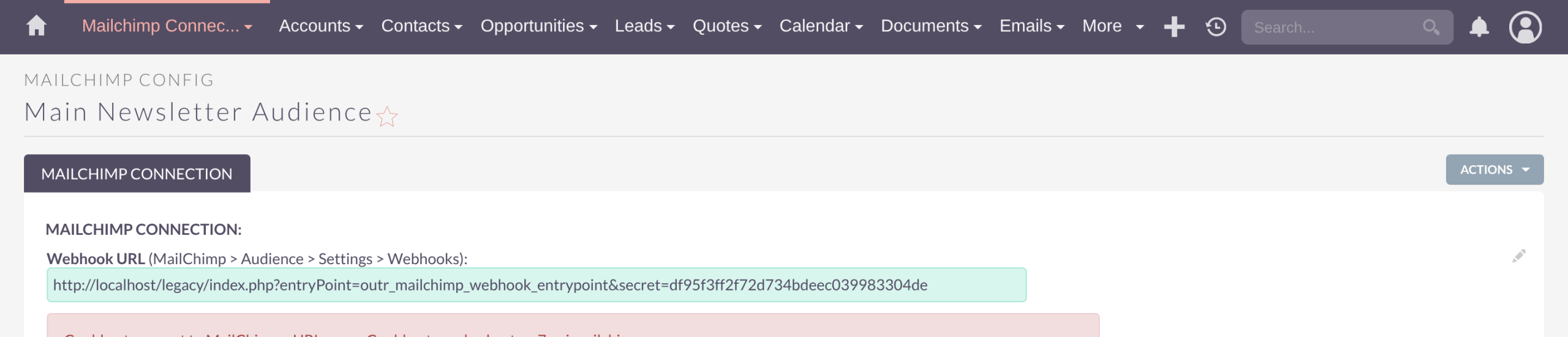
Outright Mailchimp Integration setup Webhook brings unsubscribes into the CRM immediately.
✅ Agencies
Problem Several audiences for different brands.
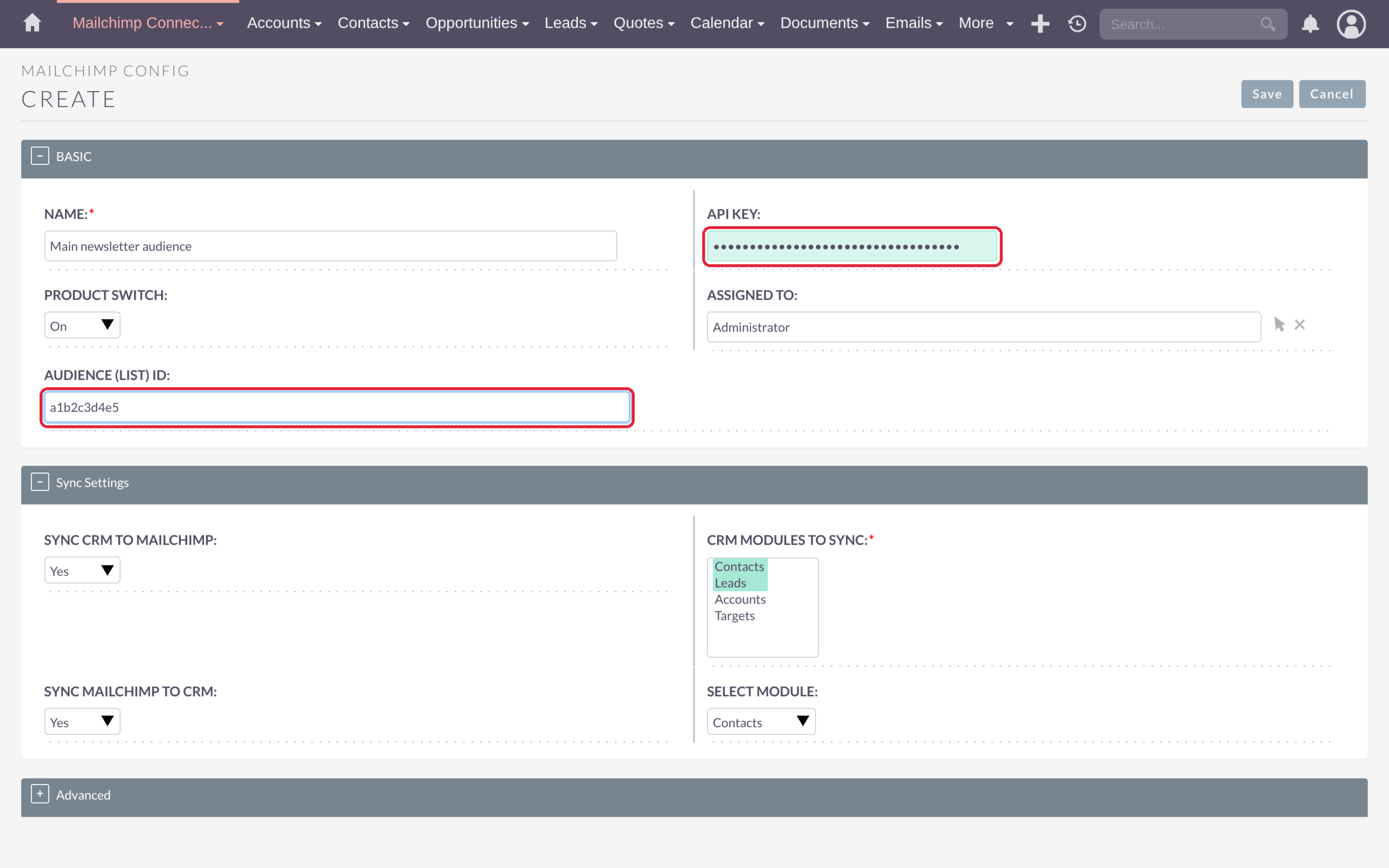
Outright Mailchimp Integration setup One connection per audience, each with its own modules.
✅ Events
Problem Attendee target lists must be mailed quickly.
Outright Mailchimp Integration setup Target list ↔ tag sync; send the campaign from Mailchimp.
✅ Management
Problem No view of campaigns in the CRM.
Outright Mailchimp Integration setup Get campaigns from MailChimp imports them as CRM campaigns with status.
✅ Data Quality
Problem Invalid e-mails silently fail.
Outright Mailchimp Integration setup Rejected records listed in the MailChimp Error Log.
✅ Upgrade from v23
Problem Must keep data and schedulers, drop the licence key.
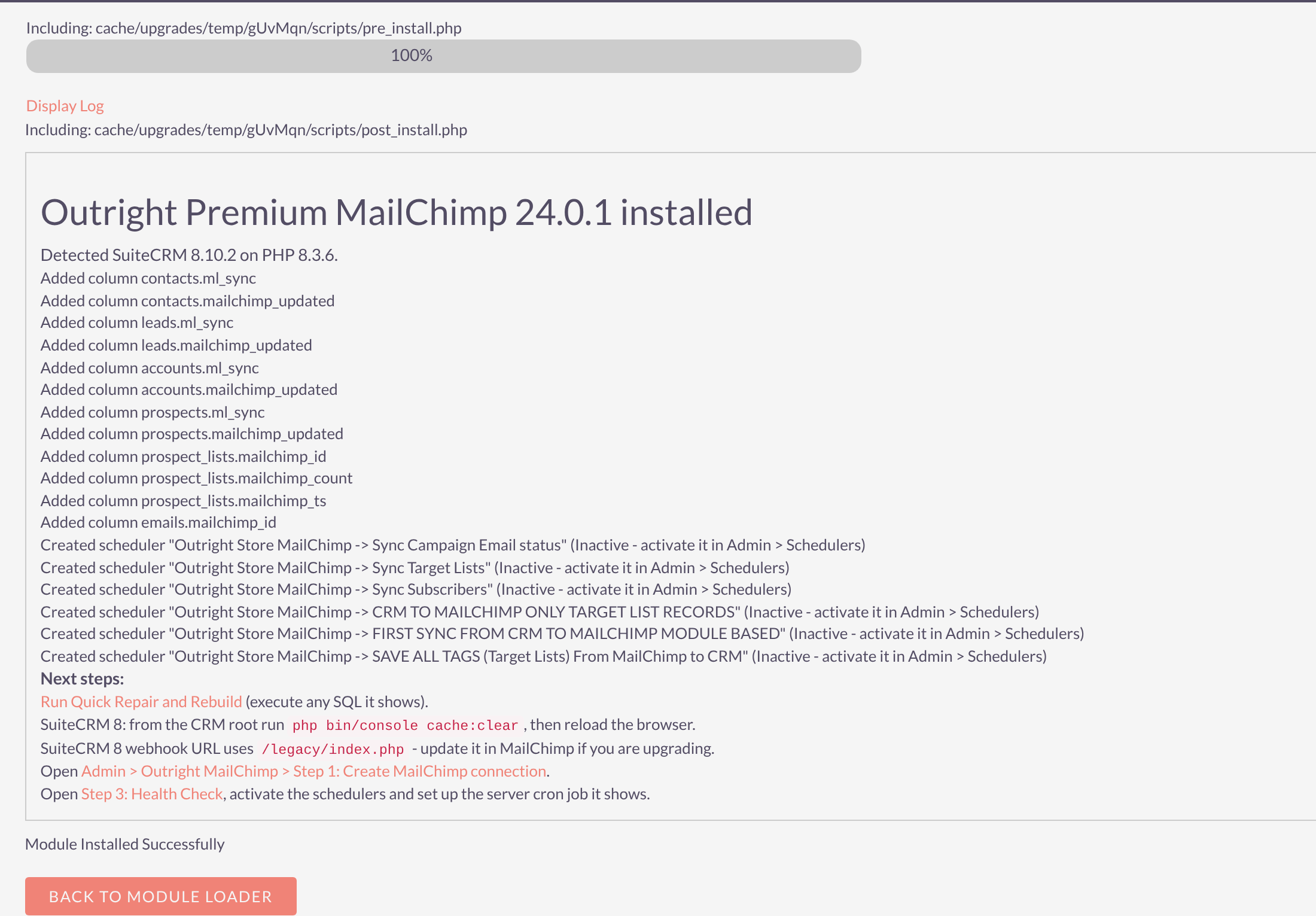
Outright Mailchimp Integration setup Install 24.0.1 over v23: data, configuration and schedulers kept.
Key Highlights
✅ Two-Way Sync, Automatically
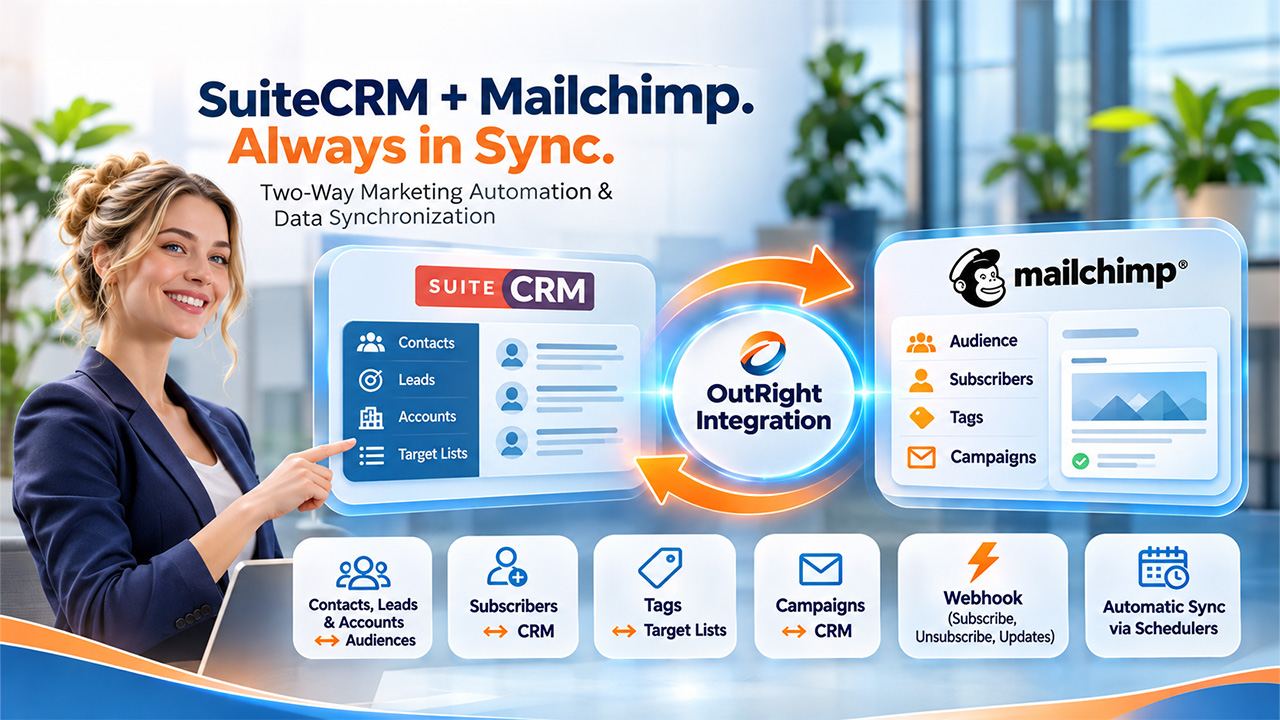
CRM records to Mailchimp, subscribers to the CRM, tags ↔ target lists and campaigns into the CRM — by schedulers, on save and through a secured webhook in real time.
✅ Set Up in Three Steps
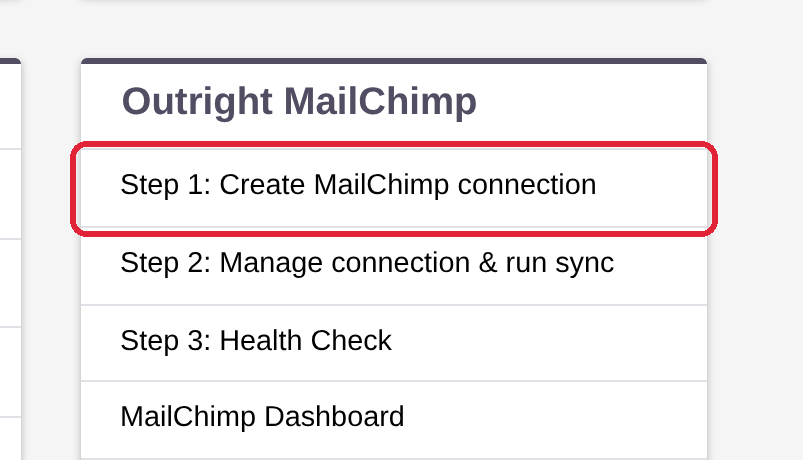
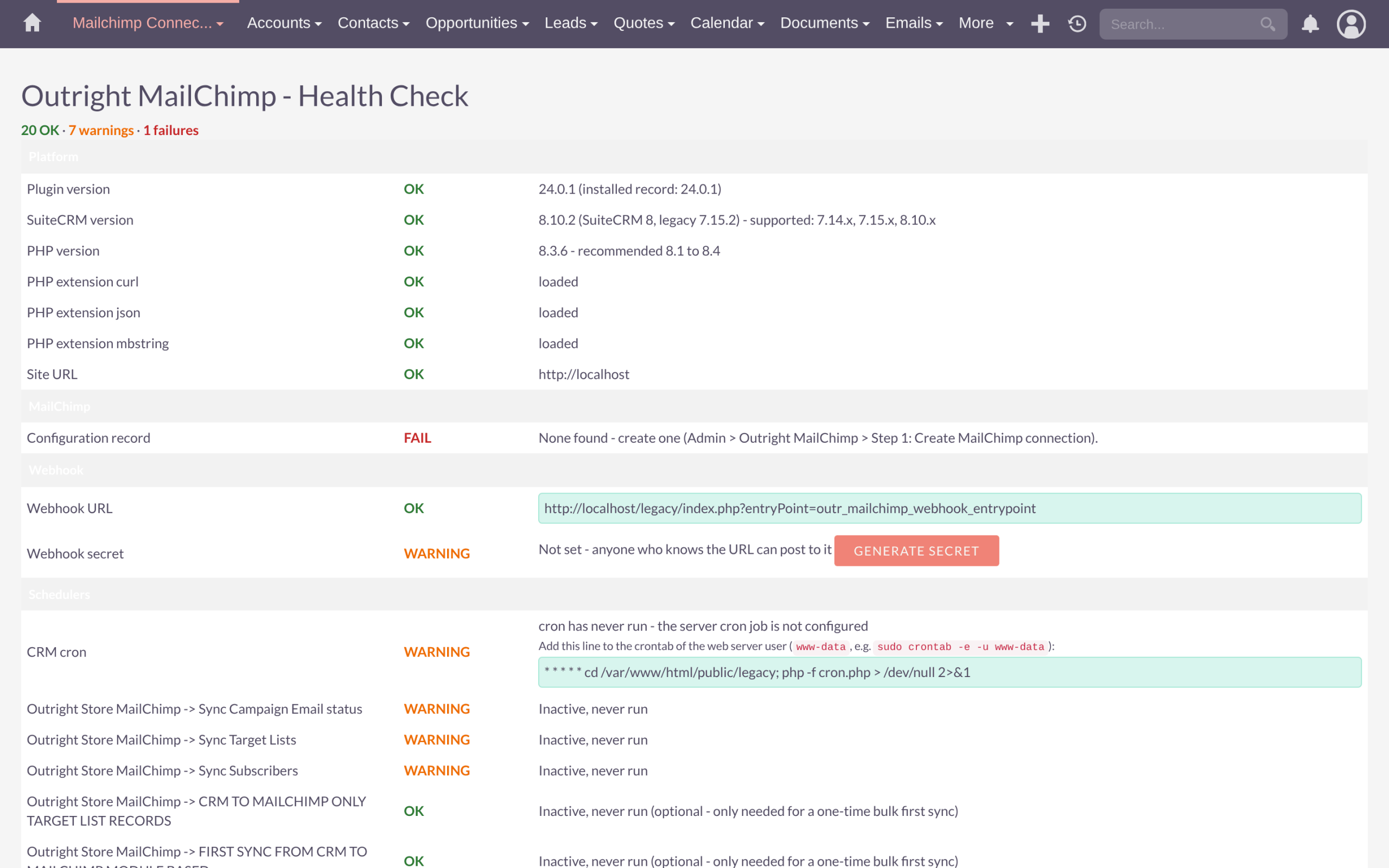
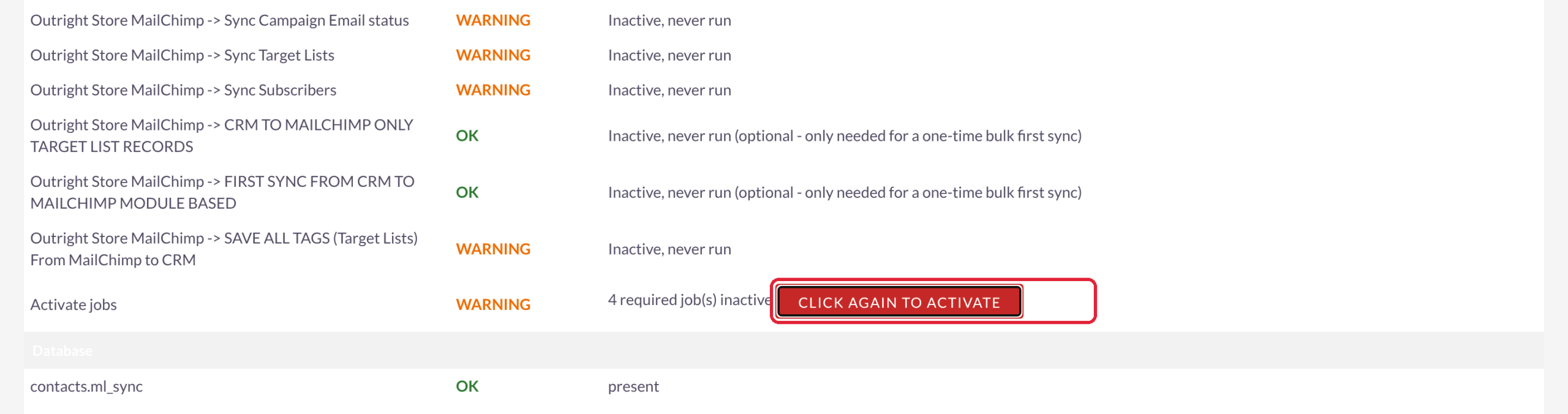
Create the connection, run syncs, check health: the Health Check shows what is missing, the exact crontab line and activates the schedulers with one click.
✅ Clear and Safe
Sync results you can trust, an error log for rejected records, a masked API key, webhook secrets and POST-only sync actions — no licence key required.