Build Coding and AI Skills
Build competency in computational thinking, coding and artificial intelligence with hands on activities.
Activity-Based Learning
Incorporating 18 hands-on activities and theme-based learning that make learning both fun and intellectually stimulating.
Learn with Quarky Robot
Interactive sessions with the Quarky robot enhance engagement and maintains a high level of interest.
PictoBlox AI Software
Learn the art of coding through horizontal block coding in PictoBlox, a premier tool for young learners. Students also receive 3000 AI credits for PictoBlox.
Codeavour Competition
Exclusive access to Codeavour – the AI and Robotics Competition, with the opportunity to represent India on the global stage at Dubai.
Software and Hardware Used
Windows 10
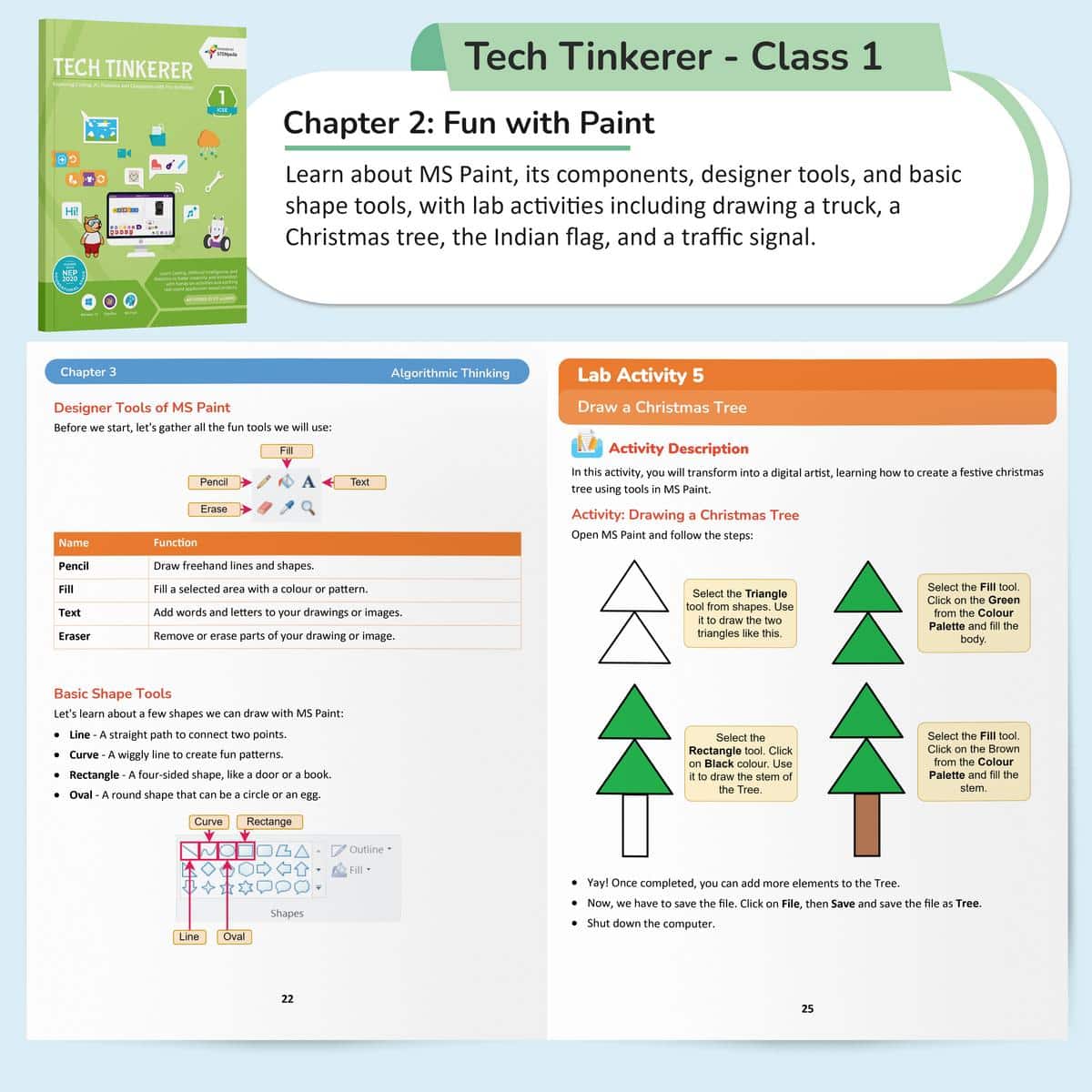
MS Paint
Notepad
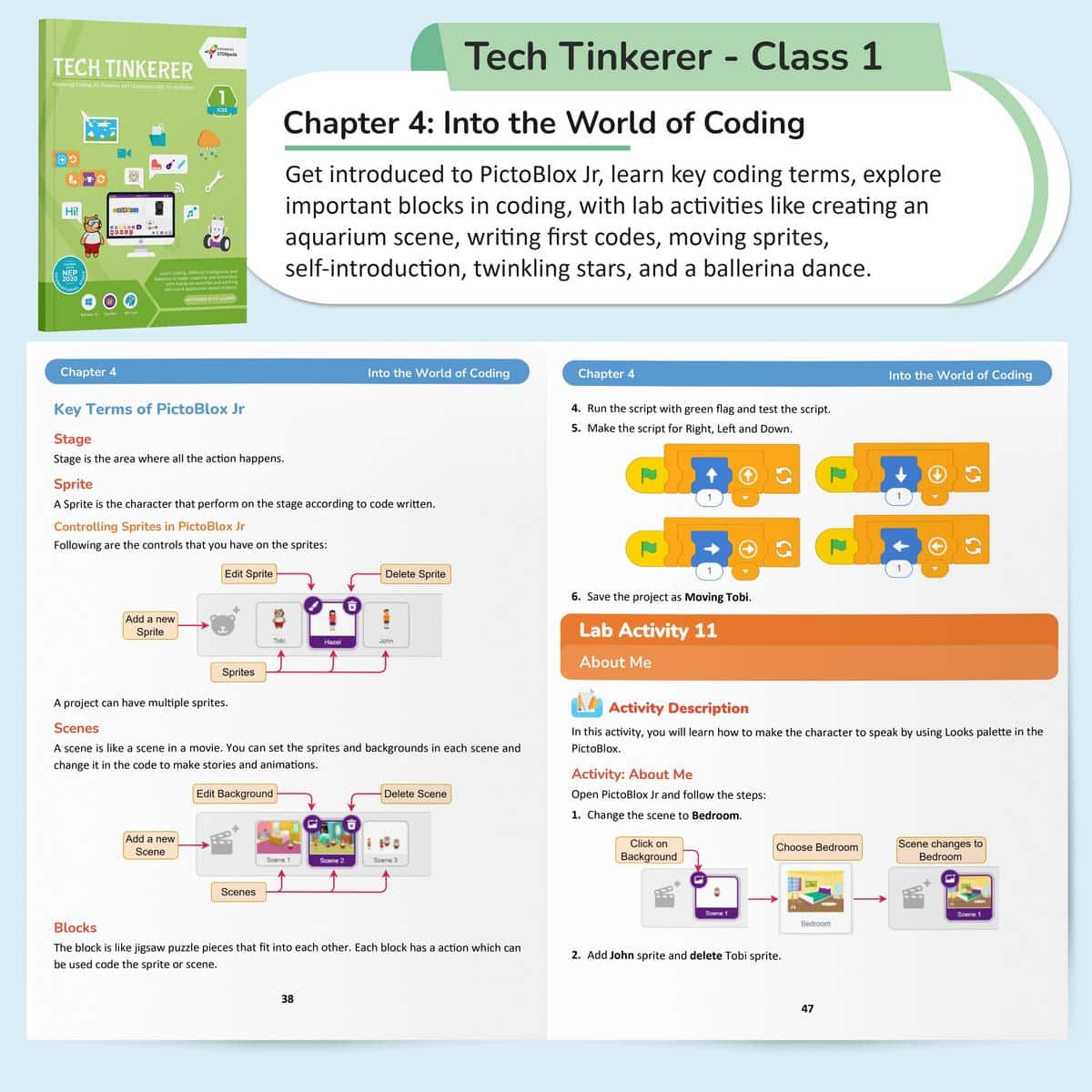
PictoBlox Jr
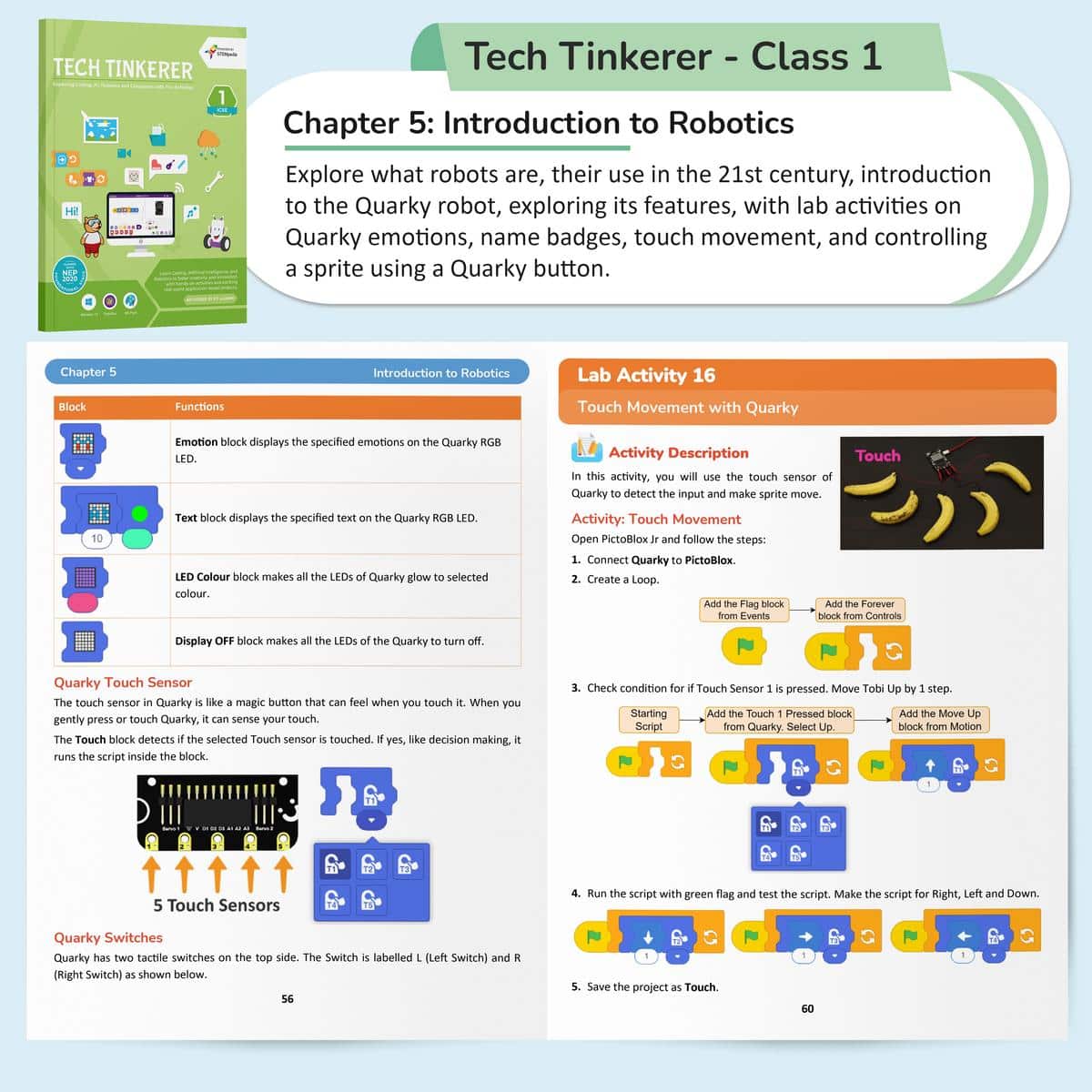
Quarky
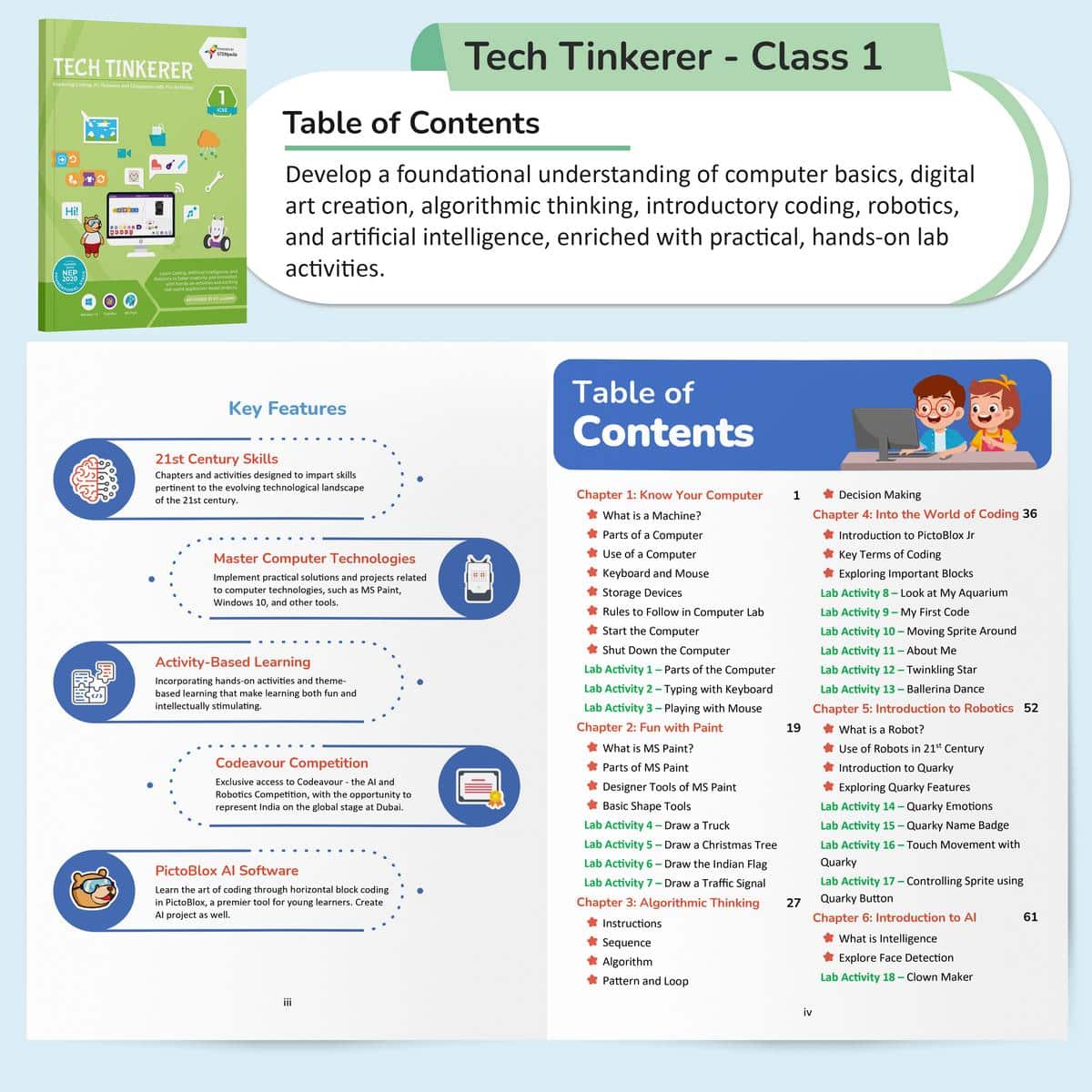
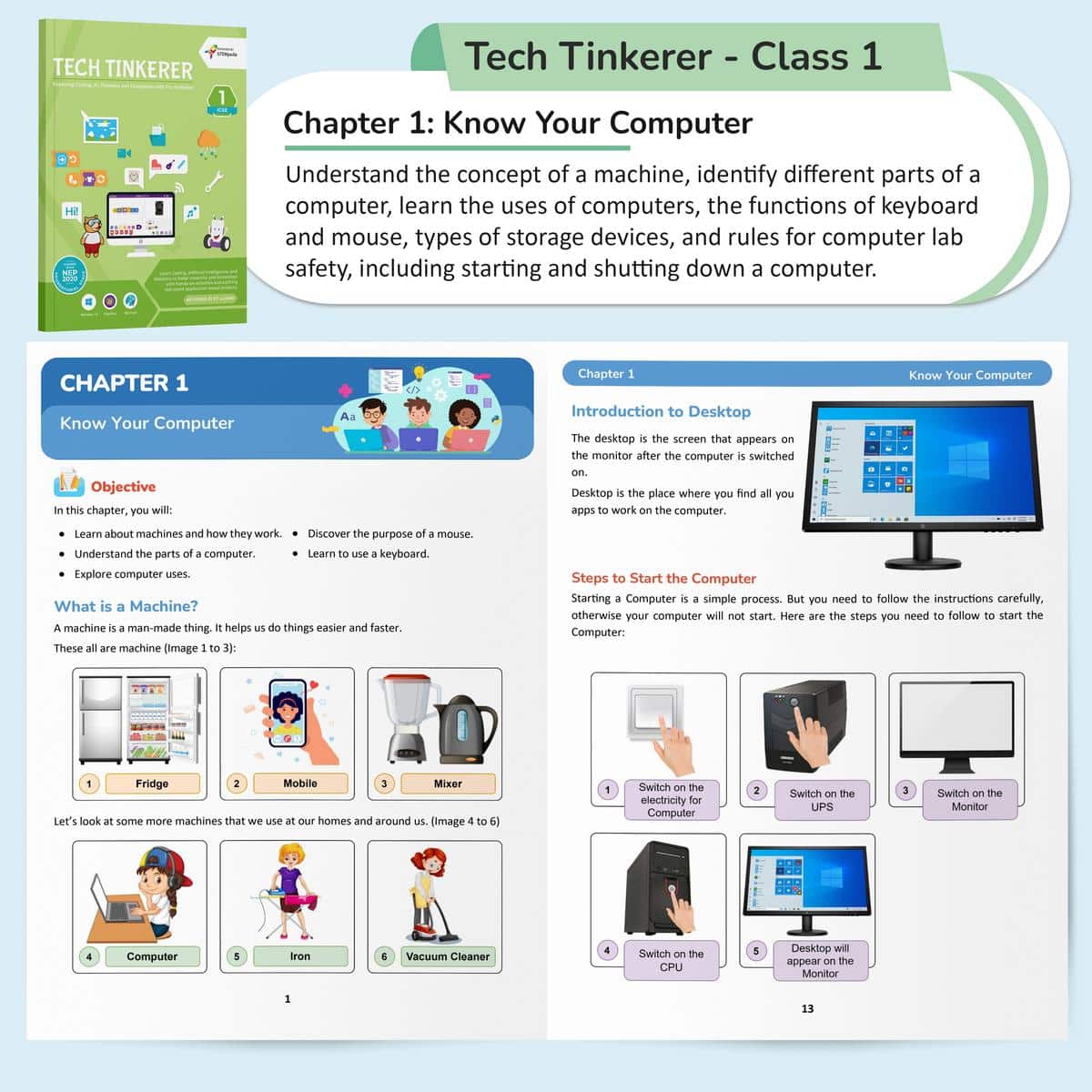
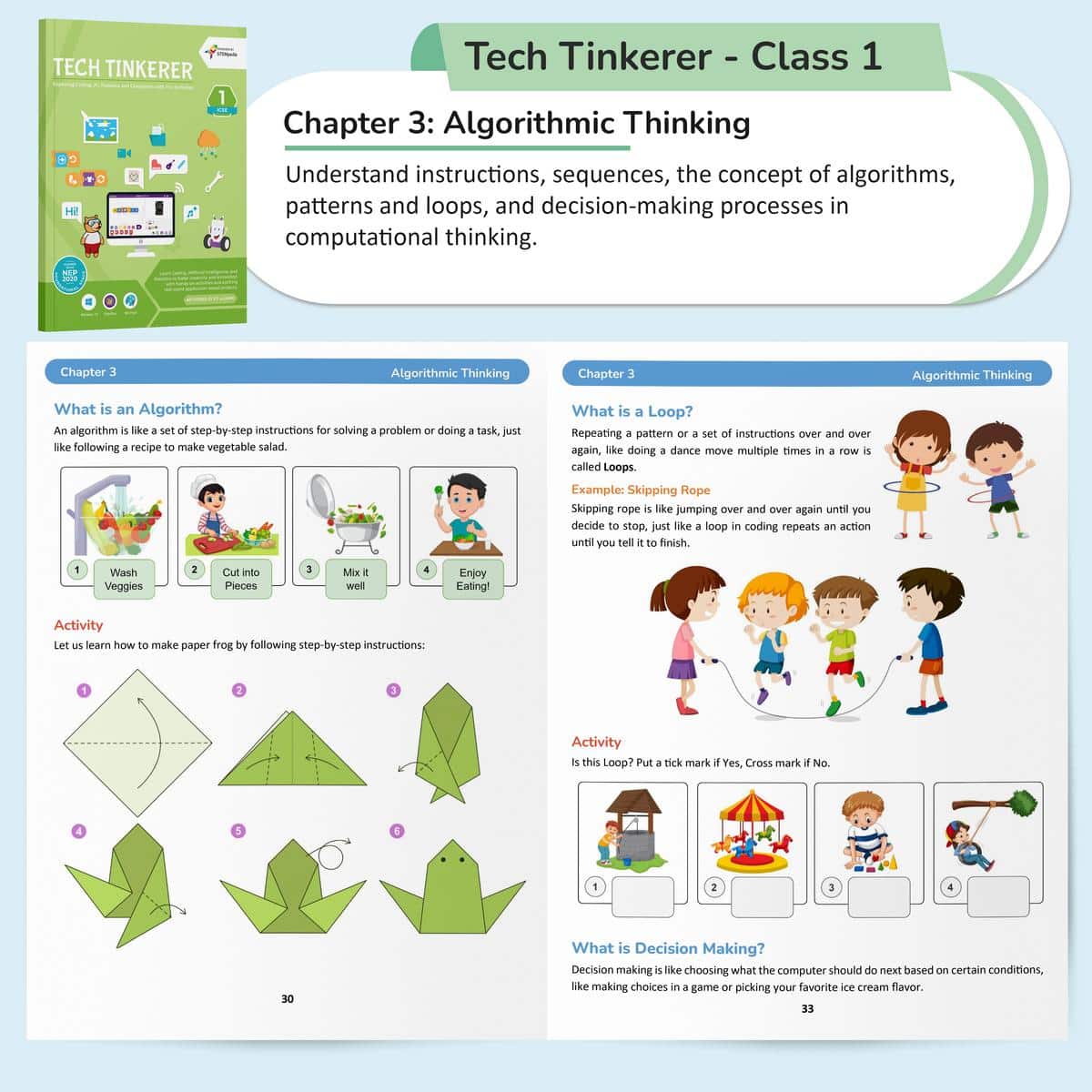
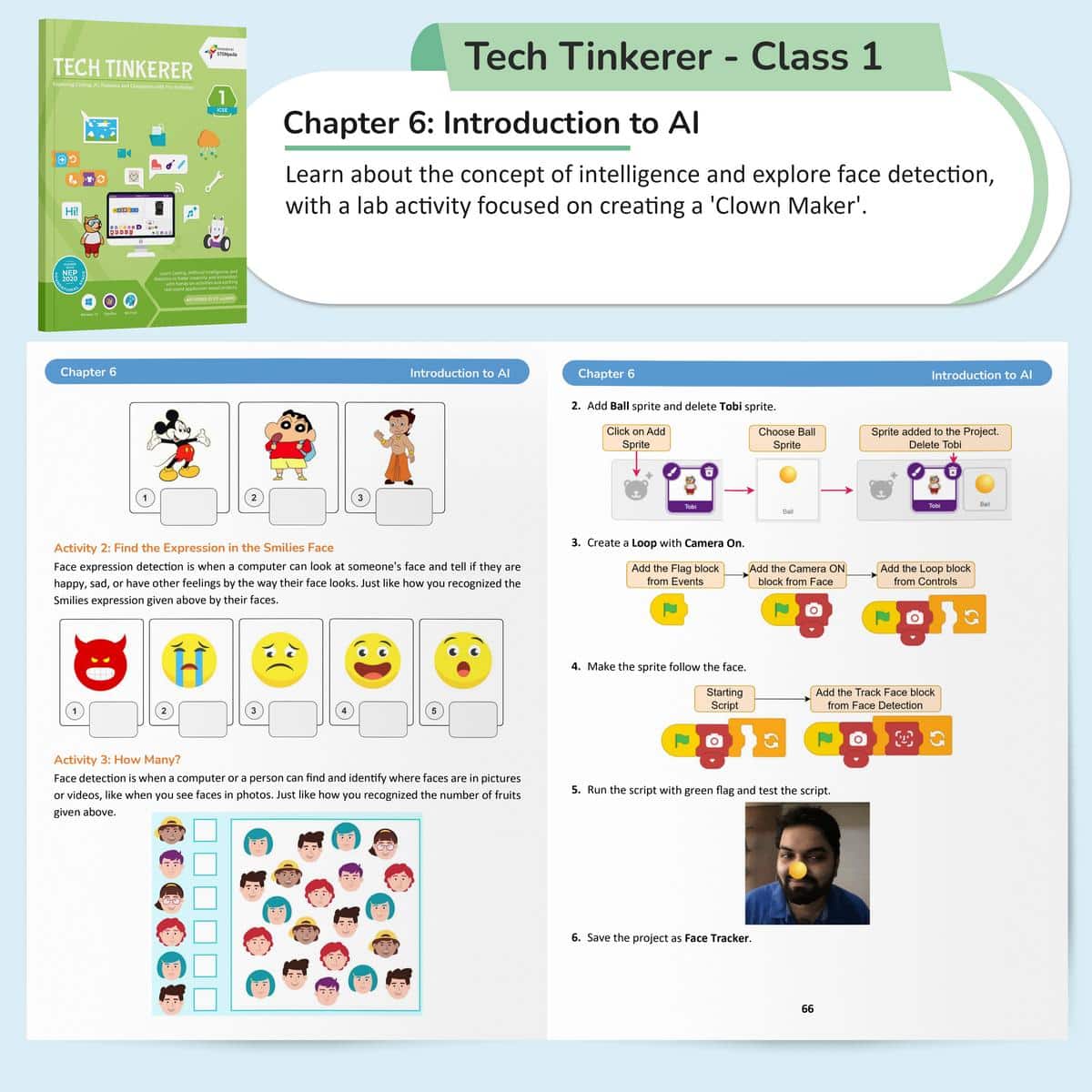
Chapter-wise Learning Outcome
Lab Activities in the Book
The book includes a range of lab activities in each chapter, designed to reinforce theoretical concepts through practical, hands-on experience.
Get Your Book Today!
Tech Tinker is the book your child needs to start their journey in technology. Equip them with the skills of tomorrow, today!
Add to Cart
FAQs on Tech Tinkerer – Class 1 Book
What age group is this book intended for?
This book is tailored specifically for Class 1 students, typically aged 6-7 years. It’s designed to introduce young learners to the basics of computing in an age-appropriate manner.
Who are the authors of Tech Tinkerer?
The book is authored by a team of experts from STEMpedia, including Pankaj Kumar Verma (IIT Kanpur), Dhrupal R Shah (IIT Kanpur), Khushbu Chauhan, and Devi M. They bring a wealth of knowledge in AI, Robotics, and Computer Technology.
Does the book require any prior knowledge of computers or coding?
No, the book is structured to start from the basics, making it suitable for beginners with no prior experience in computers or coding.
How does the book align with the National Education Policy 2020?
The content and teaching approach of the book are in line with the National Education Policy 2020, focusing on creativity, critical thinking, and hands-on learning, encouraging students to explore and understand technology innovatively.
What kind of practical activities does the book include?
The book includes 18 lab activities covering various aspects of ICT, Coding, and AI. These activities are hands-on and interactive, such as creating projects in MS Paint, learning to code with PictoBlox Junior, and exploring basic robotics.
Is there a specific software or tool required for the coding and AI sections?
The book introduces PictoBlox Junior for coding exercises and Quarky for robotics. These tools are chosen for their child-friendly interface and educational value.
Can this book be used in a classroom setting?
Absolutely, the book is ideal for classroom use, offering a mix of theoretical and practical elements that can be easily integrated into teaching plans.
Are there assessments or exercises to track a student’s progress?
Yes, each chapter includes various exercises like multiple-choice questions, fill-in-the-blanks, and puzzles. There’s also a Capstone Project at the end for a comprehensive assessment.
How does the book make learning about technology enjoyable for young students?
The book uses engaging activities, easy-to-understand language, and interactive exercises to make learning about technology fun and interesting for young minds.
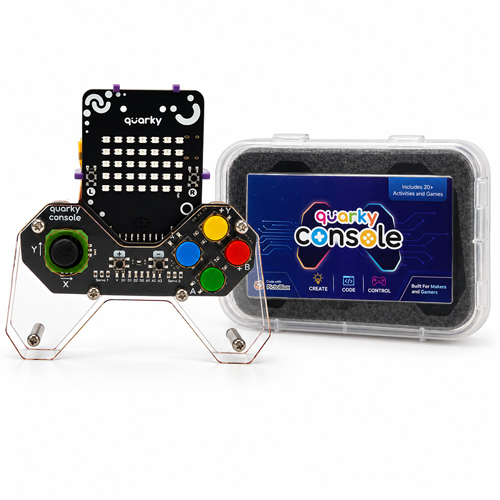
What is Quarky?
Quarky is a robotic tool used in various lab activities within the book. It is designed to provide hands-on experience in robotics, helping students understand basic robotic functions and control mechanisms. Through activities involving Quarky, students learn about robotics in an interactive and engaging manner.
What is PictoBlox, and how is it used in the book?
PictoBlox is a graphical programming software introduced in the book. It’s used in several lab activities to teach coding and programming concepts. PictoBlox’s user-friendly interface makes it an effective tool for introducing students to programming, allowing them to create animations, games, and more.
Is there support material available for parents or teachers?
The book comes with an answer key for all exercises and a detailed guide for lab activities, making it easier for parents and teachers to guide the students.