Coding and Algorithms
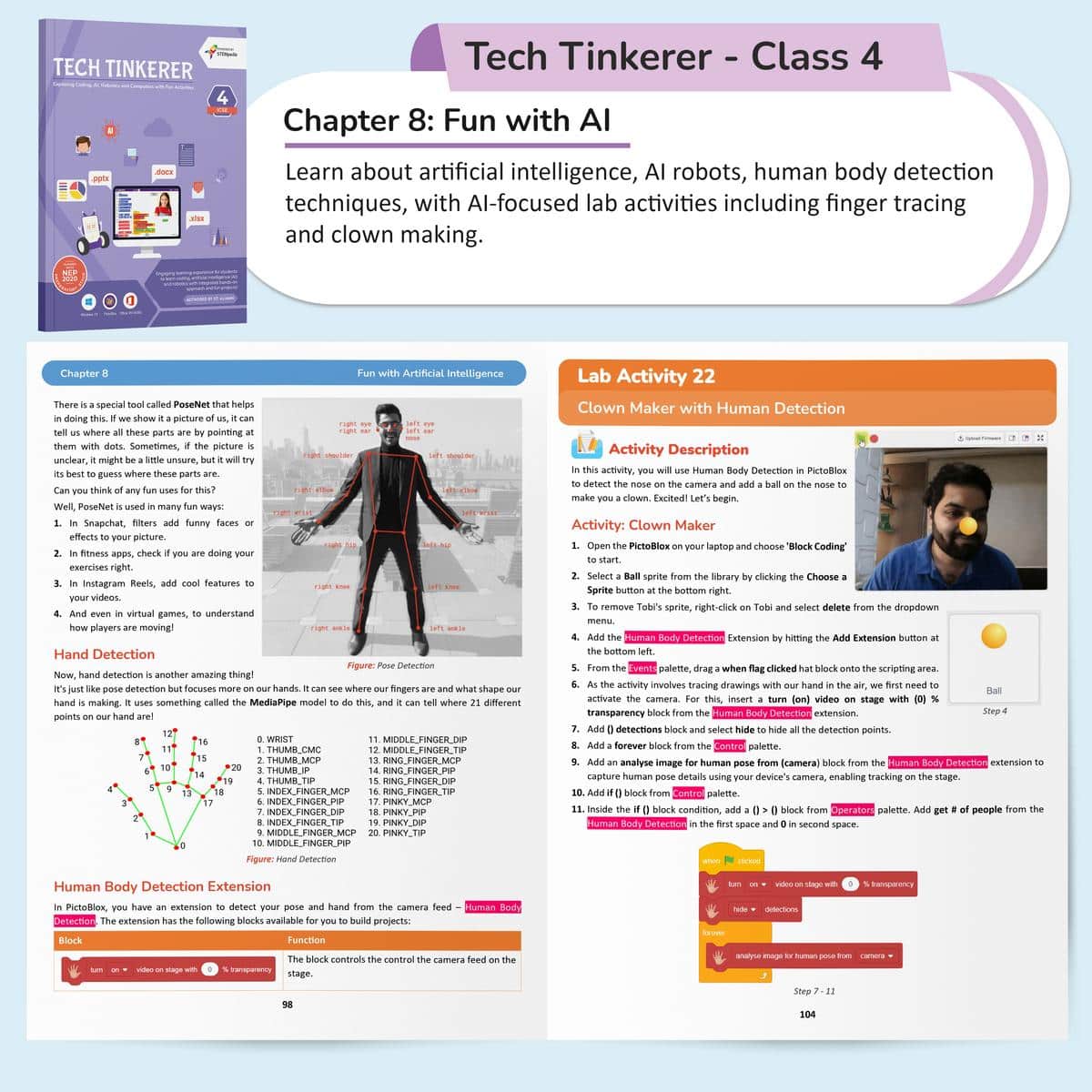
Artificial Intelligence
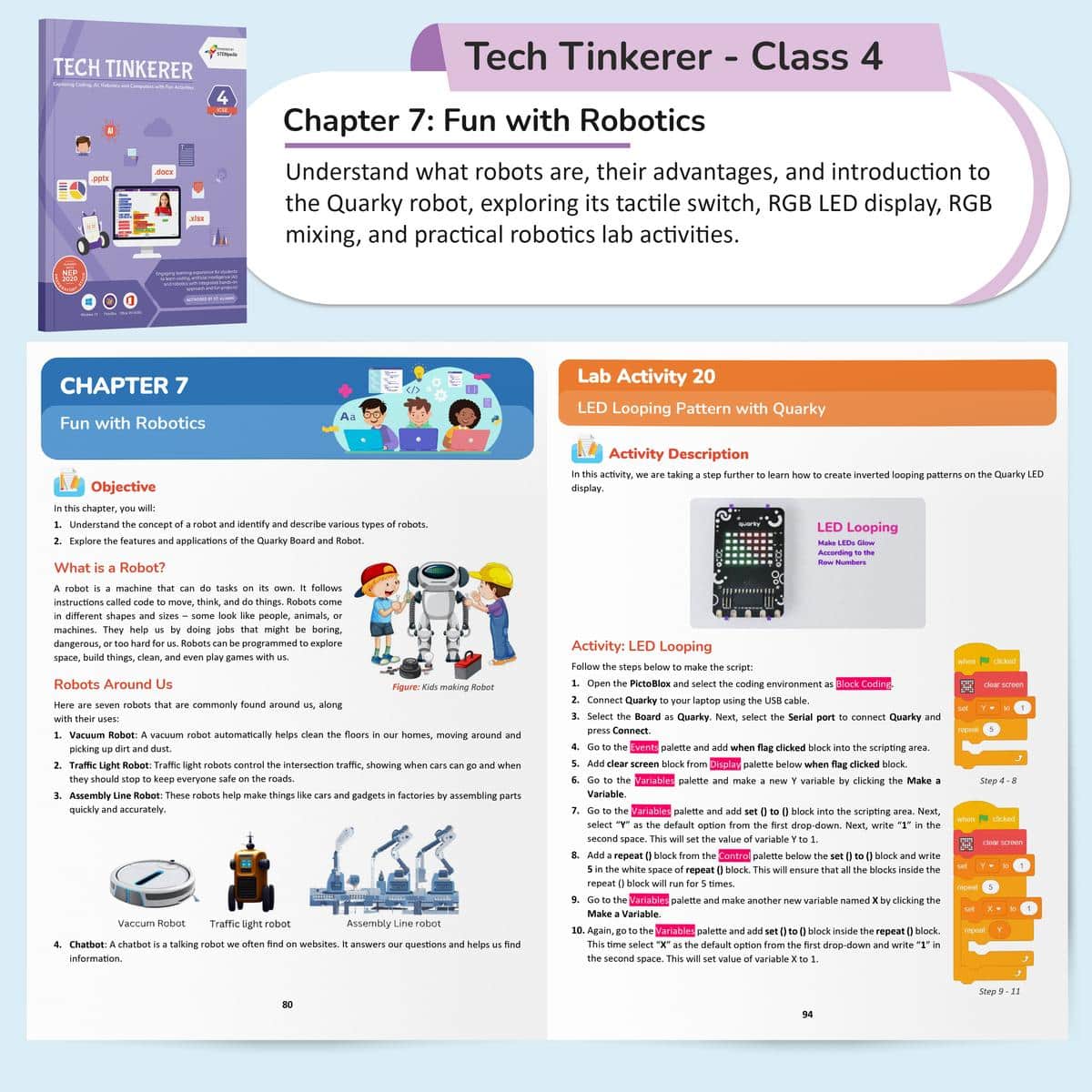
Fun with Robotics
Explore MS Office
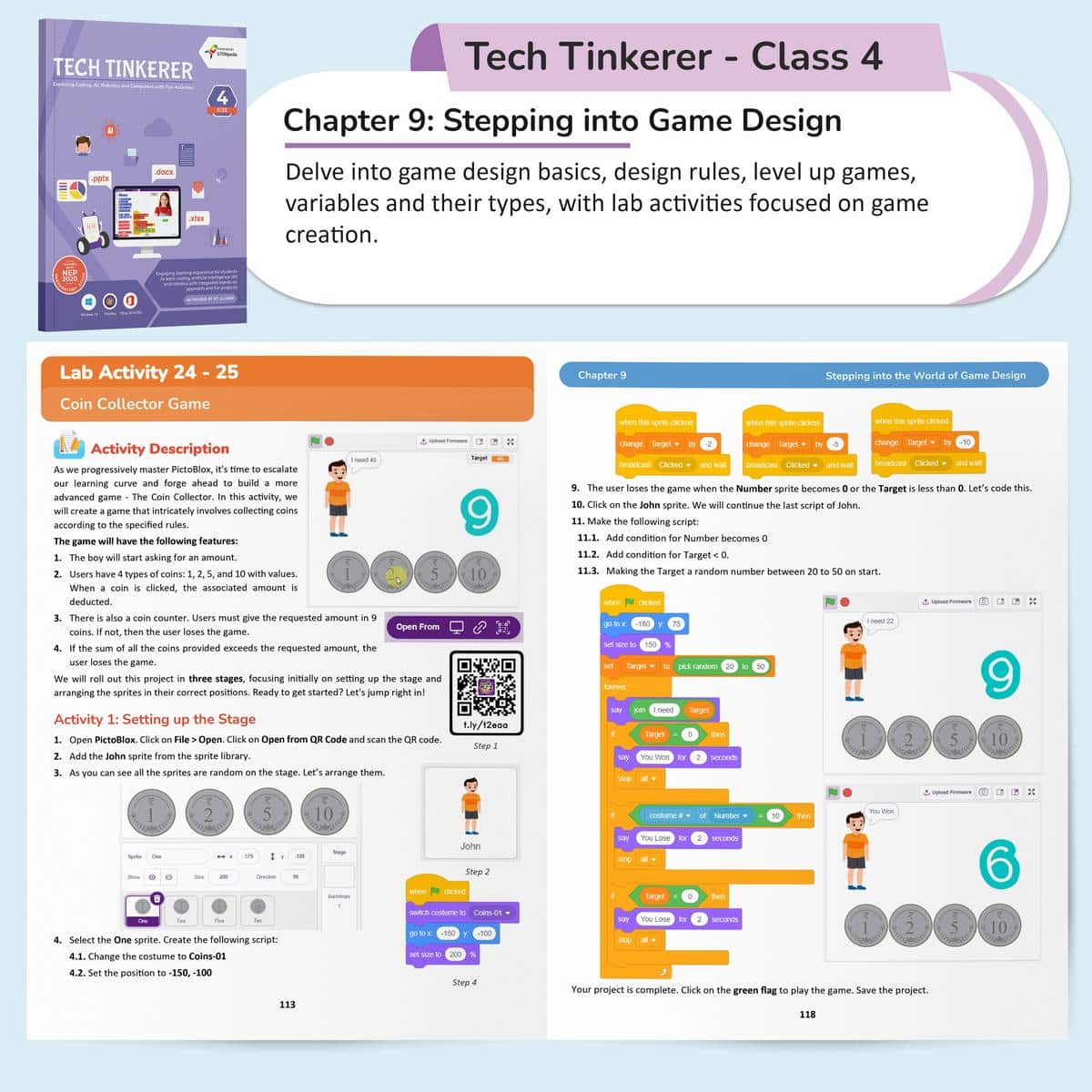
Game Development
Fun with Robots
Inside the Book
21st Century Skills
Chapters and activities designed to impart skills pertinent to the evolving technological landscape of the 21st century.
Master Coding and AI Skills
Build competency in computational thinking, coding and artificial intelligence with hands on activities.
Activity-Based Learning
Incorporating 25 hands-on activities and theme-based learning that make learning both fun and intellectually stimulating.
Learn with Quarky Robot
Interactive sessions with the Quarky robot enhance engagement and maintains a high level of interest.
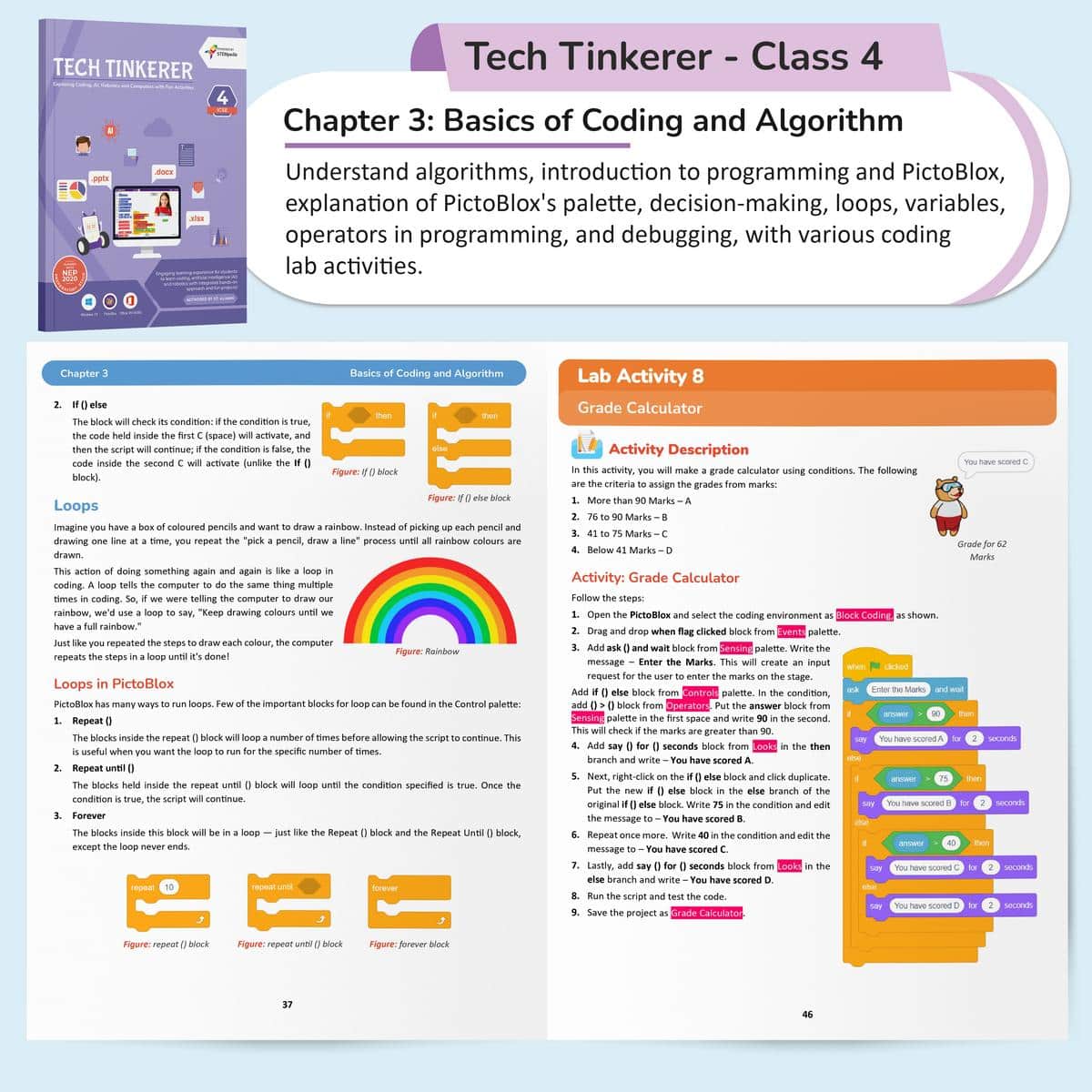
PictoBlox AI Software
Learn the art of coding through block coding in PictoBlox, a premier tool for young learners. Students also receive 3000 AI credits for PictoBlox.
Codeavour Competition
Exclusive access to Codeavour – the AI and Robotics Competition, with the opportunity to represent India on the global stage at Dubai.
Software and Hardware Used
Windows 10
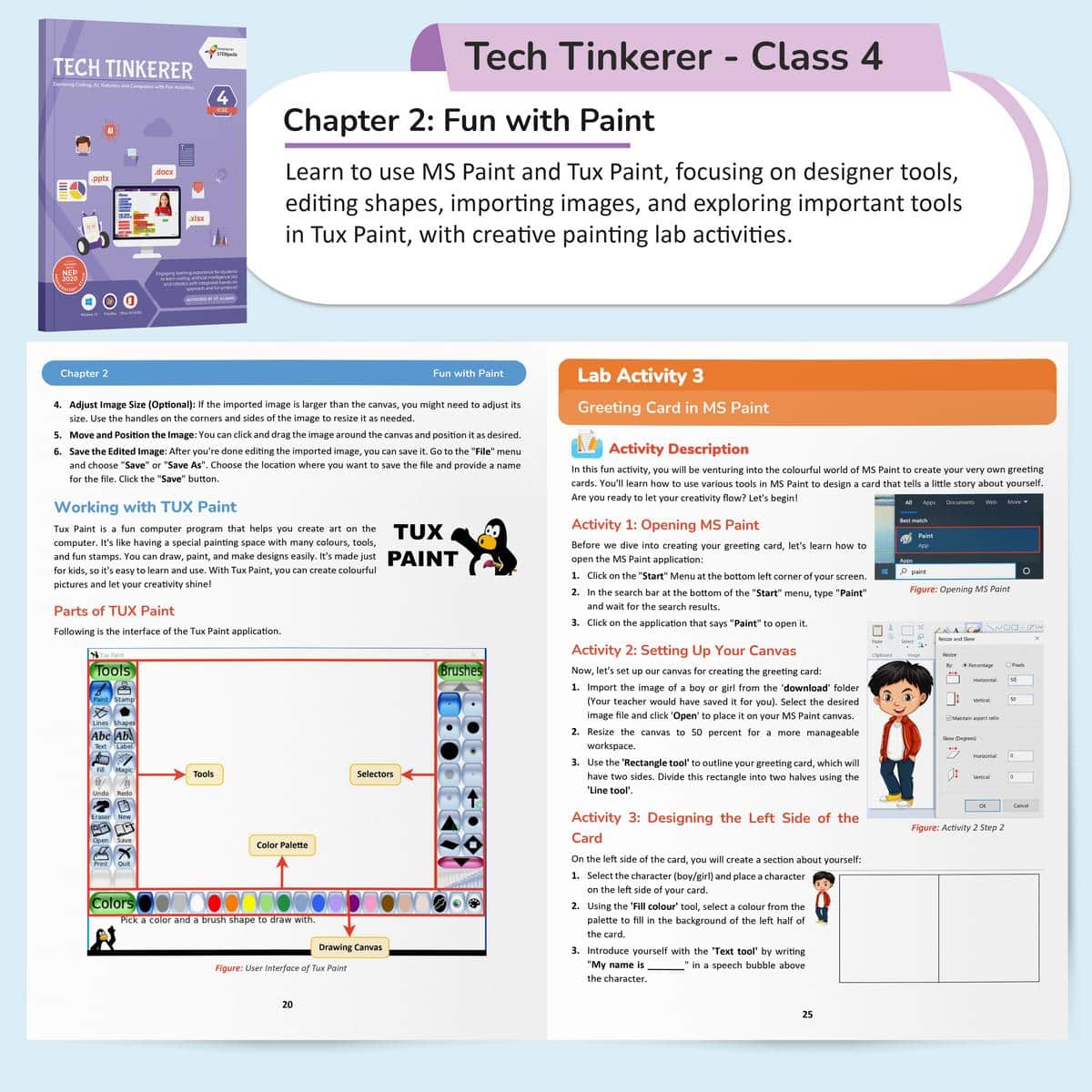
Tux Paint
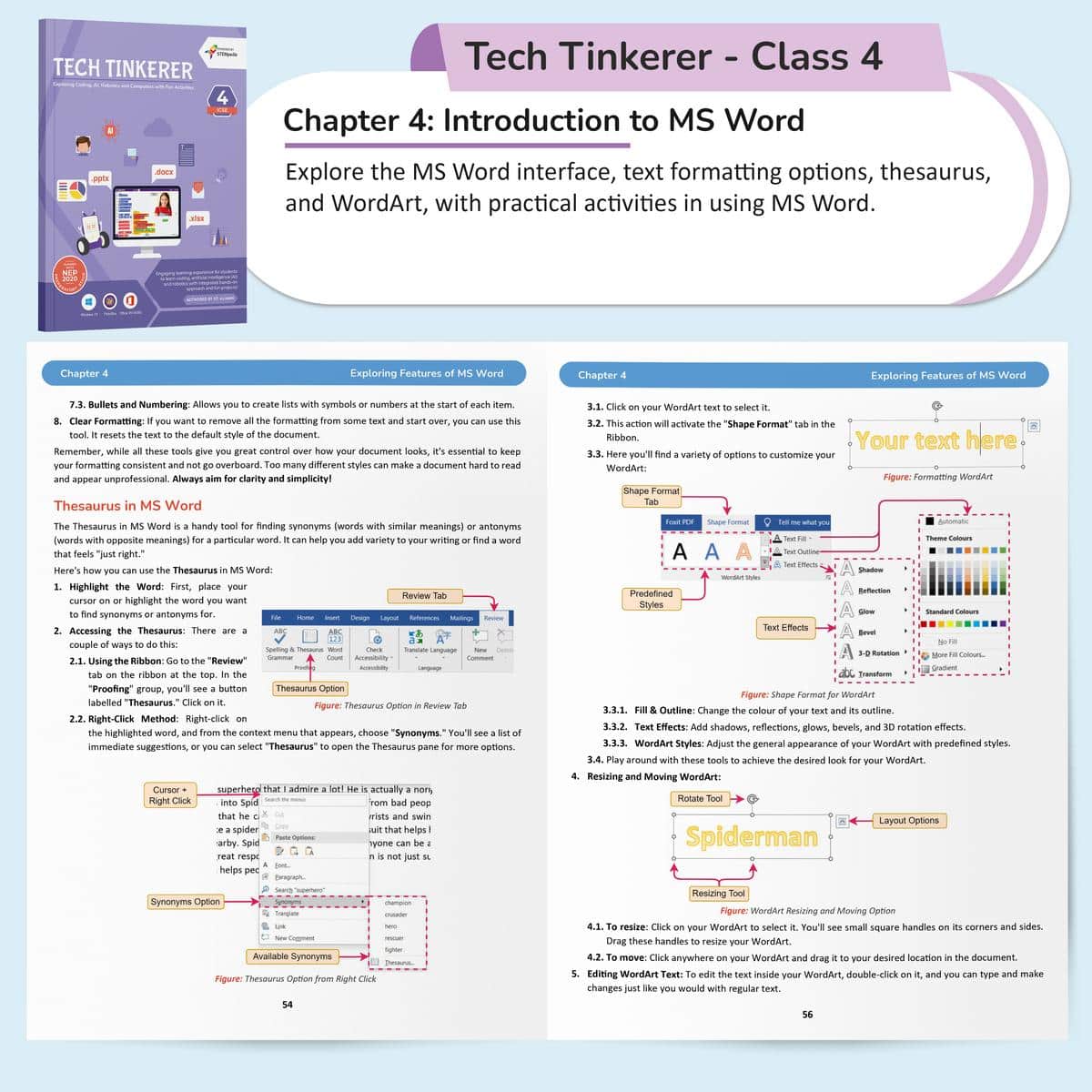
MS Word 16/19
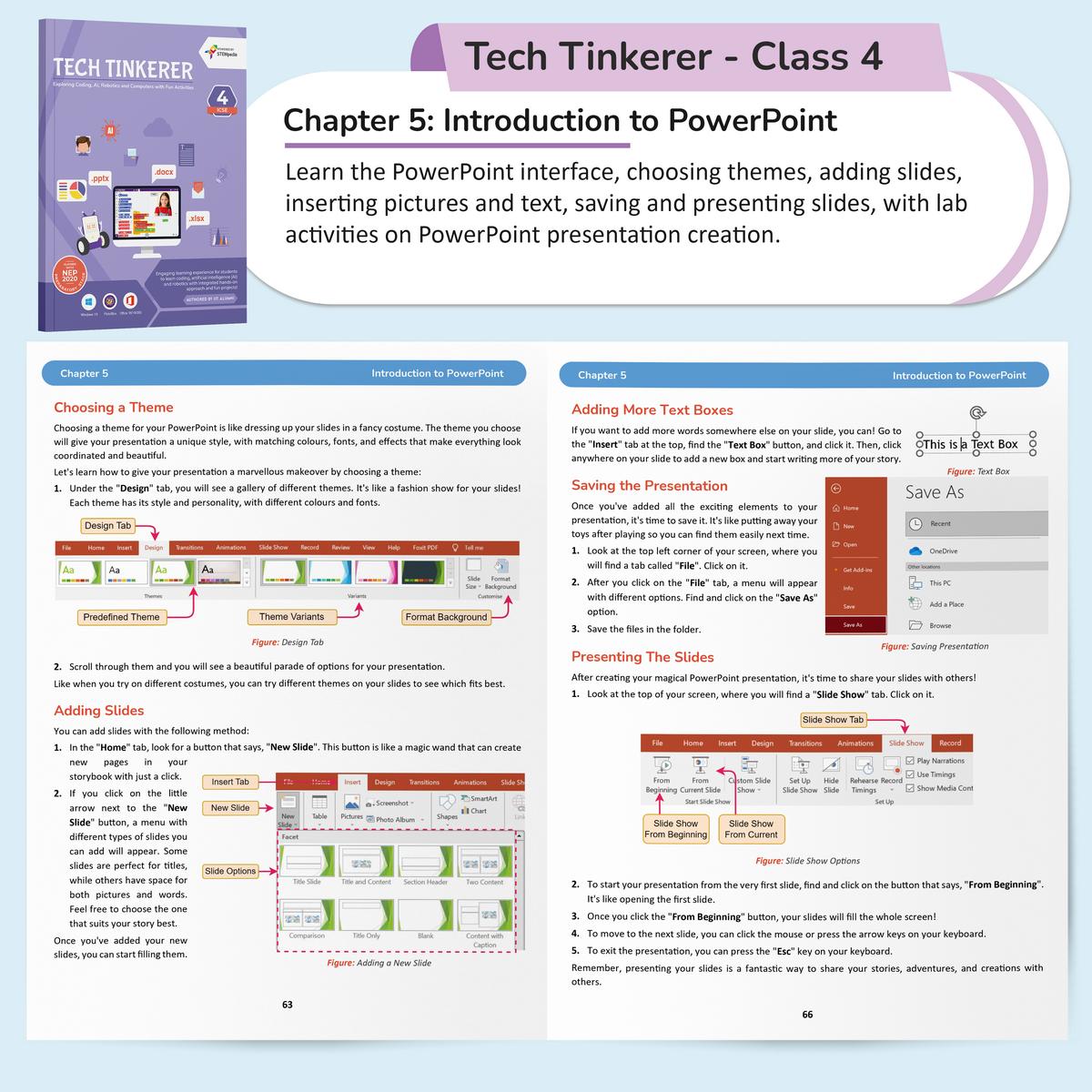
MS PowerPoint 16/19
PictoBlox
Quarky
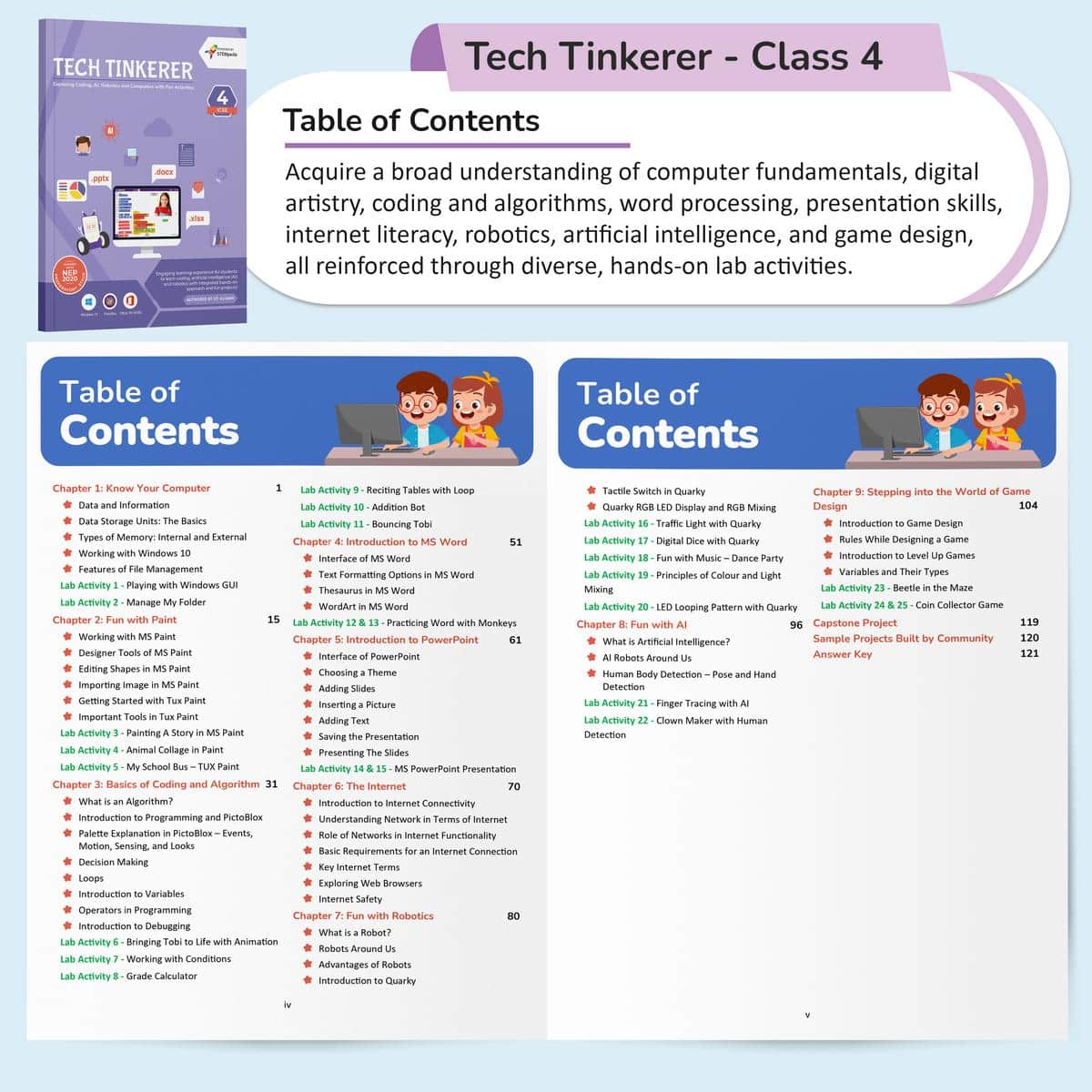
Chapter-wise Learning Outcome
Lab Activities in the Book
The book includes a range of lab activities in each chapter, designed to reinforce theoretical concepts through practical, hands-on experience.
Get Your Book Today!
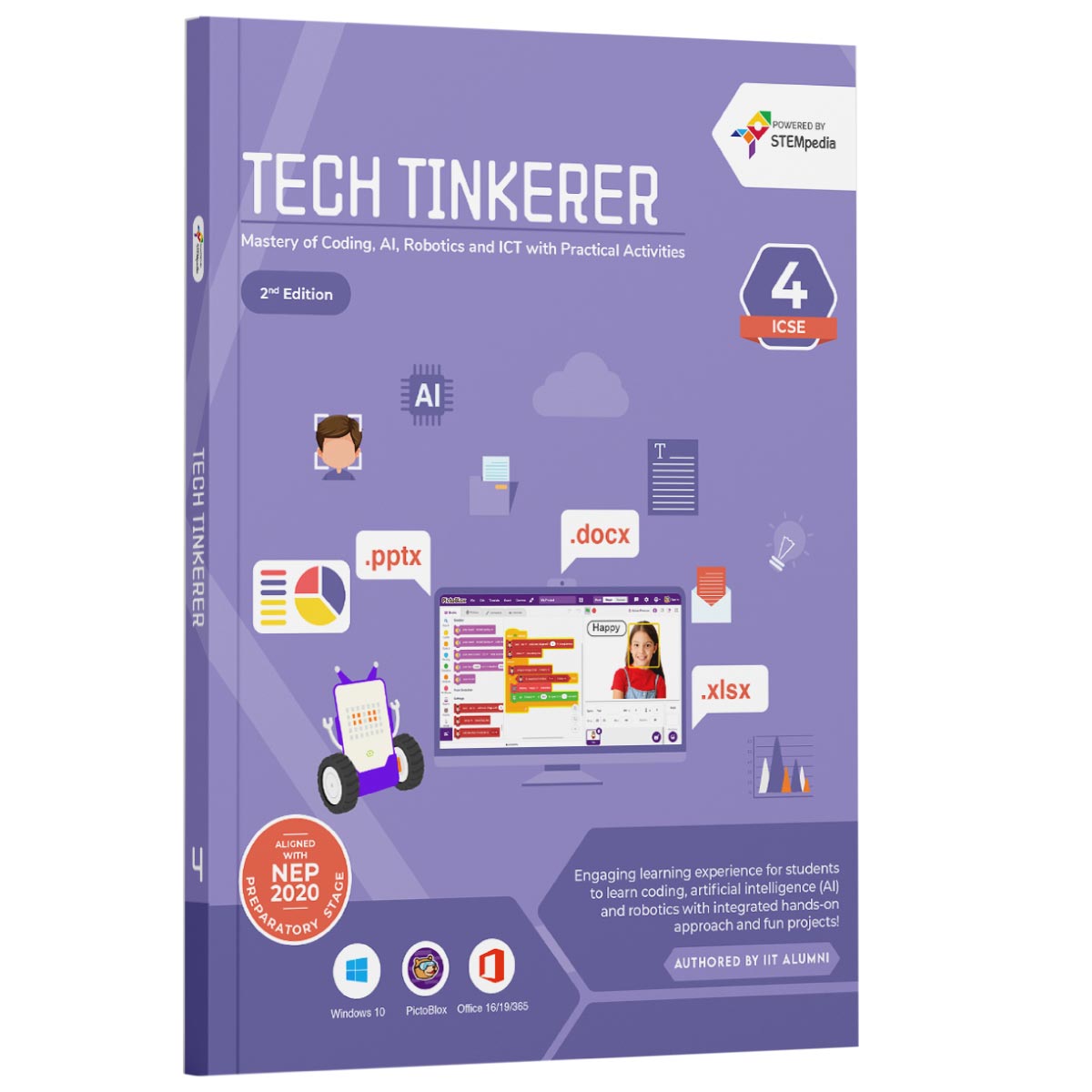
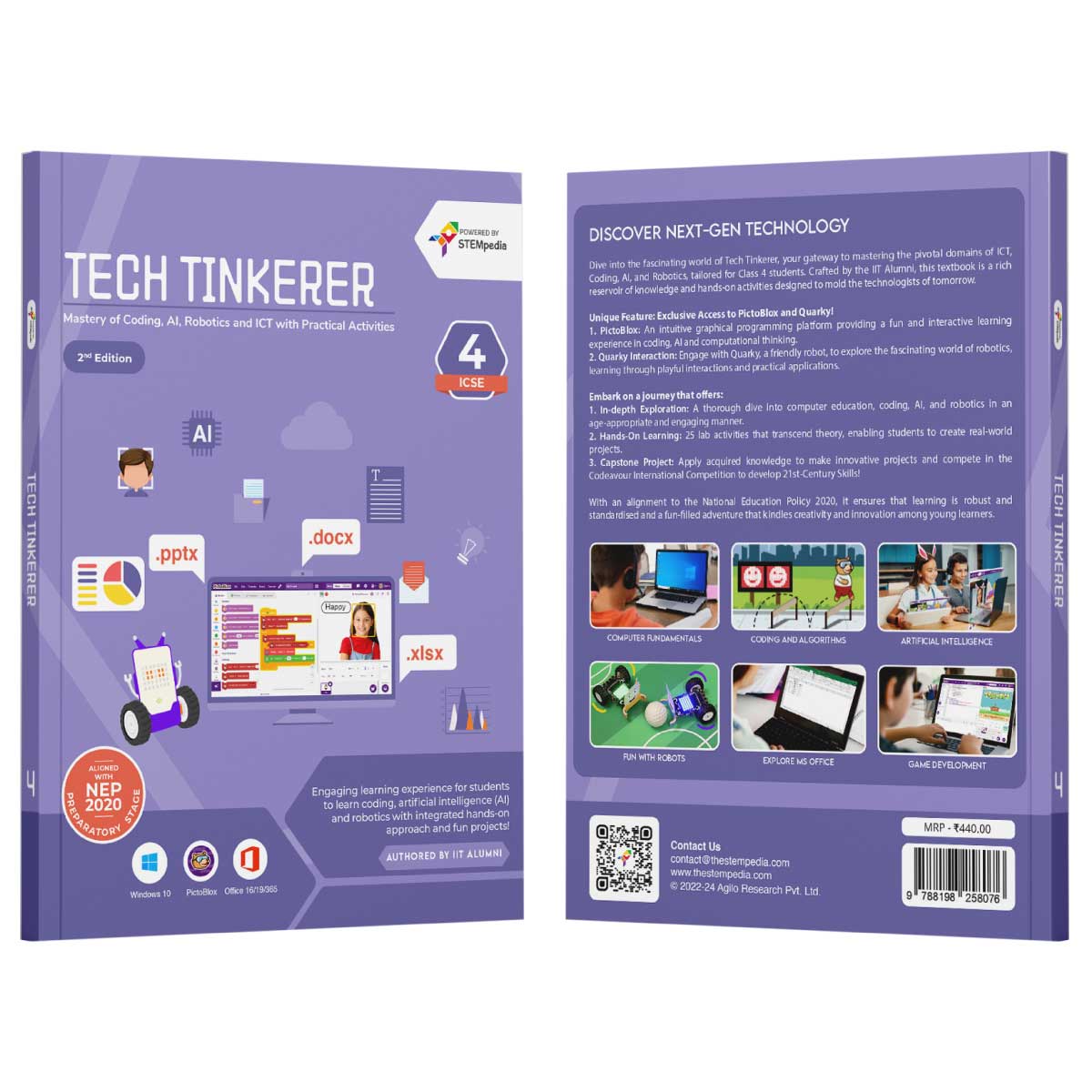
Tech Tinkerer is the book your child needs to start their journey in technology. Equip them with the skills of tomorrow, today!
Add to Cart
FAQs on Tech Tinkerer – Class 4 Book
What age group is this book designed for?
‘Tech Tinkerer’ is a comprehensive educational book tailored for Class 4 students. It focuses on imparting essential skills in coding, artificial intelligence, robotics, and ICT through a mix of conceptual learning and practical activities.
What are the main areas of focus in ‘Tech Tinkerer’?
The book delves into four key areas: ICT, coding, artificial intelligence, and robotics. It provides a balanced mix of theory and hands-on activities to ensure students gain a solid understanding of these critical 21st-century skills.
How does ‘Tech Tinkerer’ align with the ICSE curriculum guidelines, specifically in topics like Computers – Storage and Memory, GUI Operating System, Tools of Word Processor, The Internet – Web Browser, Presentation Software, Step-Wise Thinking, and Features of File Management?
‘Tech Tinkerer’ aligns closely with the ICSE curriculum guidelines for Class 4, covering key concepts and practical applications in a comprehensive manner.
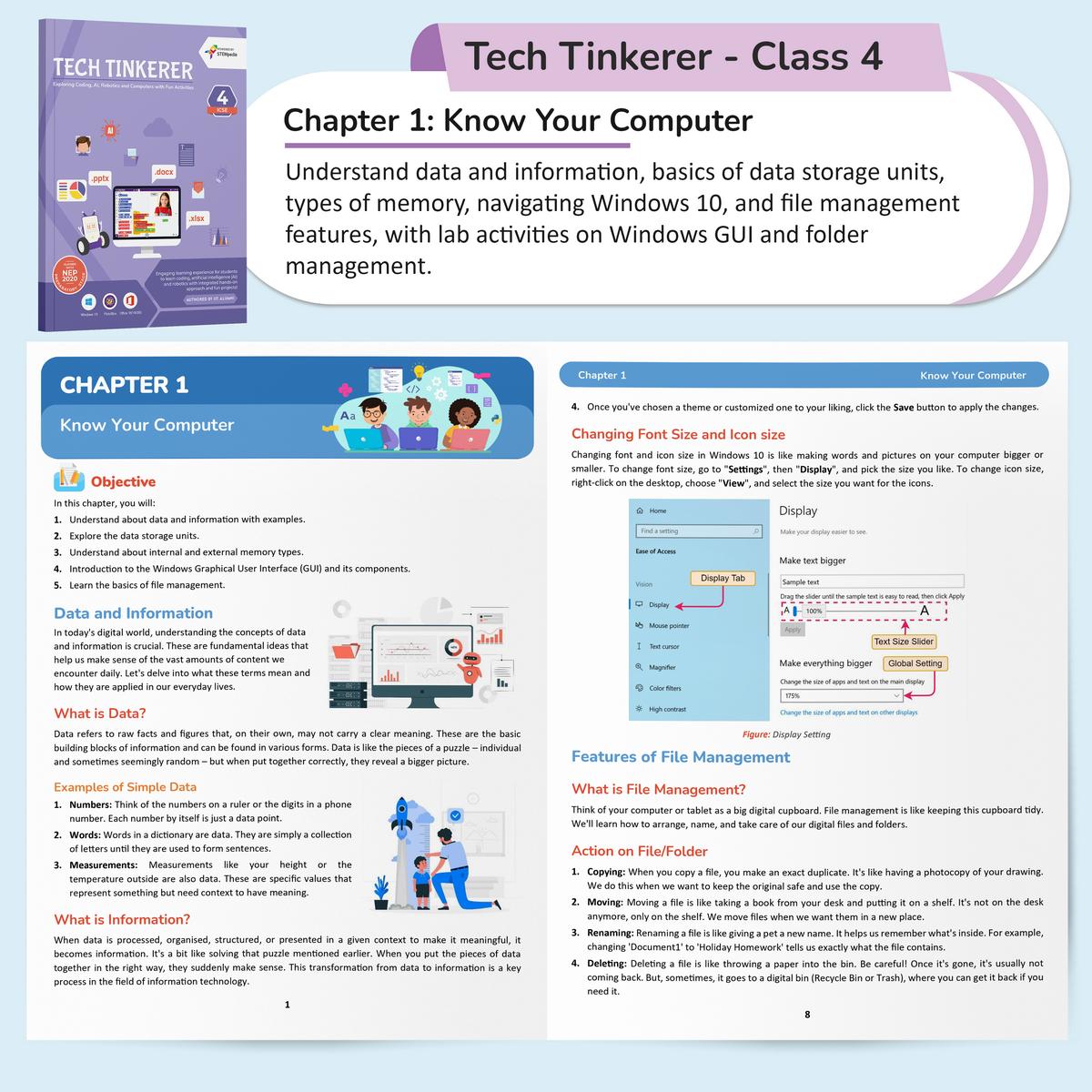
- Computers – Storage and Memory The book covers data and information, data storage units, and differentiates between internal and external memory. It aligns with the ICSE curriculum by helping children differentiate between data and information, describe different data storage units, and list primary and secondary data storage devices.
- GUI Operating System – Desktop Management It includes activities for customizing the Windows setup, reinforcing the ICSE guidelines on recalling the features of OS and GUI, and using the Task Bar and Quick Launch Bar.
- Tools of Word Processor The book provides hands-on experience in editing and formatting documents in MS Word, aligning with the ICSE outcomes of using various features of editing and formatting and preparing, previewing, and printing documents.
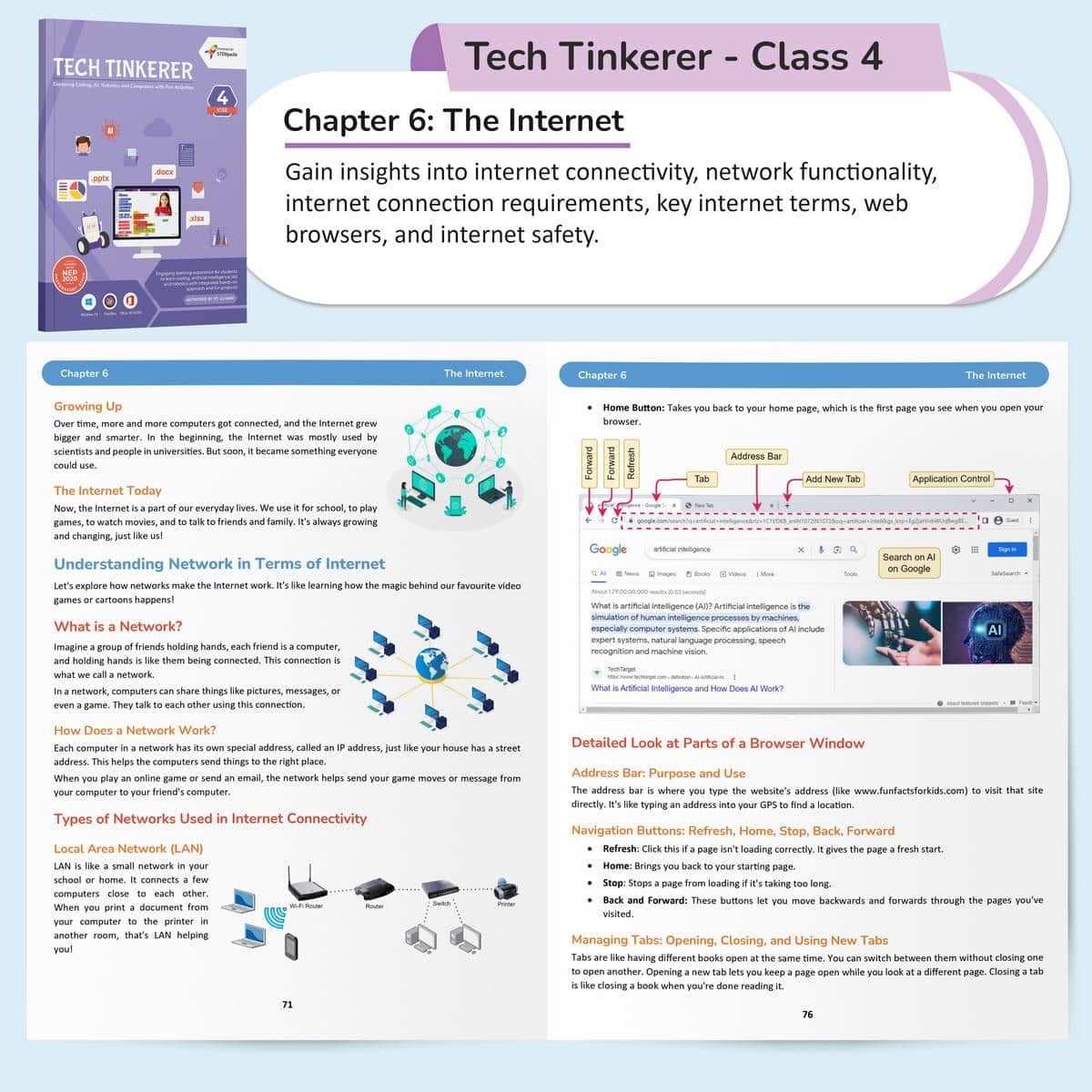
- The Internet – Web Browser ‘Tech Tinkerer’ includes chapters on Internet safety and responsible browsing, aligning with ICSE’s guidelines on understanding web browsers, using search engines effectively, and making responsible decisions while browsing.
- Presentation Software – An Introduction The book covers the use of PowerPoint, teaching students to choose appropriate layouts, create, add text, and navigate between slides, in line with ICSE’s objectives of explaining the purpose of presentation software and presenting slide shows.
- Step-Wise Thinking The book’s focus on problem-solving and algorithmic thinking aligns with ICSE’s emphasis on analysing tasks, breaking them into simple steps, and predicting possible solutions.
- Features of File Management It covers managing files and folders in a computer system, teaching skills such as copying, moving, renaming, and deleting files and folders, which is in line with the ICSE curriculum’s objectives.
In summary, ‘Tech Tinkerer’ provides a holistic approach to computer education that is in sync with the ICSE guidelines, ensuring that students not only understand but also effectively apply these concepts in real-world scenarios.
How does ‘Tech Tinkerer’ align with the National Education Policy 2020?
The content of ‘Tech Tinkerer’ aligns with the National Education Policy 2020 by focusing on creativity and innovative thinking. It encourages students to become creators of technology through hands-on activities, fostering a deeper understanding and application of technological concepts.
What are the key features of the book’s practical learning section?
The practical learning section includes 25 lab activities covering ICT, coding, AI, and robotics. Each activity provides objectives and step-by-step explanations to engage students in practical exploration and application of the concepts learned.
Can you explain the Capstone Project in ‘Tech Tinkerer’?
The Capstone Project is a significant component of the book, where students apply their acquired skills in computer science, coding, AI, and robotics in the Codeavour Competition. This global contest encourages innovation and creativity, allowing students to explore diverse themes and tracks.
Is prior knowledge in coding or robotics required?
No prior knowledge in coding or robotics is required to start with this book. It introduces all concepts from the basics, making it suitable for beginners. The book gradually progresses to more complex topics, ensuring a smooth learning curve for students who are new to these subjects.
What types of exercises are included in the conceptual learning section?
The conceptual learning section integrates classroom demonstrations and a variety of exercises like multiple-choice questions, fill-in-the-blanks, match the following, subjective questions, higher order thinking questions, puzzles, and more to solidify students’ understanding of each chapter.
Are there any assessments or quizzes included?
The book includes a range of assessments and quizzes, such as multiple-choice questions, fill-in-the-blanks, subjective questions, puzzles, and higher-order thinking questions. These are integrated into each chapter to evaluate and reinforce the students’ understanding of the material.
What tools or software are required for the activities?
The activities in the book require the use of various tools and software, including PictoBlox for coding exercises, MS Word and MS Excel for computer literacy, and the Quarky Robot for robotics projects. These tools are chosen for their educational value and ease of use for young learners.
What is Quarky?
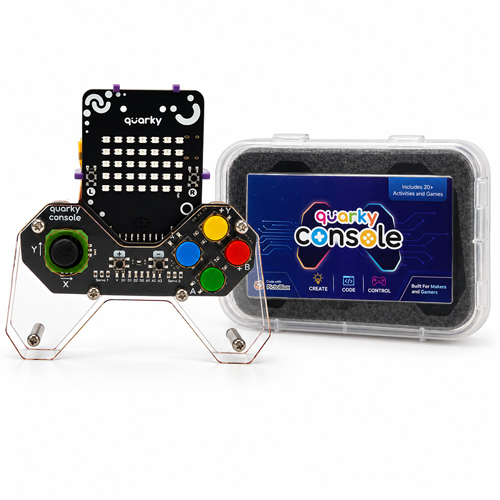
Quarky is a robotic tool used in various lab activities within the book. It is designed to provide hands-on experience in robotics, helping students understand basic robotic functions and control mechanisms. Through activities involving Quarky, students learn about robotics in an interactive and engaging manner.
What is PictoBlox, and how is it used in the book?
PictoBlox is a graphical programming software introduced in the book. It’s used in several lab activities to teach coding and programming concepts. PictoBlox’s user-friendly interface makes it an effective tool for introducing students to programming, allowing them to create animations, games, and more.