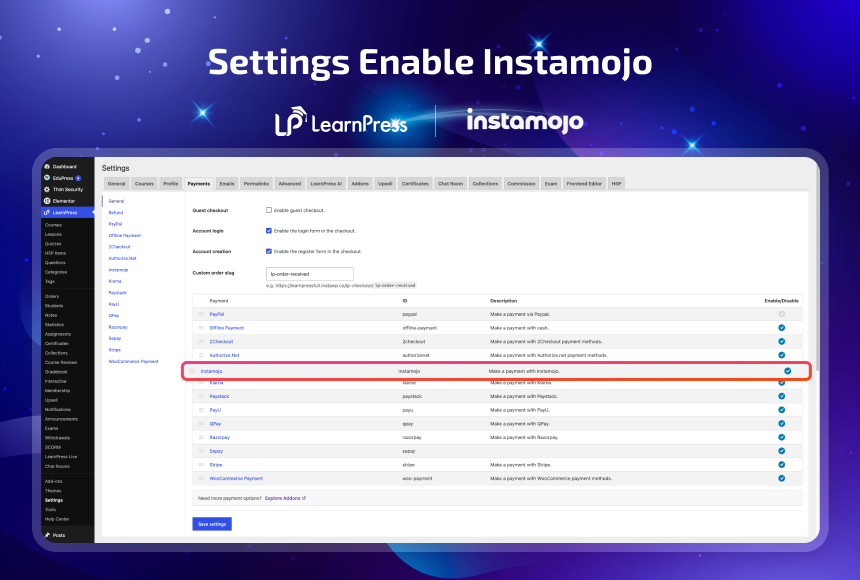
- Manage payment method availability centrally through the LearnPress payment settings.
QUICK PAYMENT CONFIGURATION
Configure Instamojo In Just Minutes
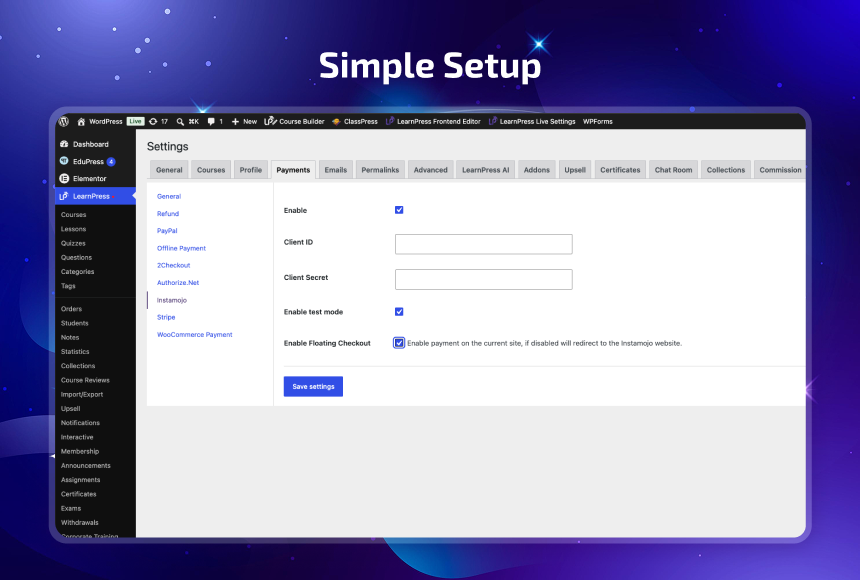
- Connect your Instamojo account using your Client ID and Client Secret credentials.
- Enable Sandbox mode to test payment transactions before accepting real payments from students.
- Choose whether to display the payment checkout directly on your website or redirect students to Instamojo.
- Configure and save your payment settings through a simple interface without requiring coding.
All Your Questions
Answered
You have questions.
We have answers.
What is the Instamojo Add-on for LearnPress?
It’s a LearnPress extension that allows Indian course creators to integrate Instamojo as a local payment gateway on their WordPress LMS site.
What is required to use this add-on?
You need the LearnPress plugin installed and activated on your WordPress site, along with an active Instamojo merchant account.
Does it support all Indian payment methods?
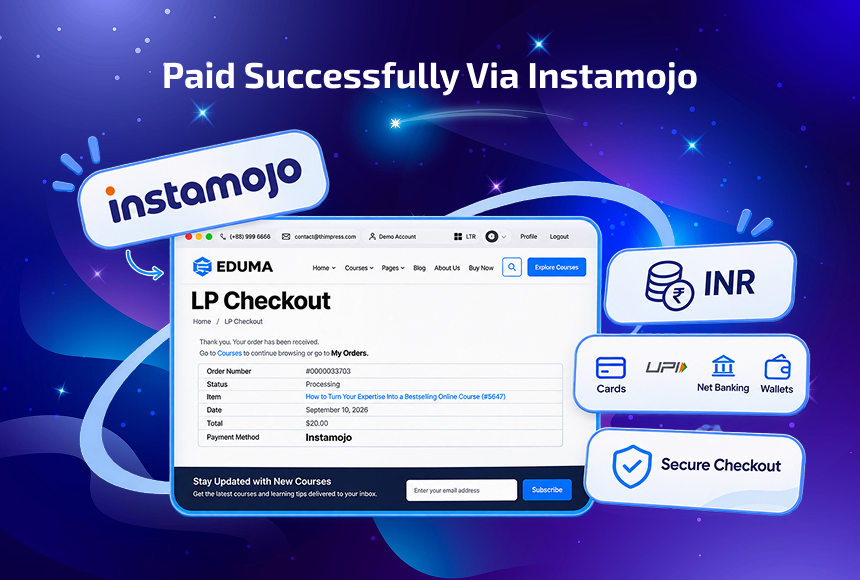
Yes, Instamojo supports a wide range of popular Indian payment methods, including UPI, debit/credit cards, net banking, and digital wallets.
Is the payment process secure?
Yes, transactions are processed through Instamojo’s secure payment gateway, ensuring data protection for your students. The add-on facilitates the connection securely.
Can I use it in test mode before going live?
Absolutely. The Instamojo Add-on for LearnPress settings allows you to enable Sandbox mode using Instamojo’s test credentials for thorough testing.
Where do I get the Instamojo Client ID and Client Secret?
You can find these API credentials within your Instamojo account dashboard, usually under an ‘API & Plugins’ or ‘Developers’ section.
Will the order status update automatically after payment?
Yes, once the payment is confirmed via Instamojo, the student is auto-enrolled, and the order status is updated instantly.
Is there any coding required?
Not at all. The setup is beginner-friendly and requires no technical skills.
We have a delicated team to support you 24/5
Go to our Forum and explore more than 2000 support topics
Feel free to contact us for support anytime
Go To Help Center