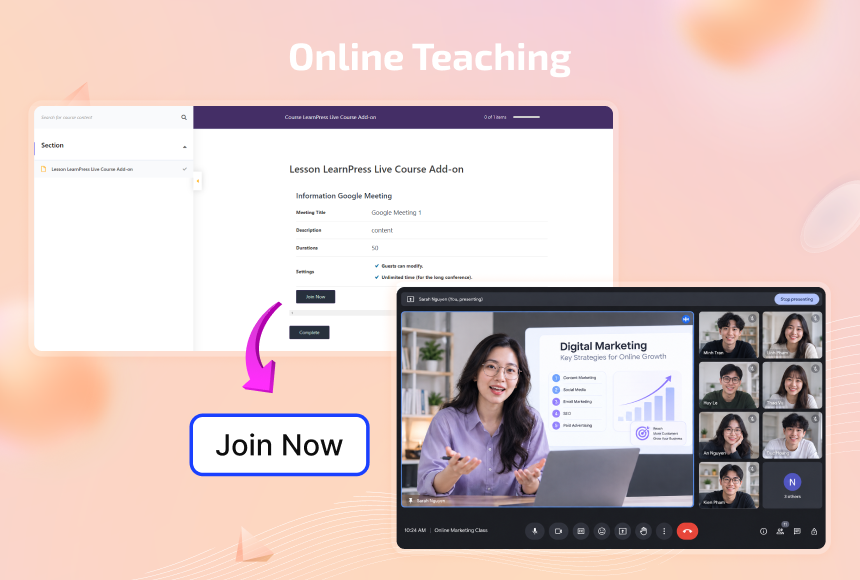
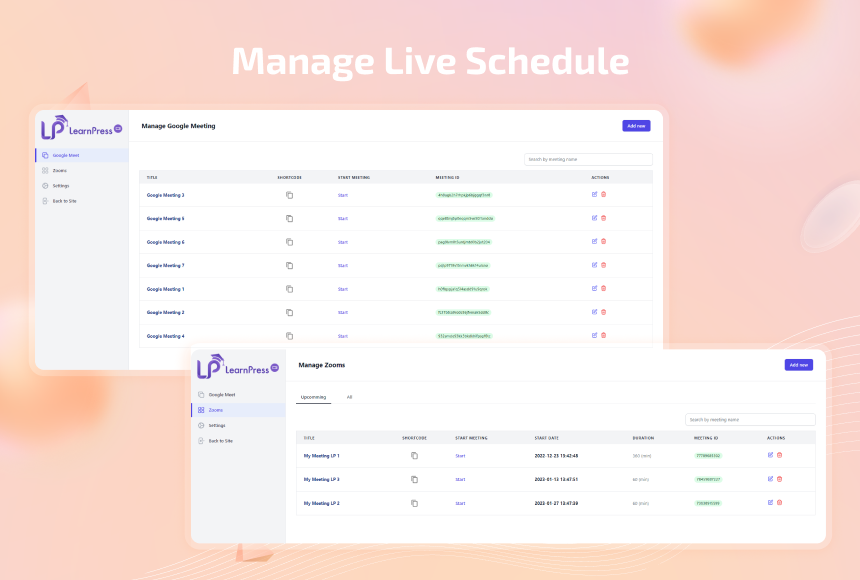
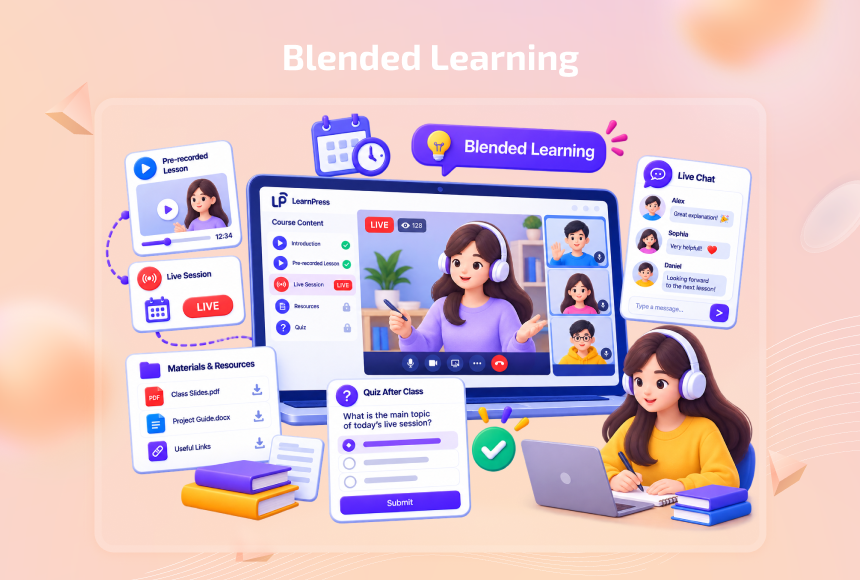
- Edit, reschedule, or cancel sessions directly from the dashboard, no need to log into Zoom separately.
- Keep instructors and admins in sync with a clear view of what’s live, upcoming, or finished.
PROTECT YOUR CONTENT
Keep live sessions exclusive to enrolled students
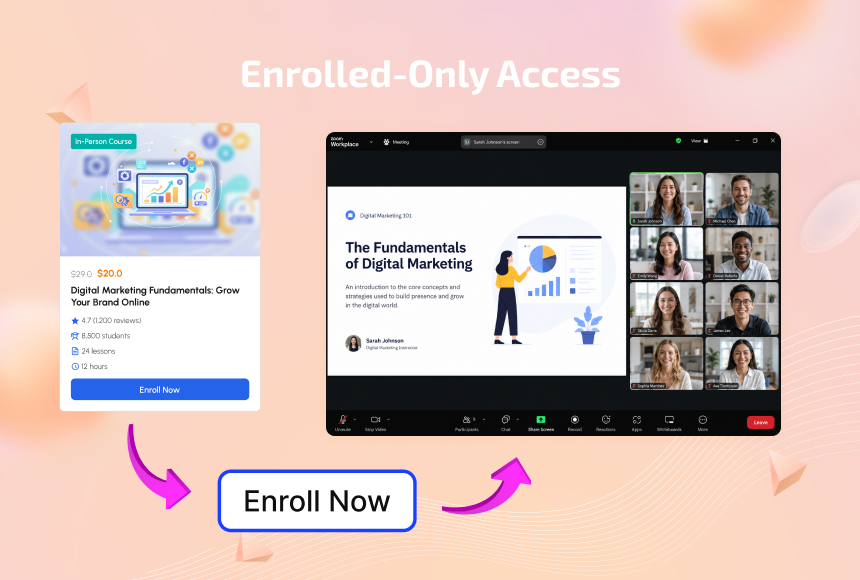
- Only students registered for the course can see and join the live session — no unauthorized link sharing.
- Give enrolled students a one-click “Enroll Now” path straight into class.
- Protect the value of your paid courses by keeping live access tied to enrollment, not a public link.
All Your Questions
Answered
You have questions.
We have answers.
What platforms are supported for live sessions with the Live Course Add-on for LearnPress?
The add-on primarily supports Zoom for direct integration and management. Google Meet link embedding is also available (features may vary by add-on version).
Can I restrict access to live lessons to enrolled students only?
Yes, the Live Course Add-on for LearnPress ensures that live lessons are only visible and accessible to students who are registered for that specific course.
Is it possible to schedule recurring live lessons?
Depending on the settings, a live lesson can be configured as a one-time event or set to recur.
What information can I set for each live lesson?
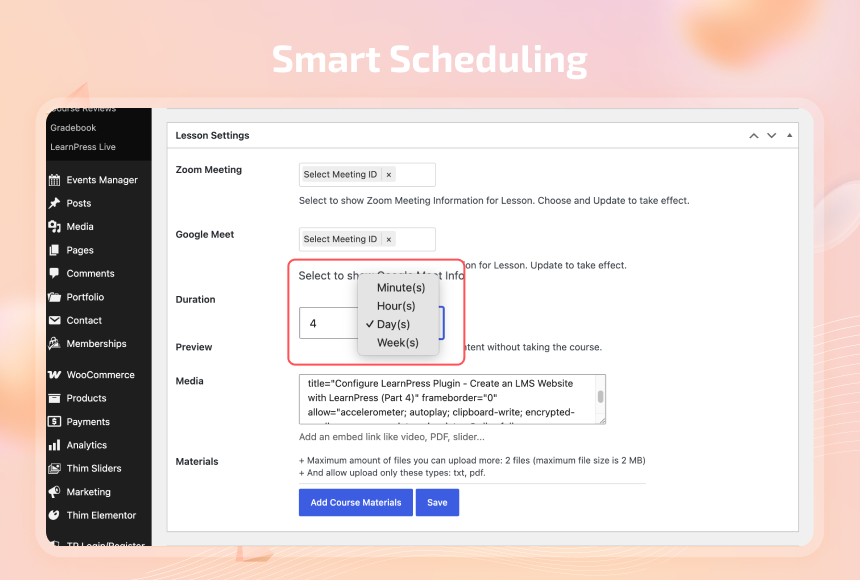
You can configure the Start time, Timezone, Duration, Meeting ID, and Password for the meeting, and include a video of the meeting..
Does the add-on automatically record meetings?
The Live Course Add-on for LearnPress itself does not automatically record meetings to your local computer; recording capabilities depend on the features of the integrated platform (e.g., Zoom’s local or cloud recording options).
What are the system requirements for this add-on?
You need a WordPress website with the LearnPress plugin installed. A Zoom account (API key/secret may be required for Zoom SDK use) and an SSL (HTTPS) enabled server are also necessary.
Can I control who attends the live sessions?
Yes, you can select the attendees for your live sessions, ensuring only intended participants can join.
We have a delicated team to support you 24/5
Go to our Forum and explore more than 2000 support topics
Feel free to contact us for support anytime
Go To Help Center