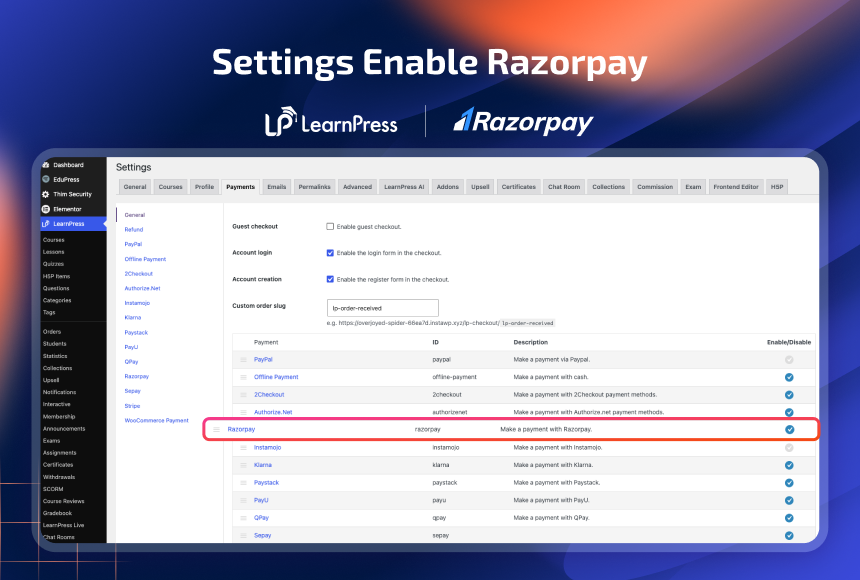
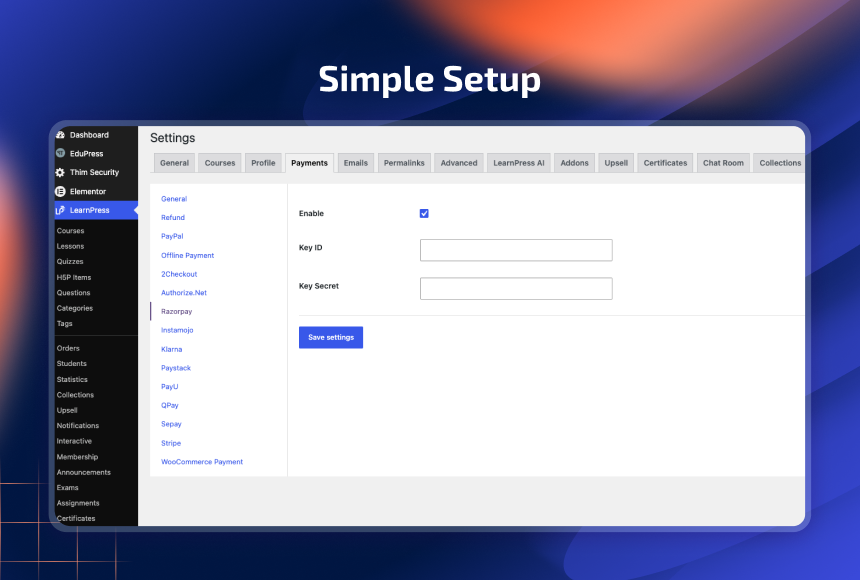
- Configure your payment credentials through a straightforward setup process without requiring coding.
- Save your settings to make Razorpay available for course purchases on your website.
LOCALIZED PAYMENT EXPERIENCE
Accept Course Payments Through Razorpay in India
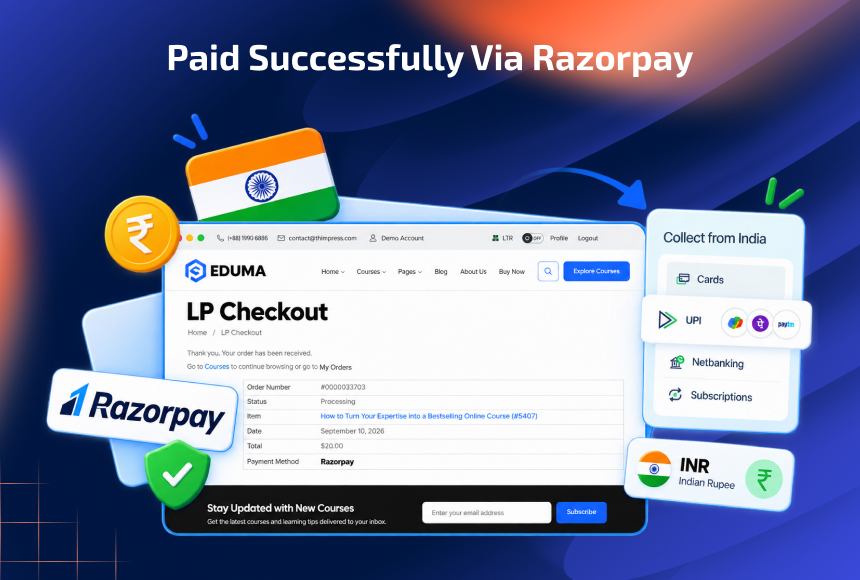
- Let students pay for courses using credit cards, debit cards, UPI, and supported digital wallets.
- Provide a localized payment experience for Indian learners with support for Indian Rupees (INR).
- Process payments through Razorpay’s secure checkout, allowing students to complete transactions using their preferred payment methods.
- Automatically synchronize successful payment status with LearnPress and grant students access to their purchased courses.
All Your Questions
Answered
You have questions.
We have answers.
What is the Razorpay Add-on for LearnPress?
The Razorpay Add-on for LearnPress is a WordPress plugin that extends LearnPress functionality, allowing you to accept online course payments directly through the Razorpay payment gateway.
Who can use this add-on?
This add-on is ideal for educational institutions, online tutors, and course creators based in India who use LearnPress and want to offer localized payment options like UPI, Net Banking, and popular wallets through Razorpay.
Do I need an Indian Razorpay account to use this add-on?
Yes, you need an active Razorpay merchant account registered to an Indian business entity to accept payments through this add-on. Razorpay is primarily designed for businesses operating within India.
Can international students pay through Razorpay?
Yes, customers from various supported countries (like the UK, USA, Canada, Singapore, etc.) can potentially make payments. However, the crucial point is that the recipient (the course seller using the add-on) must have a valid Indian Razorpay account to receive the funds.
What payment methods are supported?
Razorpay supports credit/debit cards, net banking across major Indian banks, UPI, and various digital wallets.
How are payments processed? Is it secure?
When a student checks out, they are securely redirected to the Razorpay payment page to complete their transaction. Razorpay handles the entire payment process on their secure infrastructure, ensuring PCI DSS compliance. LearnPress then receives confirmation upon success.
What are the requirements to use the Razorpay Add-on for LearnPress?
You need a WordPress website with the LearnPress plugin installed and activated, along with this Razorpay Add-on for LearnPress plugin. An active Indian Razorpay merchant account is also mandatory.
We have a delicated team to support you 24/5
Go to our Forum and explore more than 2000 support topics
Feel free to contact us for support anytime
Go To Help Center