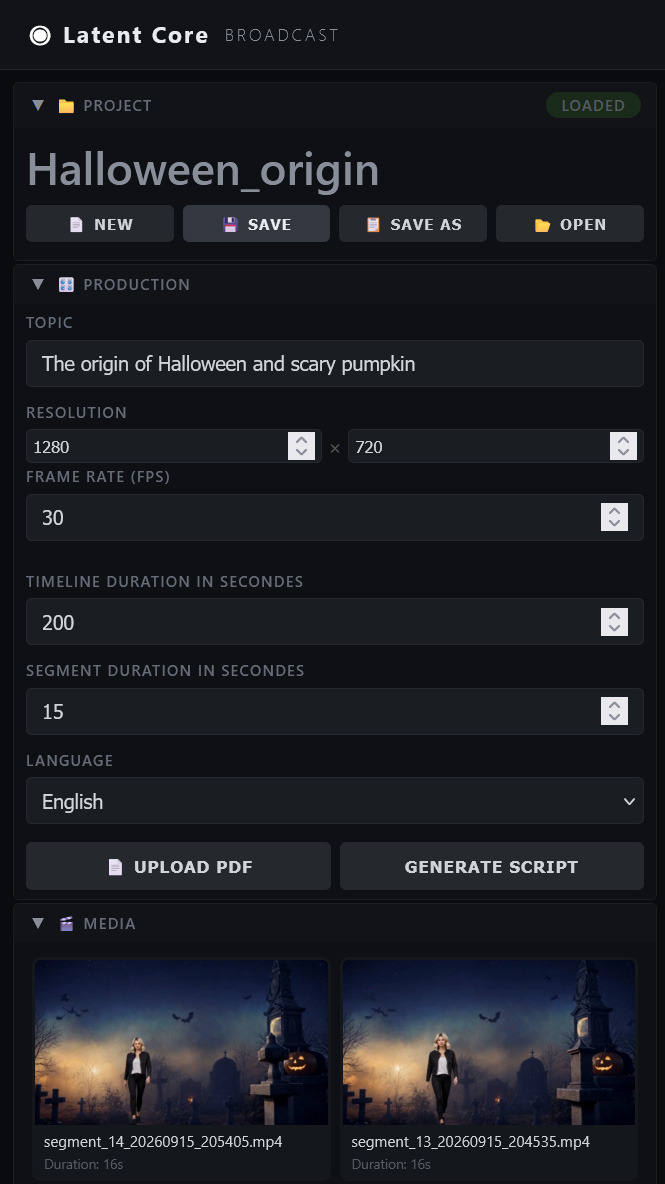
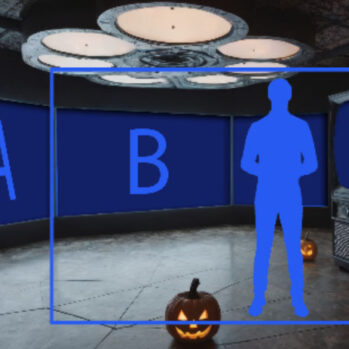
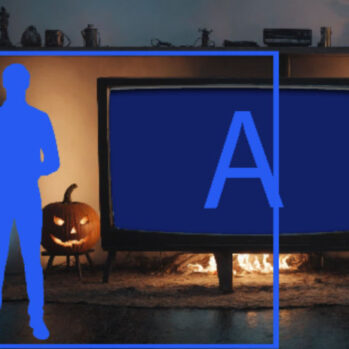
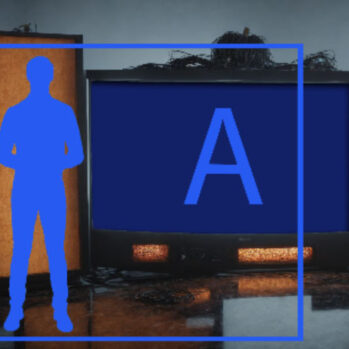
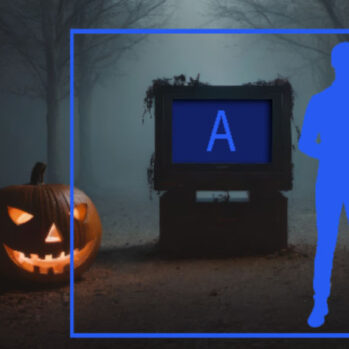
- Unlimited segments per video (PRO and STUDIO)
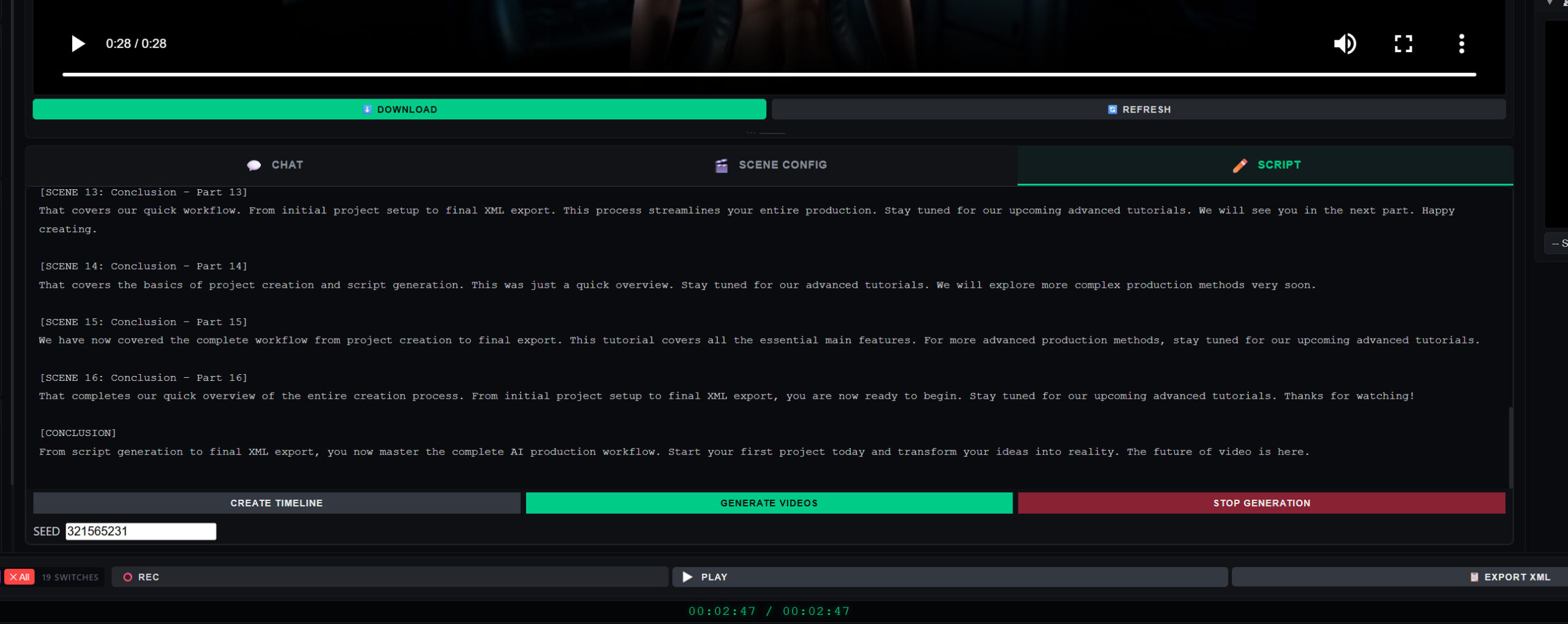
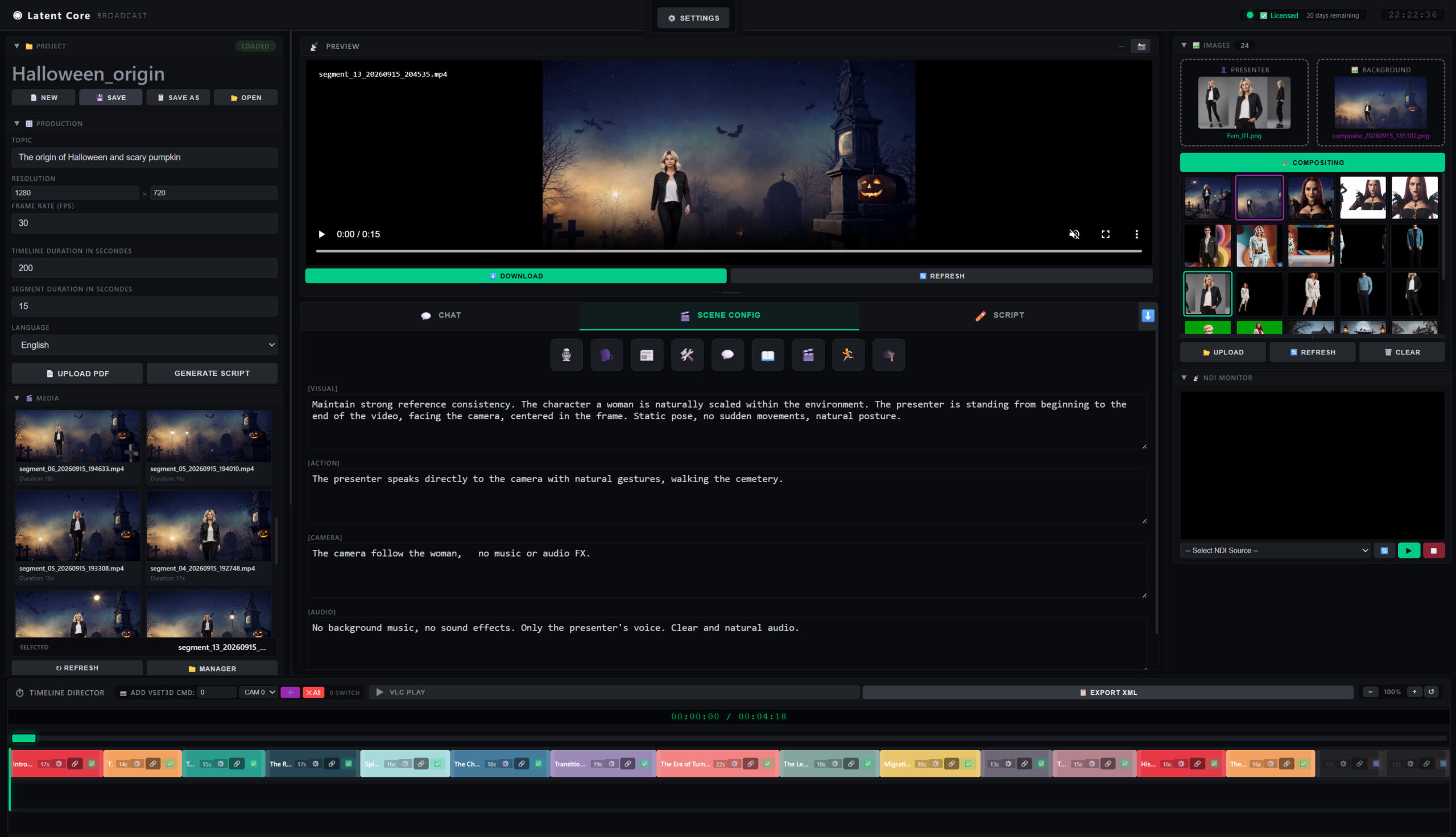
Interactive Timeline
- Automatic script segmentation with editable duration
- Drag-and-drop segment editing
- Camera switches for VSET3D integration
- Zoom, scroll, and real-time preview
- XML export for DaVinci Resolve
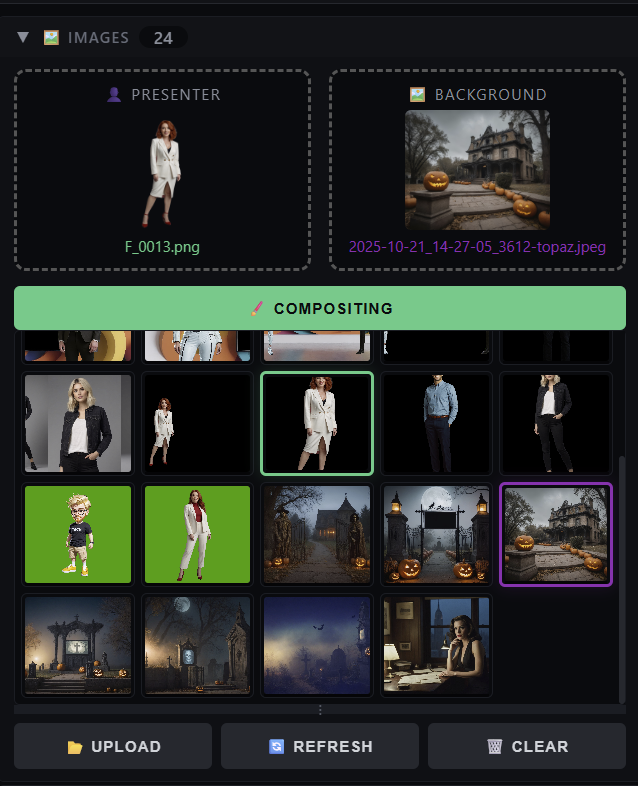
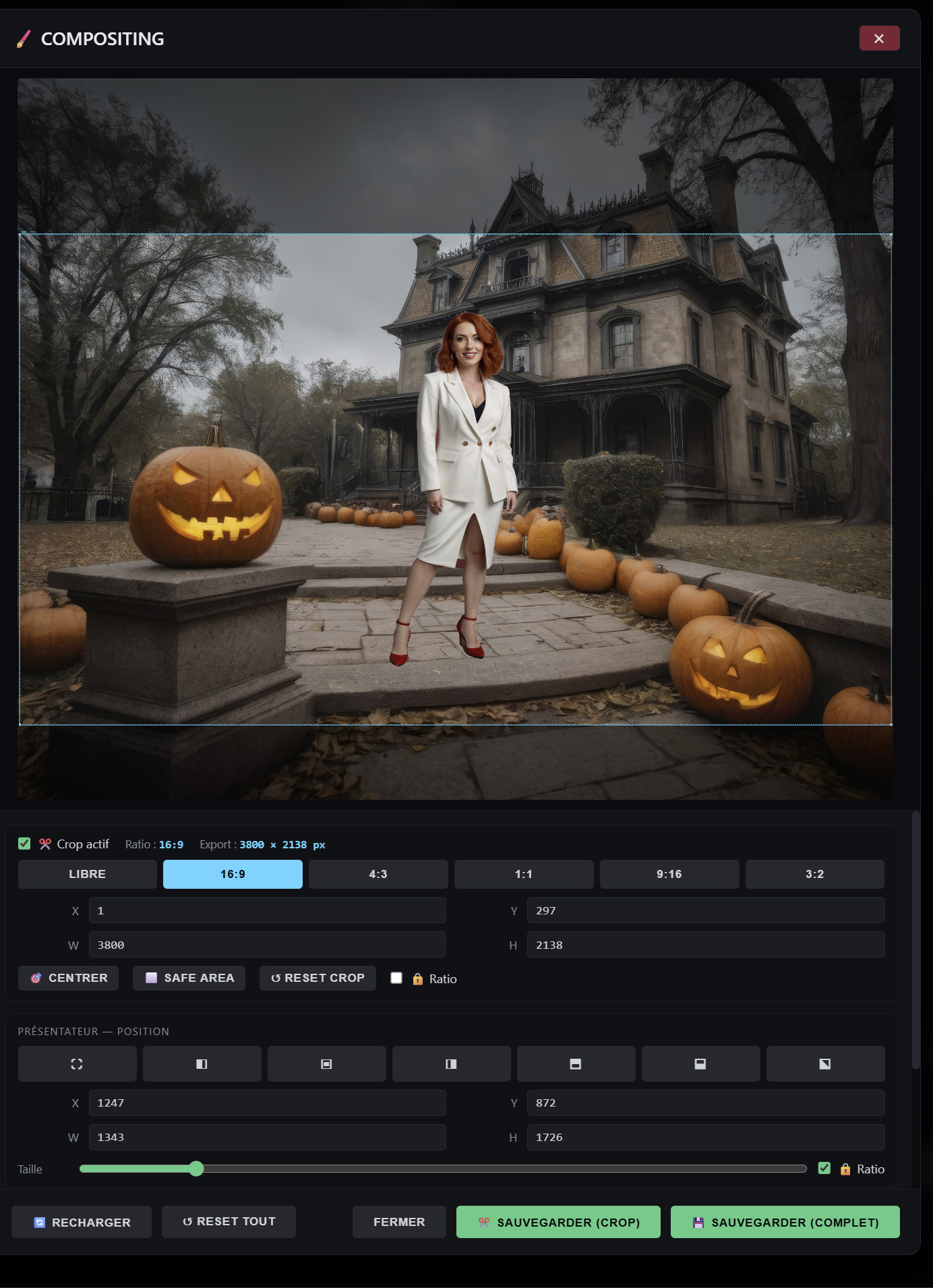
Compositing Tool
- Overlay presenters on any background with pixel-perfect control
- Full-frame or crop-based export
- Rule-of-thirds guides, safe-area markers, ratio lock
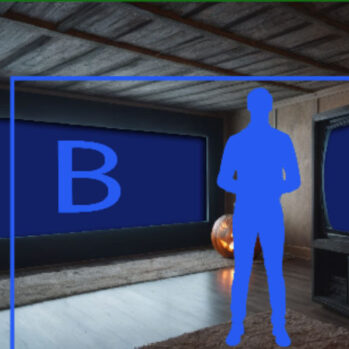
- Preset positions: full-screen, left, right, center, quarters
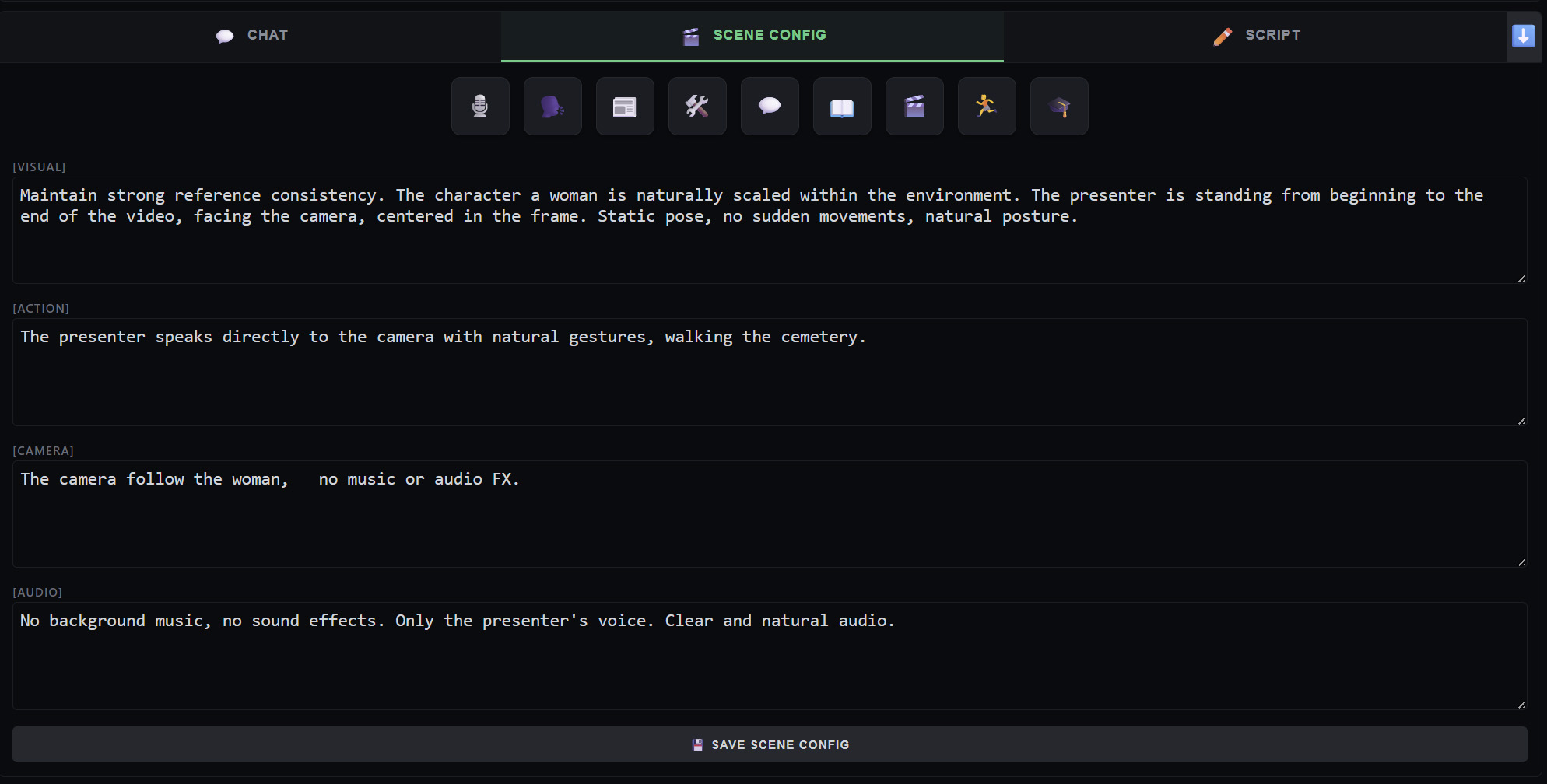
Per-Segment Customization (PRO & STUDIO)
- Override images per segment (multiple reference images)
- Custom LTX parameters: Visual, Action, Camera, Audio
- Per-segment seed for full reproducibility
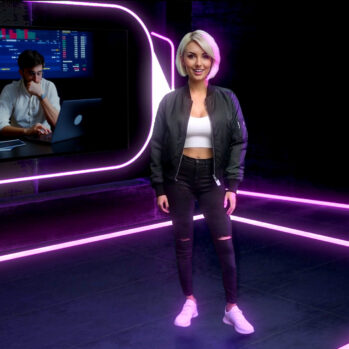
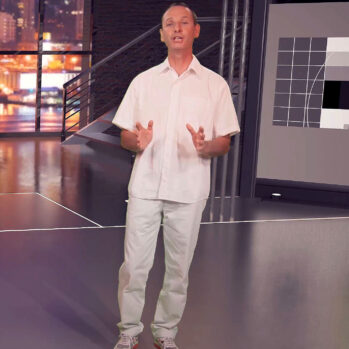
- 9 predefined scene templates: Presenter, Interview, News, Demonstration, Conversational, Storytelling, Cinematic, Sport, Educational
Broadcast Integration for Vset3D users (STUDIO)
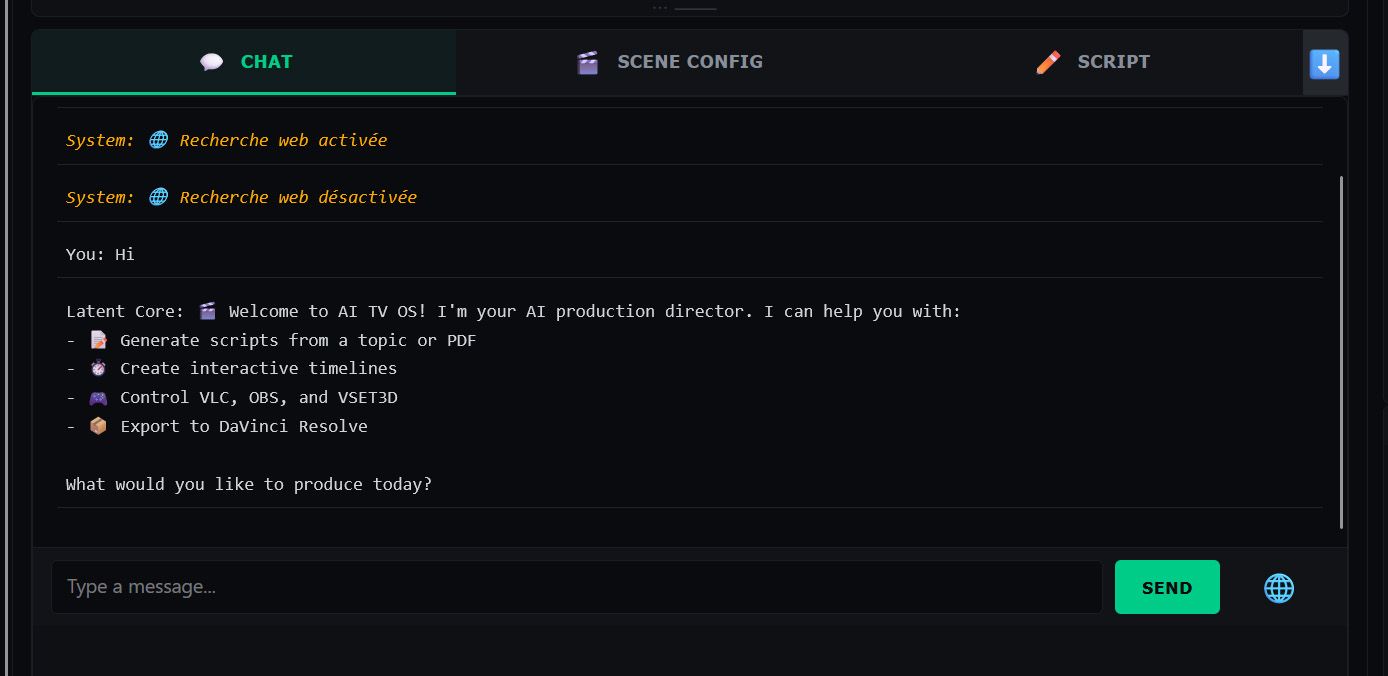
- VLC playback control via HTTP
- OBS recording via WebSocket
- VSET3D integration for real-time 3D sets
🎯 Who is Latent Core for?
- Local TV stations automate news bulletins, weather segments, and scheduled programming without a full production crew
- Video production studios reduce delivery time from days to hours, keep margins high
- Corporate communication teams generate internal training videos, announcements, and updates with AI presenters
- Educational institutions create course materials, tutorials, and educational content at scale
- Solo creators produce consistent YouTube and social media content without hiring a team
⚙️ System Requirements
Minimum:
- Windows 10/11 (64-bit)
- 32 GB RAM
- NVIDIA GPU with 12 GB VRAM (CUDA support required)
- 500 GB NVMe SSD
- Latest NVIDIA drivers installed
Recommended:
- Windows 11 (64-bit)
- 32 GB RAM or more
- NVIDIA RTX 3090 / 4090 (24 GB VRAM) for 1080p workflows
- NVIDIA RTX 5090 (32 GB VRAM) for 4K workflows
- 1 TB NVMe SSD
- Gigabit network
AMD and Intel GPUs are not currently supported for video generation.
📦 What’s included
- Latent Core software (portable — no installation required)
- Embedded Python 3.13 runtime (no system-wide install needed)
- Complete PDF documentation (installation, features, troubleshooting)
- Sample project files to get started immediately
- Templates (pre-configured for optimal results)
- Email support
🔐 License Activation
After purchase, a Request Code is generated by the software (visible in the License panel). Send this code to vset3d.com you will receive your Activation Key by email, usually within 12 business hours.
Each license is bound to a single machine (hardware ID). Multi-machine and Enterprise licenses are available on request.
💳 Editions Comparison
❓ Frequently Asked Questions
Can I try before buying?
Yes, download the free 7-day demo. No credit card required.
Do I need to be connected to the internet?
No. After the initial setup, Latent Core runs entirely offline. Internet is only used if you enable web search for scripts.
Is my data sent anywhere?
No. Everything runs on your machine. Your scripts, images, and videos never leave your computer.
How long does the license last?
The license is perpetual for the version you purchase. Free updates are included for 1 year after purchase.
Can I use it for commercial projects?
Yes, all paid licenses include full commercial usage rights worldwide.
Do you offer installation services?
Yes, see the Optional Services section below. We offer remote setup starting at €350.
🛠️ Optional Services
💡 The ROI
A typical cloud AI user spends 2,500 € per month on tokens (Runway, Sora, Pika). At 3,900 €, Latent Core STUDIO pays for itself in under two months — and keeps saving money every month after that.
Even the entry-level PRO edition at 1,490 € typically pays for itself within 2–3 months of regular use.
🎁 Ready to own your production?
Purchase now and receive your activation key within 12 business hours. Or start with the free 7-day demo to evaluate all PRO features.