About this product
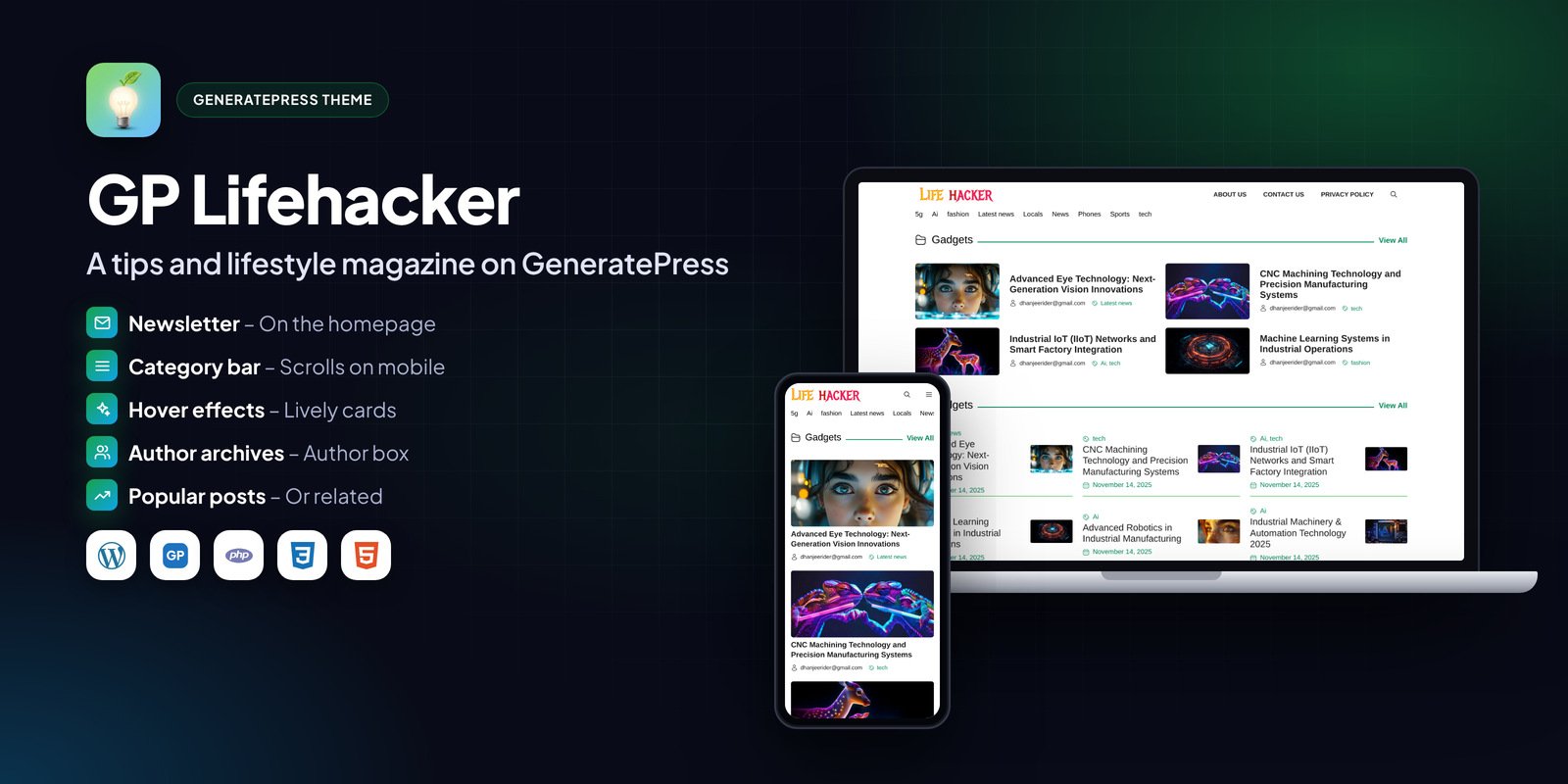
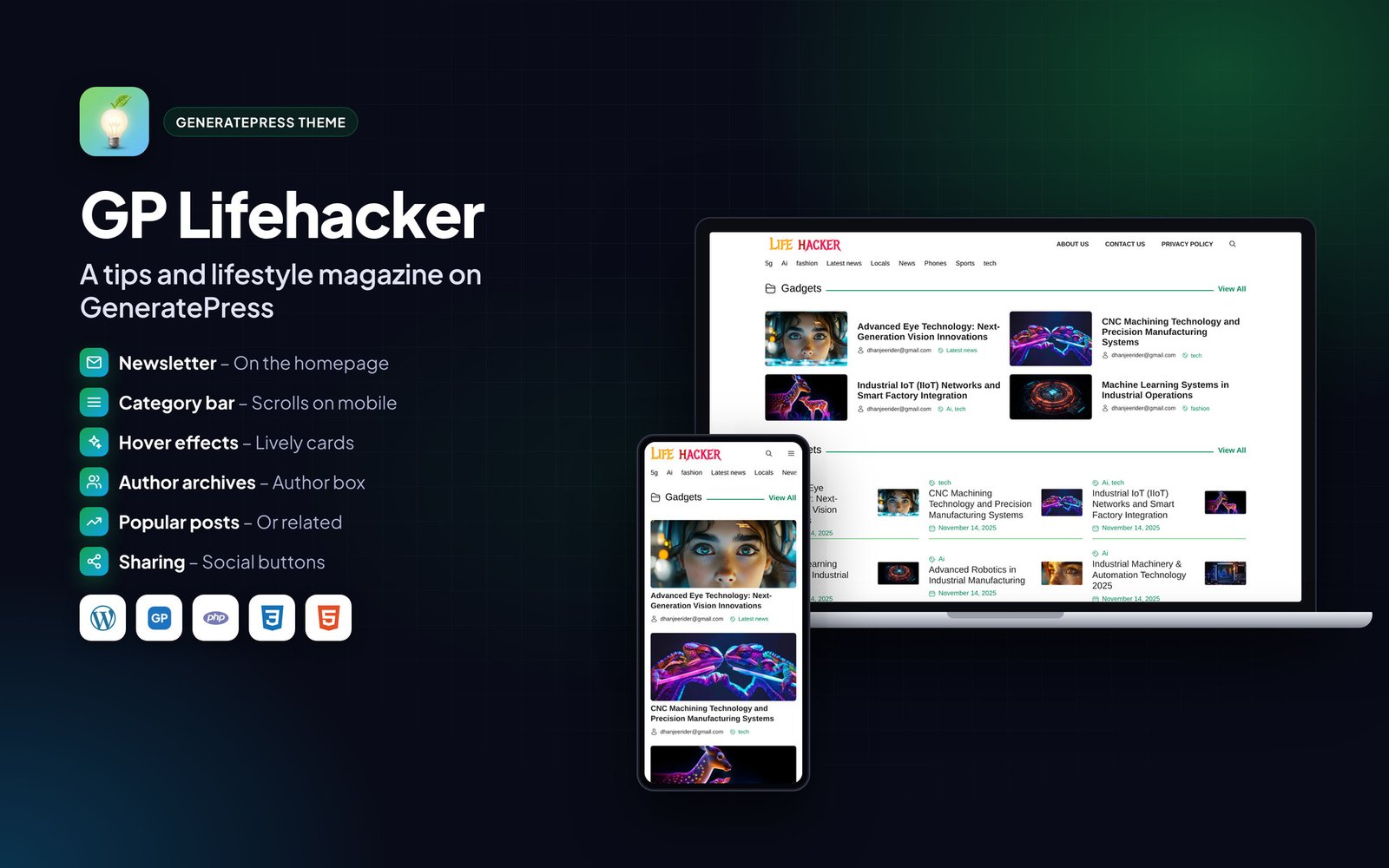
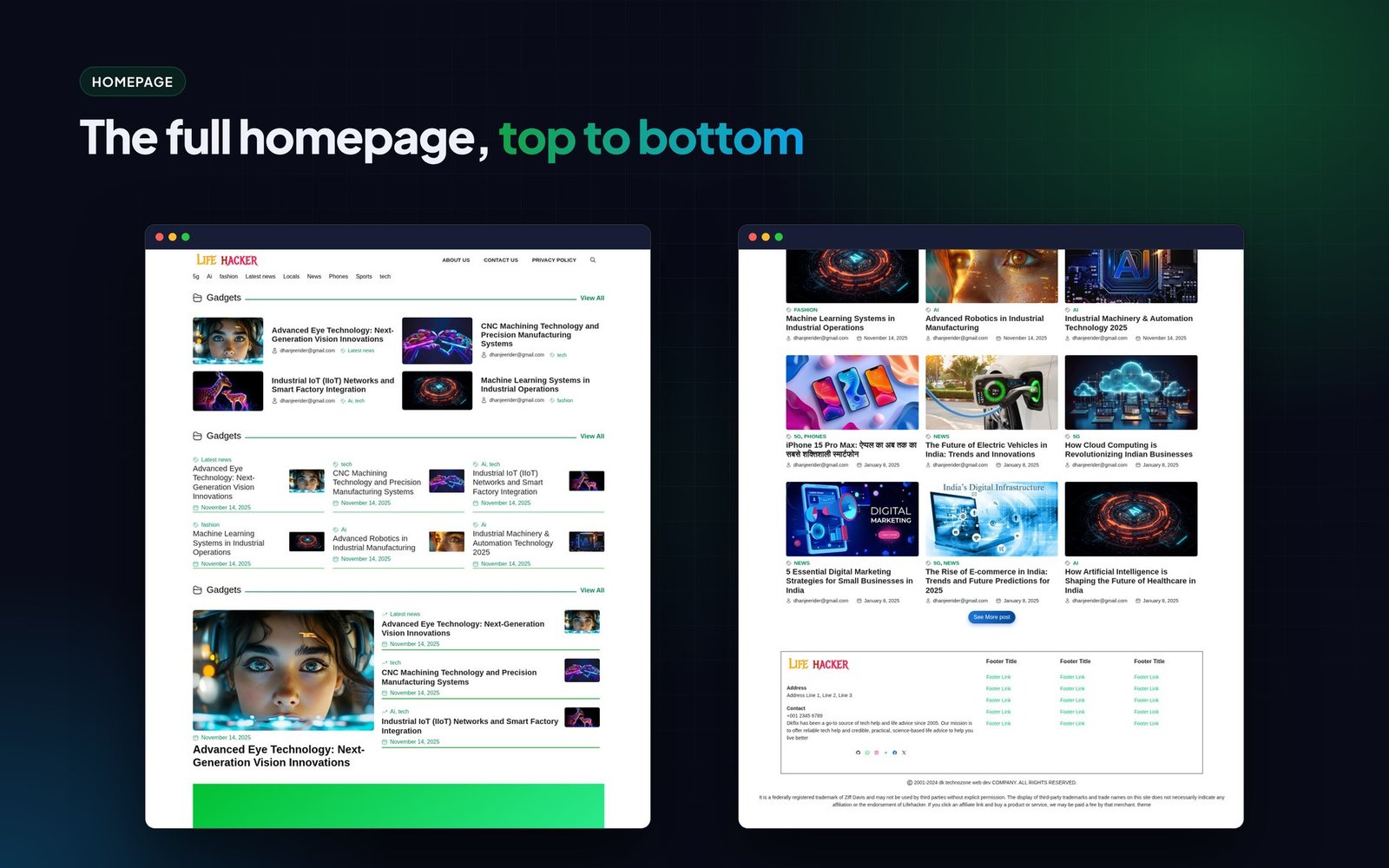
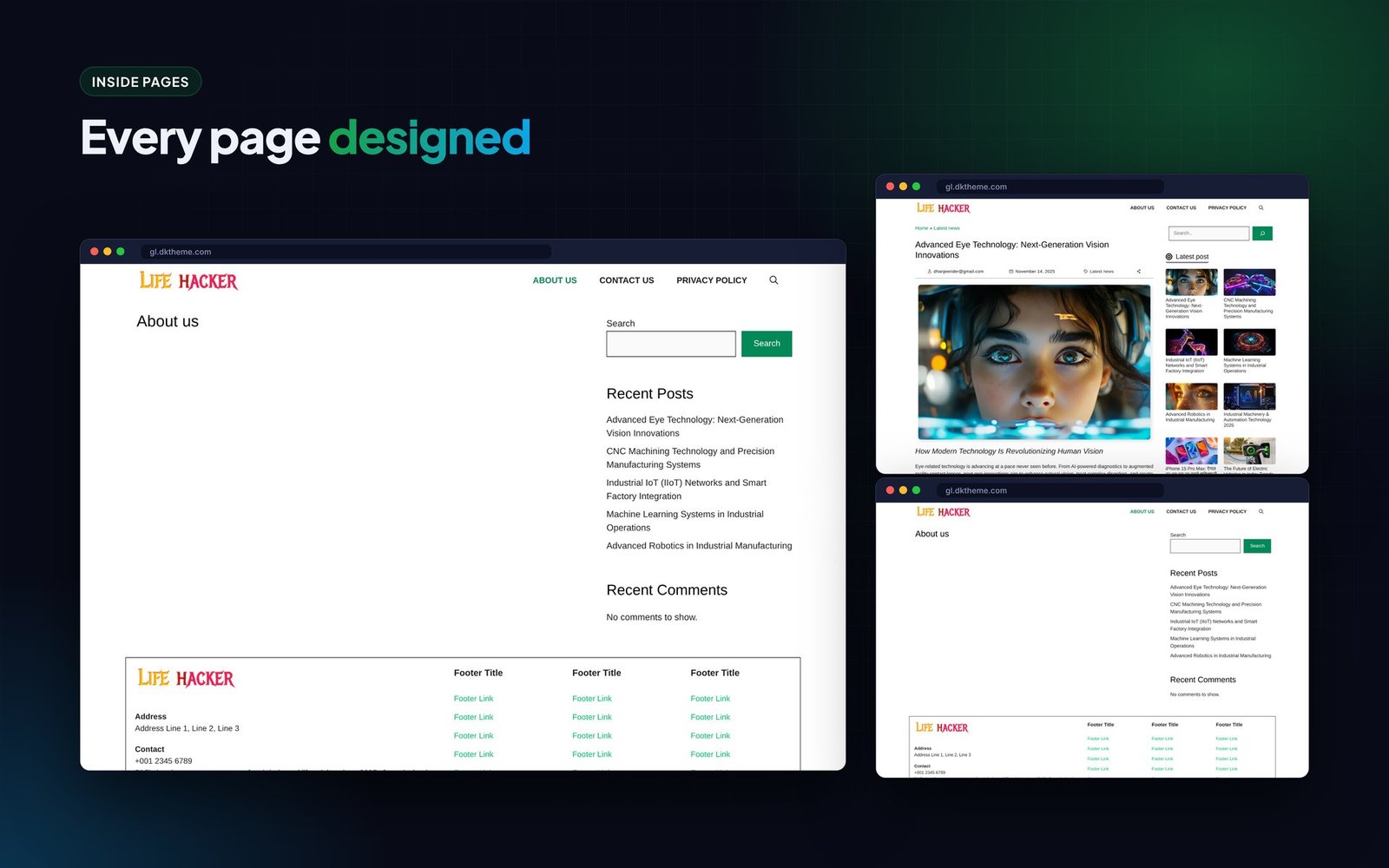
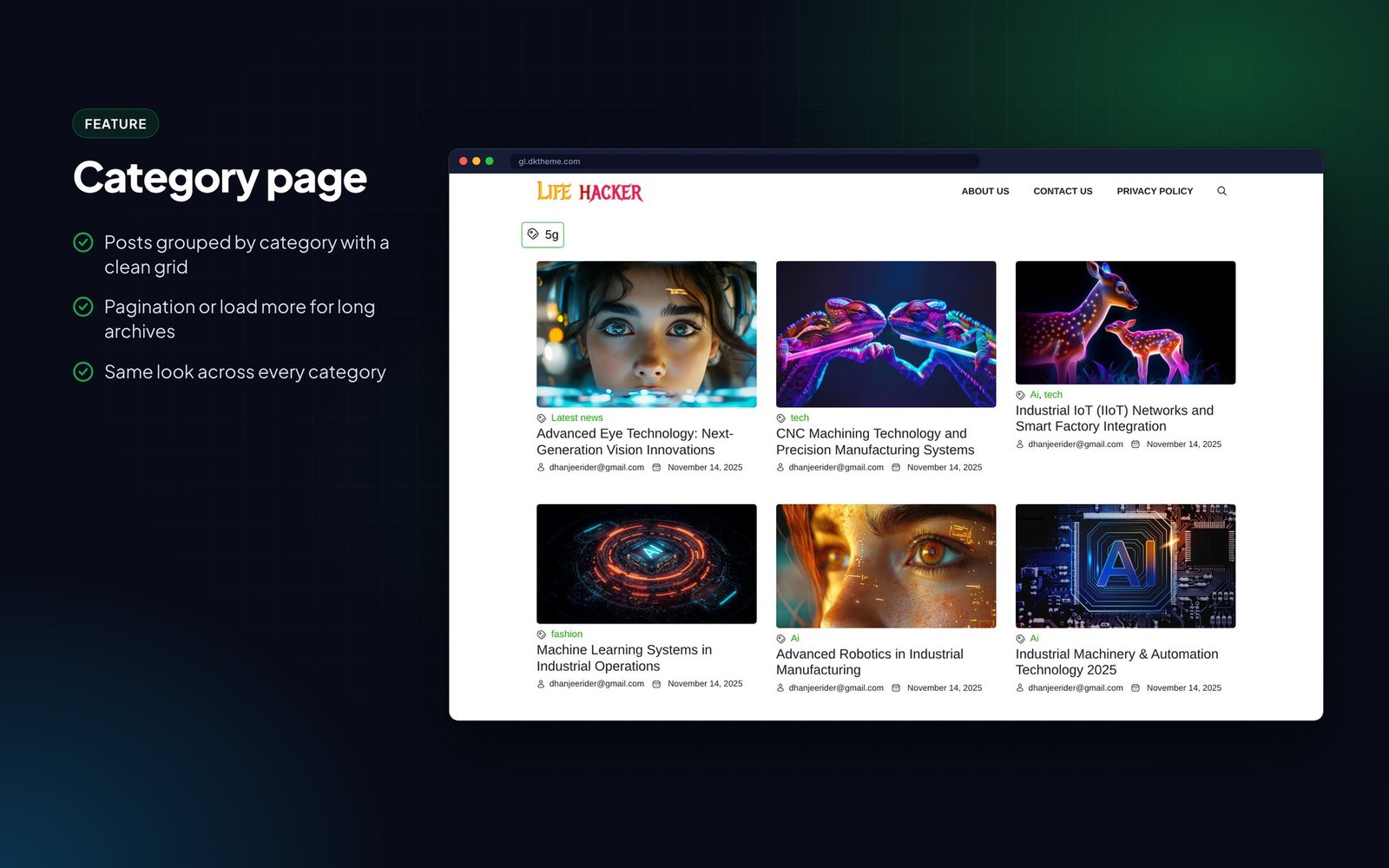
GeneratePress magazine design with newsletter homepage, category scroll bar, hover effects, author archives and share buttons.
GP Lifehacker is a lifestyle and tips magazine design for GeneratePress.
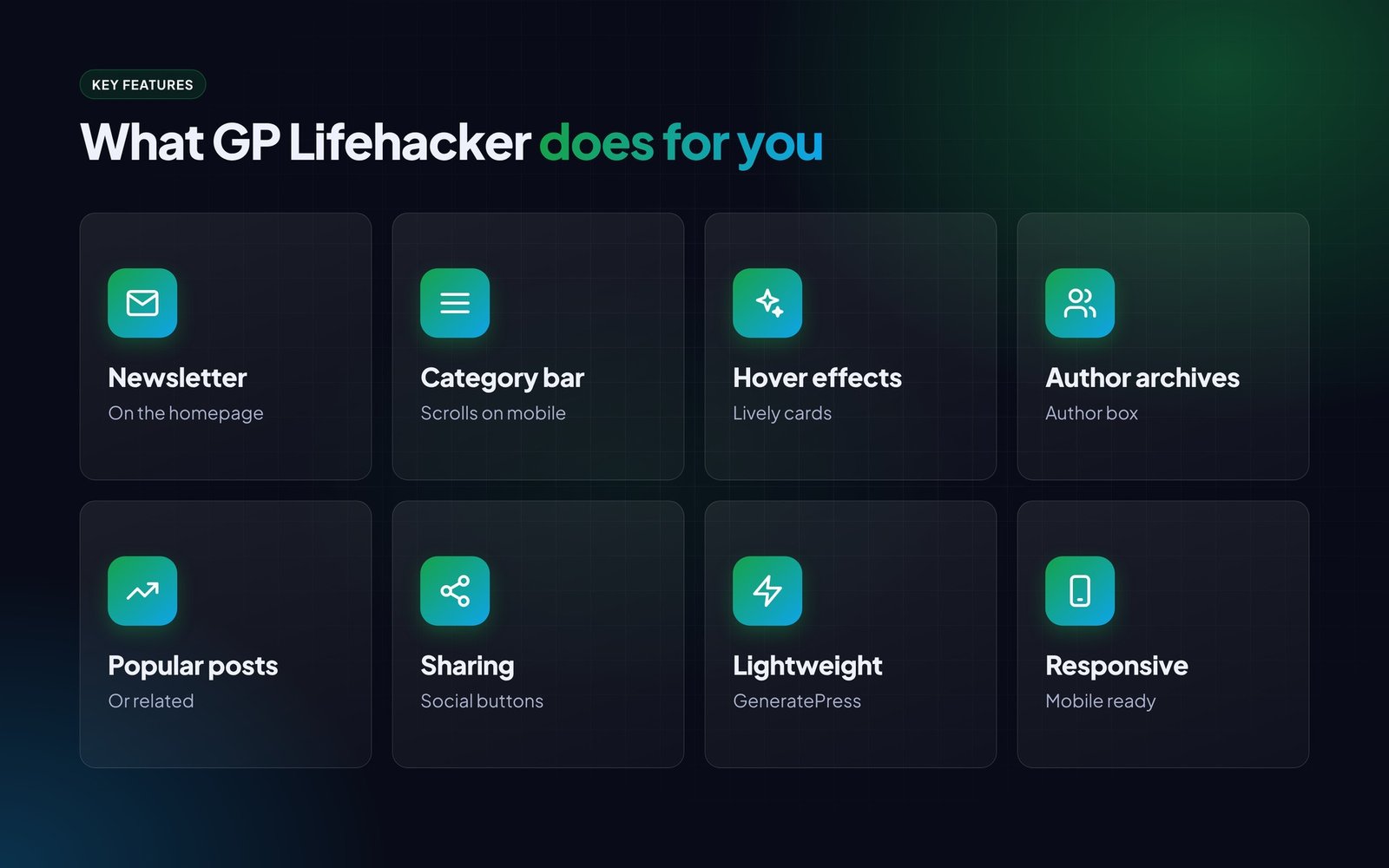
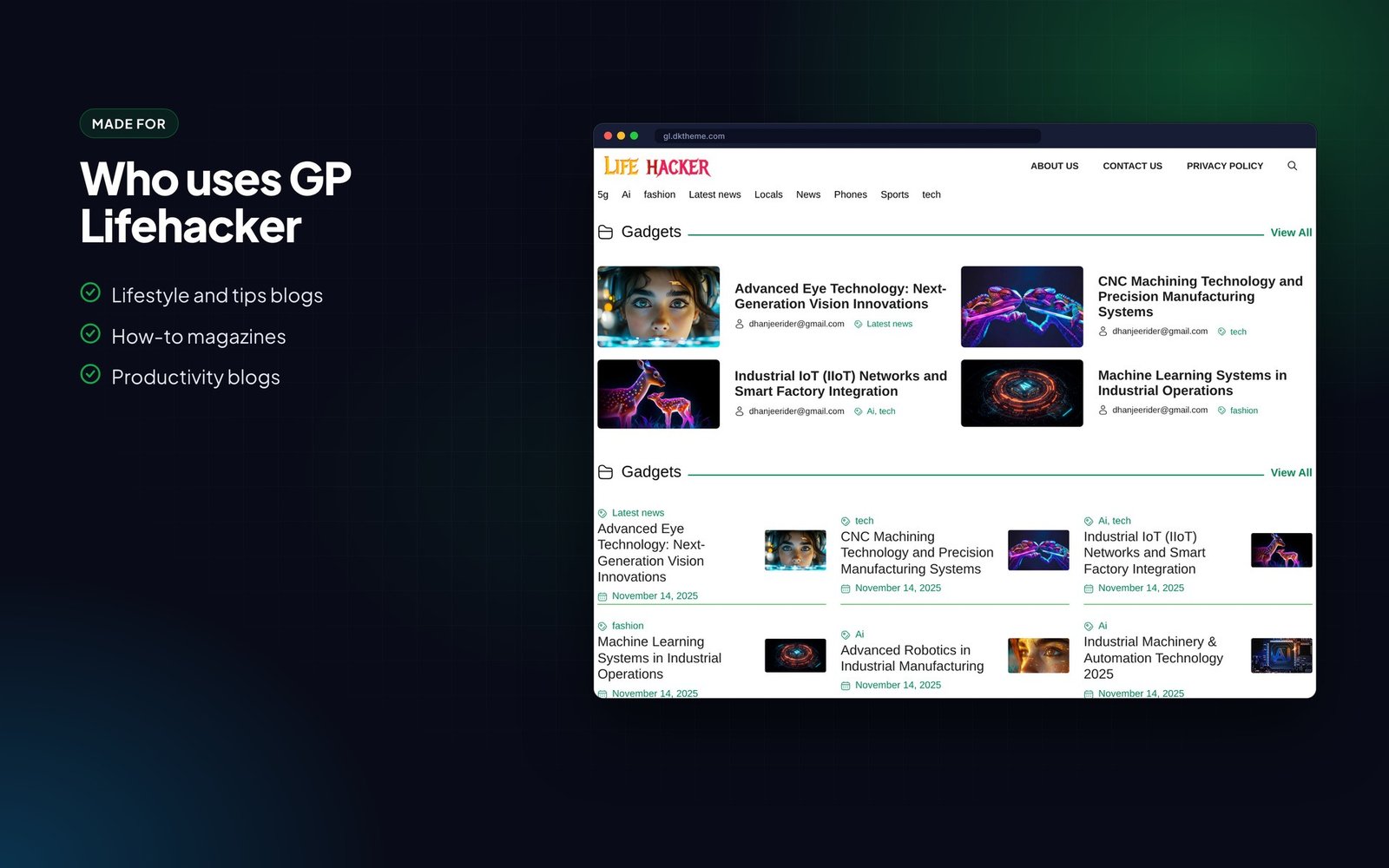
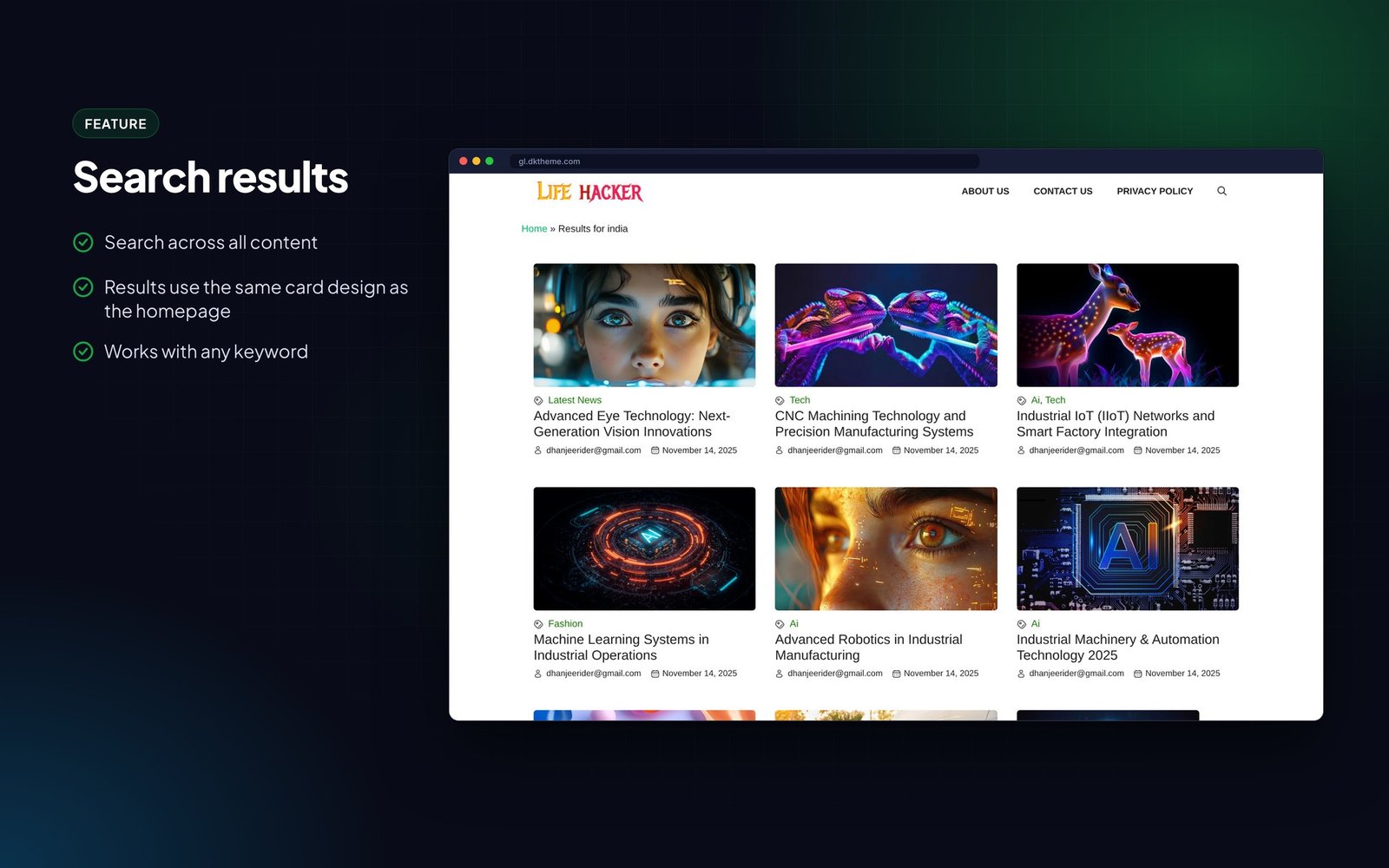
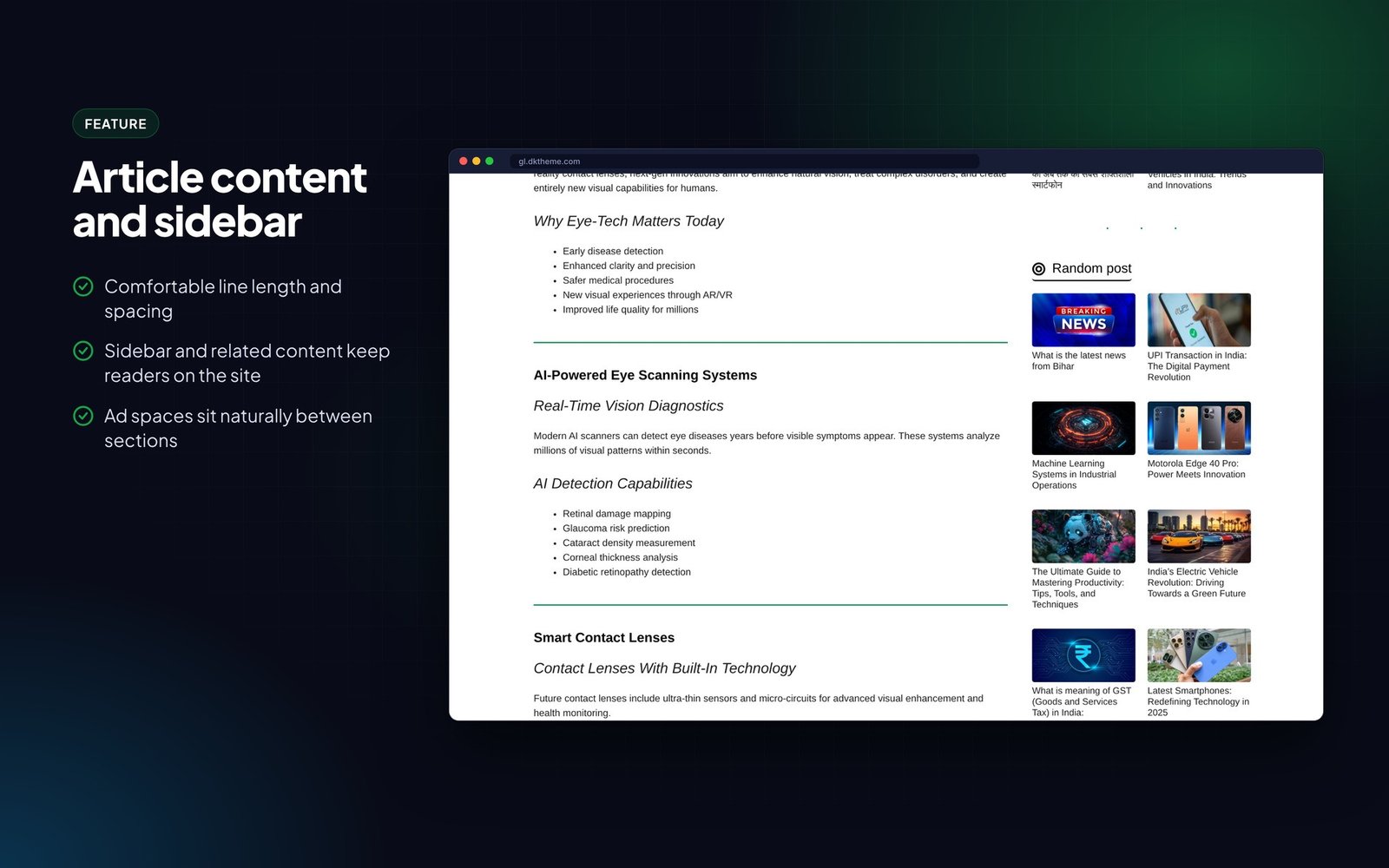
The homepage has a newsletter form, a scrolling category list under the header and hover effects on post cards. Posts get an author box with author archives, related or popular posts, and external and social share buttons.
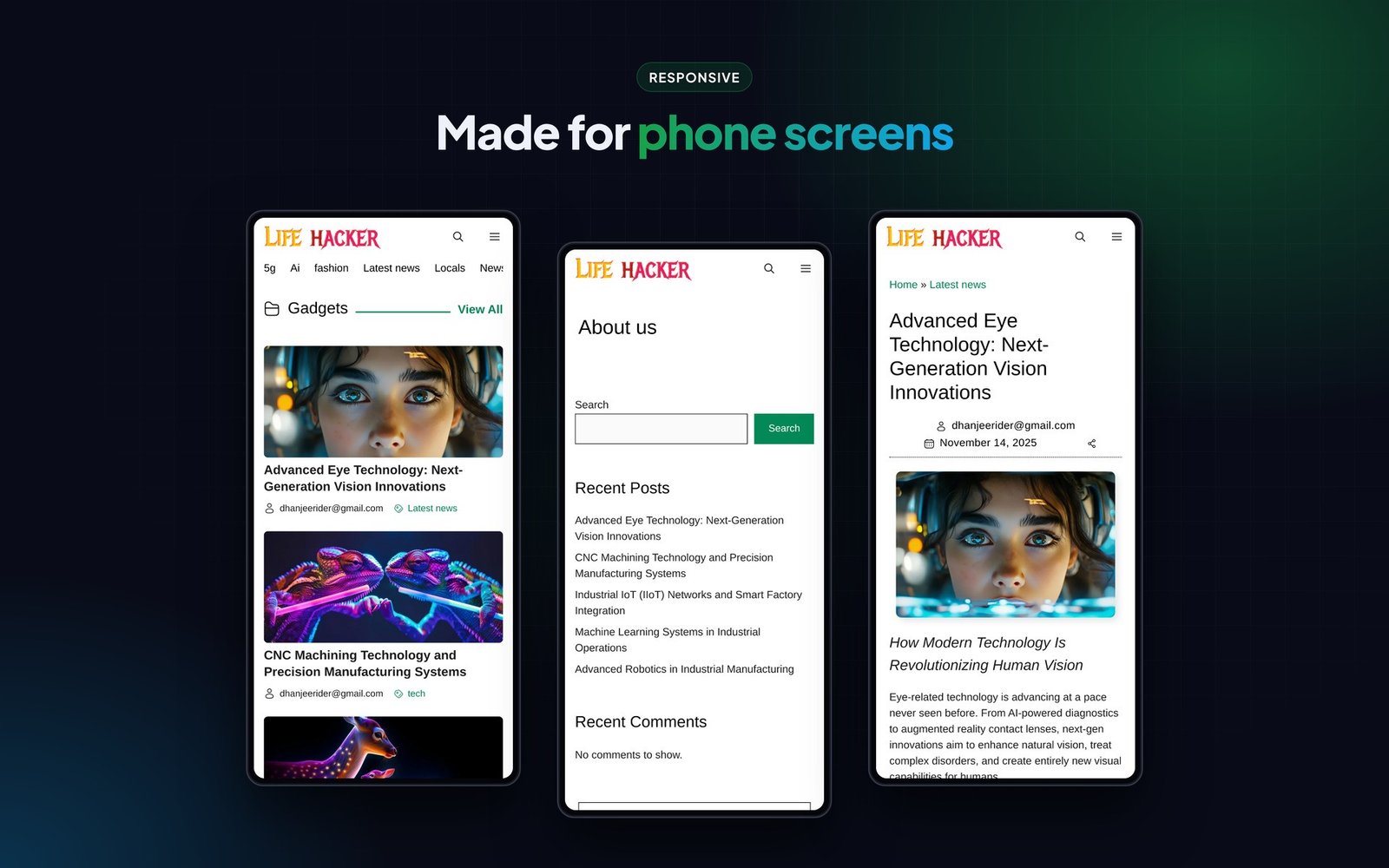
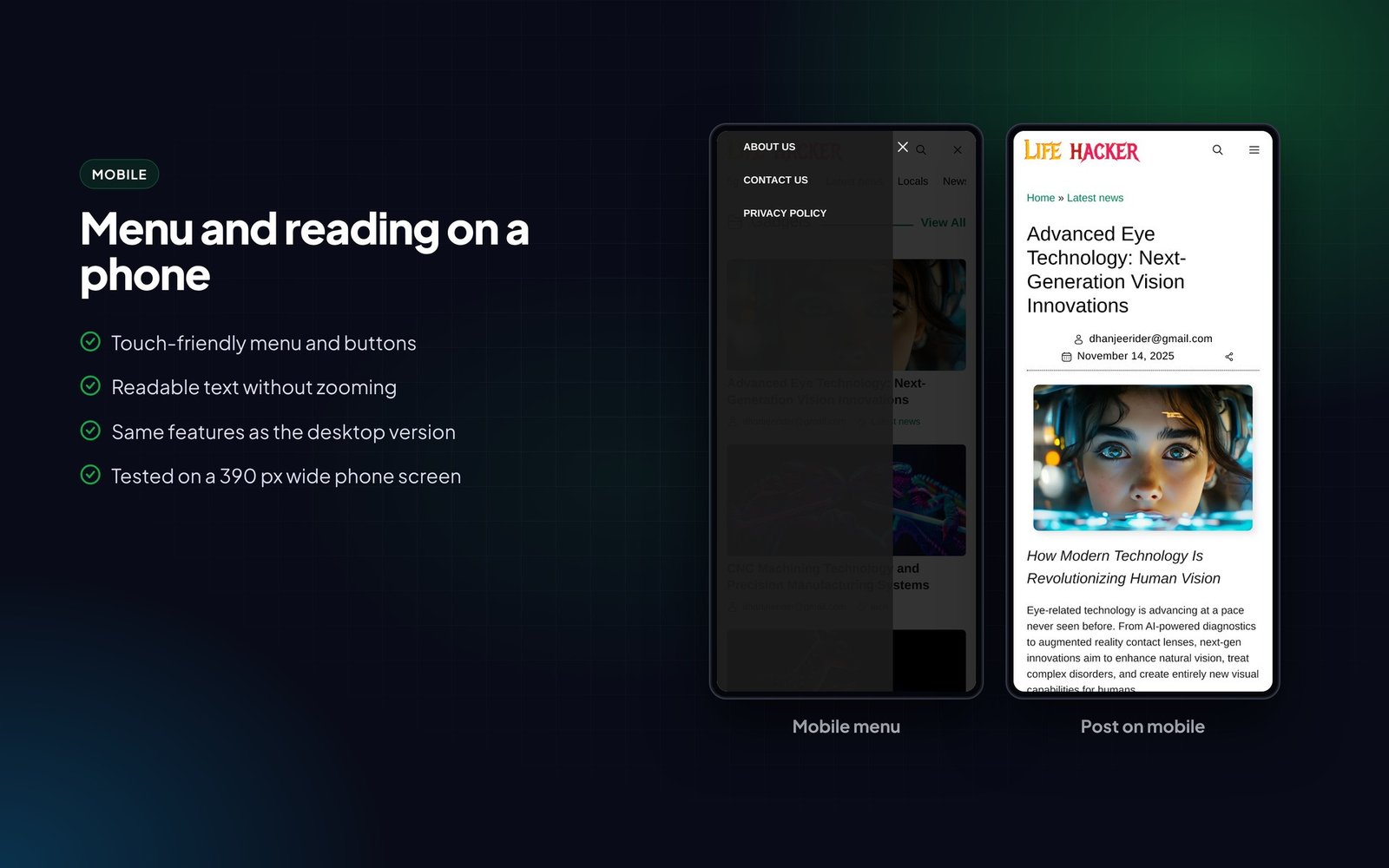
It is light, mobile friendly and imports without code.
Who it is for
- Lifestyle and tips blogs
- How-to magazines
- Productivity blogs
What is in the download
- GeneratePress customizer.json
- Elements and demo content.xml
- Child theme / custom CSS
- HTML documentation
- Licence and changelog
Good to know
- Requires GeneratePress (free) and GP Premium. GP Premium is not included and must be bought by the buyer from GeneratePress.
- Images and articles in the live demo are for preview only and are not part of the download.
Features
Homepage
- Newsletter form
- Scrolling category list under the header
- Hover effects on cards
Posts
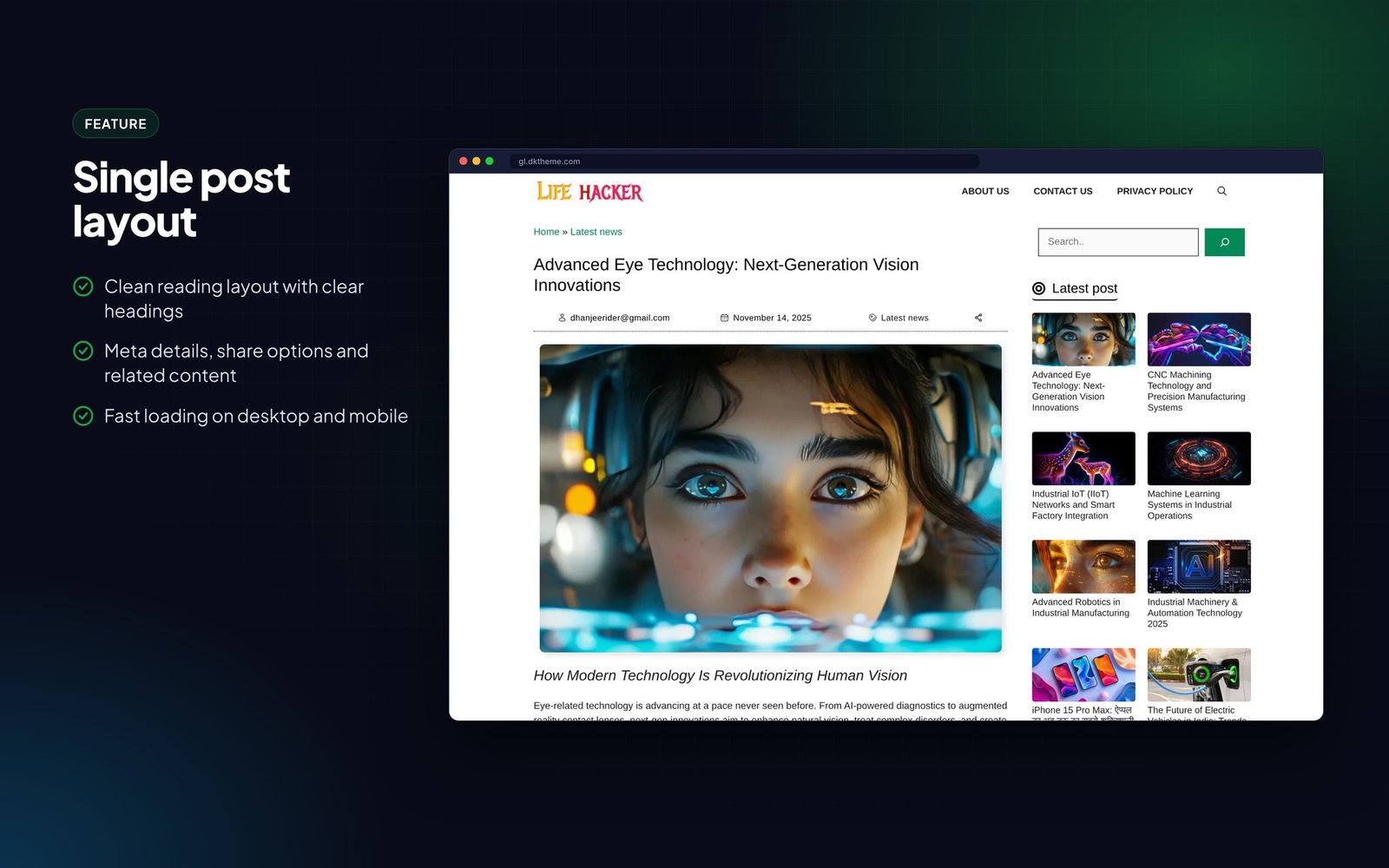
- Author box and author archives
- Related or popular posts
- External and social share buttons
Build
- GeneratePress and GenerateBlocks
- Easy import, no code
- Mobile friendly
Requirements
- WordPress 6.0 or newer
- GeneratePress theme (free, from WordPress.org)
- GP Premium plugin (bought separately from GeneratePress)
Show allShow less
- GenerateBlocks (free), and GenerateBlocks Pro where the documentation says so
- PHP 7.4 or newer
Instructions
- Install and activate the free GeneratePress theme from Appearance > Themes > Add New.
- Install GP Premium and activate the Elements, Blog, Colors and Typography modules.
- Install GenerateBlocks (and GenerateBlocks Pro if the documentation lists it).
- Go to Appearance > GeneratePress > Import / Export and import the customizer.json file from the package.
- Import the elements and demo content with Tools > Import > WordPress using the.xml file.
- Set your homepage under Settings > Reading and assign the menus.
- Change the logo, colours and fonts in the Customizer.
The Documentation folder inside the download has the same steps with screenshots, plus answers to common questions.
In Wbthemes's own words. See it at Wbthemes