Video quality, day and night
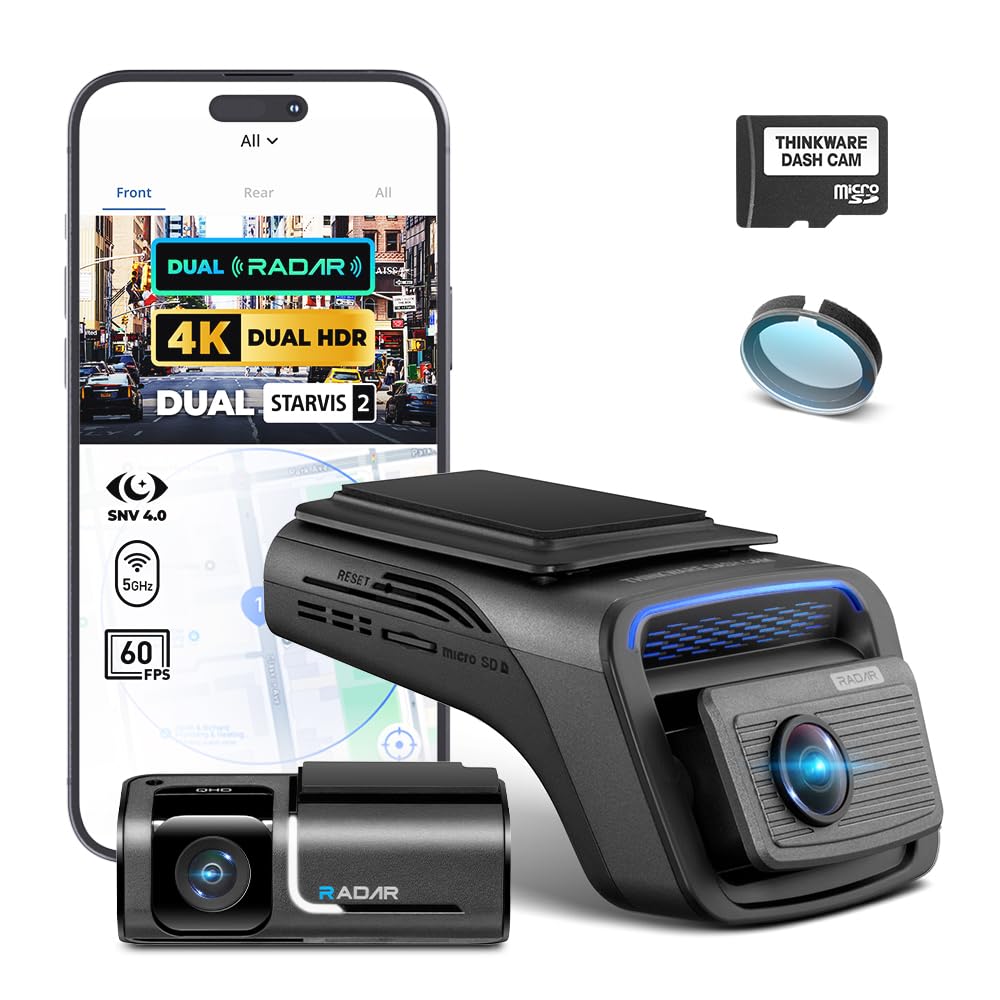
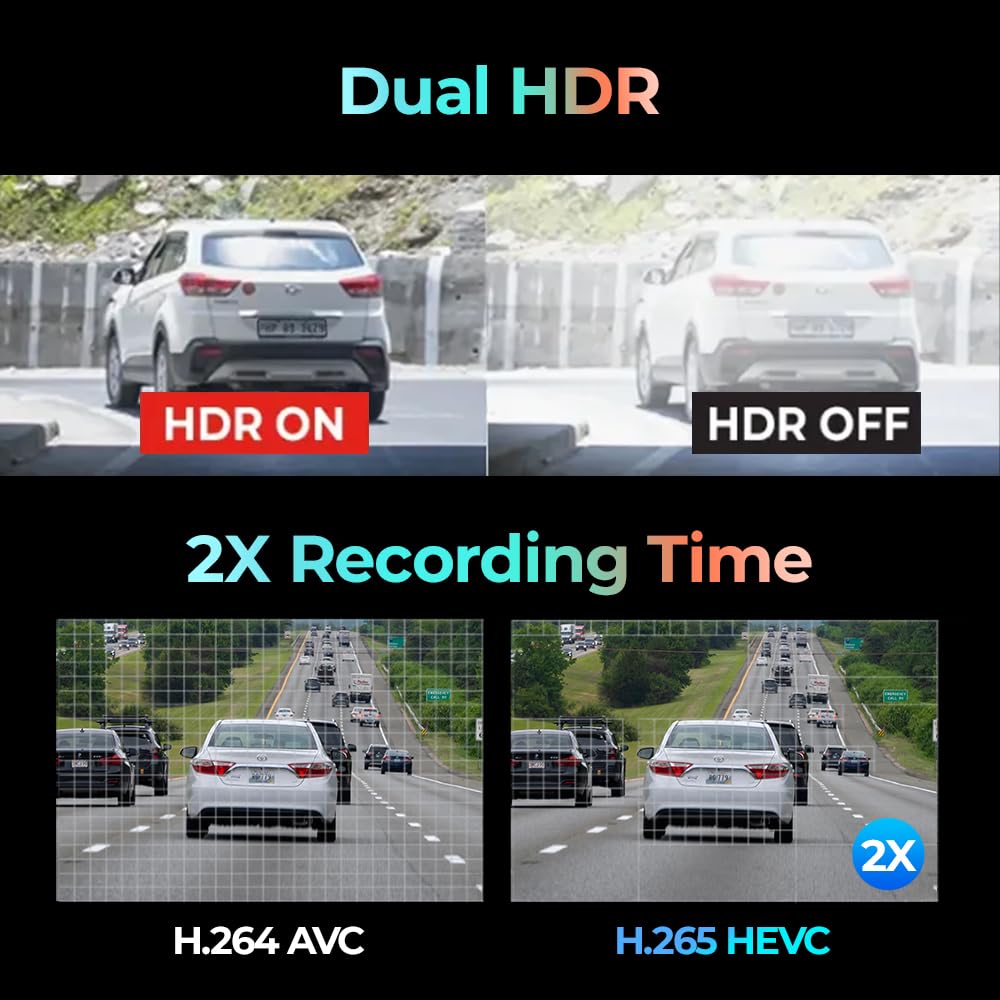
The front camera records 4K on Sony’s STARVIS 2 IMX678 and the rear records 2K on the IMX675. Thinkware adds Super Night Vision 4.0 and WDR to keep plates and signs readable on unlit roads and in car parks, plus lens dewarping for a more natural view of the road.
Thinkware also lets you adjust the bitrate. Higher bitrates keep more detail in moving plates; lower ones stretch card space, which matters more on a 64 GB card.
Front camera 4K · STARVIS 2 IMX678
Rear camera 2K · STARVIS 2 IMX675
Night mode Super Night Vision 4.0, WDR
Bitrate Adjustable
Heat and power in the UAE summer
The U3000 Pro runs on a supercapacitor rather than a lithium battery. That removes the part most likely to swell or fail in a car parked through the UAE summer; the capacitor only holds enough charge to save the last clip when the power goes off.
Thinkware rates it to operate from −10°C to 60°C. A car parked in direct sun can get hotter than that, so treat the rating as a reason to choose it, not a reason to skip the sunshade.
Power source Supercapacitor (no lithium battery)
Operating temperature −10°C to 60°C
- Use a windscreen sunshade whenever the car is parked outdoors.
- Mount the camera high, behind the rear-view mirror, where it gets some shade.
- Use a high-endurance microSD card; dash cams write constantly and ordinary cards wear out faster in heat.
Parking mode and hardwiring
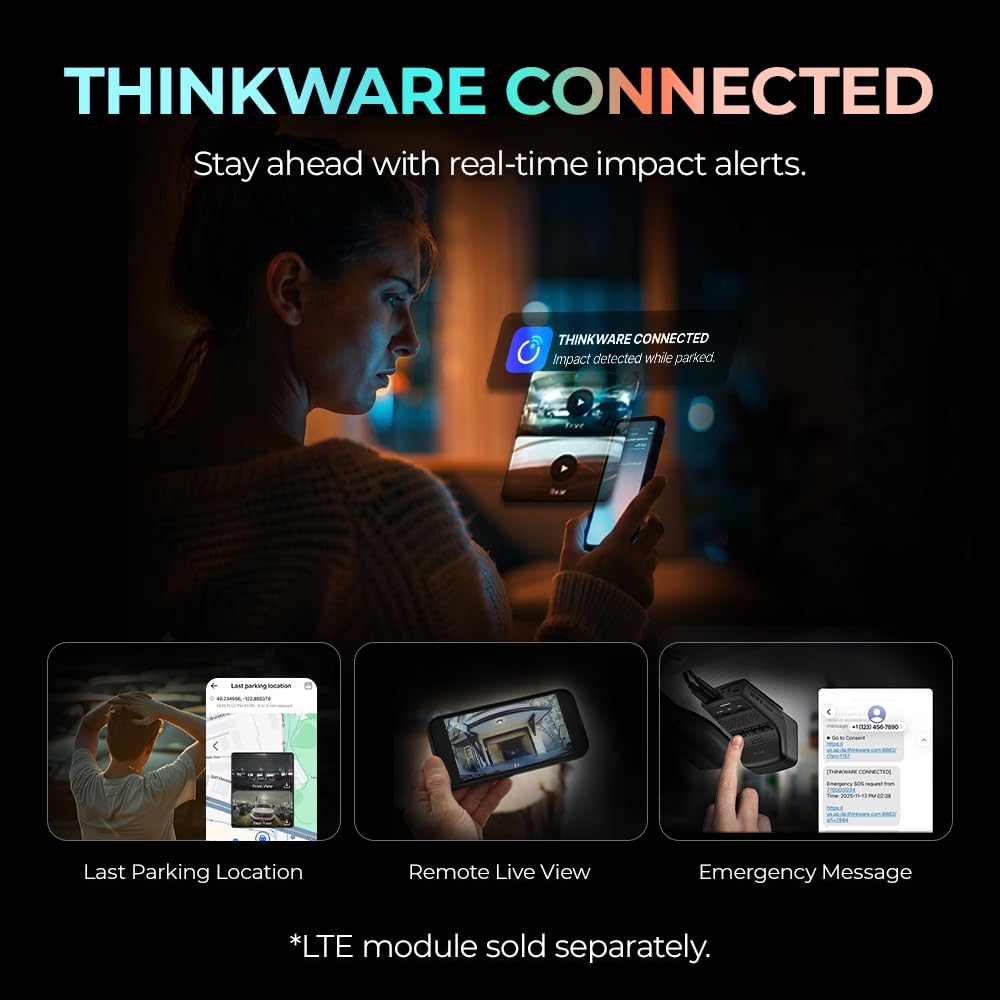
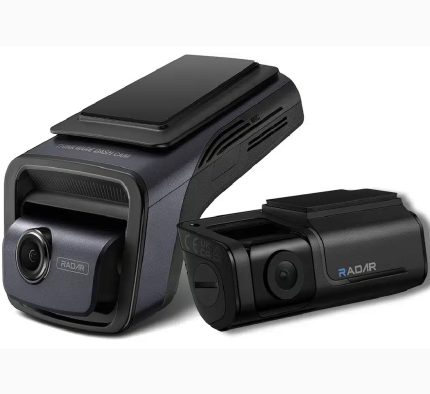
Parking mode is the U3000 Pro’s headline feature. Front and rear radar watches for movement and wakes the camera only when something approaches, then saves a 20-second clip with 10 seconds before and 10 seconds after the event. Because the camera is not recording continuously, it draws less from the car battery during long stays.
Thinkware includes an OBD-II cable, so parking mode can run from the car’s diagnostic port without a hardwire kit to the fuse box.
Parking detection Built-in front and rear radar
Event clip 20 seconds (10 before, 10 after)
Power for parking OBD-II cable (included) or hardwiring
No fuse-box wiring needed
The OBD-II cable plugs into the diagnostic port under the dashboard. Check where the port sits in your car and that the cable reaches your windscreen mount.
GPS, Wi-Fi and getting the evidence out
Built-in GPS writes speed, location and time into your footage, which is the detail insurers and the police ask for after an accident. A G-sensor locks the clip on impact so loop recording cannot overwrite it.
The Dash Cam Link app pairs over 2.4 GHz or 5 GHz Wi-Fi for viewing and saving clips on your phone. There is no screen on the camera itself, so the app is how you check the view when you install it.
GPS Built-in GPS
Wi-Fi Dual-band 2.4 GHz + 5 GHz
App Thinkware Dash Cam Link
Driver assistance alerts
The U3000 Pro adds front collision and lane departure warnings, plus safety camera alerts from the built-in GPS. They are a bonus rather than a reason to buy: alerts like these work best on clearly marked roads and can be switched off if they become distracting.
Alerts Front collision, lane departure, safety cameras
Installation
In the box: front and rear camera, 64 GB microSD card, OBD-II cable, charging cable, installation tool, quick guide, warranty card.
Clean the glass and position the camera behind the rear-view mirror, where it sees the road without blocking your view. Route the power cable along the headliner and down the A-pillar rather than across the dashboard.
- microSD card: 64 GB card included, and cards up to 512 GB are supported.
- Parking power: the included OBD-II cable powers parking mode; a hardwire kit is the alternative.
Pros, cons & verdict
Pros
Cons
Our verdict
Radar parking makes this the low-fuss choice for long parking stays
The U3000 Pro records strong 4K and 2K footage on STARVIS 2 sensors, but its real advantage is parking mode: radar wakes the camera only when something moves, and the included OBD-II cable means no fuse-box wiring. A supercapacitor, driver alerts and a 64 GB card round it out. The catches are its premium price, the lowest heat rating in this group (60°C) and no screen. Choose it if your car spends long hours parked outdoors.
Radar parking
STARVIS 2 front and rear
OBD-II power included
Alternatives
Compared with other brands
Who should buy it
Good fit
Long parking stays
Radar wakes the camera on movement, so parking cover lasts without constant recording.
No-wiring installs
The included OBD-II cable powers parking mode without fuse-box work.
Night drivers
STARVIS 2 on both cameras with Super Night Vision 4.0.
Look elsewhere
Tight budgets
Cheaper STARVIS 2 two-channel cameras record the road just as clearly; compare the alternatives above.
Rideshare drivers
There is no cabin camera.
Specifications
Show all 12 specifications
FAQ
Will the U3000 Pro cope with the UAE summer?
It is built for heat: it uses a supercapacitor instead of a lithium battery, and Thinkware rates it to operate from −10°C to 60°C. A car parked in direct sun can get hotter than that, so use a windscreen sunshade when you park outdoors.
Is a memory card included?
Yes, a 64 GB card is in the box. The U3000 Pro supports cards up to 512 GB; a high-endurance card lasts longer.
Do I need a hardwire kit?
Not necessarily. The included OBD-II cable can power parking mode from the car’s diagnostic port; a hardwire kit to the fuse box is the alternative.