About this product
- Order number: AOMEI 128562
- Manufacturer AOMEI
- State NeW
- Language All languages
- Country zone Weltweit
- Shipping method E-Mail
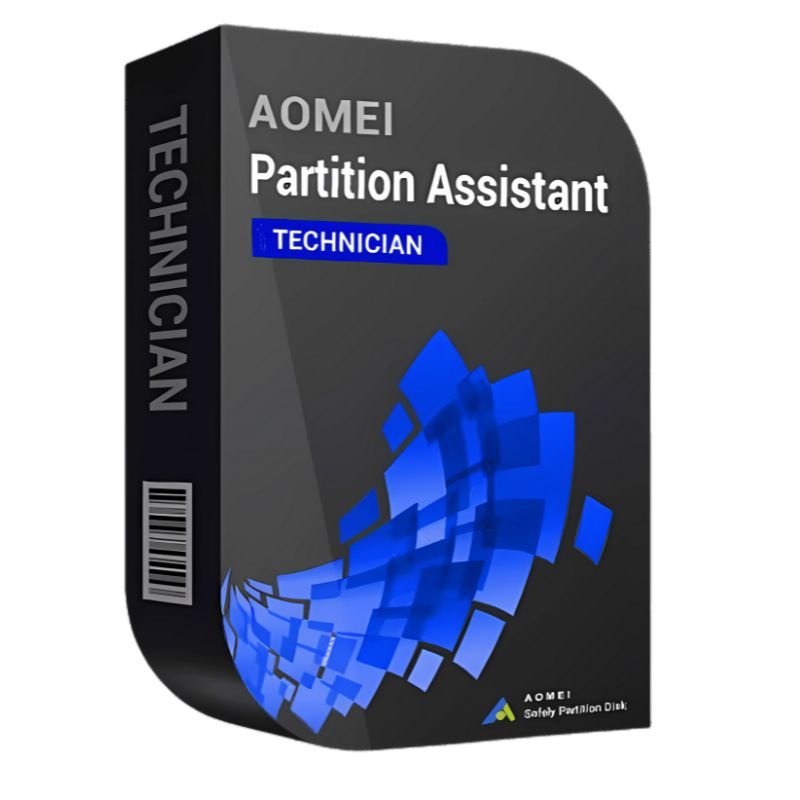
Comprehensive AOMEI Partition Assistant Technician lifetime for Businesses and Professionals!
OMEI Partition Assistant Technician Edition provides an all-in-one solution for managing server and PC partitions. Ideal for small and medium-sized businesses, this software empowers you to provide profitable technical services while maintaining optimal storage performance. From migrating OS to SSDs to converting partition types without data loss, AOMEI Partition Assistant offers advanced capabilities that make partition management seamless and efficient.
Key Features ofAOMEI Partition Assistant Technician lifetime
- Resize and Move Partitions Effortlessly adjust the size and location of partitions to maximize storage space without the risk of data loss. This feature is essential for optimizing disk usage and ensuring efficient data organization.
- Merge and Split Partitions Combine smaller partitions into a larger one or split a large partition into smaller ones. This allows for better organization and utilization of disk space, adapting to changing storage needs.
- Migrate OS to SSD Seamlessly clone your operating system and applications to an SSD or HDD, boosting system performance without the need for a complete reinstallation. This is ideal for upgrading to faster storage solutions.
Show allShow less
- Copy Hard Disk and Partition Easily copy all data from one hard disk or partition to another. This feature is perfect for disk upgrades, backups, and data redundancy.
- Convert Between MBR and GPT Switch between MBR and GPT partition styles without losing data. This ensures compatibility with modern systems and allows for more flexible disk management.
- Dynamic Disk Converter: Convert dynamic disks to basic disks and vice versa, providing flexibility in how you manage your storage configurations.
- Convert Primary/Logical Partitions Change logical partitions to primary partitions and vice versa without data loss. This is useful for optimizing partition structure for various applications.
Comprehensive Maintenance and Optimization:
- Create Bootable Media Generate WinPE bootable CDs or USB drives to manage your computer without needing to install additional software. This is crucial for troubleshooting and managing disks on unbootable systems.
- Align Partitions Optimize partition alignment to improve performance, especially beneficial for SSDs. This ensures your storage devices operate at peak efficiency.
- Integrate with Recovery Environment Seamlessly integrate AOMEI Partition Assistant into the Windows Recovery Environment, making it easier to access powerful disk management tools during system recovery.
Powerful Data Management Tools:
- Recover Lost Partitions Restore deleted or lost partitions and retrieve important data effortlessly. This feature provides peace of mind by ensuring that your data can be recovered in case of accidental deletion.
- Check and Repair Partitions Easily check and repair partition errors to maintain disk health and data integrity. This helps in preventing data corruption and improving overall system stability.
- Rebuild MBR Quickly rebuild the Master Boot Record to fix boot issues and ensure your system starts correctly. This is a vital tool for recovering from boot-related problems.
Security and Customization:
- Hide/Show Partitions Manage the visibility of partitions to secure sensitive data or streamline the user interface. This allows for better control over data access.
- Change Drive Information Easily change drive letters, names, serial numbers, and partition IDs. This customization helps in better identification and organization of your disks.
- Set Partitions Active Mark partitions as active to control the boot sequence of your operating system. This feature is essential for managing multi-boot setups.
Disk Cleanup and Surface Testing:
- Remove Partitions and Hard Disks Safely clean up all data and files on entire hard disks and partitions. This thorough deletion process ensures that data is permanently removed, protecting your privacy.
- Surface Test Perform surface tests to check for bad sectors and ensure the reliability of your storage devices. This helps in maintaining the health and longevity of your disks.
Why Choose AOMEI Partition Assistant Technician
Choosing AOMEI Partition Assistant Technician Edition means opting for a powerful, versatile, and user-friendly solution for all your partition management needs. Here’s why it’s the best choice:
- Unlimited Device Support Manage partitions on unlimited PCs and servers, making it ideal for businesses and IT service providers.
- Lifelong Upgrades Enjoy free updates and new versions with the maintenance contract, ensuring your software is always up-to-date.
- Comprehensive Features From basic partition tasks to advanced data migration and disk conversion, AOMEI Partition Assistant covers it all.
- User-Friendly Interface Simplifies complex tasks with an intuitive interface, suitable for both novice and experienced users.
- Reliable Performance Ensures data safety and optimal storage performance, minimizing the risk of data loss during operations.
More Details:
- Runtime 1 Year
- Language(s) Multilingual
- Countryzone(s) Worldwide
Experience Professional-Grade Disk Management – Get Started with AOMEI!
In Softdigitalkey's own words. See it at Softdigitalkey