About this product
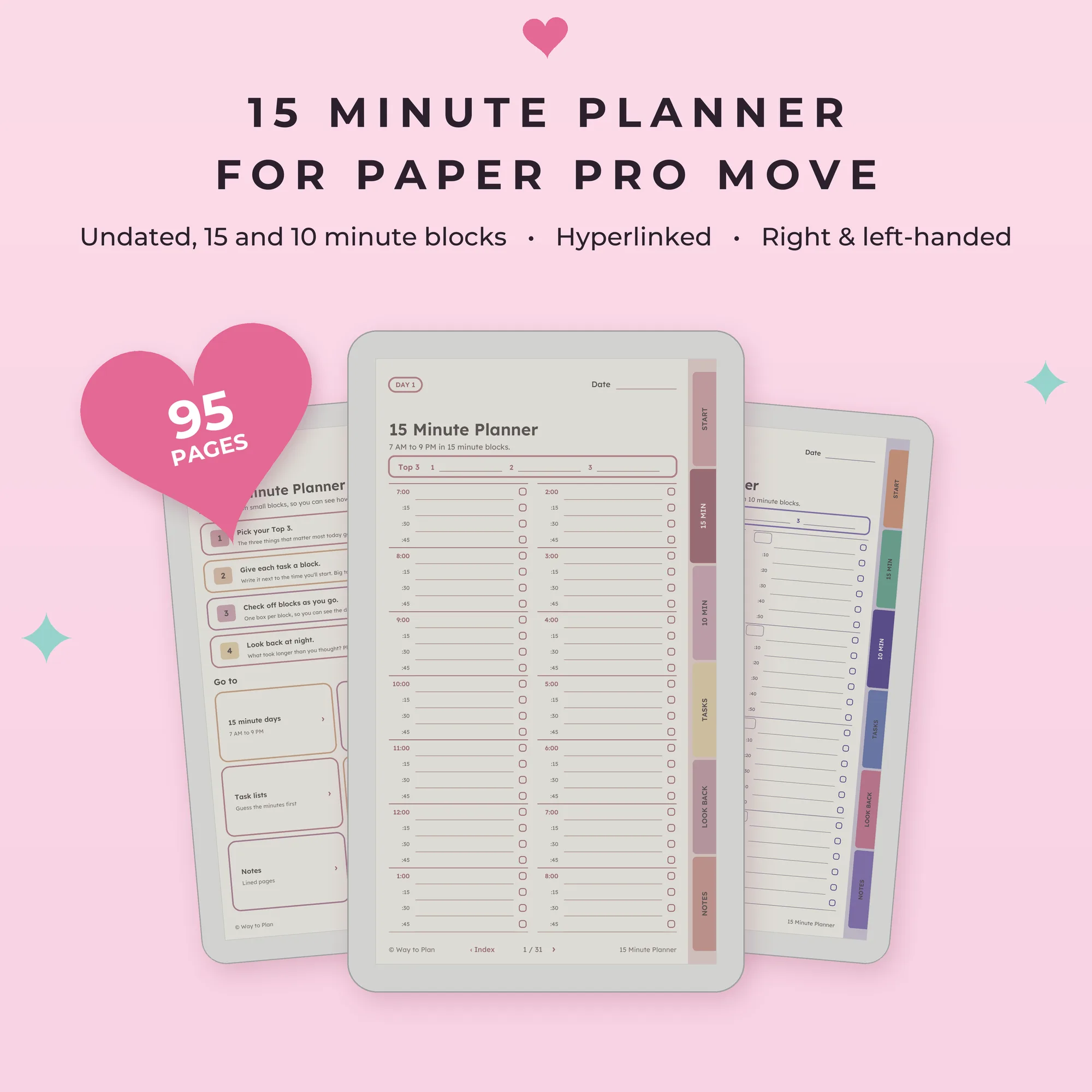
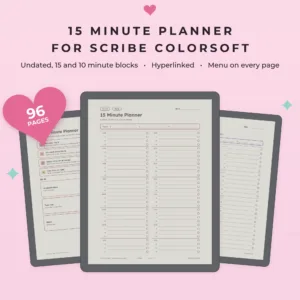
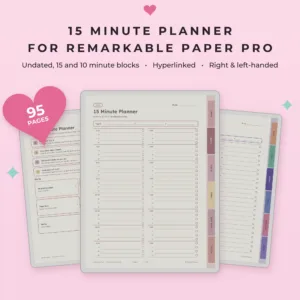
A 15 minute planner for your reMarkable Paper Pro Move: plan your day in small blocks, with 10 minute pages too, in one hyperlinked file.
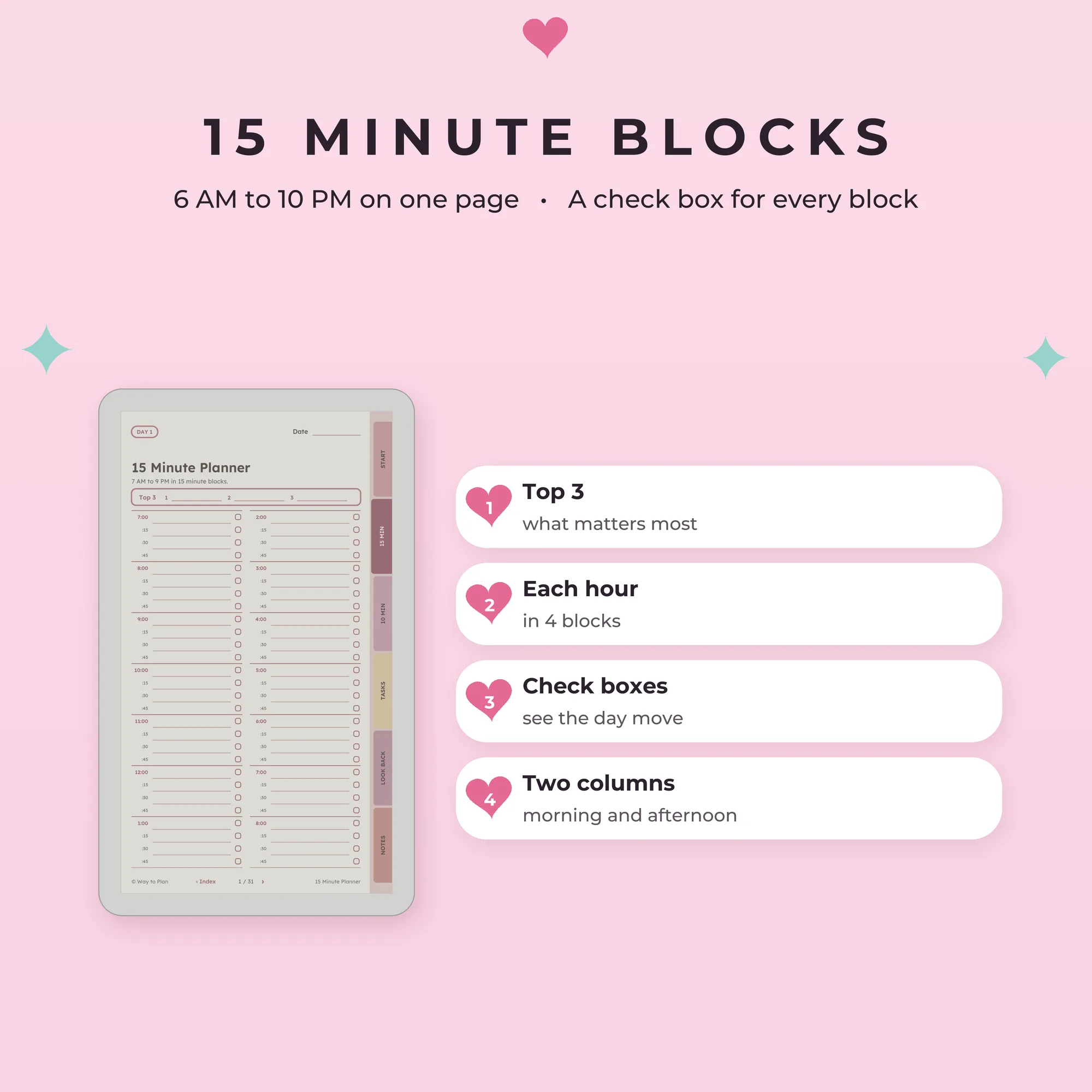
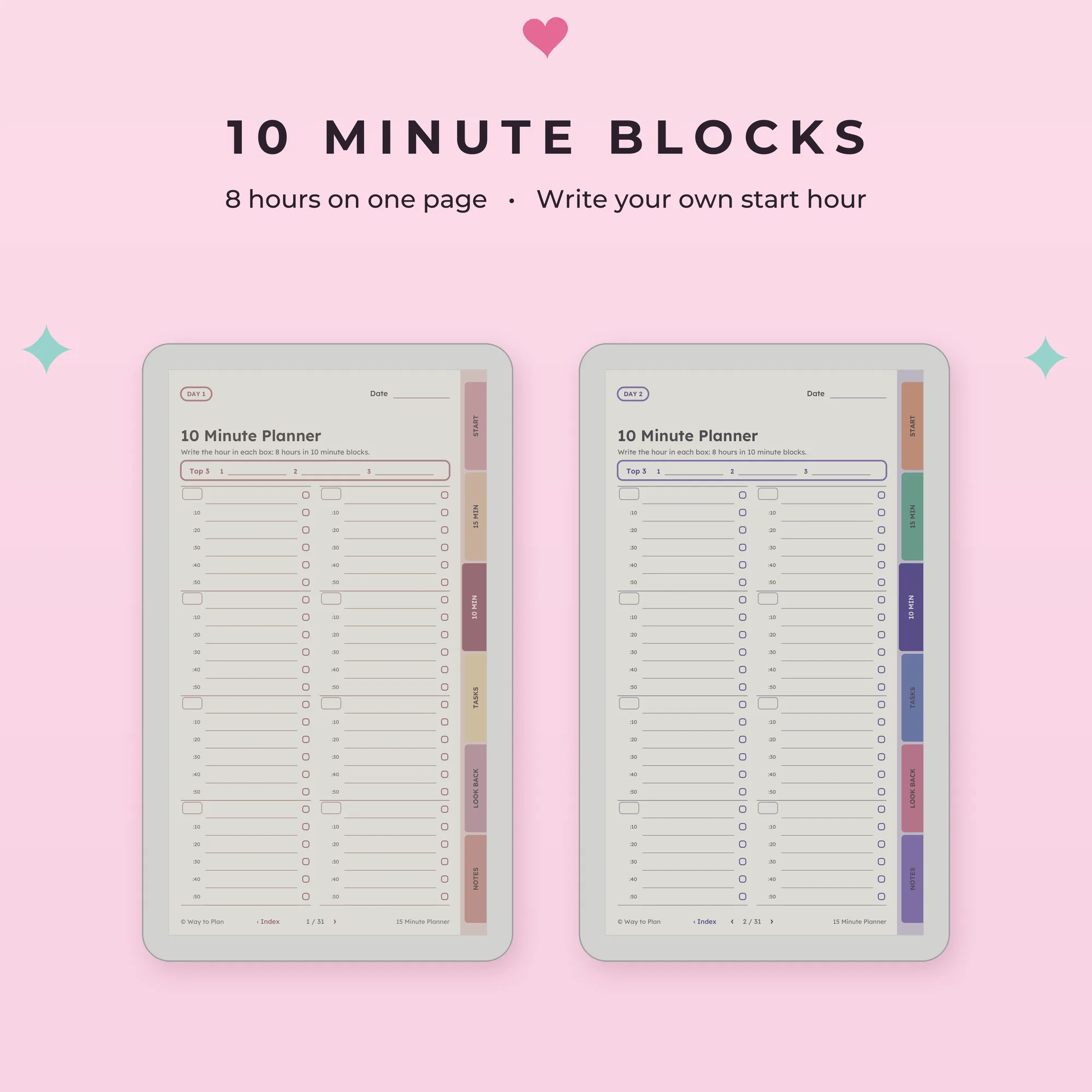
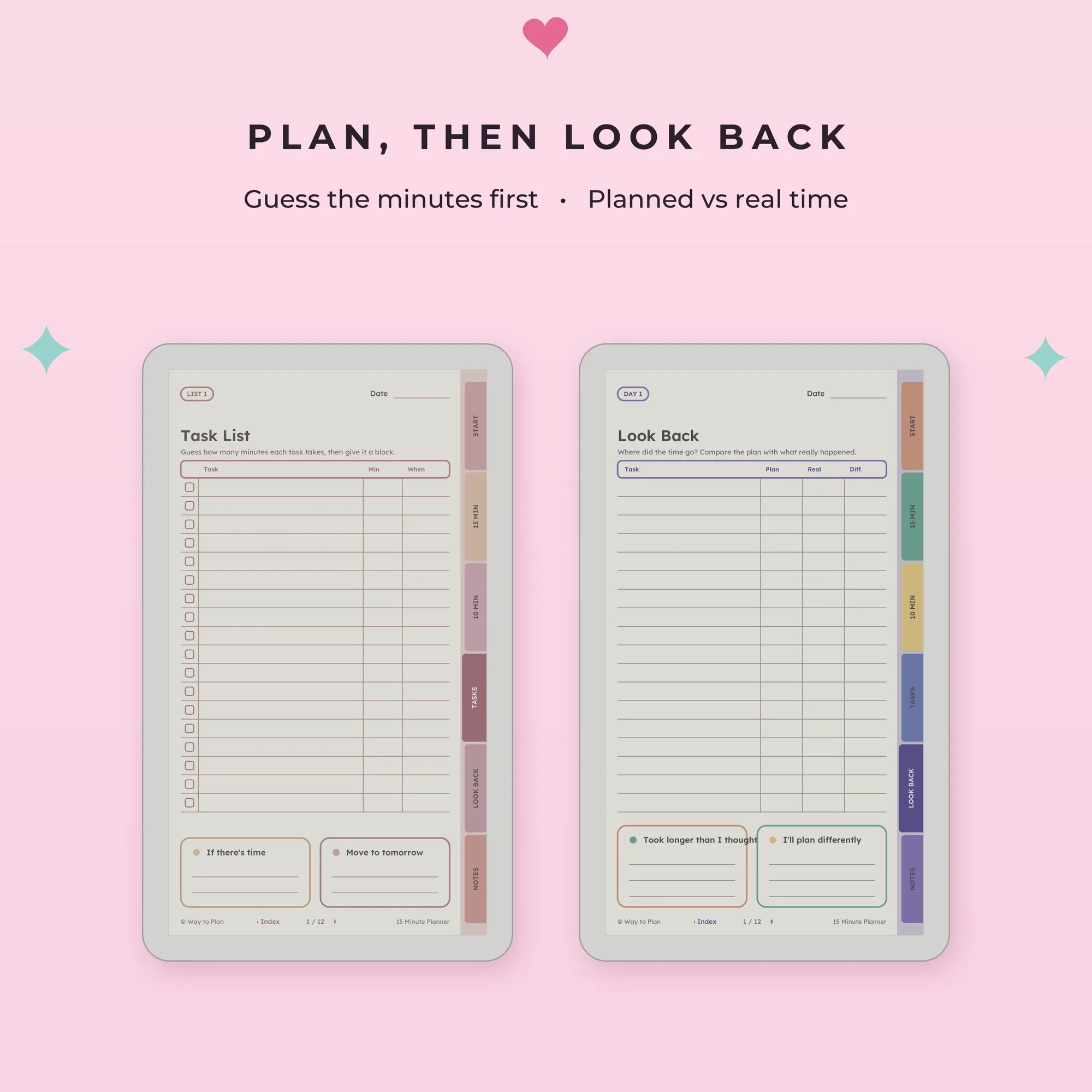
Write your Top 3 at the top, then give each task a block next to the time you’ll start. Big tasks get a few blocks. Check off each block as you go, so you can see the day move and how long things really take. The 10 minute pages hold 8 hours: write your own start hour in each box, handy for a work day or a focus session. Guess the minutes on the task list first, then look back at night and compare the plan with what really happened. Undated, so you can start any day.
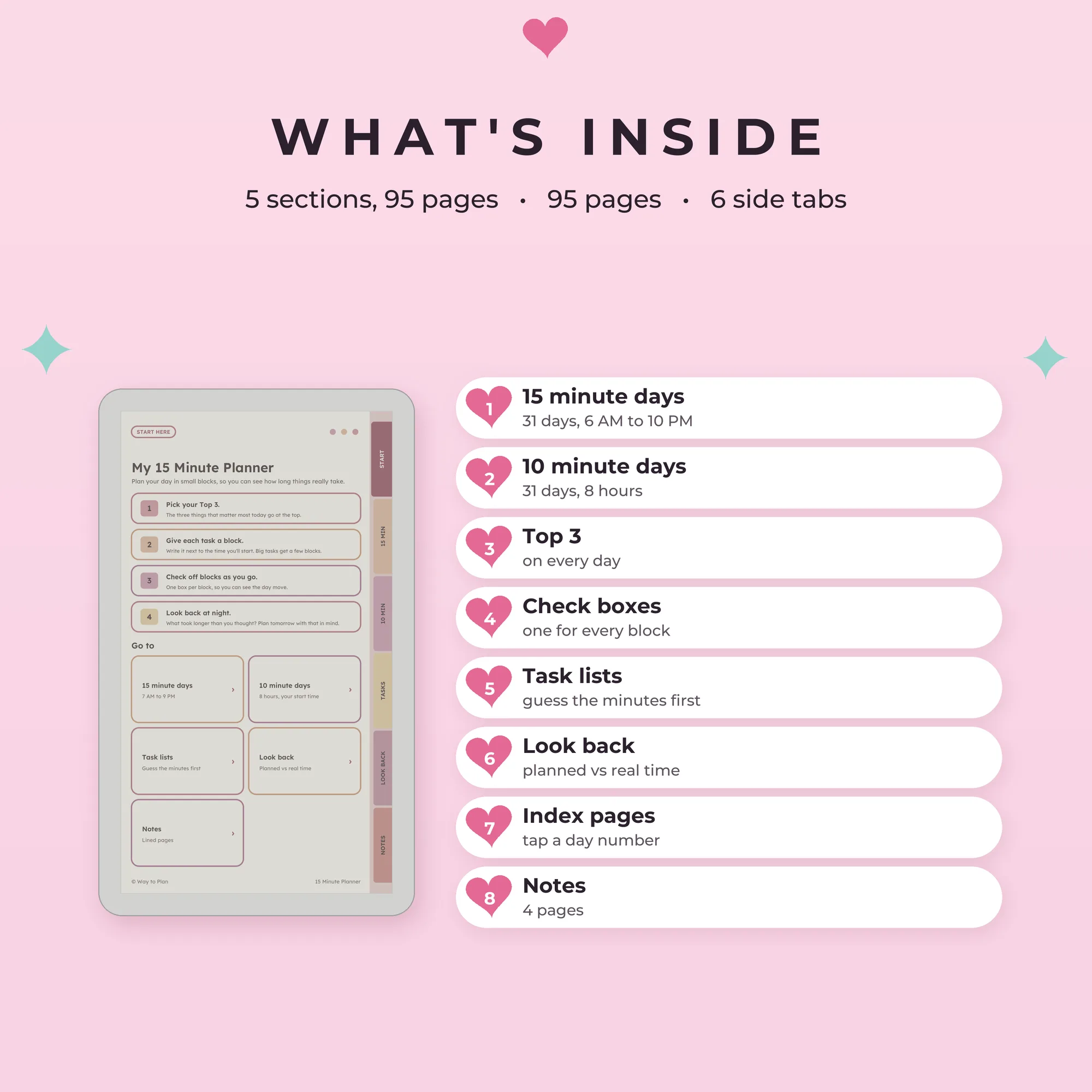
📅 What’s inside (95 pages)
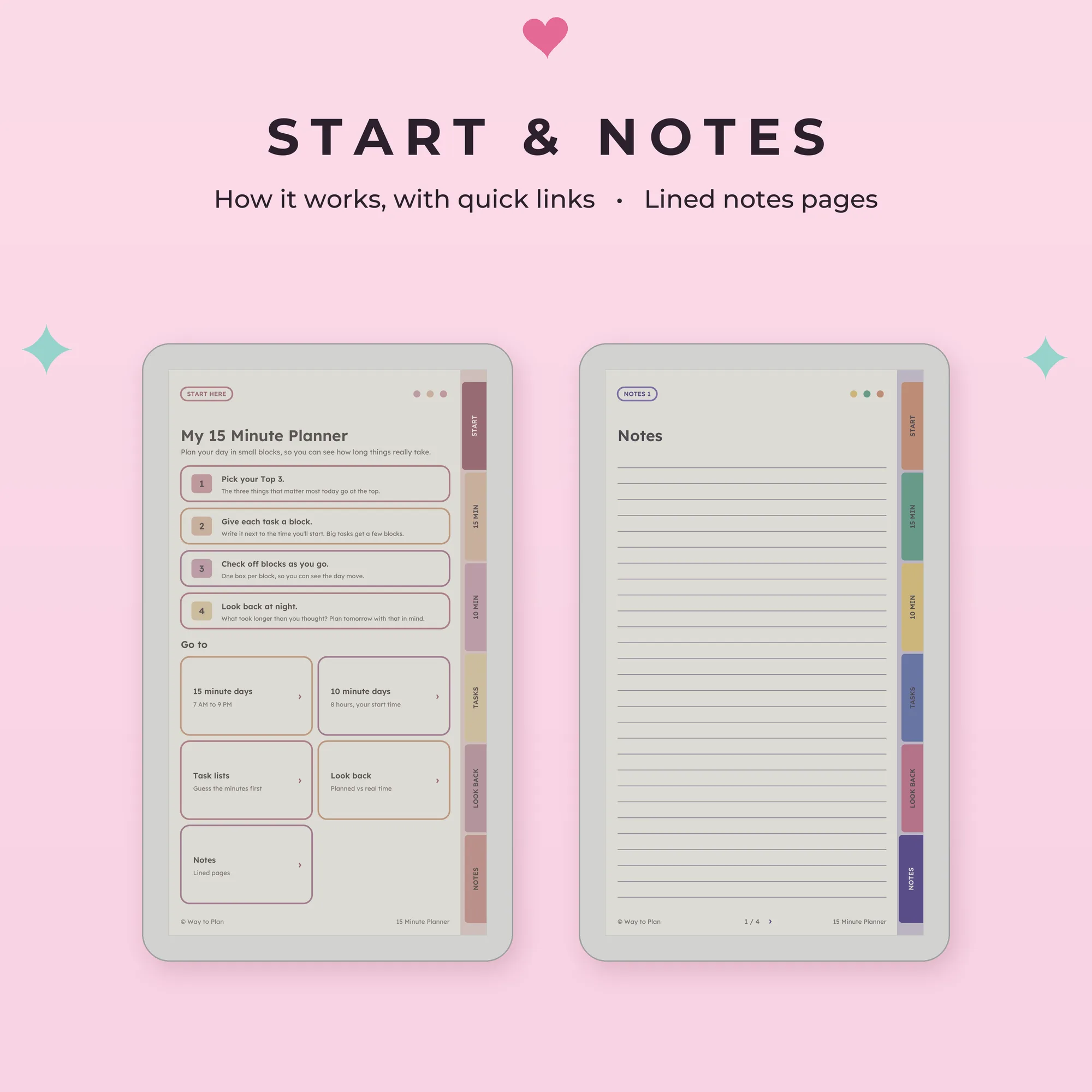
- Start here: how it works, with quick links
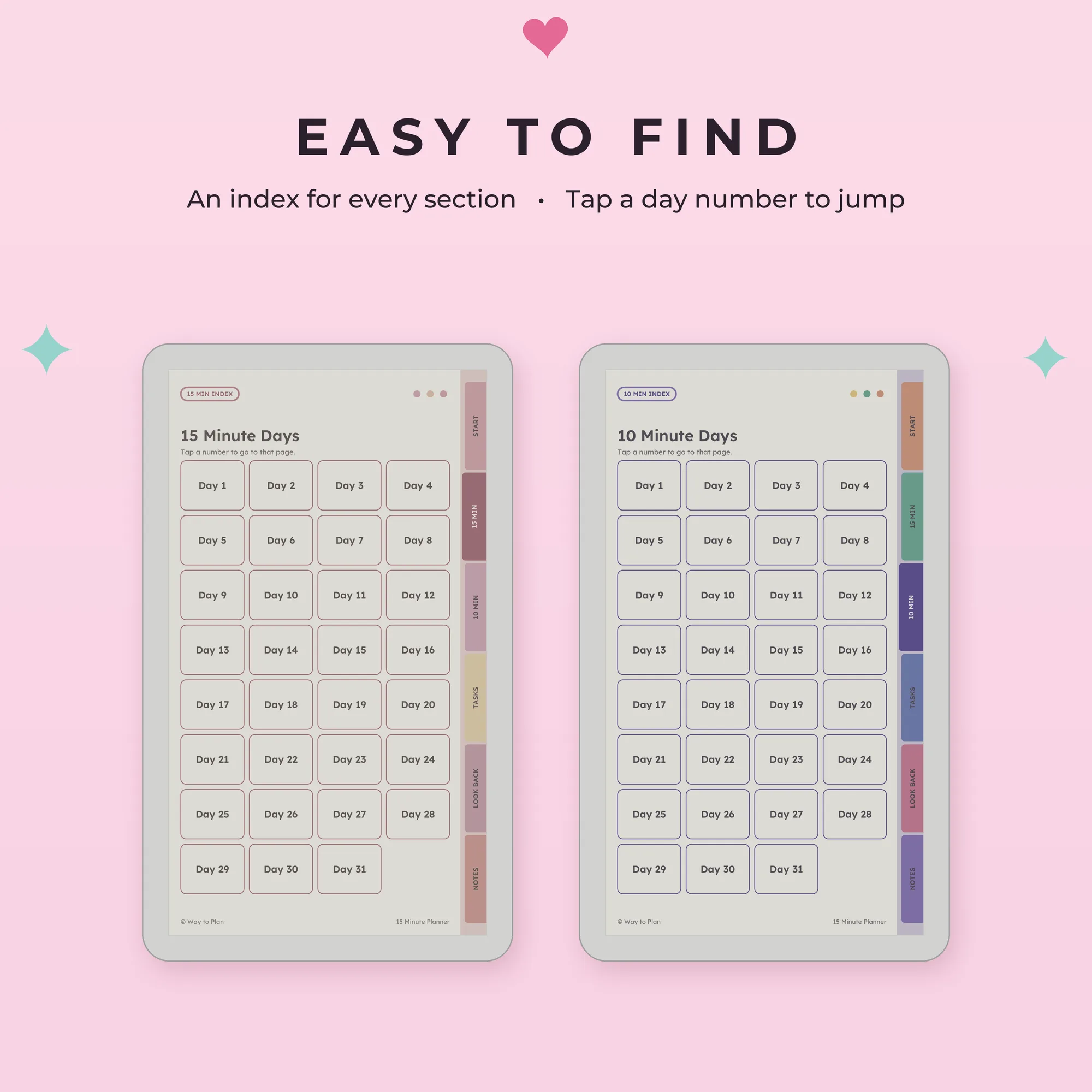
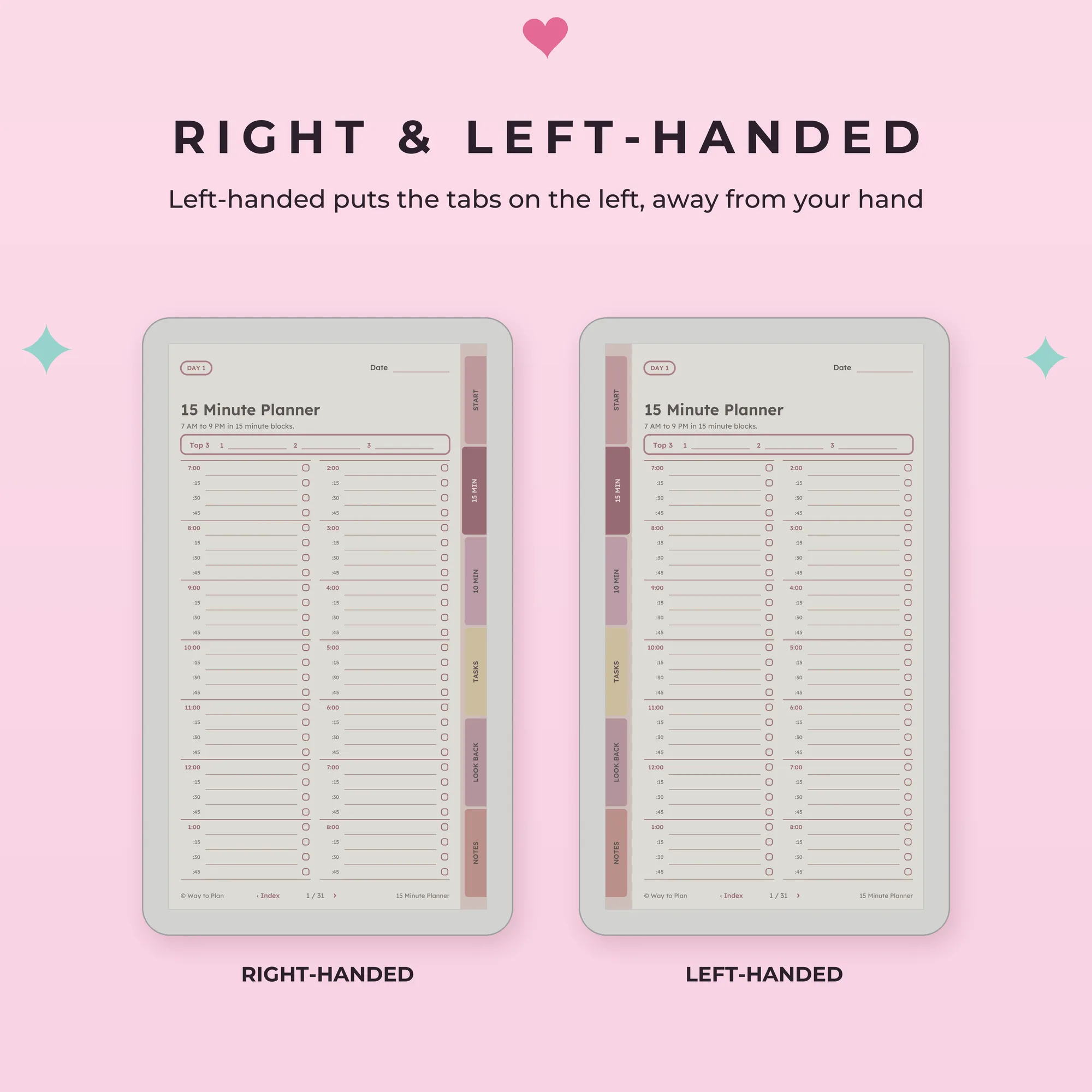
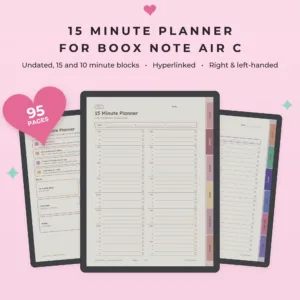
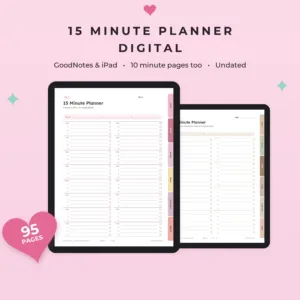
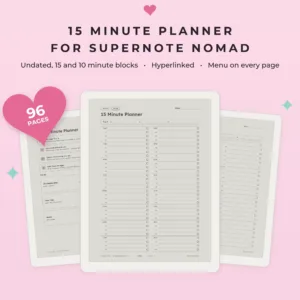
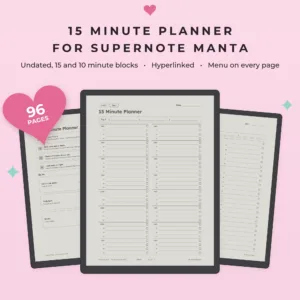
- 31 days in 15 minute blocks, 7 AM to 9 PM, with a Top 3 and a check box for every block
- 31 days in 10 minute blocks: 8 hours a page, write your own start hour
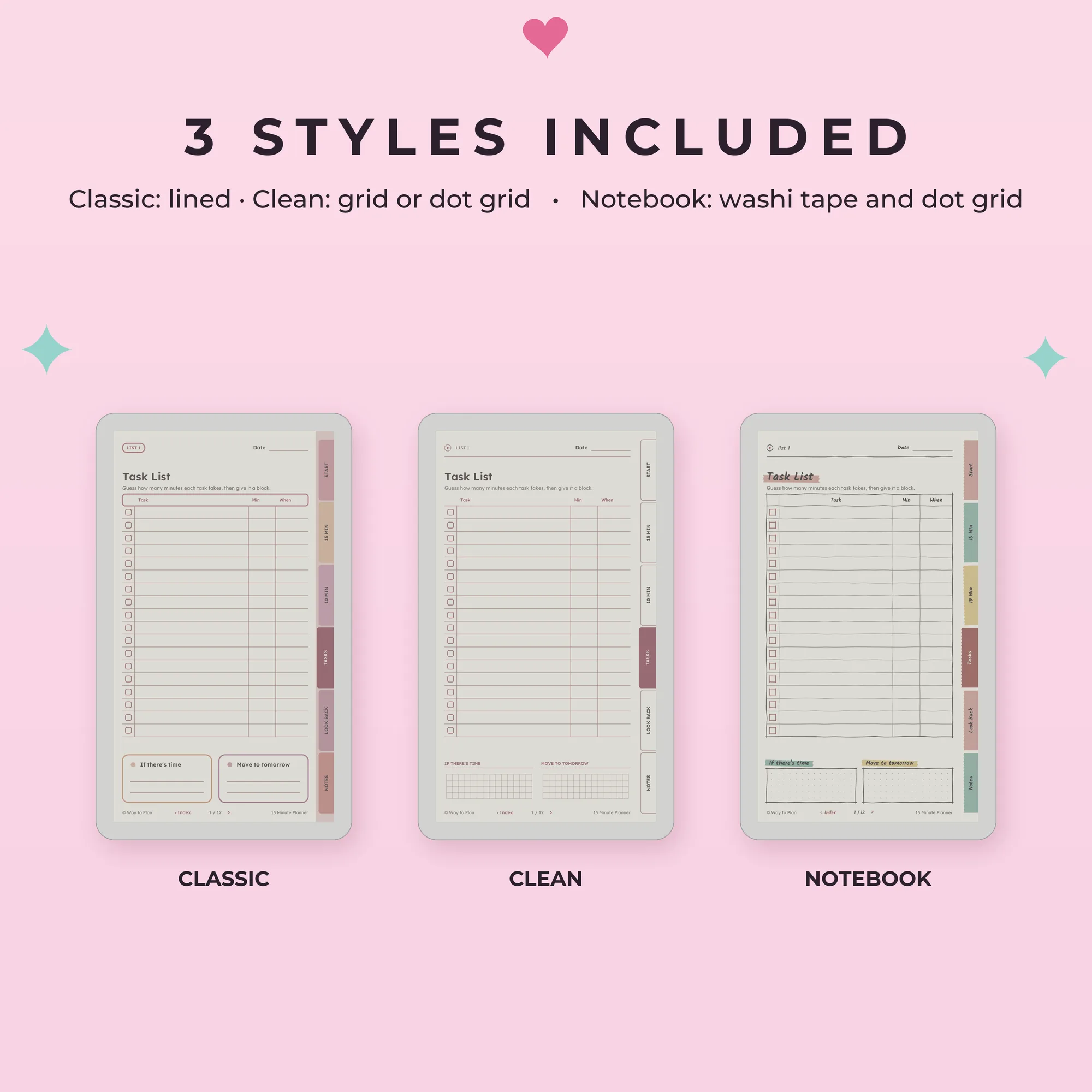
- 12 task lists: guess the minutes first, then give each task a block
- 12 look-back pages: planned time vs real time, what took longer and what you’ll plan differently
- 4 notes pages (lined in Classic, grid or dot grid in Clean, dot grid in Notebook)
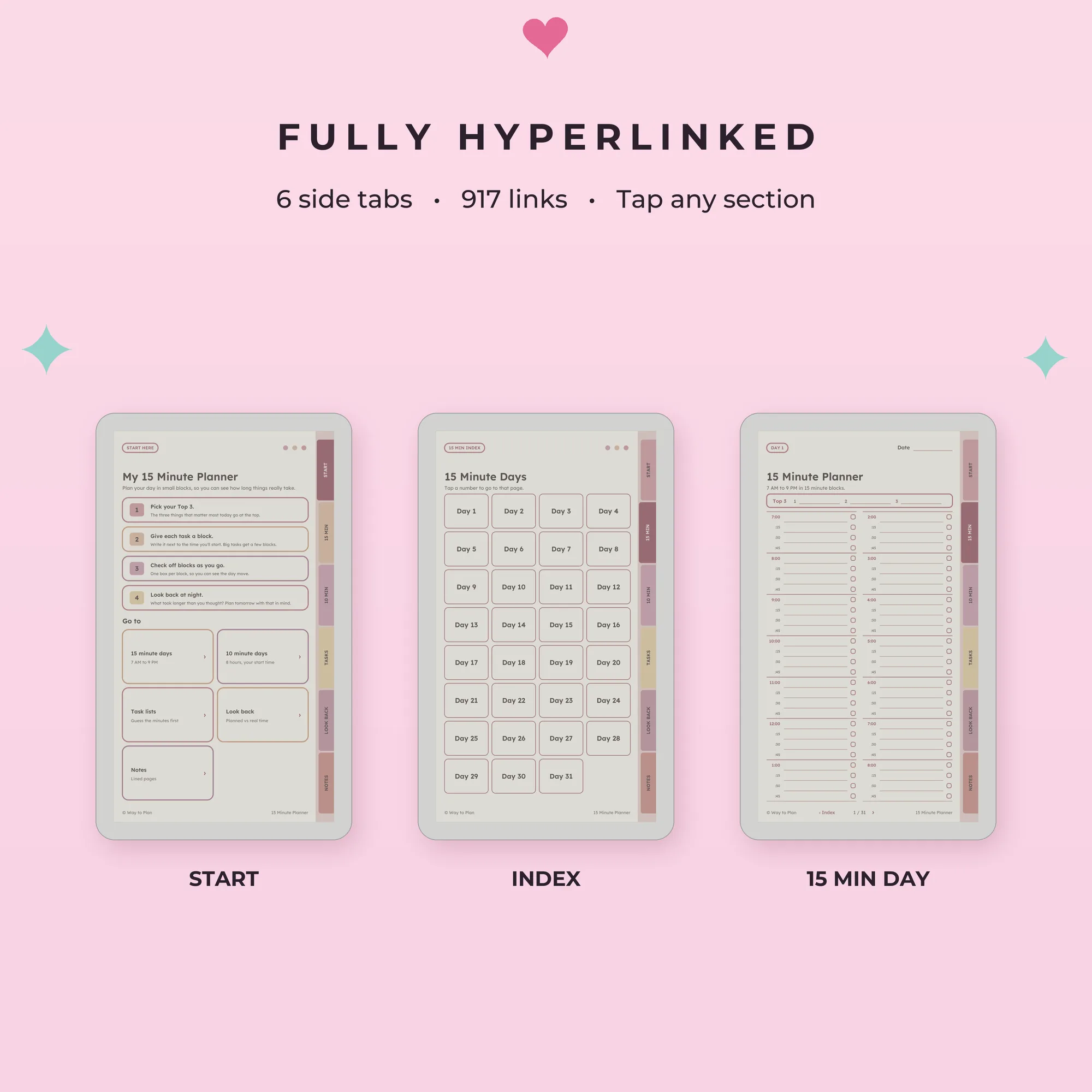
🔗 Hyperlinked (917 links)
- 6 side tabs on every page: Start, 15 Min, 10 Min, Tasks, Look Back, Notes
- Quick links on the start page
- Previous and next buttons on every page
- Index pages for the long sections: tap a number to jump straight to that page, and tap Index to come back
Show allShow less
✍️ Details
- 3 styles, all included. Classic: Blush Pink, Bold & Playful and Greyscale, with colorful outlined sections and lined writing space. Clean: Rose, Ocean Blue and Greyscale, one accent color with grid or dot grid writing space. Notebook: washi tape headings and tabs, hand-drawn boxes and dot grid writing space, in color or greyscale
- Right-handed and left-handed versions (left-handed puts the tabs on the left)
- Undated: start any day
- Made for the reMarkable Paper Pro Move screen size
📦 You will receive
- 15-Minute-Planner-PaperProMove-Classic.zip (2.6 MB, right-handed and left-handed)
- 15-Minute-Planner-PaperProMove-Clean-Grid-and-Dot-Grid.zip (4.1 MB, right-handed and left-handed)
- 15-Minute-Planner-PaperProMove-Notebook.zip (3.1 MB, right-handed and left-handed)
✨ How to install
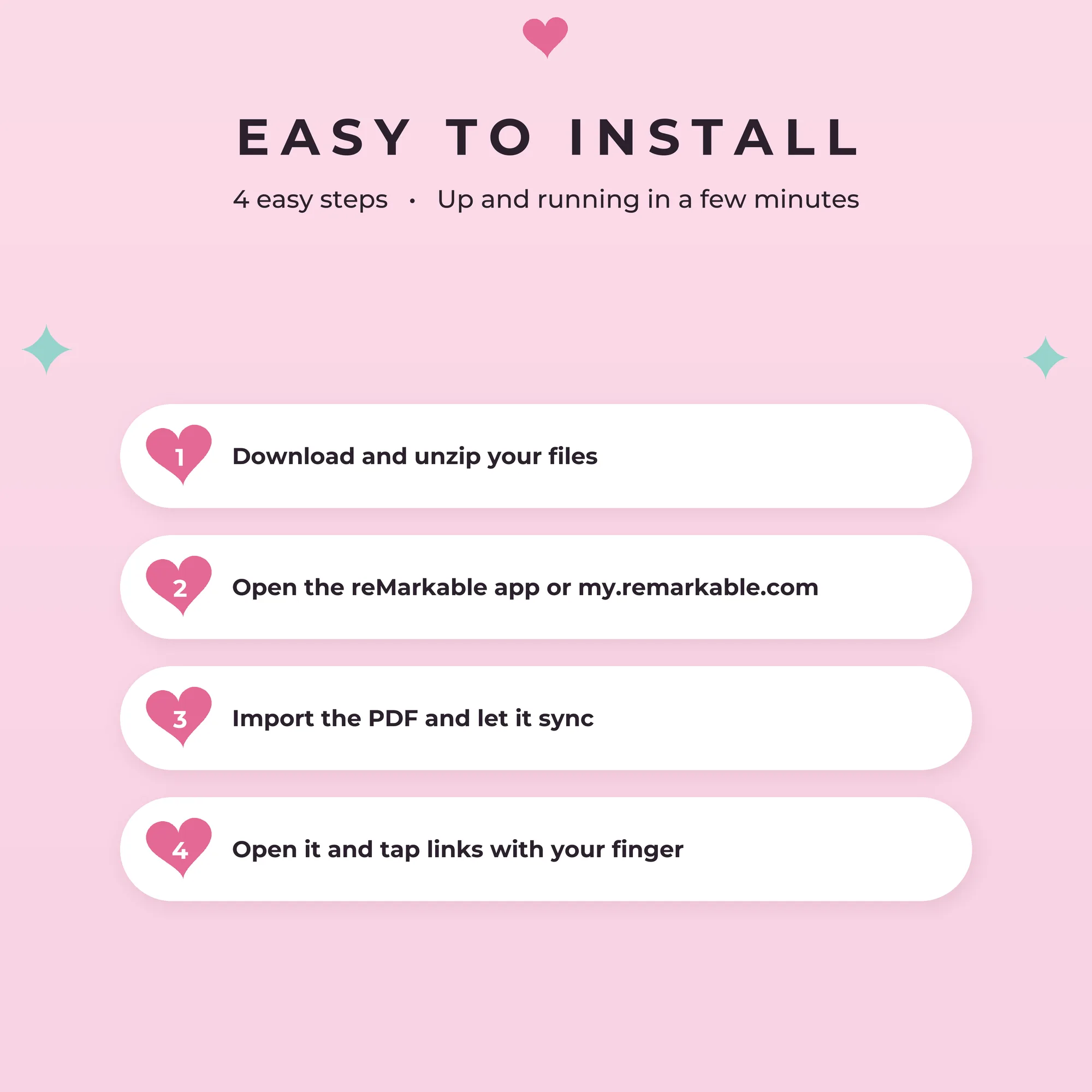
- Complete your purchase and download the ZIP file from the order confirmation page or your email.
- Unzip it and pick your file.
- Import the PDF with the reMarkable app or my.remarkable.com and let it sync.
- Tap the tabs and links to move around.
💡 Please note
This is a digital product; no physical item will be shipped. Device not included. Colors look softer on e-ink screens than on a phone or computer. For personal use only; please don’t share or resell the files.
Designed by Way to Plan with the help of AI tools. Every product is checked and tested before publishing.
📱 Also available for
- reMarkable Paper Pro
- reMarkable Paper Pure & reMarkable 2
- Kindle Scribe
- Kindle Scribe Colorsoft
- Supernote Manta
- Supernote Nomad
- Boox Note Air C
- Boox Go 10.3
Want every reMarkable Paper Pro Move template? The reMarkable Paper Pro Move Templates Bundle has all 70+ templates, this one included, plus every future one.
On an iPad instead? Get the Digital 15 Minute Planner for iPad.
In Waytoplan's own words. See it at Waytoplan