Room resonances
Optimal room acoustics at the touch of a button
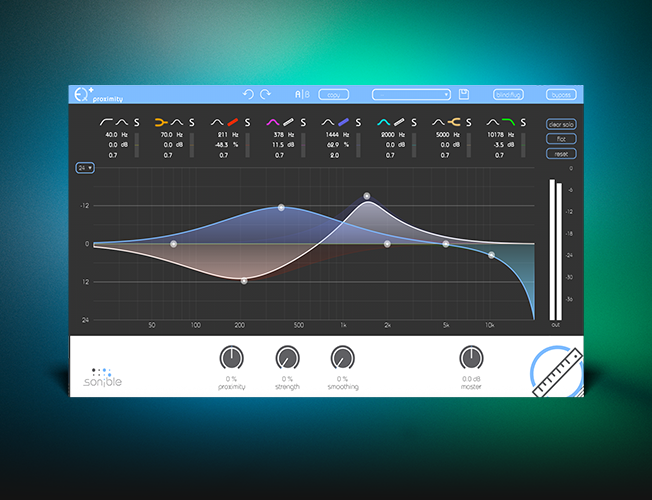
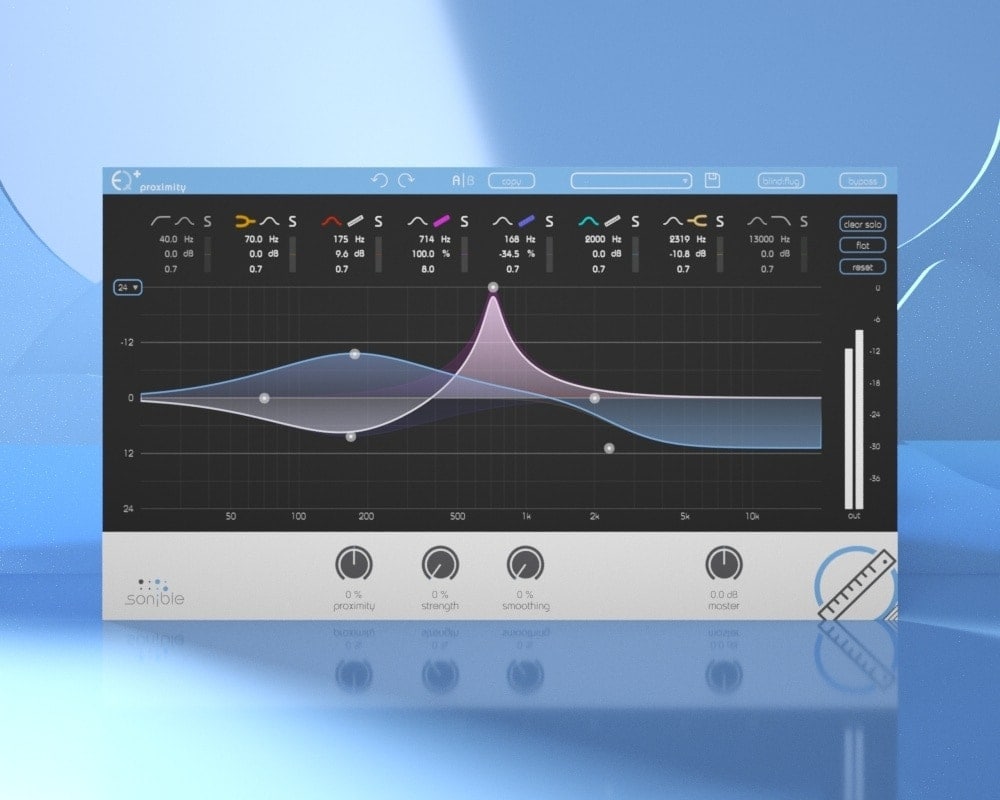
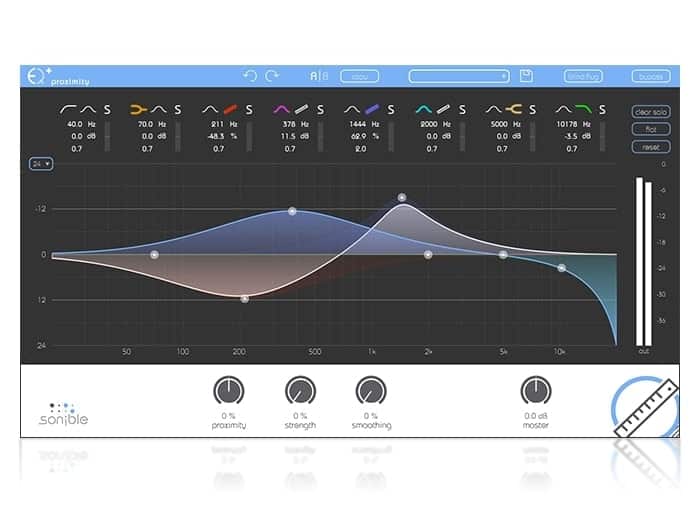
Even when you meticulously plan a setup and perfectly position the microphones – the acoustics of a given room simply are what they are. The sophisticated technology of proximity:EQ opens entirely new possibilities for amending detrimental room modes in post-production while leaving the direct sound entirely untouched.
The plug-in separates the direct sound and the reverb of a recording. With the help of frequency-selective adjustments, proximity:EQ even lets you edit undesired room resonances distinctly from the natural reverb of a recording.
Tools
Crisp speech in any language
Releasetime
German
Read review
Bonedo
Audiofanzine
French
Rekkerd
English
Beat
sonicscoop
Sound on Sound
Gearnews
Related Blogposts
Dive deeper
Improve your studio acoustics: How to deal with room modes
Room modes distort the acoustics of both your control room and your recording room, especially in the low frequency range. Here's how to deal with them.
Read more
How to create depth with proximity:EQ +
There is one thing that sets apart an average acoustic mix from a great one: depth. This tutorial shows you how to add a “third dimension”.
Adding depth: How to bring your mix to life
Your mix is done but it still sounds kind of flat? By adding a sense of depth to your mix you can instantly bring it to life.
How to edit reverb on recordings with proximity:EQ +
The plug-in proximity:EQ+ enables you to either eliminating or emphasizing natural reverb – even when the room is not perfectly captured on the recording.
How to remove unwanted resonances with proximity:EQ +
When removing unwanted resonances it sometimes can be difficult to delete them without influencing the original sound itself. proximity:EQ+ offers an effective solution.
Reverb in audio and music production – some insights
Reverb(eration) is an important aspect of room acoustics and audio production. In this article we will explain what reverb is and discuss its role in audio.
The full package
Bundles
€599.00
Studio Bundle
Complete sonible audio plug-in collection for mixing, mastering and metering. Get intelligent processing and specialist tools for your whole workflow. Save 54% by buying the bundle.
Try
Add
“With the proximity:EQ+ I can fine tune out a single strange room resonance and still retain the overall character of the sound.”
– Tim Palmer
Audio engineer | David Bowie, U2, Pearl Jam
“proximity:EQ+ has brought a magic to the ambience of my drum tracks I haven’t heard anywhere before!”
– Paul Godfrey
Audio engineer | Morcheeba
“proximity:EQ+ acts like a pretty interesting spatial EQ, more flexible than the conventional psychoacoustic roll off.”
– Cristian Vogel
Audio engineer | Radiohead, Jamie Lidell, Maximo Park
Features, specs & changelog
The core of your sound
Download Manual (PDF)
Key Features
Specs
Changelog
- Frequency-selective dereverberation
- Direct/reverberant signal separation
- Distance adjustments from the sound source
- Natural room ambience enhancement
- Isolate and remove room modes without altering the direct signal
- 8-band linear-phase EQ
- Three EQ bands with independent Proximity control
Plug-in Specifications
plug-in formats (Mac) AU, VST2 (Universal Binary), AAX plug-in formats (Windows) VST2 (32/64 bit), VST3, AAX supported sample rates 44.1 kHz to 192 kHz authorization machine-based or iLok (see FAQ) Apple Silicon support Native (except AAX) Latest version 1.0.6
System Requirements
PC Windows 7+ Mac OS X 10.7 RAM at least 4 GB (recommended) CPU at least intel DualCore i5 (recommended), M1 DAW List of tested DAWs
1.0.6
- added support for macOS 13
- fixed blind:flug UI error
1.0.5
- added native support for Apple M1 hardware
- various performance enhancements
1.0.4
- removed PACE iLok License Manager dependency for non-iLok licenses
1.0.0