White Sea Studio
English
Watch review
MixbusTV
Audio Toolshed
SPL Mixing
Music Markting
Jorge SomBinário
Portugese
Supercy
abc du beatmaking
French
Thomas Foster
German
The full package
Compact power for your creation
€159.00
pure:bundle
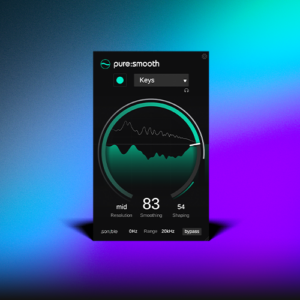
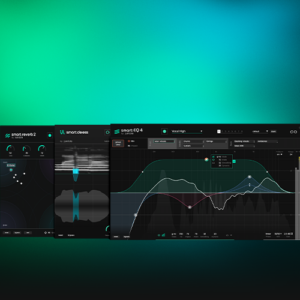
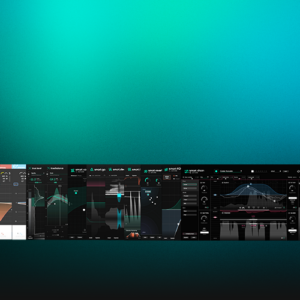
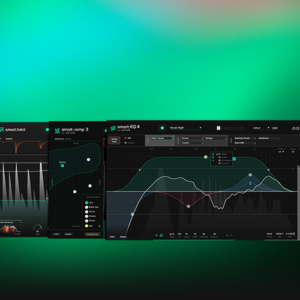
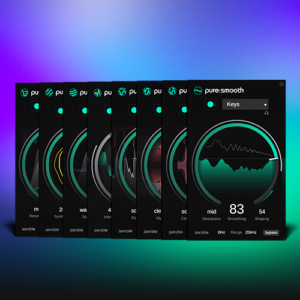
Seven intuitive AI audio plug-ins for fast, professional mixing. Balance your sound, control dynamics, add space, manage levels and improve clarity with intelligent processing.
Try
Add
FAQ
Before you ask
What’s the difference between the “smart” and “pure” plugin series?
sonible’s smart and pure plug-in series both use AI-powered processing, but they are designed for different workflows and user needs.
smart series
Advanced, in-depth control for professionals who want maximum flexibility. These plug-ins feature detailed parameter adjustments, customizable profiles and adaptive learning to fine-tune audio processing.
pure series
Streamlined and intuitive tools for quick, high-quality results. These plug-ins are designed for creators who want great sound with minimal tweaking, featuring simple controls and automatic processing based on sonible’s AI technology.
If you prefer deep customization, the smart series is the way to go. If you want fast, professional results without diving into complex settings, the pure series is your perfect match.
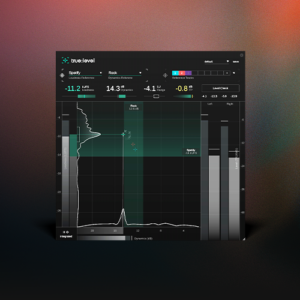
What’s the difference between smart:comp 3’s Input Riding and pure:level?
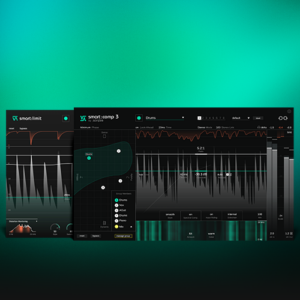
smart:comp 3’s Input Riding adjusts the signal level before compression to improve how the compressor reacts. pure:level, on the other hand, stabilizes the signal itself and places it in the mix using a target level – without applying compression or changing the signal’s dynamics.
What’s the difference between pure:level and a classical level rider?
Classical level riders adjust gain dynamically around a target level, so changing the target also changes how the riding behaves and can influence the signal’s dynamics.
pure:level separates level stabilization from mix placement: It first stabilizes the signal around its natural average level and then applies a static gain offset to reach the desired target. This means you can reposition a track in the mix without altering its dynamic behavior.
In addition, pure:level offers a built-in group feature that allows multiple instances to share a target level, making it easy to position related tracks such as vocal stacks together while each track is still stabilized individually.
See all FAQs
“Really simple, straightforward to use and the results you get are absolutely amazing.”
– Iulian Mihaila
Music Producer & Reviewer | 2probeats Youtube
“What an incredible reverb effect we achieve with this tool – in a fast way, with incredible creative modes.”
– Alonso Ararat
Music Producer & Reviewer | Alonso Ararat Youtube
Related Blogposts
Dive deeper
pure:bundle User Guide
Get started with the pure:bundle and learn how to speed up your workflow using pure:EQ, pure:deess, pure:unmask, pure:comp, pure:verb and pure:limit.
Read more
The Metering Bundle is part of Fourier Audio’s transform.suite ’25!
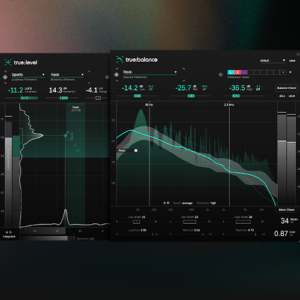
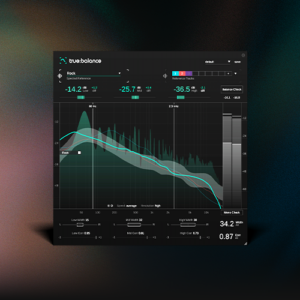
Fourier Audio’s transform.suite ’25 contains over 70 premium plug-ins optimized for use in live productions – true:level and true:balance are part of it.
When Reverb Meets Compression
Level up your mixing arsenal with these five ways to combine two processors that are usually kept quite separate.
Features, specs & changelog
The core of your sound
Download Manual (PDF)
Key Features
Specs
Changelog
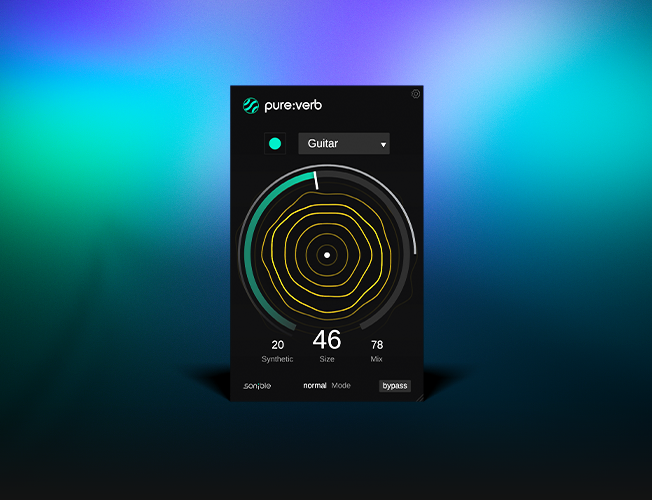
- AI-powered reverb generation
- Input-specific Profiles
- Source-adaptive learning
- Automatic spectral and temporal adaptation
- Reverb Size control
- Synthetic control
- Infinite, Reverse and Bounce reverb modes for creative effects
- Automatic control of problematic lows, mids and highs
Plug-in Specifications
plug-in formats (Mac) VST, VST3, AU, AAX plug-in formats (Windows) VST, VST3, AAX supported sample rates 44.1 kHz to 192 kHz authorization machine-based or iLok (see FAQ) Apple Silicon support native Latest version 1.0.2
System Requirements
PC Windows 10 (64 bit) Mac OSX 10.9+ CPU Intel Core (i5), Apple Silicon GPU OpenGL Version 3.2+ DAW List of tested DAWs
1.0.2
2024-12-09
- fixed output meter issue with low dry values
- fixed processing issue at high sample rates
1.0.1
2024-02-07
- fixed stability issue with Cubase 13
1.0.0
2023-03-22