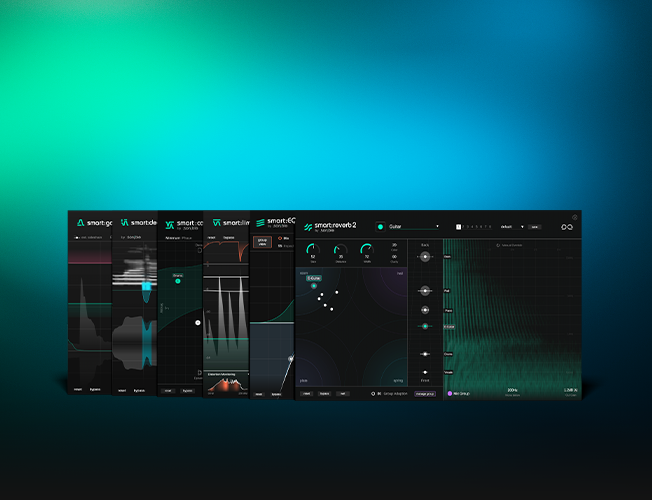
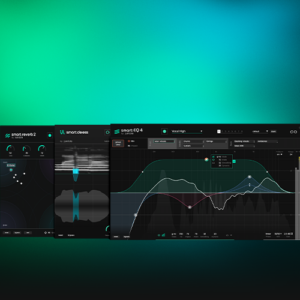
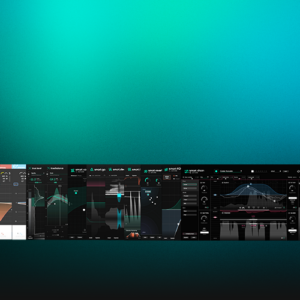
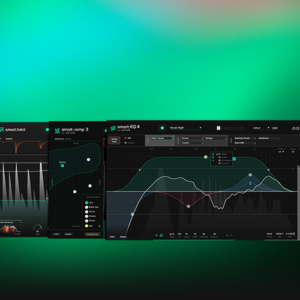
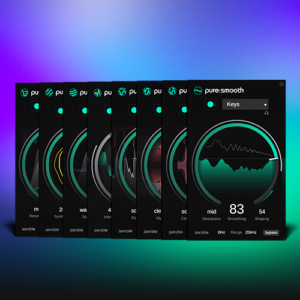
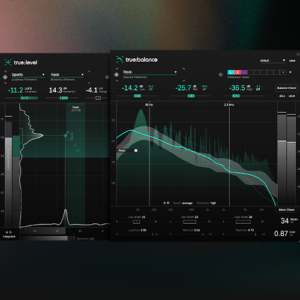
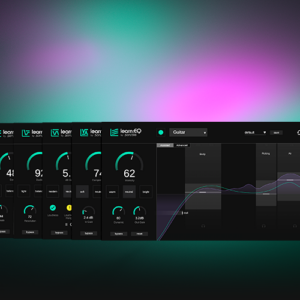
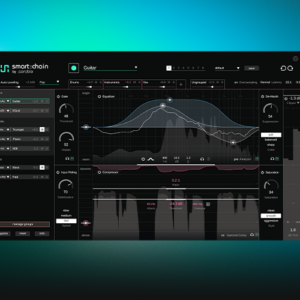
Within seconds, our flagship equalizer analyzes your audio and balances frequencies automatically. Clean up tracks, shape tone and create a spacious mix faster.
Included in the bundle — €129.00 if bought separately
Try
You already own this plug-in
Complete your collection on My Deals
Our AI-powered reverb creates spaces tailored to your audio. Shape depth, width and character intuitively while keeping your mix clean.
This is our intelligent limiter for transparent loudness and detailed metering. Reach loudness targets quickly while preserving dynamics and sound quality.
Where other de-essers just reduce volume, smart:deess automatically detects and reduces harsh sibilance with precision. Get smooth, natural vocals without tedious frequency hunting.
This intelligent noise gate plug-in separates target signals from unwanted sound automatically. Clean up recordings quickly with precise gating that adapts to your audio.
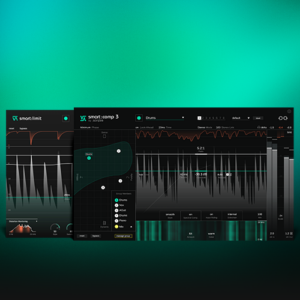
Our intelligent compressor features spectral processing for transparent dynamic control. Get tailored settings fast while keeping full control over your sound.
Tools
Crisp speech in any language
Audiotool Shed
English
Watch review
Produce Lika A Pro
Claudiomeloni.it
Italian
Read review
Jorge SomBinario
Portuguese
White Sea Studio
MixbusTv
Mixing With Mike
Logic Pro Life
Jonas vom Recording-Blog
German
Zany Pro
FAQ
Before you ask
What is the Compression Matrix and what does the Compression Scope show?
The Compression Matrix is where you shape how smart:comp 3 responds to your audio. Instead of manually dialing in threshold, ratio, attack and release, you simply move a thumb through thsi 2D grid. Every position represents a complete, signal-adapted compressor setup – from snappy and punchy to dynamic or dense. It gives you a visual, intuitive way to pick the compression character you want.
- Inside the Matrix, the Compression Scope is the highlighted green area. This scope shows what is actually possible with your specific audio material.
- If your signal is very dynamic and open, the Scope will be large, giving you lots of meaningful options.
- If it’s already heavily compressed or very controlled, the Scope will be smaller — simply because there’s less room to shape the dynamics further.
When you manually adjust the main parameters manually (threshold, ratio, attack, release), the thumb in the Matrix moves as well. And the other way around – moving the thumb updates the compressor parameters in real time. This keeps everything in sync and helps you clearly understand how your compression settings relate to the perceptual space of the Matrix.
Can I use smart:deess on a full mix?
smart:deess was designed to work on individual vocal or speech tracks and on vocal busses. As the plug-in tries to identify different phonemes in real-time, the detection quality decreases with the amount of “non voice content” in a signal. While the detection may still work for relatively simple mixes or recordings with some cross-talk or noise, smart:deess will typically have a hard time identifying individual phonemes in full mixes.
What are the three different modes of the smart:filter doing?
Depending on its mode, the smart:filter either only tries to fix imbalances of the current track or it also takes potential masking problems with other tracks into account (when part of a group).
In track & group (tr+gr) mode, the smart:filter looks at spectral imbalances of the current track as well as potential masking problems with other group members. This is the default mode for smart:EQ 4.
In track mode, the smart:filter only looks at spectral imbalances and problems of the current track. Potential masking problems with other group members are ignored. Even when the plug-in is a part of a group, you may want to use this mode if you do not want other tracks to have an impact on the sound of a certain track.
In group mode, the smart:filter only checks potential masking issues with other group members, but does not try to fix potential spectral imbalances of the track itself. Therefore, this mode only shows a filter curve if the plug-in is part of a group. You may want to use this mode if you want to stick to the overall sound of track and only want to embed it a bit smoother into a group of multiple tracks.
Can I use smart:gate while recording or in live situations?
Since smart:gate detects the presence of a target source using a real-time neural network, the plug-in needs a short temporal context for the analysis. For this reason, smart:gate has a processing latency of about 80ms – which unfortunately precludes live use of the tool.
How does smart:limit compute its "dynamics" value?
smart:limit is using the median of all measured PSR values (PSR = peak to short-term loudness ratio, see formula below) for measuring the dynamics. Although the PLR value (peak to long-term loudness ratio) is a more commonly used descriptor for dynamics, we found that our descriptor better matches the actual – also short term – dynamics of a track.
Our tests showed that the PLR value can sometimes be a bit misleading since it’s (basically) simply another descriptor for the integrated loudness. For example, if multiple tracks are normalised to -1dB True Peak, the PLR value is simply their Integrated Loudness value subtracted by 1.
PSR:
The PSR is the difference between the Short Term Loudness value and the maximum True Peak value measured within a window of 3 seconds.
PSR = Max. Peak - Short Term Loudness
=> computed within a 3 second window
PLR:
The PLR is the difference between the Integrated Loudness value and the maximum True Peak value measured over the whole observation period (e.g. typically the whole track).
PLR = Max. Peak - Integrated Loudness
=> computed over the whole observation period
How does the learning process influence the reverb sound?
The Learn function analyzes the source signal and subtly adjusts the reverb characteristics to better suit it. Unlike other sonible plug-ins, the effect here is intentionally subtle and doesn’t automatically change any parameters. Instead, it creates a customized reverb response that acts as a starting point.
In Group Mode, learning also supports cross-channel unmasking, helping reverb tails interact better across multiple instances. You can control the intensity of this influence using the Source Adaption slider.
Hint: To better hear the effect of Source Adaption, enable Wet Mode – this way you’ll listen only to the reverb signal and perceive how it’s been tailored to the source.
See all FAQs
Let your tools
do the grunt work
I use the smart:bundle to quickly pull my compositions together after a full days writing when I need a silky and inviting mix for the production crew.
– Baby Brown
Emmy-winning producer
I have been trying smart:reverb 2 on group mode for a few days. This mode is genius and works wonders after getting used to it.
– Erman Aydöner
Mastering Engineer
“Whenever a sound isn’t sitting right in the mix, smart:EQ 4 usually solves it in seconds. It’s become a go-to tool in my workflow.”
– Byrd
Grammy-winning, multi-platinum-selling producer
“I sincerely believe that sonible is a company that doesn't have one weak or bad product in their plug-in portfolio. Though I'm not a 'gating guy', I totally recommend this, and smart:gate will be my Go-to-gate from now on.”
– Paweł Uszyński
Sound designer & music producer, Reviewer | Folia Soundstudio
smart:comp 3 is out now
No major update of a smart plug-in comes without a completely new way of approaching audio workflows – smart:comp 3 is no exception.
Read more
Everything That’s New in smart:comp 3
smart:comp 3 is a major update packed with brand-new features alongside the strengths of smart:comp 2.
smart:comp 3 User Guide
Check out all the awesome features of smart:comp 3 and make compression a natural part of your creative workflow.
11 smart:chains – Try These Mixing Recipes for our ‘smart’ Plug-ins Range
Got smart plug-ins? Then you’ve got options. Try out these techniques in mixing to make the best use of these intelligent devices.
Pro Vocal Compression, Dynamics and Balance – Step by Step
Listen as we take a vocal channel from basic recording to professional standard, and explain the process as we move through every step.
15 Devices you Might Need in Your Vocal Chain and Why
Every vocalist is different, every producer is different, so here are the effects you’ll want to consider when mixing the perfect vocal.
Features, specs & changelog
The core of your sound
Download Manual (PDF)
Key Features